



Philips 34" 34B2U3600CH Curved UltraWide WQHD Monitor VA Panel 120Hz - DP, HDMI, USB-C 90W, RJ45 with Windows Hello Pop-up Webcam and Speakers
34B2U3600CH
Condition: NEW
- Regular price
-
Dhs. 1,495.00 (exc. Vat) - Regular price
-
(exc. Vat) - Sale price
-
Dhs. 1,495.00 (exc. Vat)
-
Hurry, only 5 items left in stock!
Couldn't load pickup availability
Genuine Guarantee
Shop with Confidence: Authentic IT Products from Major Brands.
Shipping information
We offer FREE DELIVERY for order over AED 200. Also no additional Cash on Delivery (COD) fee.
Click here to know more
Returns information
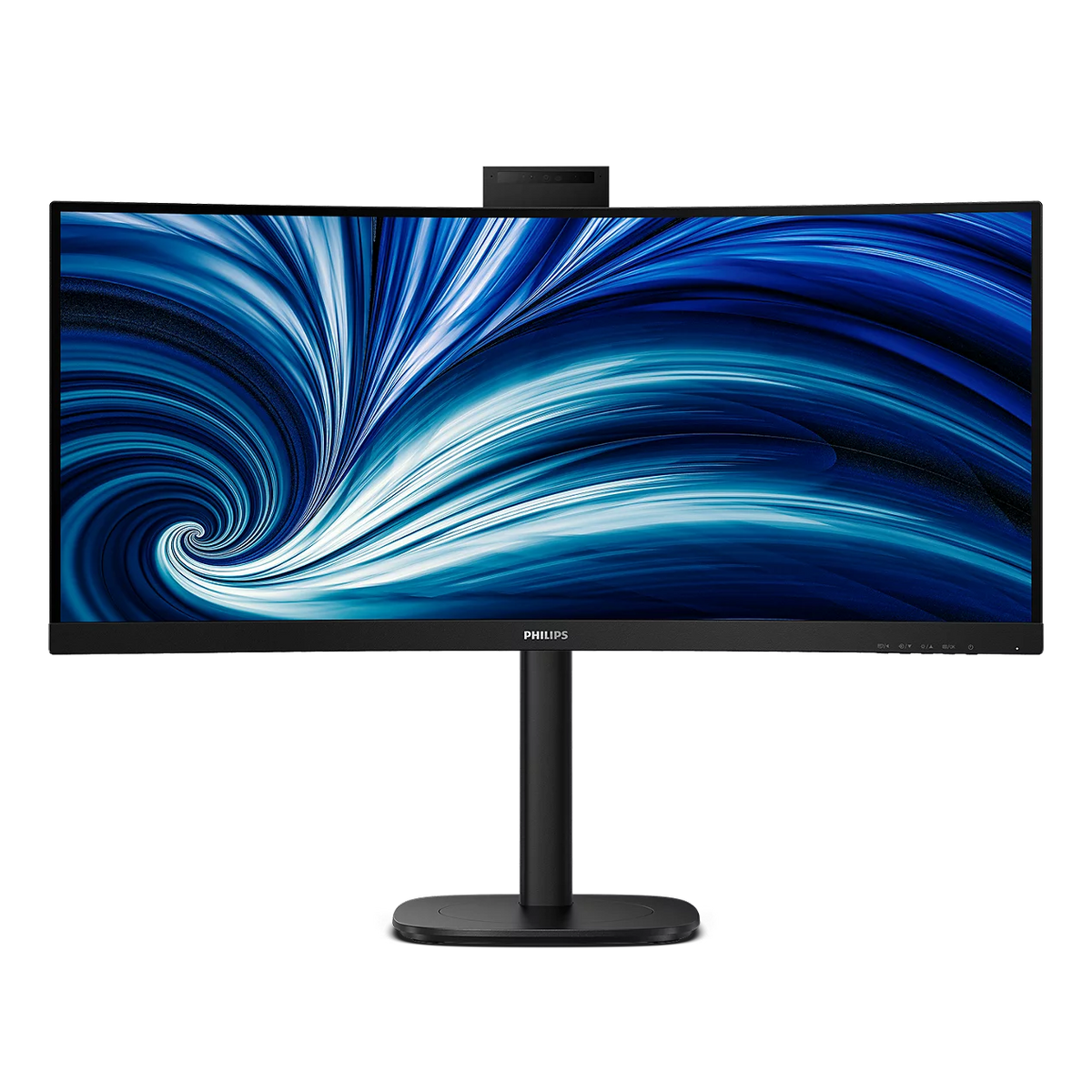
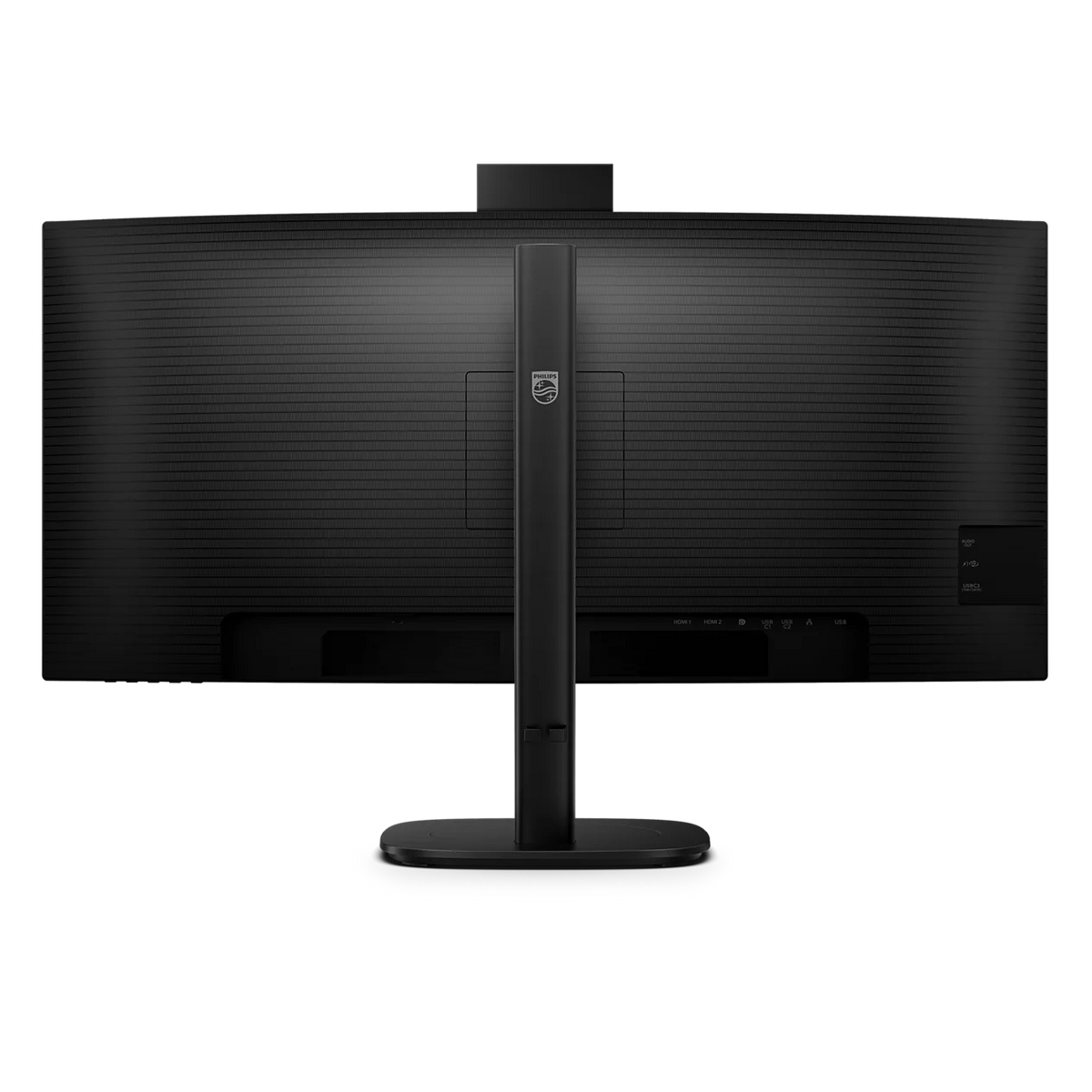
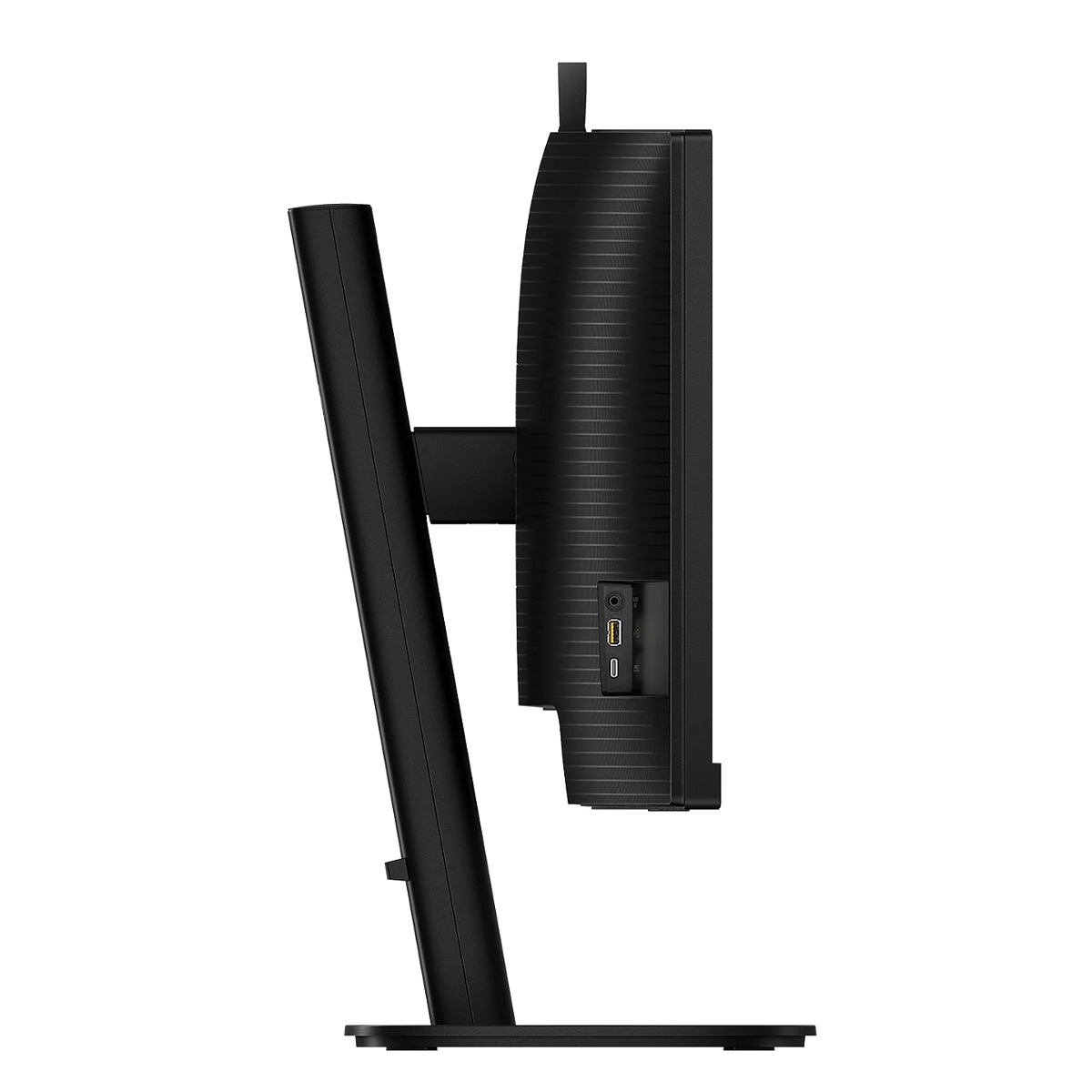
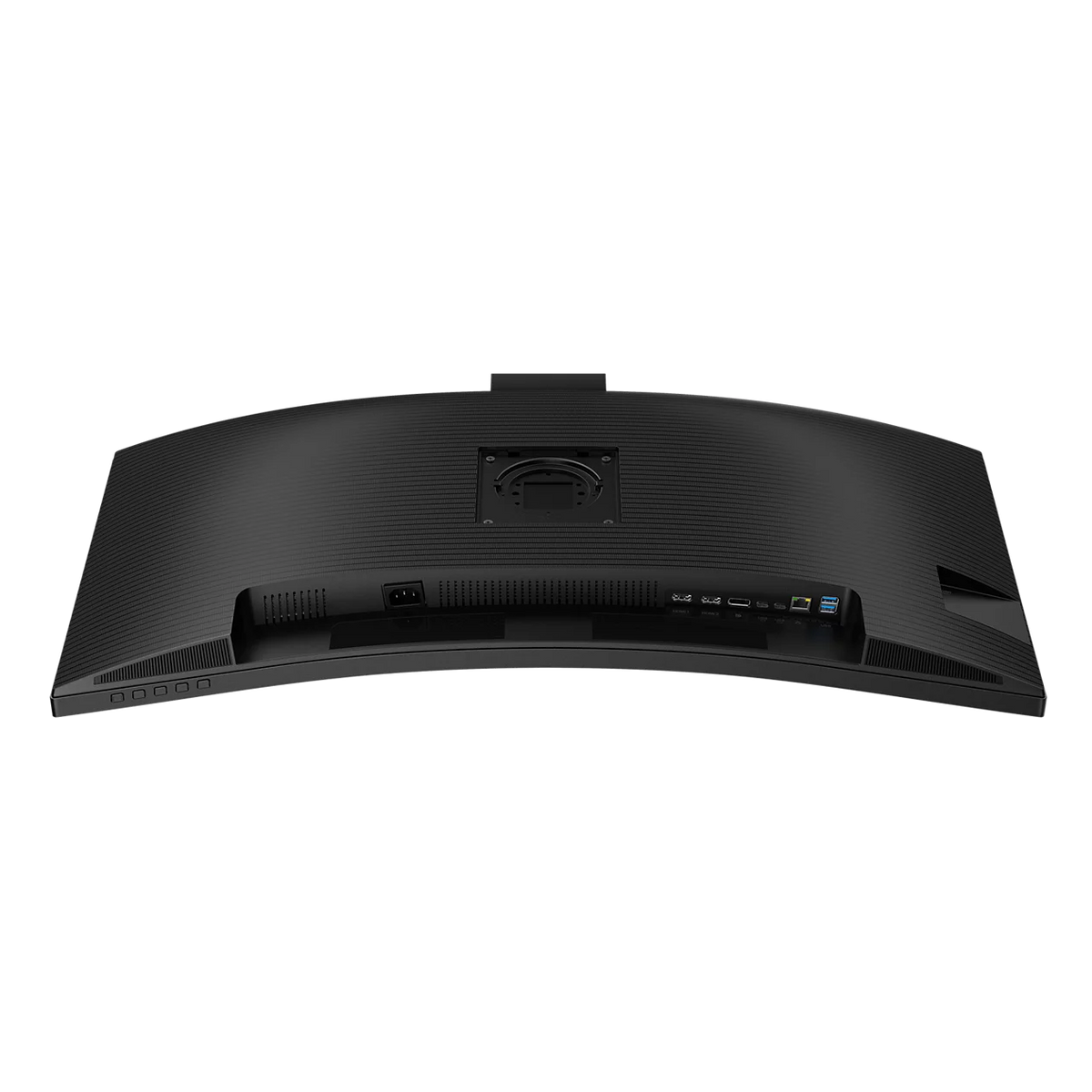
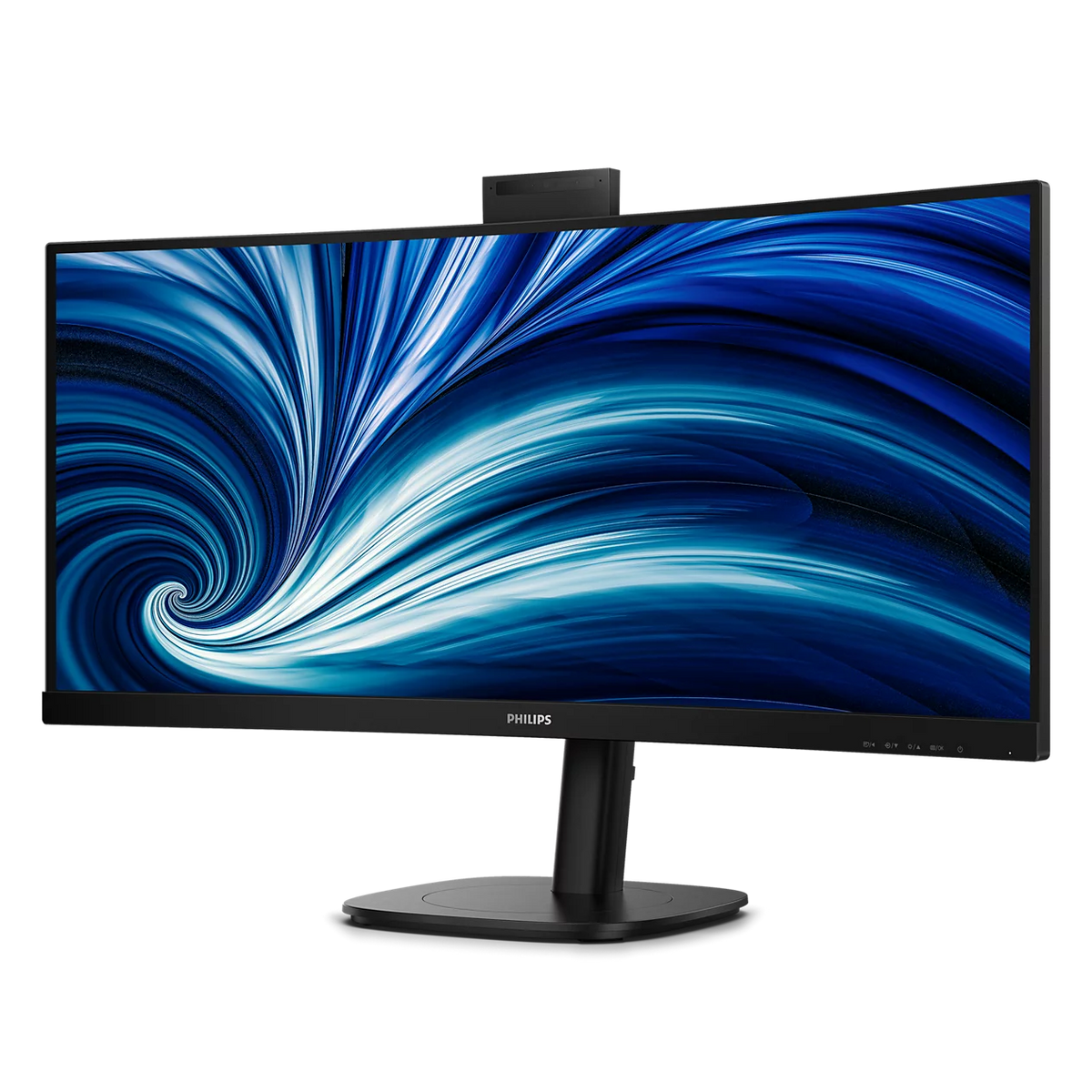
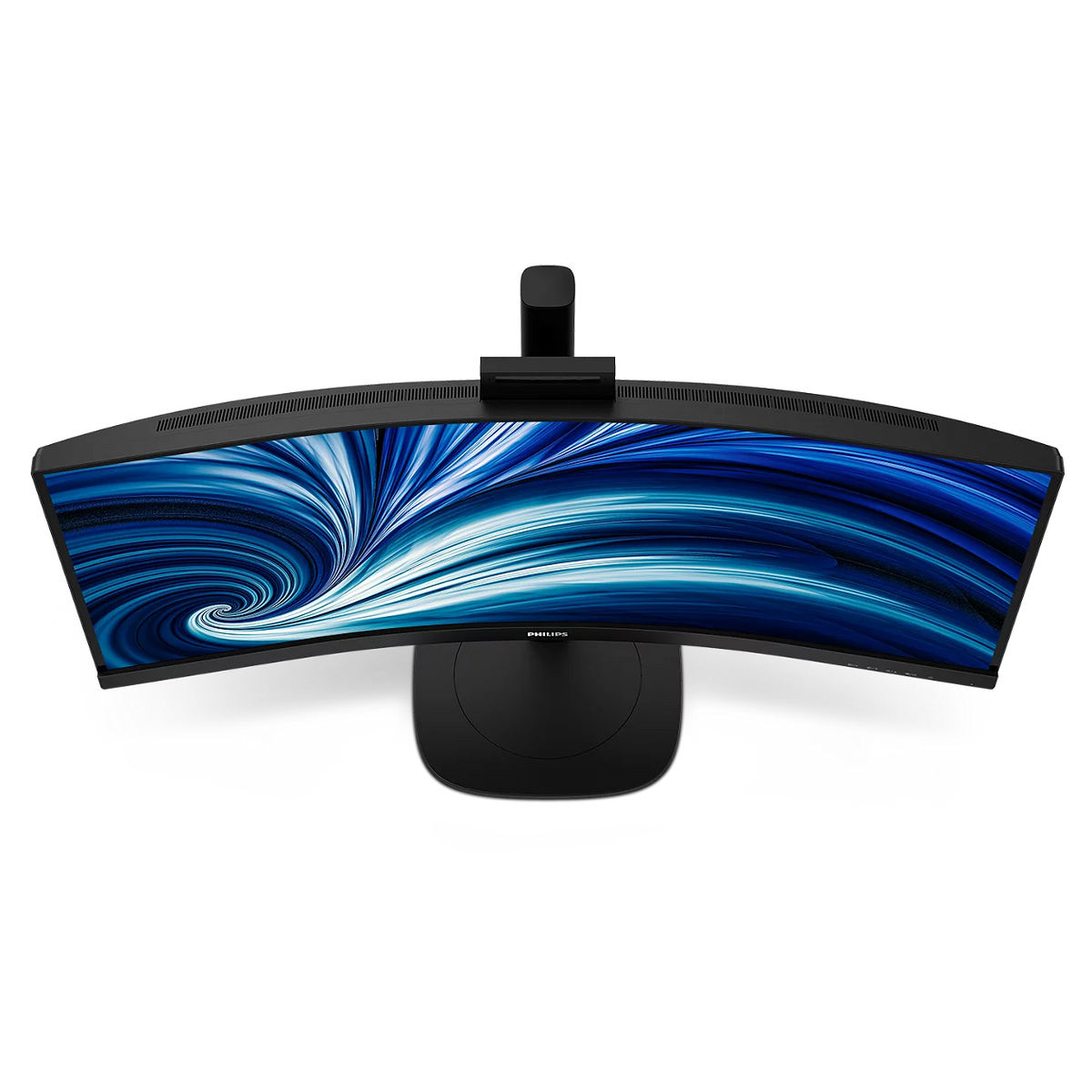

34-inch curved WQHD business monitor with USB-C docking
Philips 34B2U3600CH 34" Curved UltraWide WQHD Monitor with USB-C Docking and Pop-up Webcam
A 34-inch curved VA panel at 3440 x 1440, built as a single-cable desk for the hybrid office. One USB-C cable carries video over DisplayPort Alt mode, data, wired Ethernet through the built-in RJ45 port and up to 90W of charging back to the notebook, with four USB-A ports on the hub. A 5-megapixel webcam pops up from the top bezel for Windows Hello sign-in and tilts 30° either way, backed by two 5W speakers. SmartKVM and MultiView let one keyboard, mouse and screen serve two computers, and the Compact Ergo Base adds 180 mm of height travel, swivel and tilt on a flicker-free, SoftBlue, Eyesafe-certified panel.
Quick Glance
Key Features
One USB-C Cable Docks the Whole Desk
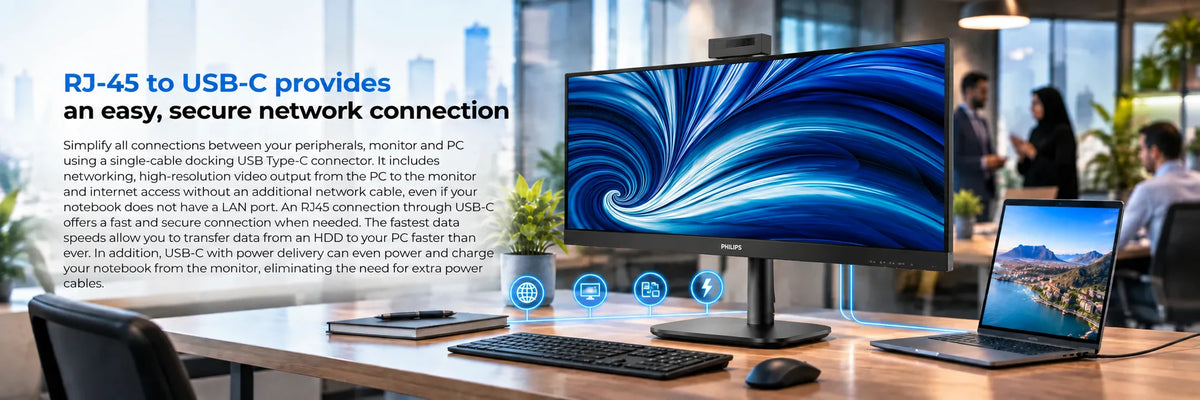
USB-C carries the picture over DisplayPort Alt mode, moves data, pushes up to 90W back into the notebook and adds wired networking through the monitor's RJ45 port, so a laptop with no LAN socket still gets a cabled connection. Four downstream USB-A ports turn the screen into the dock, one of them with B.C 1.2 fast charge.
Pop-up Webcam With Windows Hello, Plus Speakers
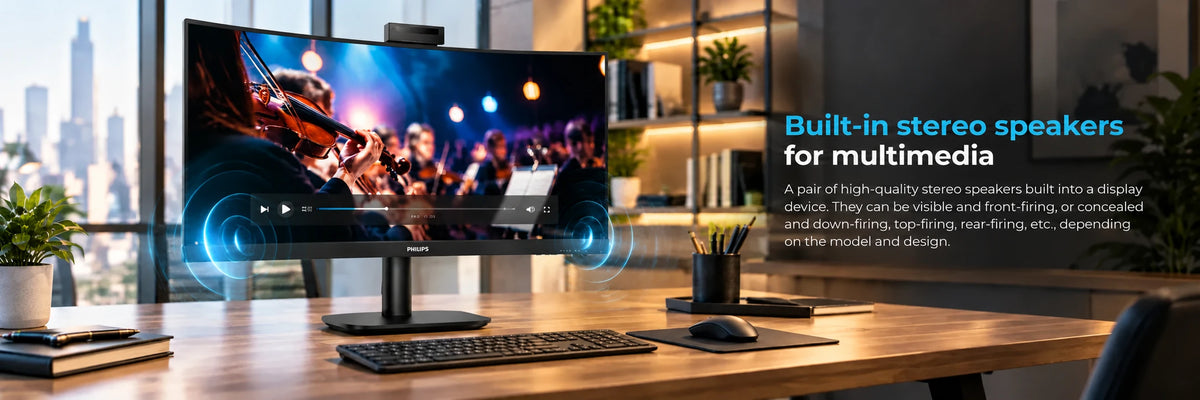
The 5-megapixel camera rises out of the top bezel when you need it and disappears when you do not, and it tilts 30° either way to frame you from any seating position. Philips pairs it with a microphone, an LED indicator and Windows Hello facial sign-in, and builds in two 5W stereo speakers, so a video call needs nothing else plugged in.
Two Computers, One Screen, One Keyboard
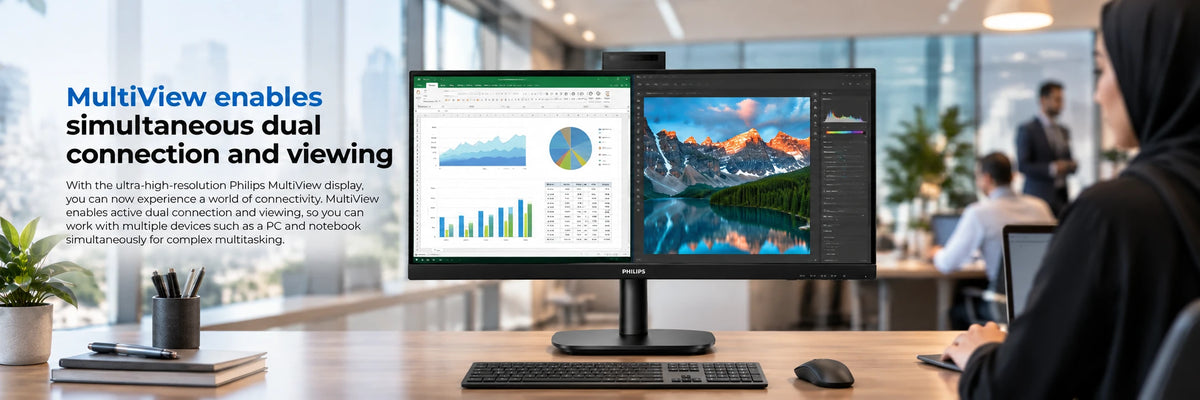
SmartKVM swaps the keyboard and mouse between the two upstream USB-C ports with three taps of the Ctrl key, and MultiView shows both machines at once, side by side or picture-in-picture. The 34-inch 1500R curved VA panel behind it gives 3500:1 contrast, 1.07 billion colours and up to 120 Hz over DisplayPort or USB-C.
Detailed Specifications
Specifications as published by Philips for the 34B2U3600CH/00 in its product specification data and product leaflet (version 10.10.1, available as the datasheet download on this page). In-box contents are from the same sheet.
Need-to-Know
- Philips lists 3440 x 1440 at 60 Hz as the optimum mode. The panel reaches 120 Hz over DisplayPort or USB-C and 100 Hz over HDMI, with adaptive sync, so the refresh rate you get depends on which input you use.
- USB-C charging supplies up to 90W, and only to a notebook that supports USB Power Delivery. Video over USB-C needs a notebook with DP Alt mode support, so check both before you rely on the single-cable setup.
- The stand adjusts for height, swivel and tilt. It does not rotate the screen into a vertical orientation.
- The SmartKVM hotkey (Ctrl pressed three times) works on Windows and macOS only. The RJ45 port runs at 10/100 in USB 2.0 mode; select USB 3.0 in the on-screen menu for gigabit Ethernet.
- In-box contents follow the Philips sheet for the 34B2U3600CH/00: HDMI, DisplayPort, USB-C to C/C and power cables. Philips notes that accessories can differ by region, so ask us to confirm the cable set for your unit if a particular cable matters.
Best For / Customer Benefits
Customer Benefits
- One USB-C cable replaces the video cable, the USB hub cable, the network cable and the laptop charger, so docking in the morning is a single connection.
- The pop-up webcam settles the privacy question mechanically and adds Windows Hello sign-in, and two 5W speakers mean a call needs no headset.
- SmartKVM and MultiView let a work laptop and a desktop share one screen, keyboard and mouse without a separate KVM box on the desk.
- The 34-inch 21:9 panel replaces two smaller screens with one uninterrupted 3440 x 1440 workspace, curved at 1500R so the edges sit at the same distance from you as the centre.
- Flicker-free backlighting, SoftBlue low-blue-light hardware and Eyesafe certification are built into the panel rather than a mode you have to remember to switch on.
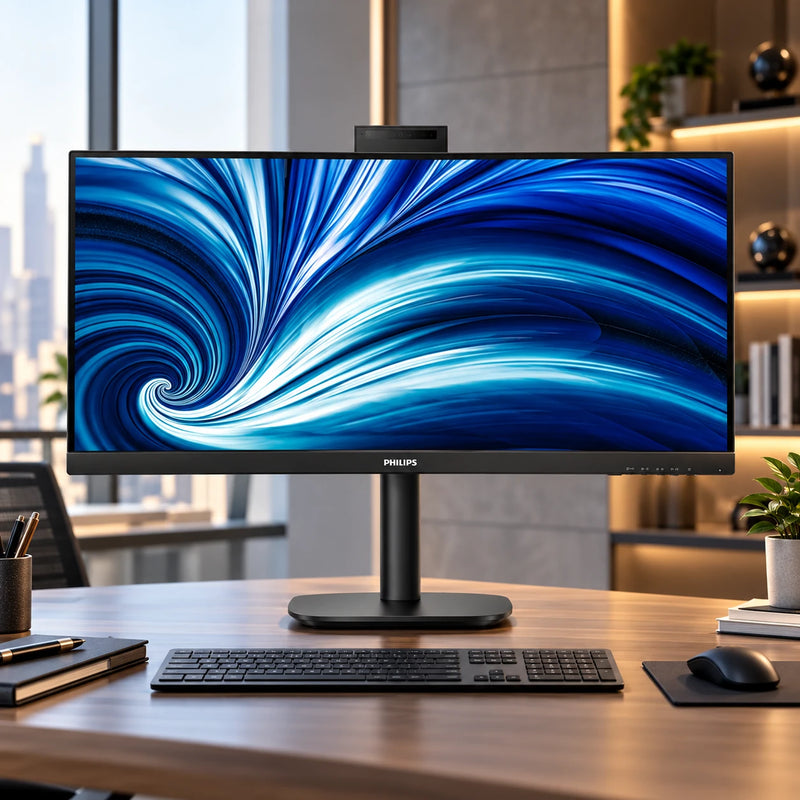
Best For
Gallery
Official & Recommended Options
Learn More About the 34B2U3600CH
Frequently Asked Questions
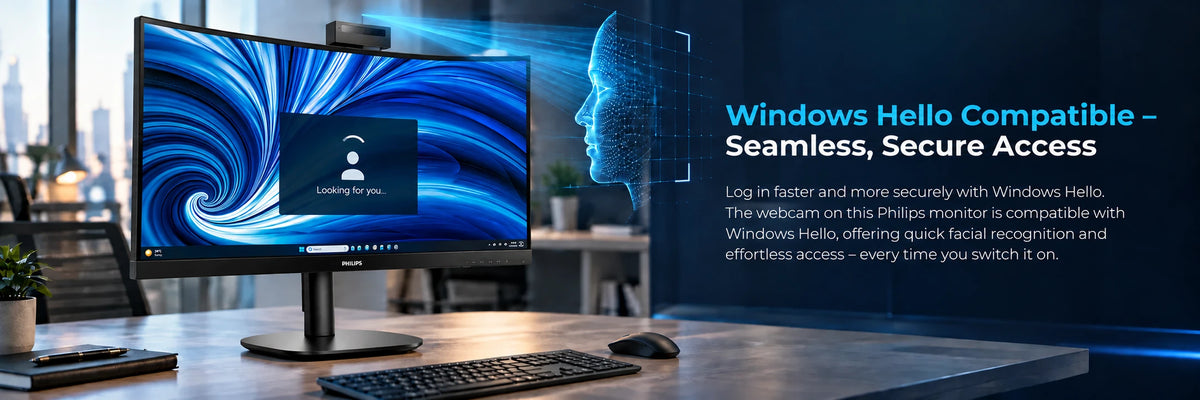
Yes. Philips specifies the built-in camera as a 5.0 megapixel unit with microphone and LED indicator for Windows Hello, so facial sign-in works with a Windows 10 or 11 notebook connected over USB-C. The camera pops up from the top bezel when in use, retracts when not, and tilts 30° back or forward to suit your seating position.
Yes, that is what SmartKVM and MultiView are for. Connect the first computer over USB-C, which carries its video, data and charging on one cable, and the second over HDMI or DisplayPort with its USB link on the USB-C2 upstream port. Your keyboard and mouse plug into the monitor's USB-A ports, and pressing Ctrl three times switches them between the two machines. MultiView shows both sources at once, side by side or picture-in-picture. Philips notes the hotkey works on Windows and macOS.
It can. The USB-C port carries DisplayPort Alt mode video, USB data, up to 90W of charging and the RJ45 network connection, so a notebook without a LAN socket gets cabled Ethernet through the monitor. Your notebook must support DP Alt mode for video and USB Power Delivery for charging. If the Ethernet link seems slow, set the USB version to 3.0 in the on-screen menu to unlock gigabit speed. PXE boot, MAC address pass-through and Wake-on-LAN are supported on compatible systems.
No. Philips lists 3440 x 1440 at 60 Hz as the optimum setting, but the panel supports 3440 x 1440 at up to 120 Hz over DisplayPort 1.4 or USB-C and 100 Hz over HDMI 2.0, with adaptive sync (VRR) to smooth the frame rate. Set the refresh rate in your operating system display settings after connecting.
Yes. Philips lists Mac OS under plug-and-play compatibility, and the SmartKVM hotkey works on macOS as well as Windows. Video, data and charging over the single USB-C cable work with a Mac that supports USB-C DisplayPort Alt mode and USB Power Delivery. Windows Hello facial sign-in is a Windows feature, so on a Mac the webcam works as a standard camera with microphone.
Docking a laptop, or sharing the desk between two machines?
Tell us what you plug in and we will confirm the USB-C charging, video and KVM setup for your machines before you order.