



Logitech Tap USB Meeting Room Touch Controller 939-001950 - Graphite
939-001950
Condition: NEW
- Regular price
-
Dhs. 2,378.00 (exc. Vat) - Regular price
-
(exc. Vat) - Sale price
-
Dhs. 2,378.00 (exc. Vat)
-
Hurry, only 1 item left in stock!
Couldn't load pickup availability
Confirm Availability & Best Price
This model is fulfilled through our verified supplier network. Message us for live stock status and pricing.
Enquire NowGenuine Guarantee
Shop with Confidence: Authentic IT Products from Major Brands.
Shipping information
We offer FREE DELIVERY for order over AED 200. Also no additional Cash on Delivery (COD) fee.
Click here to know more
Returns information
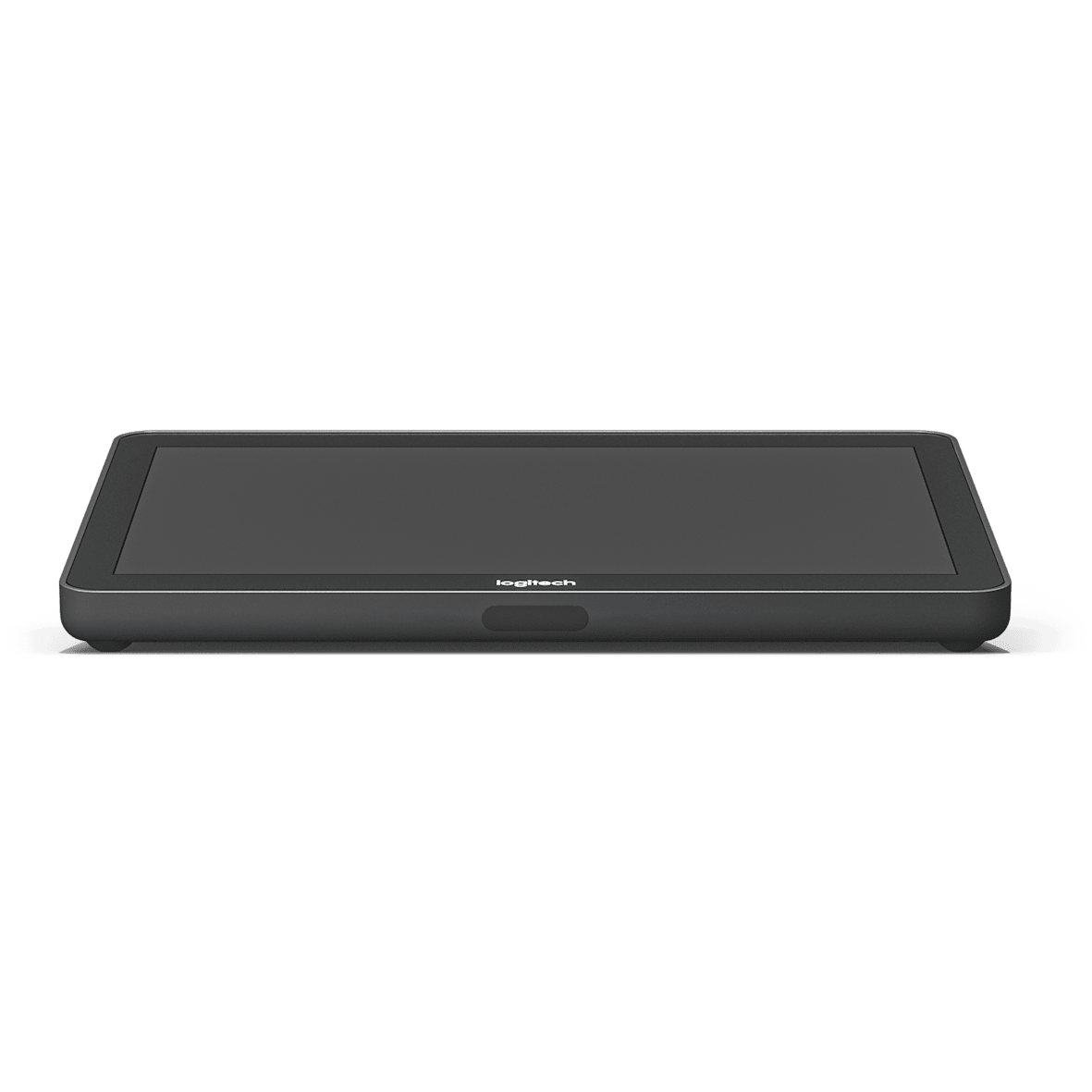
Logitech · Meeting Room Touch Controller
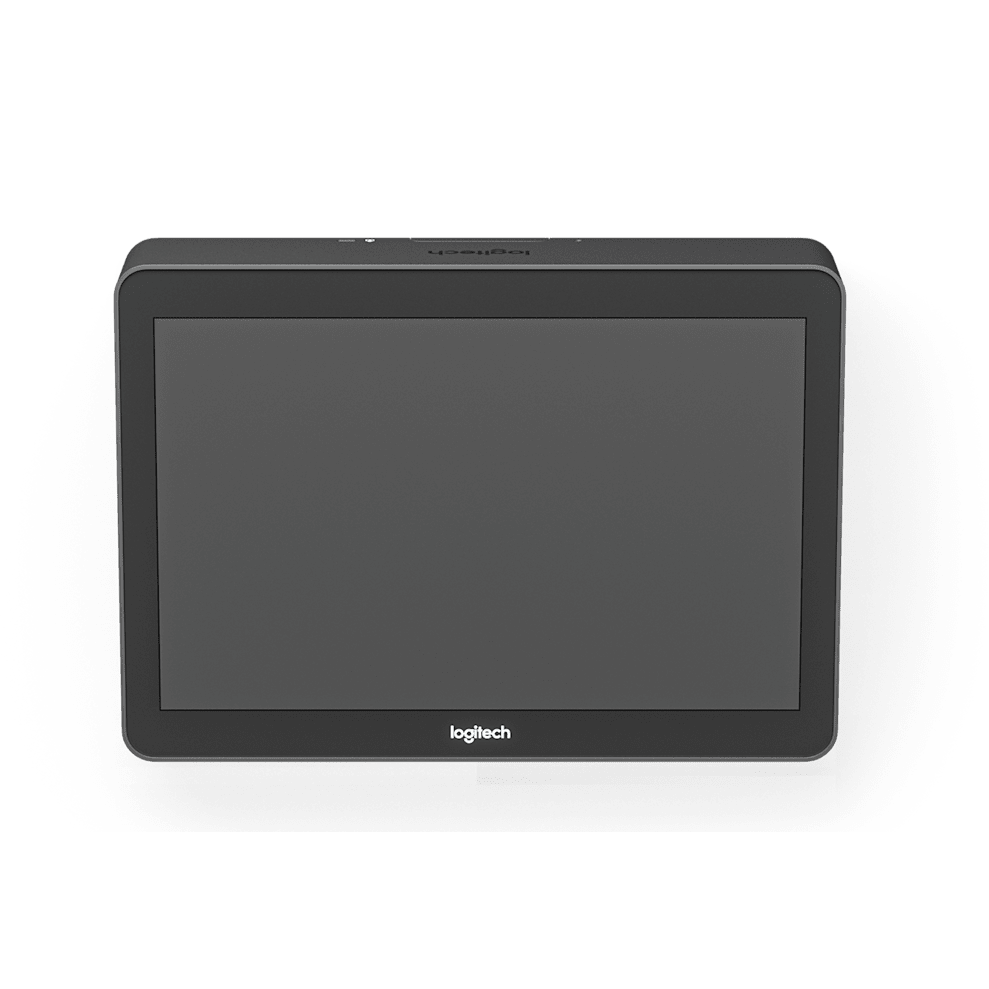
Logitech Tap USB Meeting Room Touch Controller (939-001950) – Graphite
A USB-connected touch controller with a 10.1 inch display that starts and joins meetings with one tap. Tap ships with a Cat5e Kit, so the controller can sit up to 40 m from the room computer while the cabling stays tidy. It is built for Microsoft Teams Rooms on Windows, Zoom Rooms and Google Meet on ChromeOS, and it is the wired counterpart to Logitech Tap IP.
Quick Glance
Key Features
A quiet, always-ready presence in the room
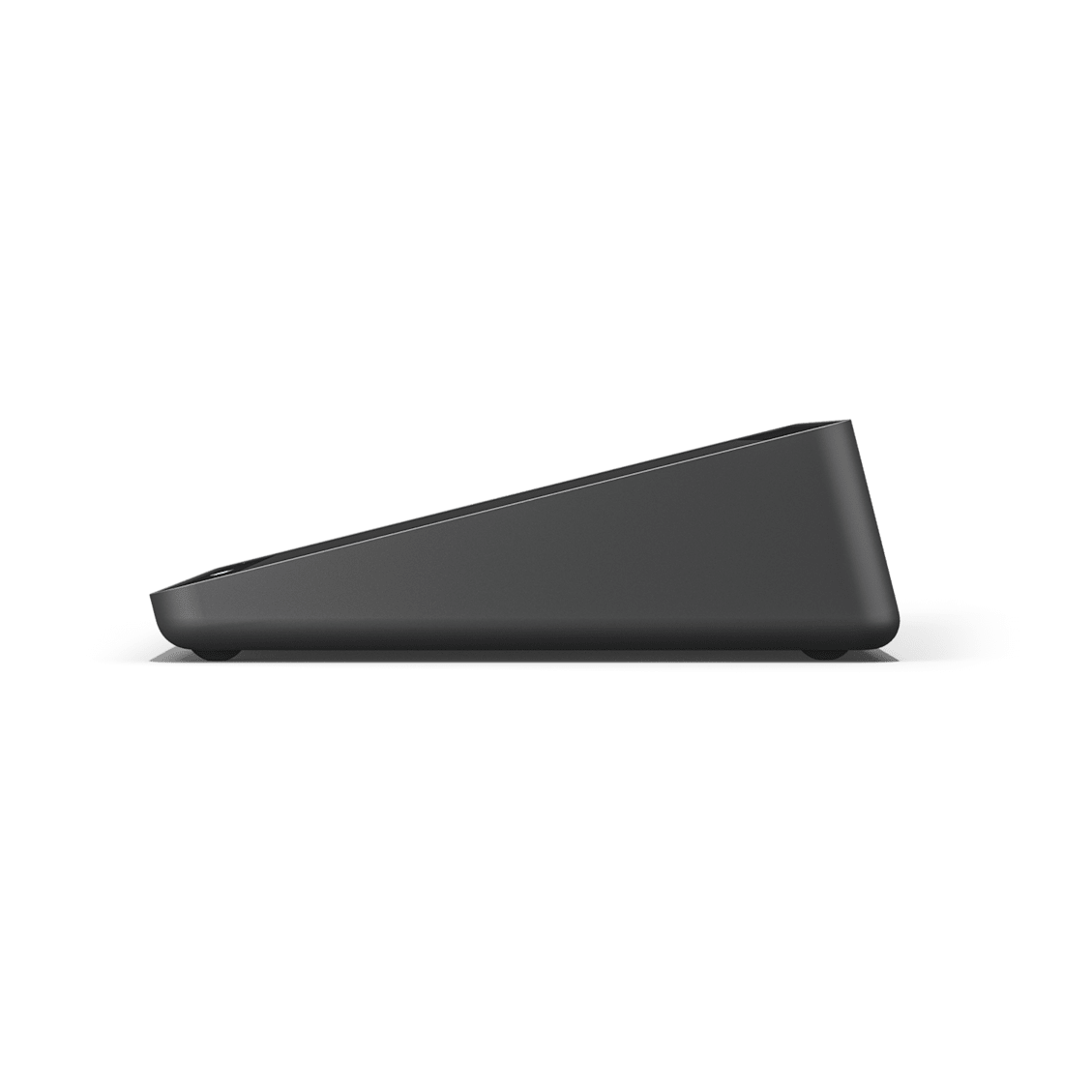
A 10.1 inch capacitive touch display with an anti-glare, oleophobic coating sits at a 14-degree angle, and an integrated PIR motion sensor wakes the screen as soon as someone approaches. One tap starts or joins a Microsoft Teams Rooms on Windows, Zoom Rooms or Google Meet meeting without anyone hunting for a remote.
Cat5e cabling keeps the computer out of sight
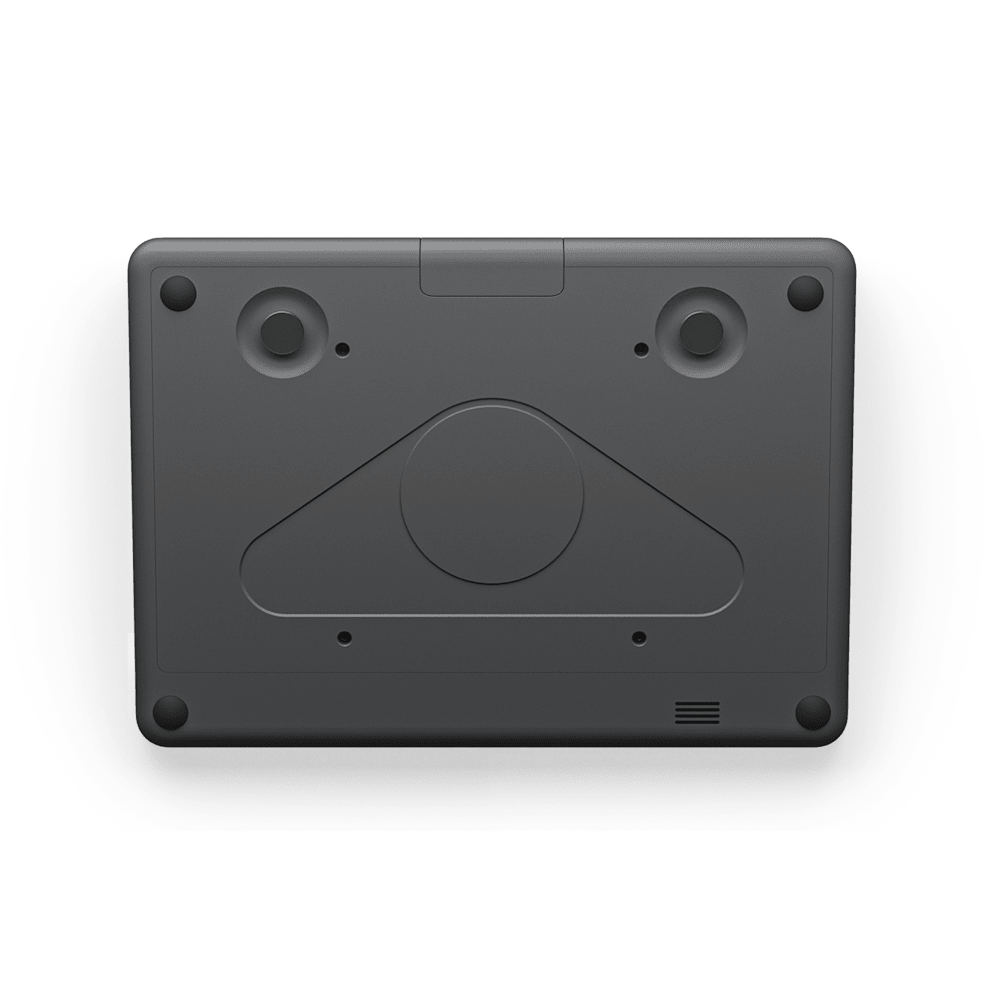
The included Cat5e Kit carries power and signal to the controller over standard or customer-supplied category cable, so the host PC can sit in a cabinet, under the table or behind a display while Tap stays within reach of the room, up to 40 m (131 ft) away. USB-A and HDMI-in on the back add an accessory port and instant content sharing.
Fleet-managed and physically secured
Tap reports into Logitech Sync, so firmware and room status are handled from one console rather than a visit to every room. Two Kensington lock slots and a VESA 100 x 100 mm mounting interface mean the controller can be secured and mounted the same way across every room in the building.
Detailed Specifications
Specifications are provided by the manufacturer and may be updated or changed without prior notice. AtomOffice is not responsible for any discrepancies between the information shown here and the manufacturer's official documentation.
Need-to-Know
- This is the Cat5e Kit configuration of Tap, part 939-001950, for Windows-based Microsoft Teams Rooms, Zoom Rooms and Google Meet on ChromeOS. It needs a room PC; it is not the appliance-based controller.
- Logitech does not publish weight or dimensions for the Cat5e Kit accessories (receiver, dongle transceiver, cables) separately from the controller itself, so only the controller's own dimensions are listed.
- For an Android-based appliance room instead of a Windows PC, Logitech's equivalent controller is Tap IP, which we carry separately.
- HDMI content-sharing support varies by video conferencing service; Logitech directs buyers to its own compatibility page for the current list.
Best For / Customer Benefits
Customer Benefits
- One tap starts or joins the meeting, so the room does not depend on someone who knows which app to open on which laptop.
- The Cat5e Kit puts up to 40 m between the controller and the computer, so the PC can live in a cabinet instead of on the table.
- Logitech Sync gives one console for firmware and room status across every Tap in the building, rather than a visit per room.
- HDMI input and a USB-A accessory port mean a visitor can share content or plug in a peripheral without touching the host computer.
- Table, Riser and Wall Mounts all fit the same VESA interface, so the same controller works whichever way a room is built.
Best For
Official & Recommended Options
Frequently Asked Questions
Yes. Tap is a USB-connected touch controller, not a compute appliance: it needs a Windows 10 (or higher) or ChromeOS 80+ PC running the room's video software, which the included Cat5e Kit lets you place up to 40 m away in a cabinet or under the table. If you want a room that runs without a separate PC, Logitech's appliance-based controller is Tap IP, paired with RoomMate.
Logitech states Tap is certified or compatible as a touch controller for Google Meet, Microsoft Teams Rooms on Windows and Zoom Rooms. It is the touch controller Logitech pairs with its Windows-based Teams Rooms line-up, including MeetUp and the Rally Bar family.
The included Cat5e Kit supports a combined cable run of up to 131 ft (40 m) using the supplied or customer-supplied Cat5e cabling, so the controller can sit on the table where people are while the computer stays out of sight in a cabinet, under the table or behind the display.
Yes. Tap reports into Logitech Sync, the cloud console Logitech uses across its meeting room devices, so firmware updates, room status and settings can be checked and changed without a visit to the room. That becomes the main reason to choose Tap over a generic USB touch panel once you have more than a couple of rooms.
The box holds the Tap touch controller and the Cat5e Kit: a Logitech Tap Receiver, a dongle transceiver, a 100-240V power supply with an international adaptor set, a 2.97 m Cat5e cable and a 7.0 m Cat5e cable, plus a 2.0 m HDMI 1.4a cable, four VESA mounting screws and a microfiber cloth. A Table, Riser or Wall Mount is a separate accessory.
Fitting out a Windows-based Teams Room?
Tell us the room size and what's already installed, and we'll quote Tap alongside the camera, computer and cabling as one line.