



Logitech RoomMate CollabOS Video Conferencing Compute Appliance 950-000085 - White
950-000085
Condition: NEW
- Regular price
-
Dhs. 3,548.00 (exc. Vat) - Regular price
-
(exc. Vat) - Sale price
-
Dhs. 3,548.00 (exc. Vat)
-
Hurry, only 1 item left in stock!
Couldn't load pickup availability
Confirm Availability & Best Price
This model is fulfilled through our verified supplier network. Message us for live stock status and pricing.
Enquire NowGenuine Guarantee
Shop with Confidence: Authentic IT Products from Major Brands.
Shipping information
We offer FREE DELIVERY for order over AED 200. Also no additional Cash on Delivery (COD) fee.
Click here to know more
Returns information
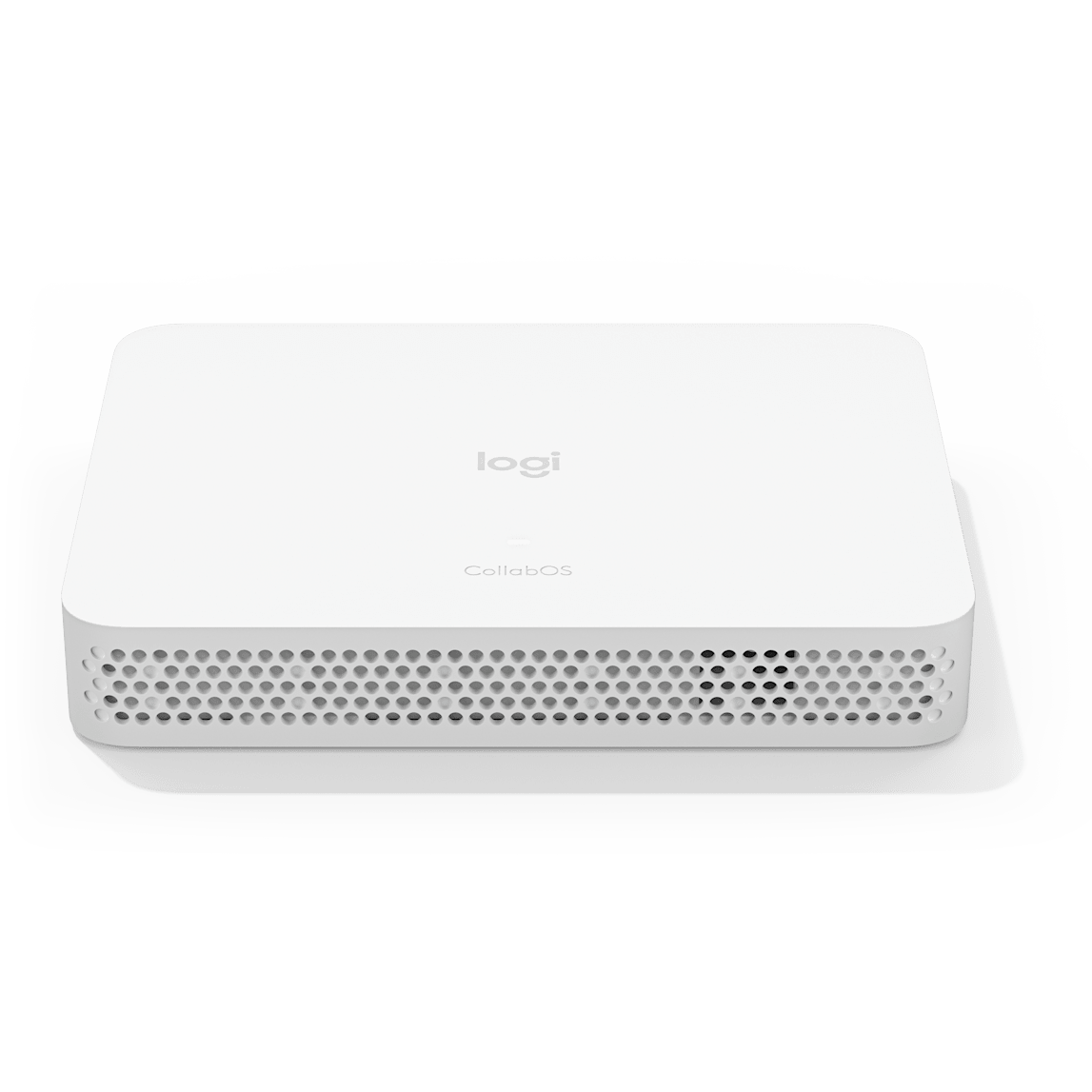
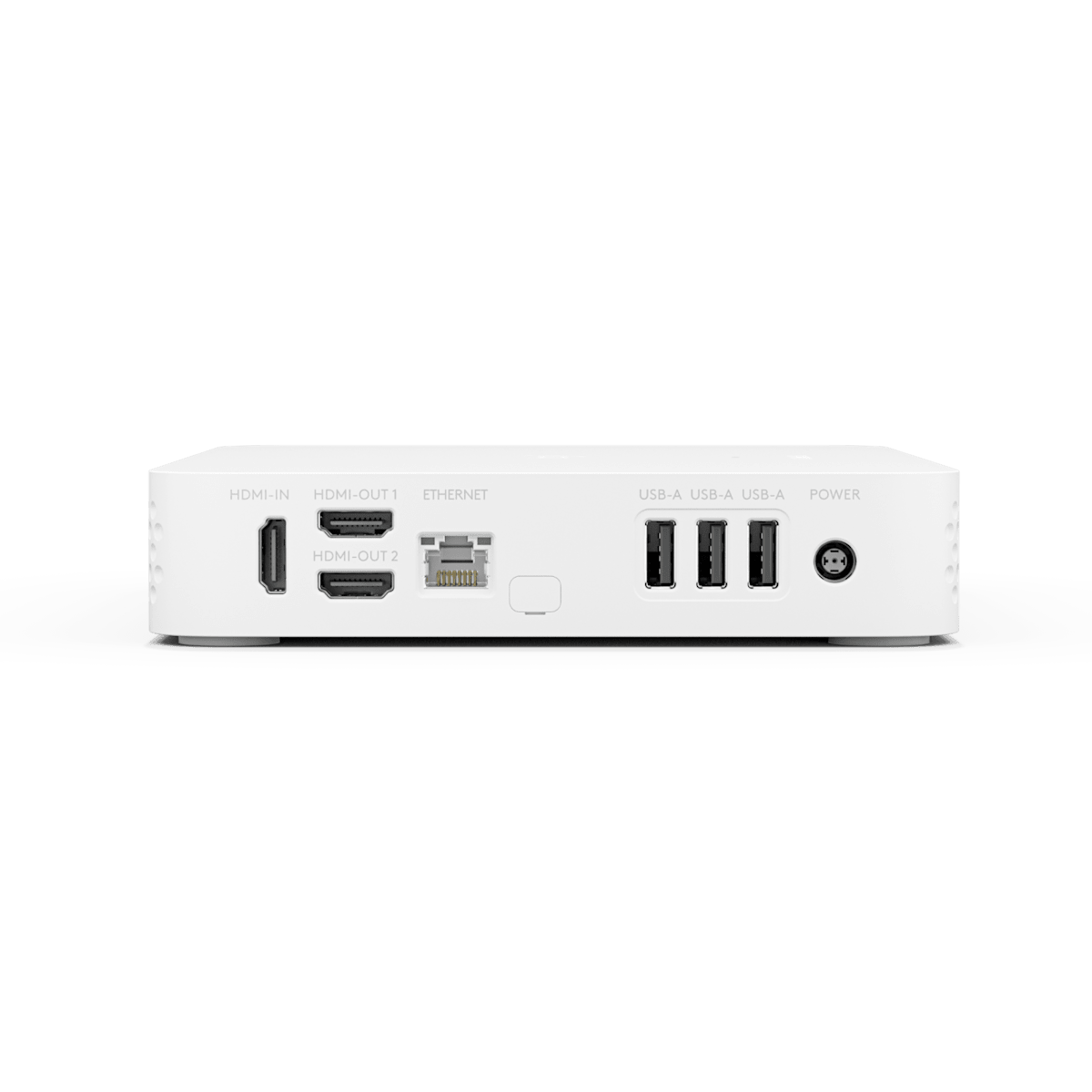
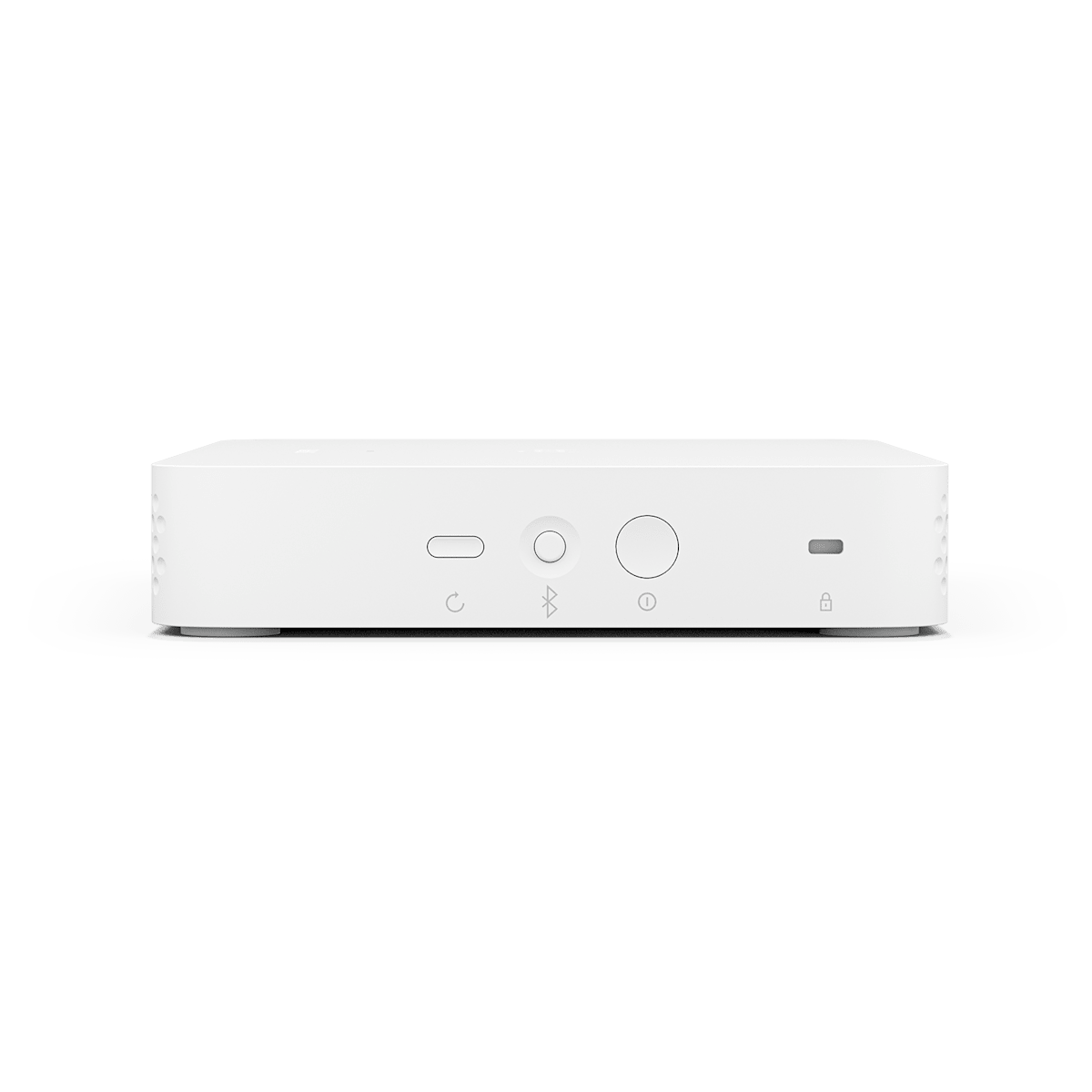
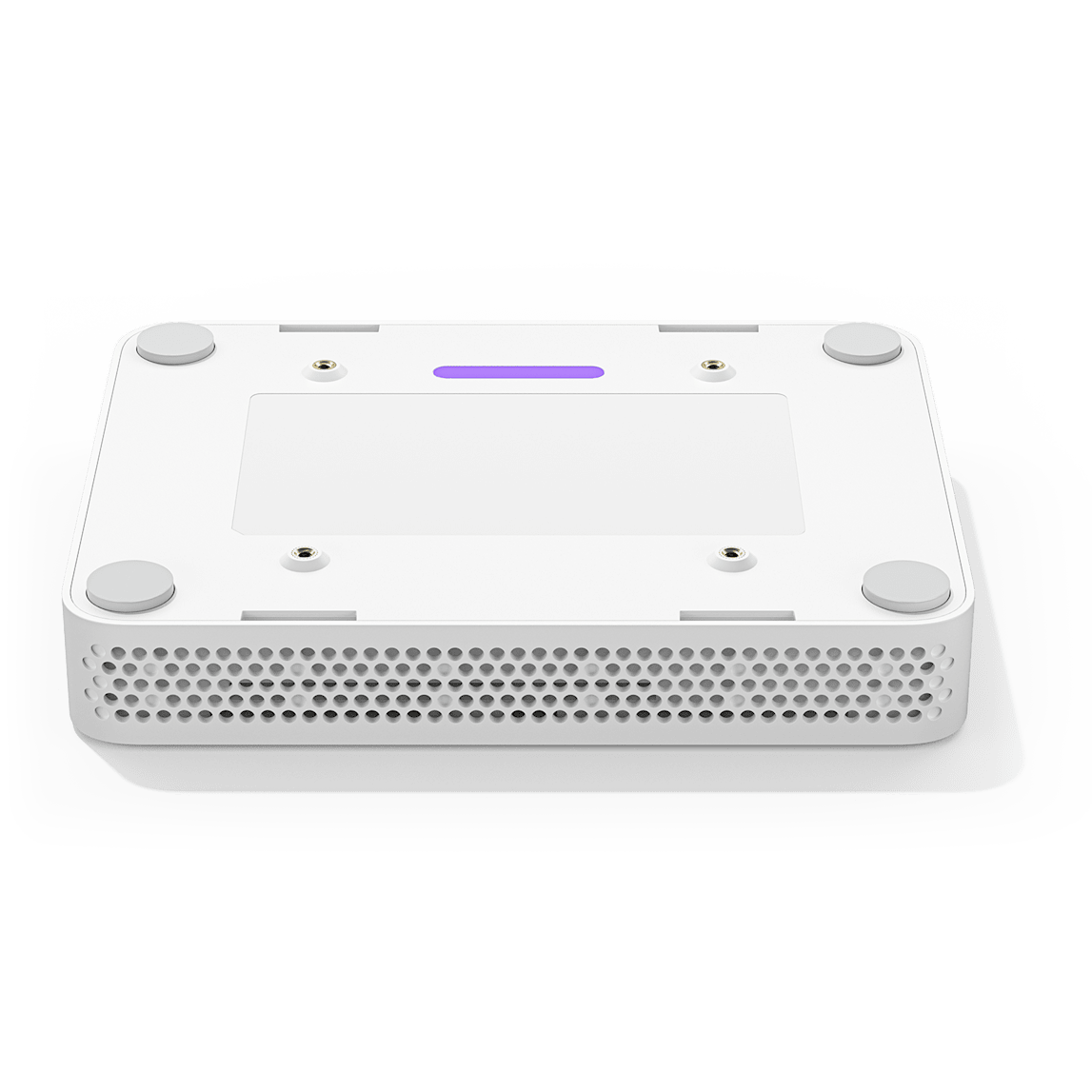
Logitech · Video Conferencing Compute Appliance
Logitech RoomMate CollabOS Compute Appliance (950-000085) – White
RoomMate is the compute appliance behind an appliance-based meeting room, not a camera or a controller. It runs Logitech CollabOS to deploy Microsoft Teams Rooms on Android, Zoom Rooms and Tencent Meeting Rooms, and it pairs with a modular Rally System or MeetUp camera, a Tap or Tap IP touch controller, and Scribe for whiteboard sharing. HDMI out for up to three displays and USB, Ethernet and Wi-Fi connections are built into a low-profile, out-of-sight enclosure.
Quick Glance
Key Features
The appliance behind a Rally, MeetUp or Scribe room
RoomMate is Logitech's CollabOS compute appliance: it does not include its own camera or microphone, but is certified hardware for Logitech MeetUp, Rally Camera, Rally System and Rally Plus System, and it is the appliance a Tap or Tap IP touch controller and a Scribe whiteboard camera connect to for a complete room.
Drives up to three displays
Two HDMI outputs (up to 1080p) and one HDMI input give RoomMate enough video for one, two or three displays in a room, with a third display needing an additional dongle. Three USB Type-A 2.0 ports and Gigabit Ethernet or Wi-Fi round out a low-profile enclosure built to sit behind a screen, inside a cabinet or on a cart.
Fleet-managed and independently certified for security
RoomMate reports into Logitech Sync for centralised firmware and monitoring, encrypts storage with AES-128, authenticates devices via API and protects keys with Arm TrustZone, with a Kensington lock slot for physical security. It is also verified to work with Biamp, Extron, Nureva, Q-SYS and Shure audio hardware.
Detailed Specifications
Specifications are provided by the manufacturer and may be updated or changed without prior notice. AtomOffice is not responsible for any discrepancies between the information shown here and the manufacturer's official documentation.
Need-to-Know
- RoomMate is the compute appliance for an appliance-based room, not a camera. It needs a certified camera (MeetUp, Rally Camera, Rally System or Rally Plus System) and, for touch control, a Tap IP - not the USB-connected Tap.
- Logitech does not publish a weight or a maximum room size for RoomMate, and it ships in White only, part 950-000085.
- A third connected display needs an additional dongle beyond the two built-in HDMI outputs; Logitech does not name the dongle on this page.
- Deploying Microsoft Teams Rooms or Zoom Rooms on RoomMate needs the relevant room-solution software license, which Logitech does not include with the appliance.
Best For / Customer Benefits
Customer Benefits
- One low-profile appliance replaces a room PC, so there is less hardware to hide and less to go wrong behind the display.
- Certified pairing with MeetUp, Rally Camera, Rally System and Rally Plus System takes the guesswork out of building an appliance room.
- Two HDMI outputs plus an input cover most rooms without extra video hardware, with a dongle available for a third screen.
- Logitech Sync and supported management platforms mean firmware and room health are handled centrally across a fleet of rooms.
- AES-128 encryption, device attestation and Arm TrustZone key protection keep RoomMate to the same security standard as the rest of the CollabOS range.
Best For
Official & Recommended Options
Frequently Asked Questions
No. RoomMate is a CollabOS compute appliance on its own; Logitech lists it as certified hardware for MeetUp, Rally Camera, Rally System and Rally Plus System, and you choose and buy the camera separately. Audio defaults to whichever camera you pair it with, or to a verified third-party system from Biamp, Extron, Nureva, Q-SYS or Shure.
Tap IP. Logitech certifies Tap IP as the touch controller for Microsoft Teams Rooms on Android running on RoomMate. The USB-connected Tap is built for a Windows PC instead and is not part of a RoomMate deployment.
Two HDMI outputs support up to 1080p each, so RoomMate natively drives two displays, or one display plus a HDMI input for content. Logitech states a third display is possible with an additional dongle, though it does not name the specific accessory on this page.
Logitech certifies RoomMate for Microsoft Teams Rooms on Android and Zoom Rooms, and lists appliance-mode compatibility with Tencent Meeting Rooms as well. Each platform needs its own room-solution software license, which is not included with the appliance itself.
Yes. RoomMate reports into Logitech Sync and other supported device-management platforms, so firmware updates, room health and settings can be checked and pushed from a console rather than by visiting each room. That is the normal reason to choose an appliance fleet like RoomMate over individually managed PCs.
Yes. Logitech assigns a different part number to the same hardware in each region. 950-000085 is the EMEA code, published by Logitech for Europe, the Middle East and Africa against the White version, and it is the code a UAE supplier quotes and the one that appears on your invoice. 950-000081 is the code Logitech lists for the same RoomMate CollabOS Compute Appliance in the United States and Canada. Same product, same specification, different regional code. If a quote, a datasheet or an internal purchase request you are working from references 950-000081, send it to us and we will confirm the match before you order.
Building an appliance-based room around RoomMate?
Tell us the camera you want to pair it with and how many displays the room needs, and we'll quote RoomMate, Tap IP and the cabling as one line.