



Philips 24" 24E1N5300HE Flat FHD Monitor IPS Panel 75Hz - DP, HDMI, USB-C with Windows Hello Pop-up Webcam and Speakers
Condition: NEW
- Regular price
-
Dhs. 578.00 (exc. Vat) - Regular price
-
(exc. Vat) - Sale price
-
Dhs. 578.00 (exc. Vat)
-
Hurry, only 2 items left in stock!
Couldn't load pickup availability
Genuine Guarantee
Shop with Confidence: Authentic IT Products from Major Brands.
Shipping information
We offer FREE DELIVERY for order over AED 200. Also no additional Cash on Delivery (COD) fee.
Click here to know more
Returns information
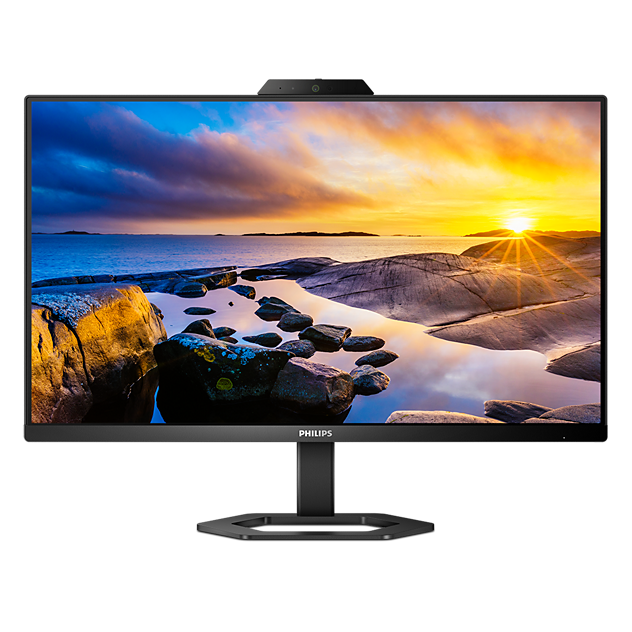
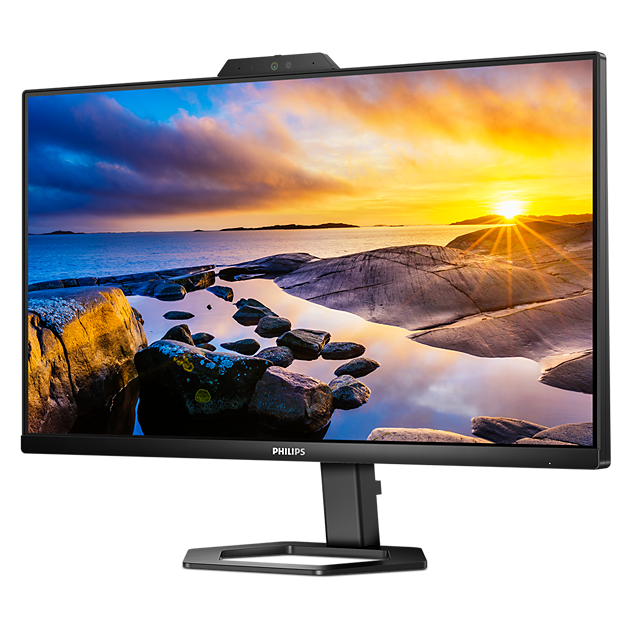
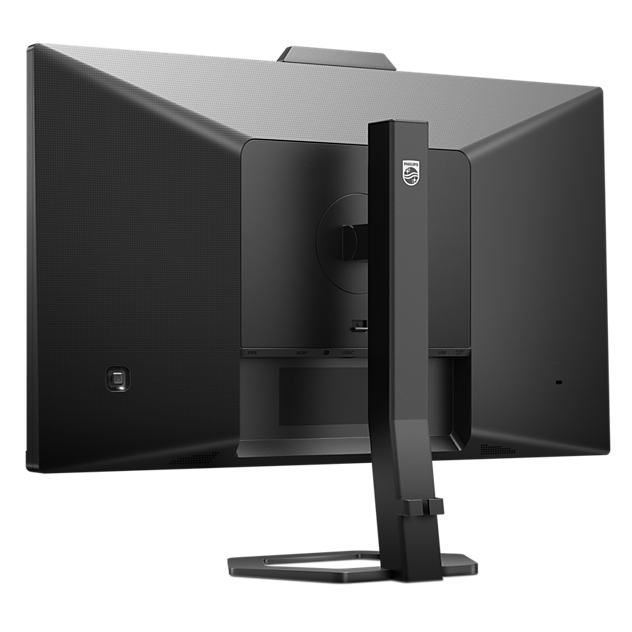
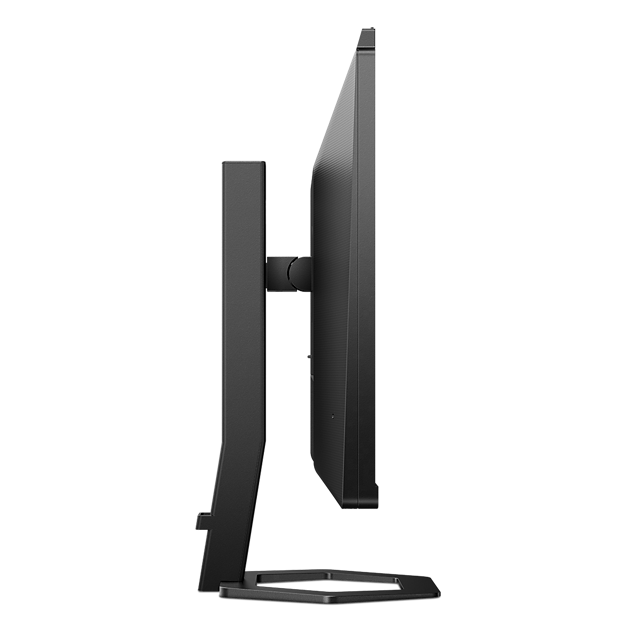
23.8-inch FHD USB-C monitor with Windows Hello webcam
Philips 24E1N5300HE 24" FHD IPS Monitor with USB-C Docking
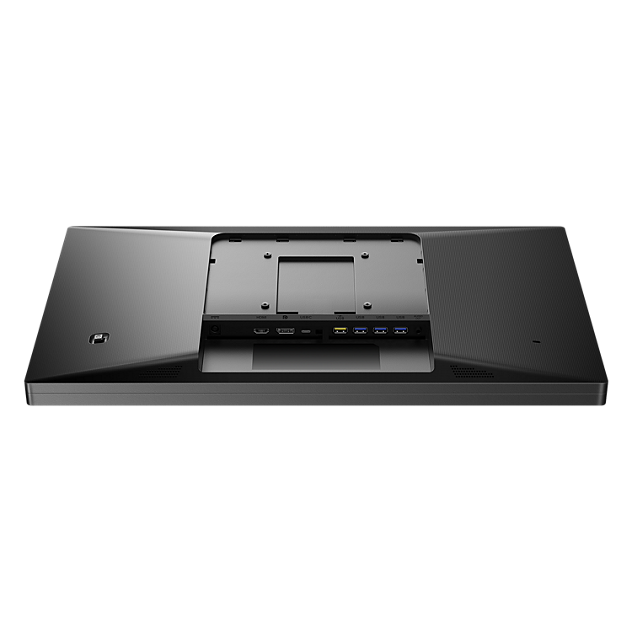
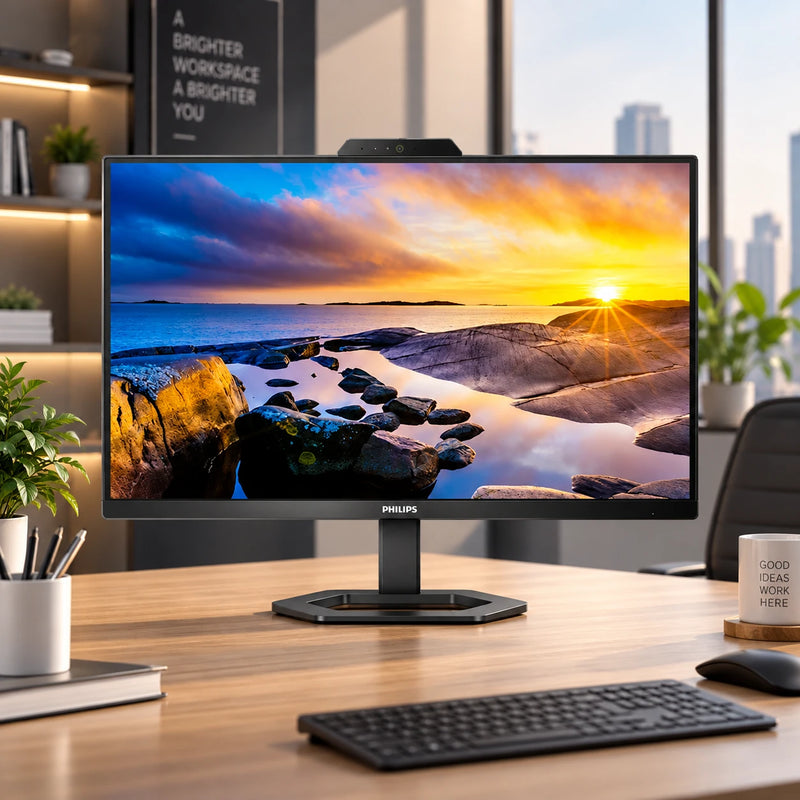
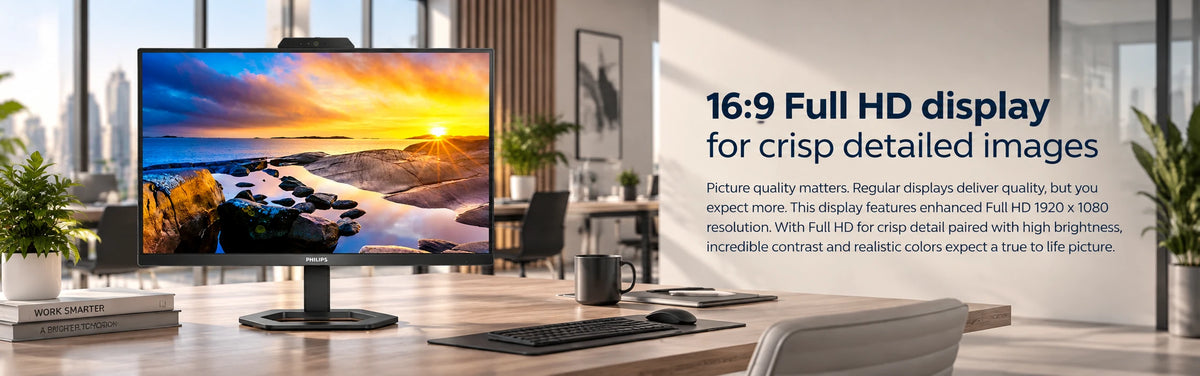
A 23.8-inch Full HD monitor built for the hybrid desk. One reversible USB-C cable carries video, data and up to 65W of charging to a notebook, and a 4-port USB 3.2 hub turns the screen into the dock. A 5-megapixel webcam pops up out of the bezel for Windows Hello sign-in and conference calls, with a noise-cancelling microphone and two 5W speakers. The Compact Ergo Base adjusts through 130 mm of height, 90° pivot and tilt, on an IPS panel with Flicker-free backlighting, LowBlue Mode and EasyRead.
Quick Glance
Key Features
One USB-C Cable Does Everything
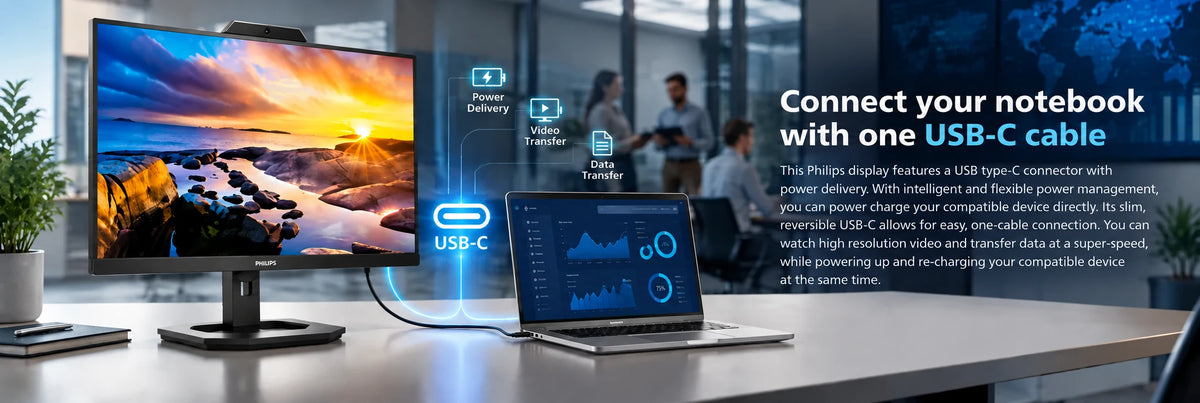
A single reversible USB-C cable carries the picture, moves data and pushes up to 65W back into the notebook, so the laptop charges while it drives the screen. Four downstream USB 3.2 ports turn the monitor into the dock, and one of them fast-charges a phone.
Pop-Up Webcam With Windows Hello
The 5-megapixel camera rises out of the top bezel when you need it and tucks away when you do not, which settles the privacy question without a sticker. Philips pairs it with sensors for Windows Hello facial recognition and a noise-cancelling microphone.
Adjusts to You, and Stays Easy on the Eyes
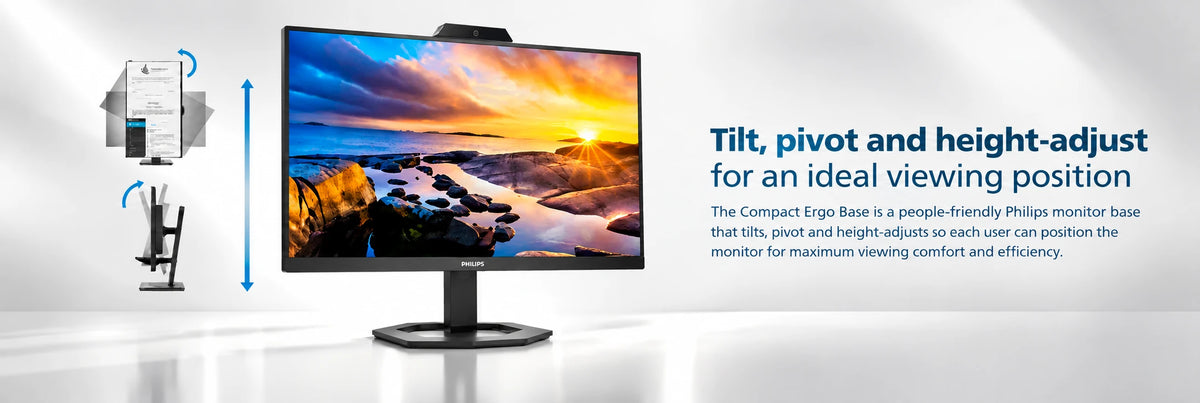
The Compact Ergo Base gives 130 mm of height travel, 90° pivot into portrait and -5° to 20° tilt, so the screen meets your eyeline rather than the other way round. Flicker-free, LowBlue Mode, EasyRead and an anti-glare coating carry the rest of a long day.
Detailed Specifications
Specifications as published by Philips in the 24E1N5300HE/89 datasheet (available below), the UAE variant of this model. In-box contents are from the Philips quick start guide for the 24E1N5300AE/HE.
Need-to-Know
- This is a 75Hz productivity panel. AMD FreeSync is supported, but 75Hz is the ceiling — if you want a high-refresh gaming screen, this is not the one.
- USB-C delivers up to 65W. A laptop that needs more than that will charge slowly or not at all, so check your charger’s rating before you rely on one-cable docking.
- The stand adjusts for height, pivot and tilt. There is no swivel.
- The box contents are taken from the Philips quick start guide, which marks every signal cable — HDMI, DisplayPort and the three USB-C cables — as varying by region. If a particular cable matters, ask us which ones ship with your unit before you order.
Best For / Customer Benefits
Customer Benefits
- One USB-C cable replaces a video cable, a USB hub cable and the laptop charger, so docking in the morning is a single connection.
- The webcam pops up only when you need it, which answers the privacy-sticker question without one, and Windows Hello sign-in means no password on a shared desk.
- 130 mm of height adjustment and 90° pivot mean the screen can meet your eyeline and turn to portrait for long documents or code, without buying a separate arm.
- Two 5W speakers and a noise-cancelling mic mean a conference call needs no headset, no dongle and nothing else plugged in.
- Flicker-free backlighting with LowBlue Mode and EasyRead is aimed squarely at people who sit in front of the screen all day, not at spec-sheet points.
Best For
Gallery
Official & Recommended Options
Learn More About the 24E1N5300HE
Frequently Asked Questions
Yes — Philips lists this model with a pop-up webcam carrying sensors for Windows Hello facial recognition, and names the product "LCD monitor with Windows Hello webcam". Note that the specification table itself describes the camera as a 5.0 megapixel unit with microphone and LED indicator, so if facial sign-in is the reason you are buying, ask us to confirm against your exact unit first.
That is the design. USB-C 3.2 Gen 1 carries video over DisplayPort Alt mode, moves data, and delivers up to 65W back to the notebook at the same time. Your laptop has to support USB-C DP Alt mode and USB Power Delivery for both halves to work — most business ultrabooks do, but a gaming laptop that needs 120W will not charge at full speed.
Yes. The Compact Ergo Base pivots 90 degrees in both directions, and there is 130 mm of height travel to clear the corner of the panel as it turns. Rotate the image in your operating system display settings after you turn the screen.
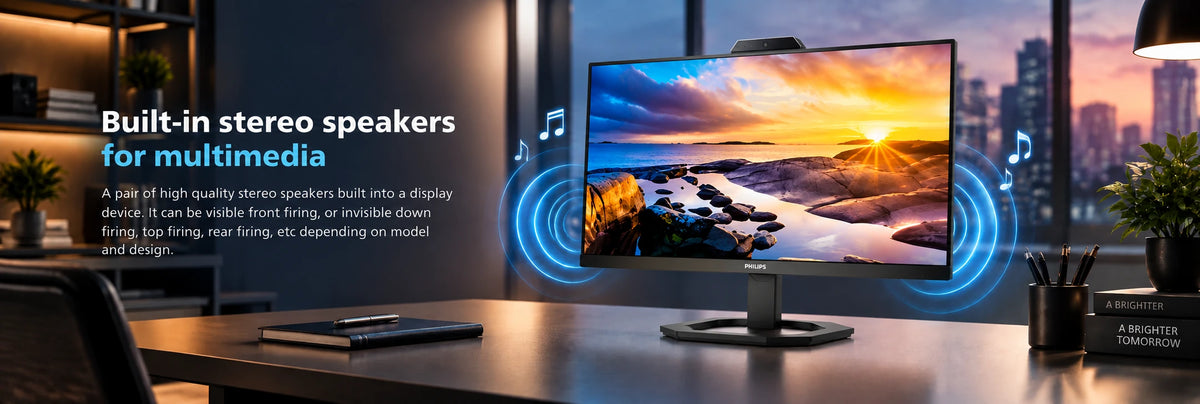
Two 5W stereo speakers are built in, which is more than most monitors give you and enough for conference calls and system audio without a headset. Combined with the noise-cancelling microphone in the webcam, a video call needs nothing plugged in beyond the one USB-C cable.
They measure different things. Philips lists 4 ms grey-to-grey, which is how fast a pixel changes shade, and 1 ms MPRT, which is how long a frame is visible to your eye. MPRT is achieved by strobing the backlight, and Philips notes you cannot adjust brightness while it is on and that it can cause visible flicker — it is a gaming mode, best left off for office work.
Docking a laptop, or replacing a desktop?
Tell us what you plug in and we will confirm whether 65W is enough for your machine before you order.