



Ubiquiti UniFi UNAS Pro 8 Rack Mount NAS, 8 Drive Bays + 2 M.2 NVMe, 10G SFP+, 2U, Dual Hot-Swap PSUs
UNAS-Pro-8
Condition: NEW
- Regular price
-
Dhs. 3,672.10 (exc. Vat) - Regular price
-
(exc. Vat) - Sale price
-
Dhs. 3,672.10 (exc. Vat)
Couldn't load pickup availability
Confirm Availability & Best Price
This model is fulfilled through our verified supplier network. Message us for live stock status and pricing.
Enquire NowGenuine Guarantee
Shop with Confidence: Authentic IT Products from Major Brands.
Shipping information
We offer FREE DELIVERY for order over AED 200. Also no additional Cash on Delivery (COD) fee.
Click here to know more
Returns information

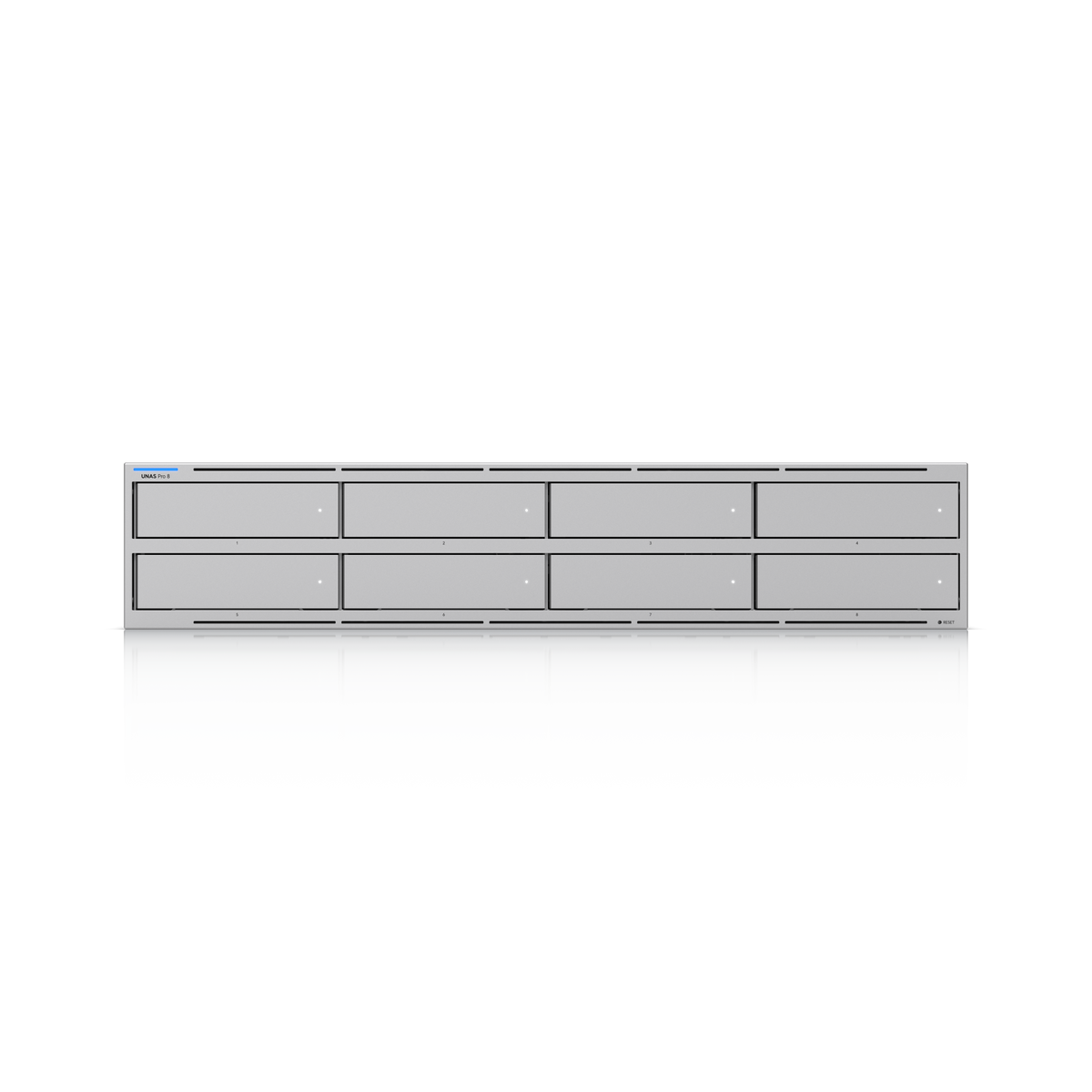


Ubiquiti UniFi · 8-Bay 2U Rack NAS
Ubiquiti UniFi UNAS Pro 8 Network Attached Storage
The Ubiquiti UNAS Pro 8 is a 2U rack-mount NAS with eight 2.5/3.5" HDD / SSD bays and two M.2 NVMe SSD cache slots, delivering faster access, lower latency and high-availability 10 Gbps networking for large-scale file storage and sharing. It has two 10G SFP+ ports and a 10 GbE RJ45 port, a quad-core ARM Cortex-A57 processor at 2.0 GHz with 16 GB of memory, RAID 5, 6 and 10 support, and two hot-swappable 550W power modules.
Quick Glance
Key Features
Eight bays plus two M.2 NVMe SSD cache slots
Eight 2.5/3.5" bays take HDDs or SSDs, and two M.2 NVMe bays act as SSD cache, with up to 4 TiB NVMe SSD capacity supported. Ubiquiti lists RAID 5, RAID 6 and RAID 10, multiple RAID groups, hot spare support and file encryption. Drives are chosen and fitted separately.
10 Gbps networking and dual hot-swap power
Two 10G SFP+ ports (10G only) and a 10 GbE RJ45 port (10G/5G/2.5G/1G/100M) give high-availability 10 Gbps networking. Two hot-swappable AC/DC 550W power modules on separate AC inputs provide power redundancy, so a module can be replaced without shutting the NAS down.
File sharing, snapshots and off-site backup
SMB and NFS file protocols, personal and shared drives, snapshots, share links, user groups, Time Machine backup and client app support. Backups can go to a remote UNAS, a CIFS/SMB server, or cloud services including Google Drive, OneDrive, Dropbox, Backblaze B2 and Wasabi.
Detailed Specifications
Specifications are Ubiquiti's own, from its technical specification and store pages for the UNAS Pro 8 (UNAS-Pro-8). Hard drives, SSDs and SFP+ modules are not listed as part of the unit. Software features are as Ubiquiti lists them on unifi.ui.com.
Need-to-Know
- Ubiquiti specifies eight 2.5/3.5" bays and two M.2 NVMe bays and lists no drives as part of the UNAS Pro 8. Hard drives and SSDs are chosen and fitted separately - ask AtomOffice which drives suit your storage needs.
- The M.2 NVMe bays are SSD cache slots; Ubiquiti lists up to 4 TiB of NVMe SSD capacity supported.
- The rails suit 600 mm (23.6") four-post racks with square holes (9.5 x 9.5 mm) and post depths from 600–1066 mm. Check your rack before ordering.
- The 10G SFP+ ports run at 10G only and need compatible SFP+ modules or direct-attach cables, bought separately. The 10 GbE RJ45 port also negotiates 5G, 2.5G, 1G and 100M.
- RAID support is as Ubiquiti lists it on unifi.ui.com: RAID 5, RAID 6 and RAID 10, multiple RAID groups and hot spare support.
Best For / Customer Benefits
Customer Benefits
- Eight 2.5/3.5" bays and two M.2 NVMe SSD cache slots in 2U.
- RAID 5, RAID 6 and RAID 10 with multiple RAID groups and hot spare support.
- Two 10G SFP+ ports and a 10 GbE RJ45 port for high-availability 10 Gbps networking.
- Dual hot-swappable 550W power modules for power redundancy.
- NDAA compliant, with FCC, CE, IC and SRRC certifications.
Best For
Frequently Asked Questions
Ubiquiti's specification lists eight 2.5/3.5" HDD / SSD bays and two M.2 NVMe SSD bays and does not list any drives as part of the UNAS Pro 8. Plan to choose and fit drives separately; AtomOffice can help you choose drives for the capacity you need.
Ubiquiti describes them as M.2 NVMe SSD cache slots, delivering faster access and lower latency. SSD cache is listed as supported, with up to 4 TiB of NVMe SSD capacity supported.
Ubiquiti lists RAID 5, RAID 6 and RAID 10, with multiple RAID groups and hot spare support, managed through unifi.ui.com.
Two 10G SFP+ ports (10G only) and one 10 GbE RJ45 port that also runs at 5G, 2.5G, 1G and 100M. SFP+ modules or direct-attach cables for the SFP+ ports are bought separately.
It is a 2U rack-mount unit measuring 442.4 x 480 x 87.4 mm and weighing 11.5 kg. Its rails support 600 mm (23.6") four-post racks with square holes and post depths from 600–1066 mm.
Yes. Ubiquiti lists two hot-swappable AC/DC 550W power modules on two AC inputs, with power redundancy listed as dual hot-swappable PSUs. Maximum power consumption is 250W.
Building rack storage on UniFi?
Tell us how much storage you need, how it will be backed up and what your rack looks like, and we will help you pair the UNAS Pro 8 with the right drives and uplinks.