



Ubiquiti UniFi Protect Viewport UP-Viewport, Camera Feed Viewer for HDMI Displays, 4K @ 30 FPS, 16-Stream Matrix, PoE Powered
UP-Viewport
Condition: NEW
- Regular price
-
Dhs. 1,069.50 (exc. Vat) - Regular price
-
(exc. Vat) - Sale price
-
Dhs. 1,069.50 (exc. Vat)
Couldn't load pickup availability
Confirm Availability & Best Price
This model is fulfilled through our verified supplier network. Message us for live stock status and pricing.
Enquire NowGenuine Guarantee
Shop with Confidence: Authentic IT Products from Major Brands.
Shipping information
We offer FREE DELIVERY for order over AED 200. Also no additional Cash on Delivery (COD) fee.
Click here to know more
Returns information
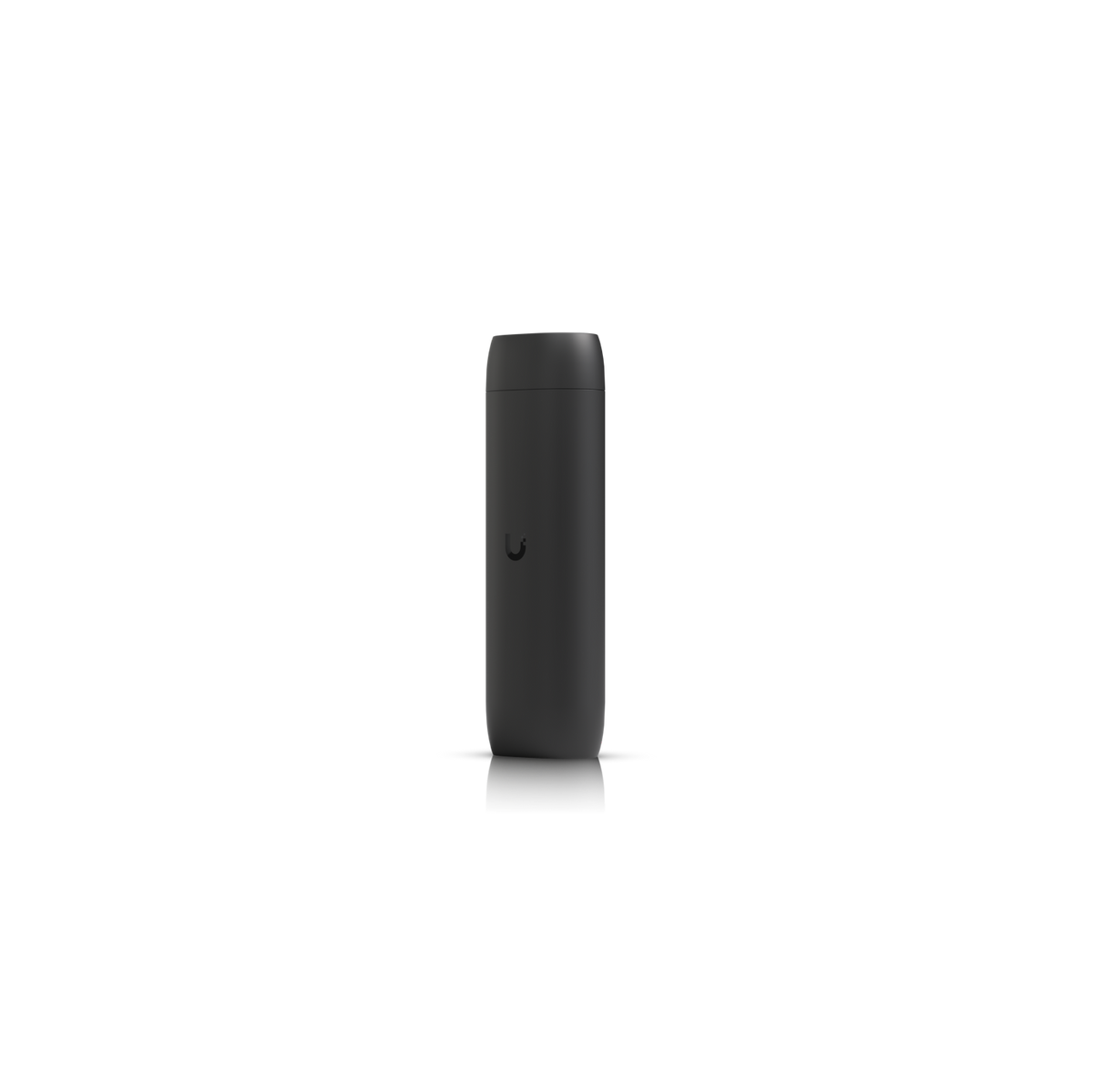
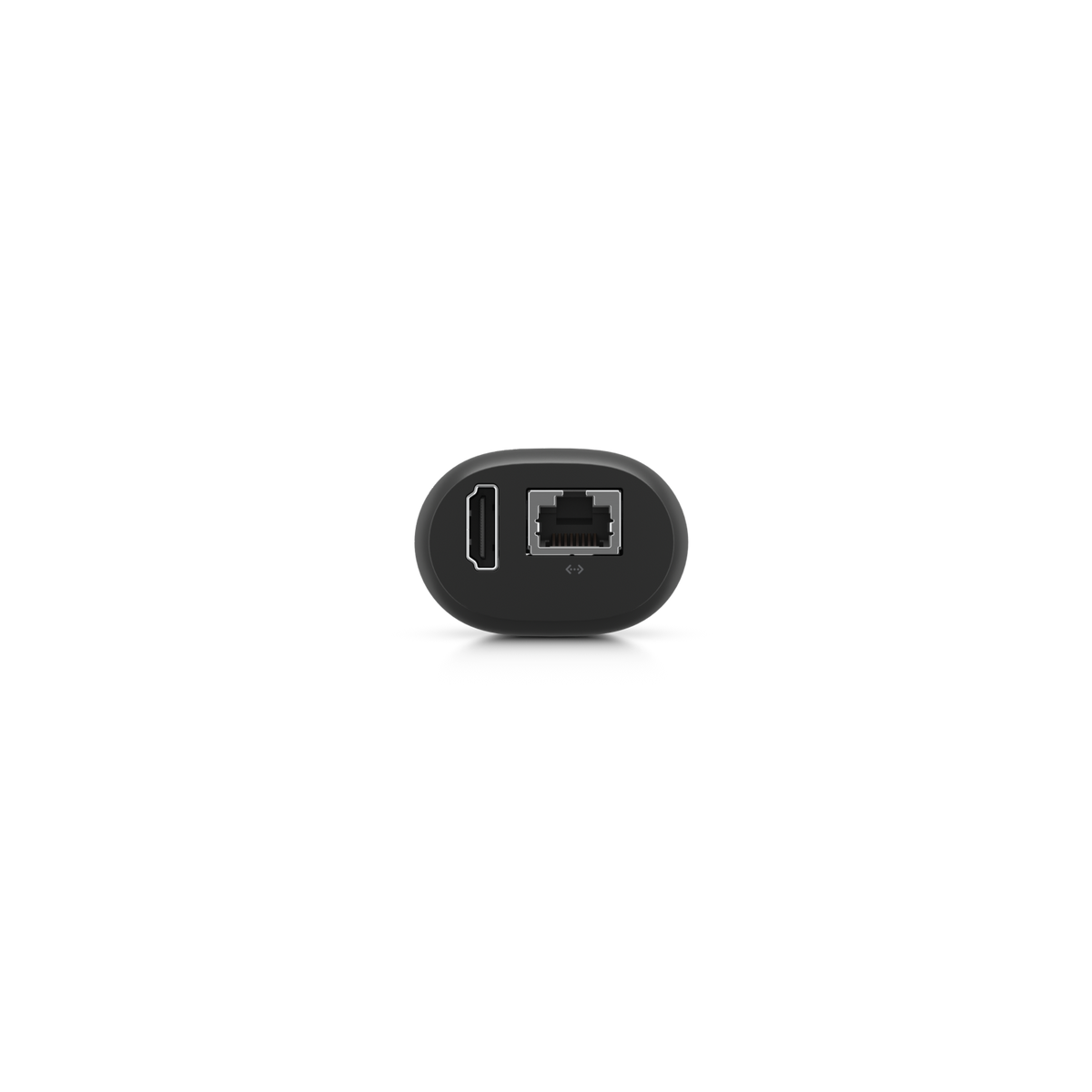
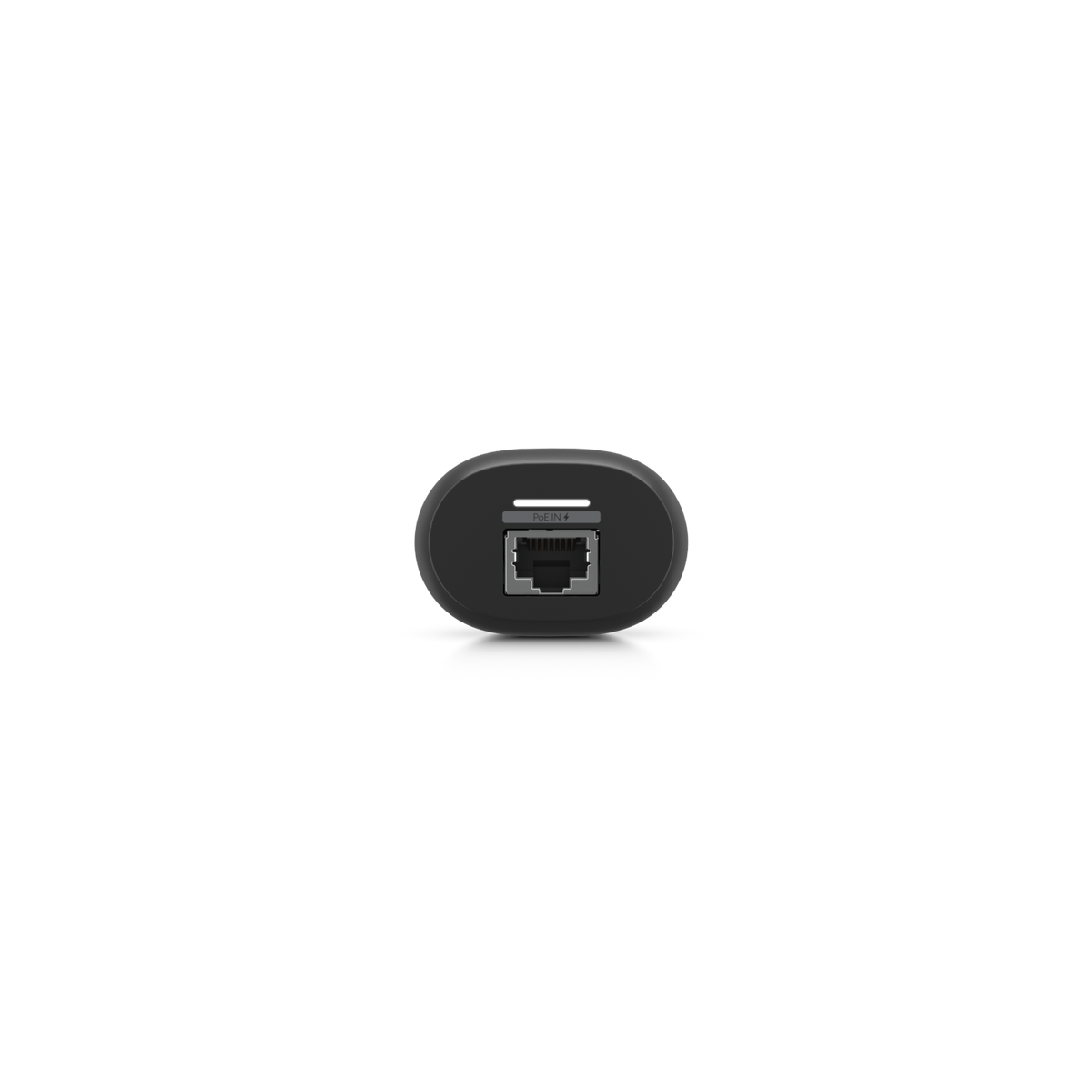
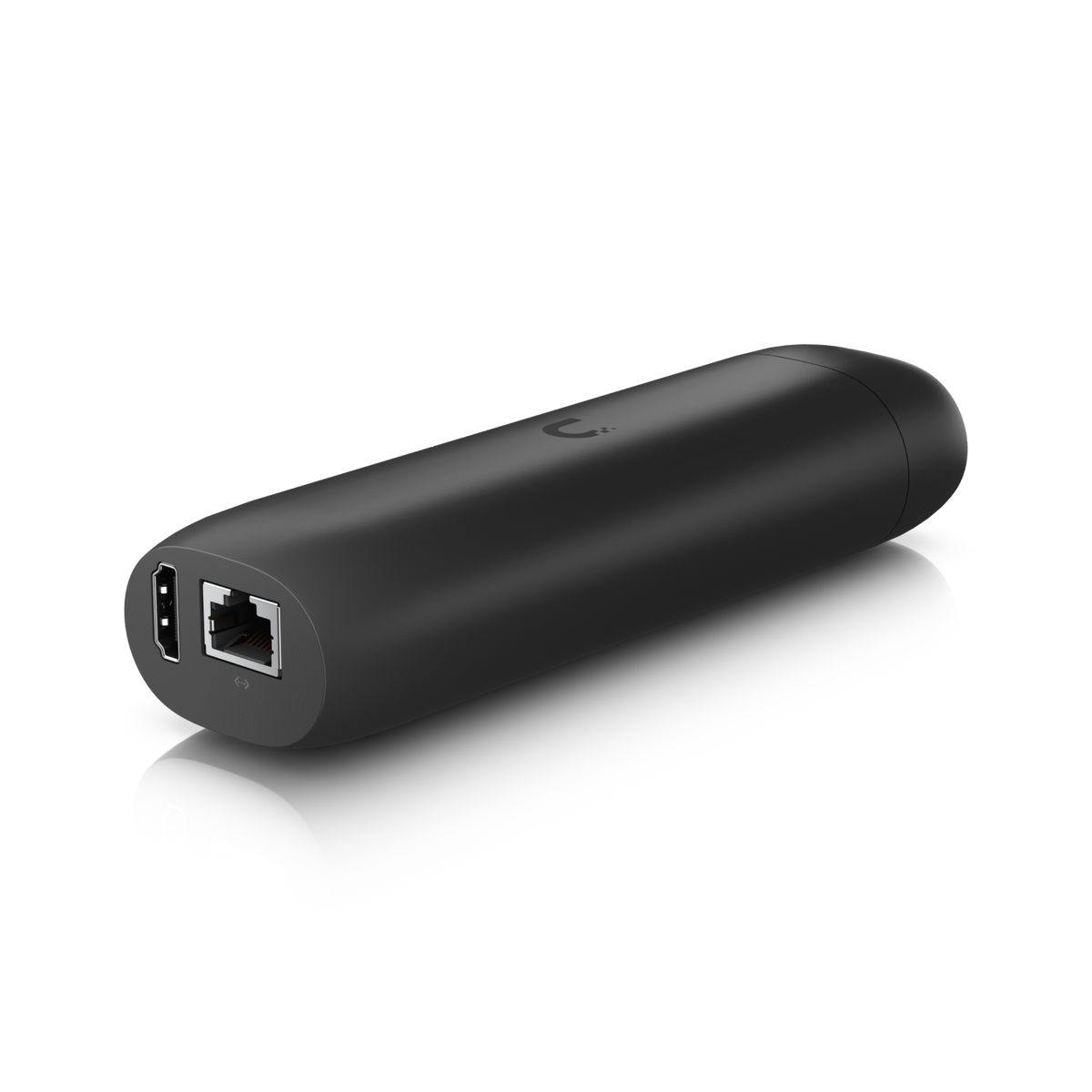
UniFi Protect | Live View Hub
Ubiquiti UniFi Protect Viewport (UP-Viewport)
The Ubiquiti Protect Viewport is an easy-to-use hub for viewing UniFi Protect camera feeds on an HDMI display. It outputs video up to 4K @ 30 FPS, supports a 16-stream matrix view, and connects and draws power over a single PoE cable through its GbE RJ45 port. Flexible mounting lets it sit behind a TV or monitor, so any HDMI screen can become a live security view.
Quick Glance
Key Features
Live camera feeds on any HDMI screen
Shows UniFi Protect camera feeds on an HDMI display, with HDMI video output up to 4K @ 30 FPS and support for a 16-stream matrix view. A reception TV, a security desk monitor or a meeting-room screen can become a live view without a PC attached.
One PoE cable for data and power
Connects and powers using PoE through one GbE RJ45 port, with a maximum power consumption of 9.5W. Ubiquiti lists ESD/EMP protection of air ± 8kV and contact ± 4kV. Set up and managed through the UniFi Protect web application and the UniFi Protect iOS and Android apps.
Small, flexible mounting
A polycarbonate body of 157 x 52 x 37 mm, weighing 230 g without mount and 252 g with the TV mount, so it can be fixed out of sight behind a screen. Operating range 0 to 40° C at 20 to 80% non-condensing humidity, for indoor installations.
Detailed Specifications
Specifications are Ubiquiti's own, from its official tech specs and store pages for the Protect Viewport (UP-Viewport). The Viewport displays UniFi Protect camera feeds and needs an existing UniFi Protect system.
Need-to-Know
- The Viewport displays camera feeds; it does not record. It needs a UniFi Protect system (a console or NVR running UniFi Protect) with cameras already set up.
- Power comes over PoE through the single GbE RJ45 port, at up to 9.5W. Ubiquiti lists no power adapter for it, so plan a PoE switch port or PoE injector.
- Ubiquiti does not list an HDMI cable as included; it sells HDMI cables separately. Video output is HDMI up to 4K @ 30 FPS.
- Rated for 0 to 40° C and 20 to 80% non-condensing humidity, with no weatherproofing rating published, so it is for indoor use.
Best For / Customer Benefits
Customer Benefits
- Turns any HDMI display into a live UniFi Protect view
- Up to 16 camera streams at once in a matrix view
- HDMI video output up to 4K @ 30 FPS for TVs and monitors
- One PoE cable for data and power, 9.5W maximum
Best For
Frequently Asked Questions
It is a hub for viewing UniFi Protect camera feeds on an HDMI display. Plug it into a TV or monitor over HDMI and into the network over PoE, and it shows live camera views, with up to a 16-stream matrix view and HDMI output up to 4K @ 30 FPS.
No. Ubiquiti describes it as a hub for viewing Protect camera feeds. Recording stays on your UniFi Protect console or NVR; the Viewport shows the cameras on a screen.
By PoE over its single GbE RJ45 port, with a maximum power consumption of 9.5W. The same cable carries data, so it needs a PoE switch port or a PoE injector; Ubiquiti lists no power adapter.
Ubiquiti lists 16-stream matrix view support, so up to 16 camera streams can share the screen in a grid. HDMI output runs at up to 4K @ 30 FPS.
Yes, Ubiquiti lists flexible mounting and gives its weight with the TV mount as 252 g (230 g without mount). The unit measures 157 x 52 x 37 mm, small enough to sit behind most screens.
Putting your cameras on a screen?
Tell us how many cameras you want to show, which screens you will use and what UniFi Protect system you run, and we will help you plan the Viewports.