



Ubiquiti UniFi Protect AI Port UP-AI-Port, AI Detection for UniFi and ONVIF Cameras, Face and License Plate Recognition, PoE Pass-Through
UP-AI-Port
Condition: NEW
- Regular price
-
Dhs. 832.35 (exc. Vat) - Regular price
-
(exc. Vat) - Sale price
-
Dhs. 832.35 (exc. Vat)
Couldn't load pickup availability
Confirm Availability & Best Price
This model is fulfilled through our verified supplier network. Message us for live stock status and pricing.
Enquire NowGenuine Guarantee
Shop with Confidence: Authentic IT Products from Major Brands.
Shipping information
We offer FREE DELIVERY for order over AED 200. Also no additional Cash on Delivery (COD) fee.
Click here to know more
Returns information
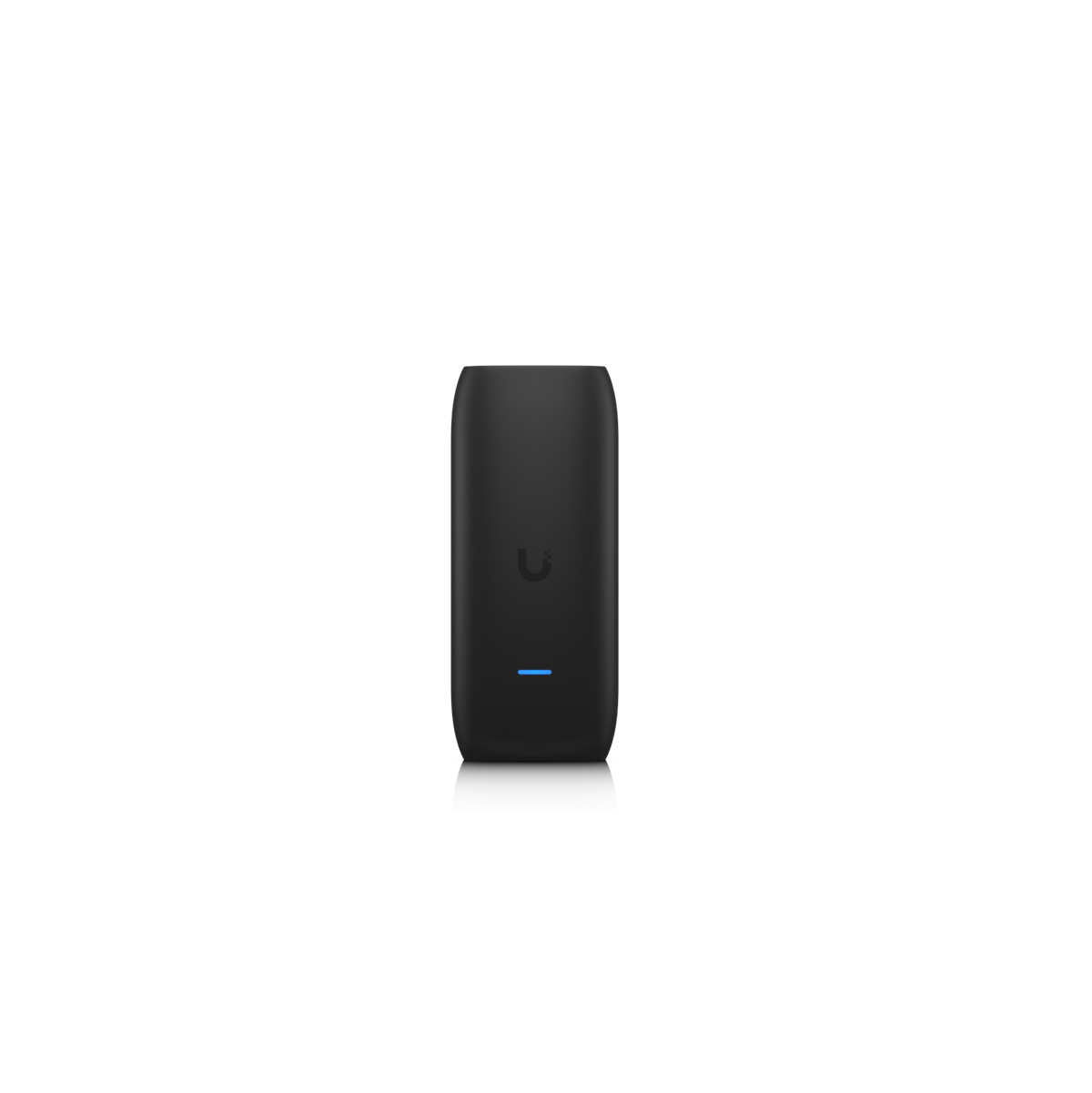
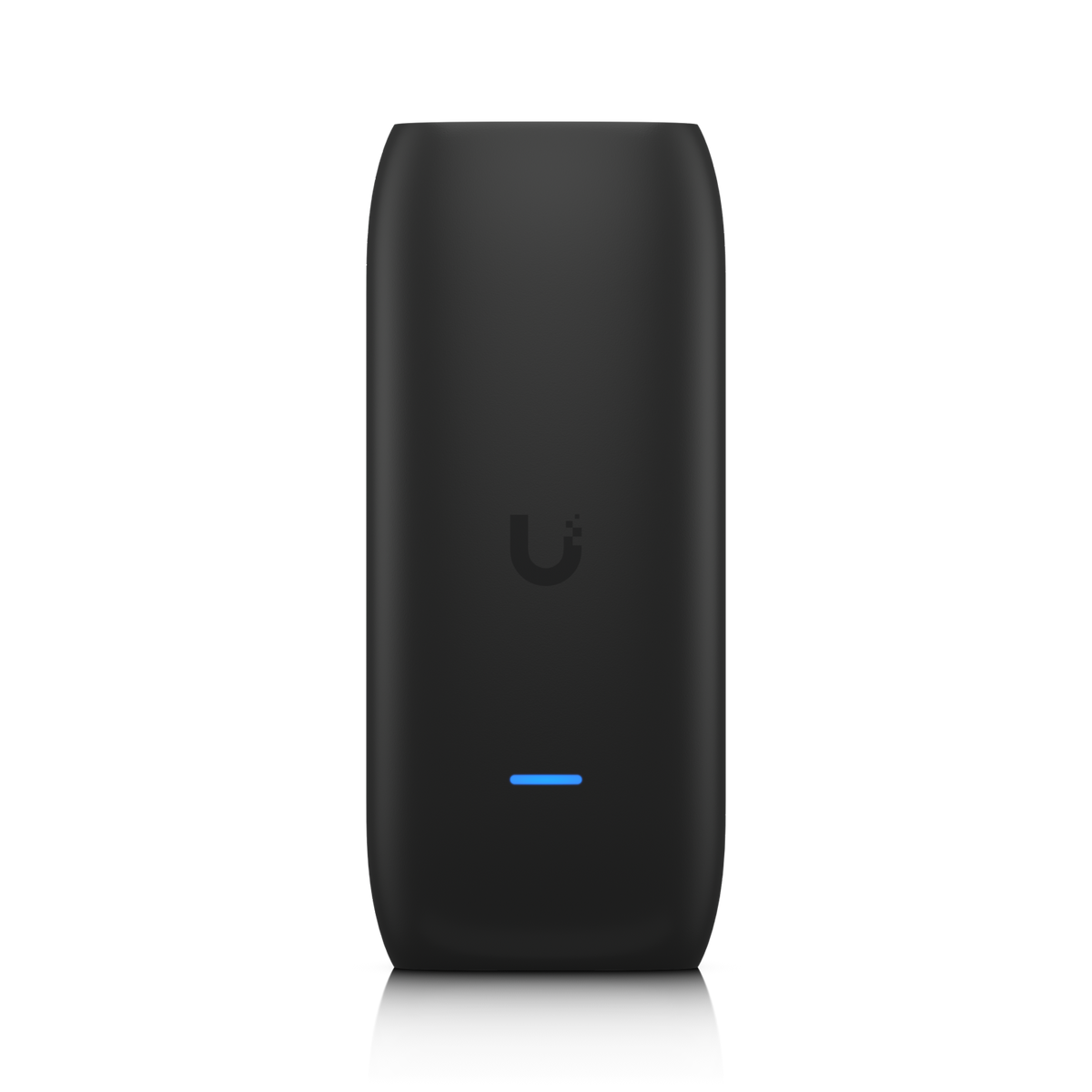
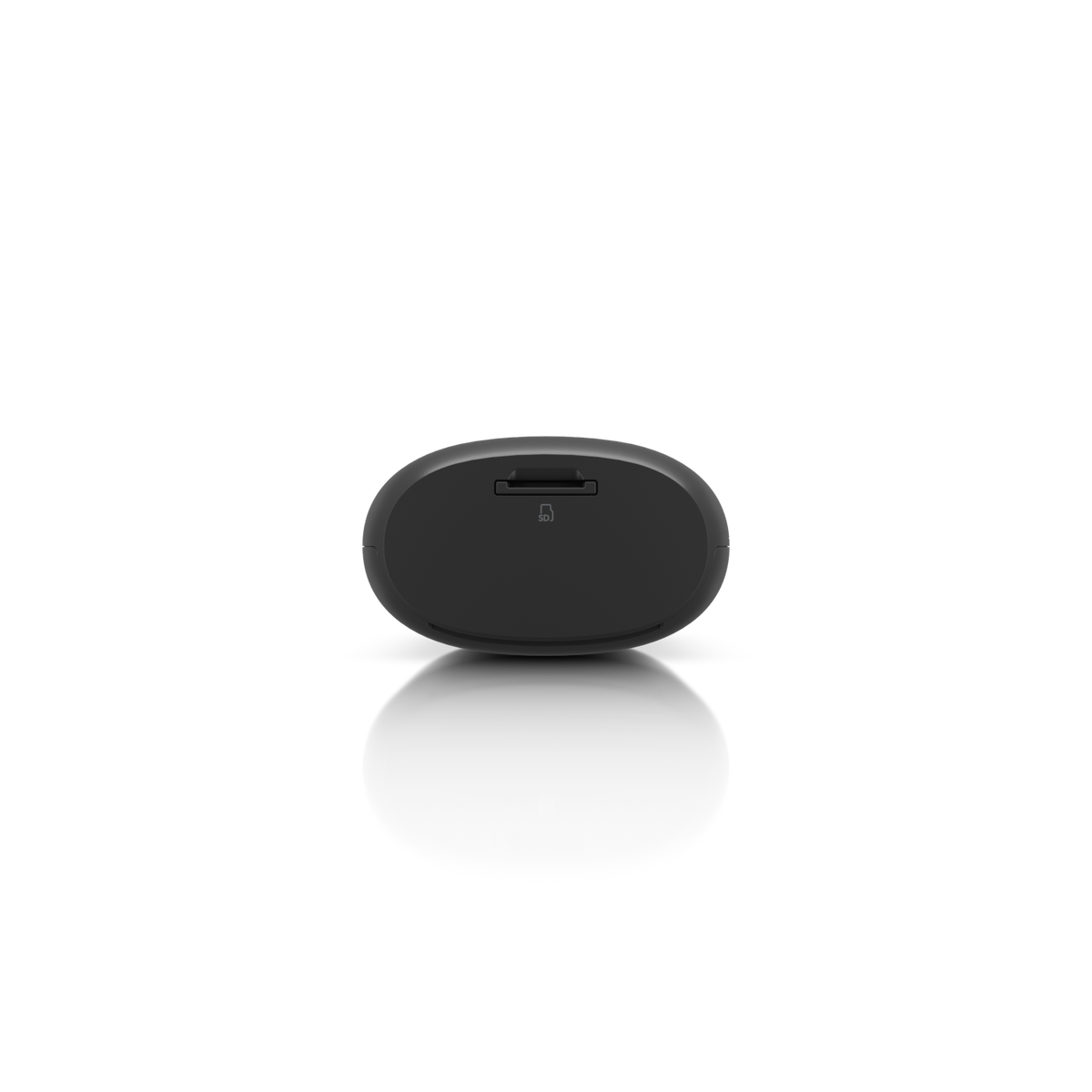
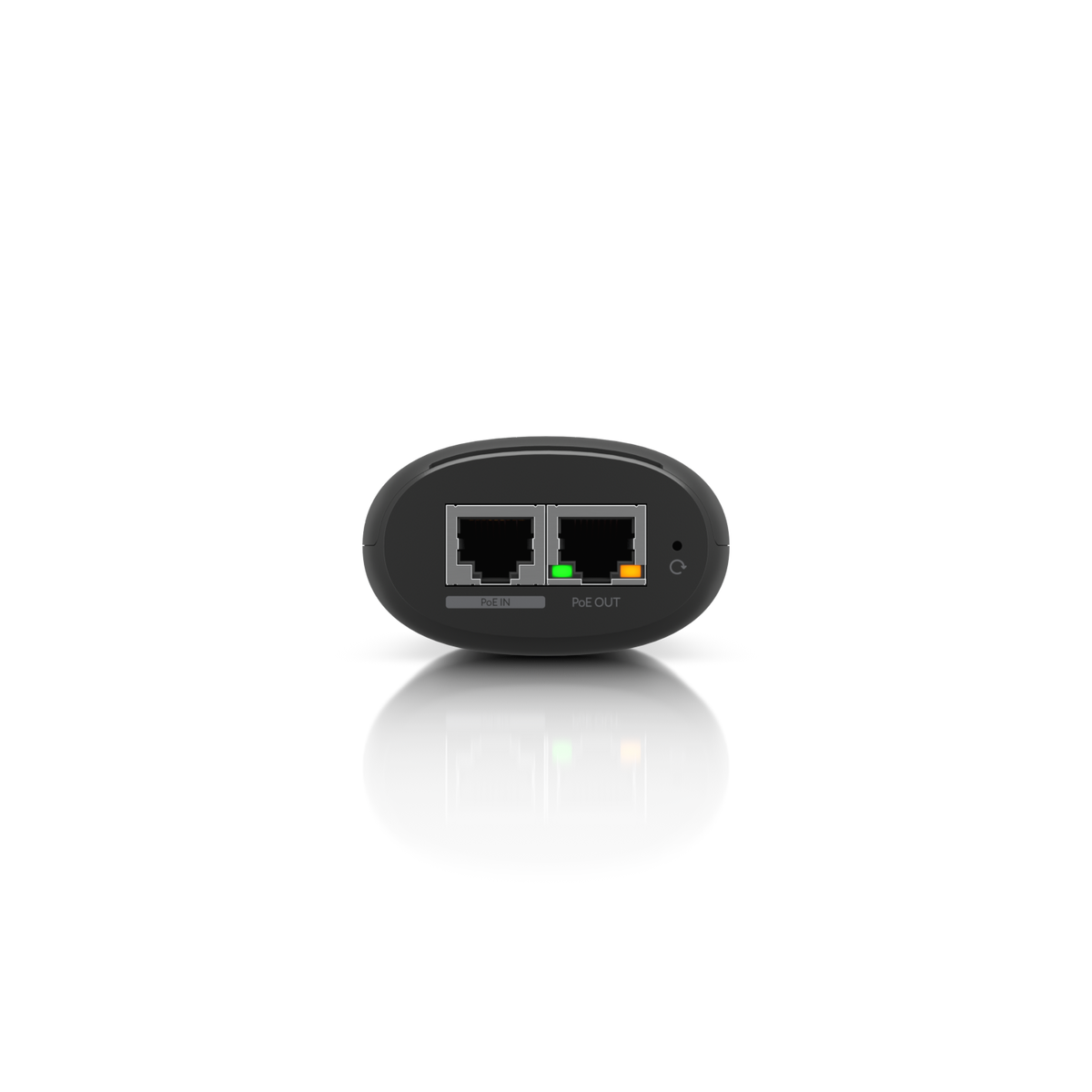
UniFi Protect | AI Appliance
Ubiquiti UniFi Protect AI Port (UP-AI-Port)
The Ubiquiti AI Port is an AI appliance that enhances any UniFi or third-party camera with AI detection, classification and recognition capabilities, including face and license plate recognition. It works with ONVIF third-party cameras in UniFi Protect, connects directly to a camera or pairs with one on the network, and takes PoE++ or PoE+ in while passing PoE+ or PoE out to the camera. Supports camera resolutions up to 3840 x 2160.
Quick Glance
Key Features
AI detection and recognition for any camera
Adds AI detection, classification and recognition, including face and license plate recognition, to UniFi cameras and to ONVIF-compatible third-party cameras managed in UniFi Protect. Ubiquiti lists a maximum camera resolution of 3840 x 2160 pixels, so it can work with high-resolution camera streams.
Inline PoE: power in, power out to the camera
One PoE++/PoE+ power input and one PoE+/PoE power output. Ubiquiti states that PoE+ input is required for PoE output (12.95W) and PoE++ input is required for PoE+ output (25.5W), so the AI Port can power the camera it serves. It can connect directly to a camera or pair with a camera elsewhere on the network.
Managed in UniFi Protect, compact enough for a pole
Runs with the UniFi Protect web application version 5.1 and later and the UniFi Protect iOS and Android apps. A polycarbonate enclosure of 150 x 64 x 38.4 mm without mount, weighing 294 g with mount, fits poles over 45 mm outer diameter. Operating range -20 to 40° C.
Detailed Specifications
Specifications are Ubiquiti's own, from its official tech specs and store pages for the AI Port (UP-AI-Port). Requires UniFi Protect version 5.1 and later; third-party cameras must be ONVIF compatible.
Need-to-Know
- The AI Port is not a camera. It adds AI detection, classification and recognition to a camera you already have or buy separately, and needs UniFi Protect version 5.1 or later.
- Third-party cameras must be ONVIF compatible. Ubiquiti lists a maximum camera resolution of 3840 x 2160 pixels.
- Power output depends on the input: Ubiquiti states that PoE+ input is required for PoE output (12.95W), and PoE++ input is required for PoE+ output (25.5W). Plan a PoE++ switch port or injector if the camera needs PoE+.
- Ubiquiti lists one GbE RJ45 networking interface, and separately one PoE power input and one PoE power output. It does not state an adapter or injector in the box.
- Rated for -20 to 40° C and 20 to 90% non-condensing humidity. Ubiquiti publishes no weatherproofing rating, so plan for a protected location.
Best For / Customer Benefits
Customer Benefits
- AI detection, classification and recognition without replacing the camera
- Face and license plate recognition in UniFi Protect
- Works with UniFi cameras and ONVIF third-party cameras
- PoE pass-through: one PoE++ feed powers the AI Port and a PoE+ camera
Best For
Frequently Asked Questions
It is an AI appliance that enhances UniFi or third-party cameras with AI detection, classification and recognition capabilities. Ubiquiti lists face and license plate recognition as its advanced AI features, managed in UniFi Protect version 5.1 and later.
Yes, with ONVIF-compatible third-party cameras added to UniFi Protect. Ubiquiti lists a maximum camera resolution of 3840 x 2160 pixels. Tell us the camera model and we can help you check it before ordering.
It takes PoE++ or PoE+ in and passes PoE+ or PoE out. Ubiquiti states that PoE+ input is required for PoE output (12.95W), and PoE++ input is required for PoE+ output (25.5W). So a camera that needs PoE+ needs the AI Port to be fed by PoE++.
No. Ubiquiti states it can directly connect to a camera or pair with a camera on the network, so it can sit inline with the camera or elsewhere on the same network.
Ubiquiti lists a polycarbonate enclosure, a pole mount diameter above 45 mm and an operating range of -20 to 40° C, but publishes no weatherproofing rating. Treat it as needing a protected location unless Ubiquiti states otherwise.
Adding AI recognition to your cameras?
Tell us which cameras you have, how they are powered and what you want to recognise, and we will confirm whether the AI Port fits your UniFi Protect setup.