



Ubiquiti UniFi Network Video Recorder Instant, 6-Port PoE, HDMI Viewport, 1 x 3.5" Drive Bay
UNVR-Instant
Condition: NEW
- Regular price
-
Dhs. 882.57 (exc. Vat) - Regular price
-
(exc. Vat) - Sale price
-
Dhs. 882.57 (exc. Vat)
Couldn't load pickup availability
Confirm Availability & Best Price
This model is fulfilled through our verified supplier network. Message us for live stock status and pricing.
Enquire NowGenuine Guarantee
Shop with Confidence: Authentic IT Products from Major Brands.
Shipping information
We offer FREE DELIVERY for order over AED 200. Also no additional Cash on Delivery (COD) fee.
Click here to know more
Returns information
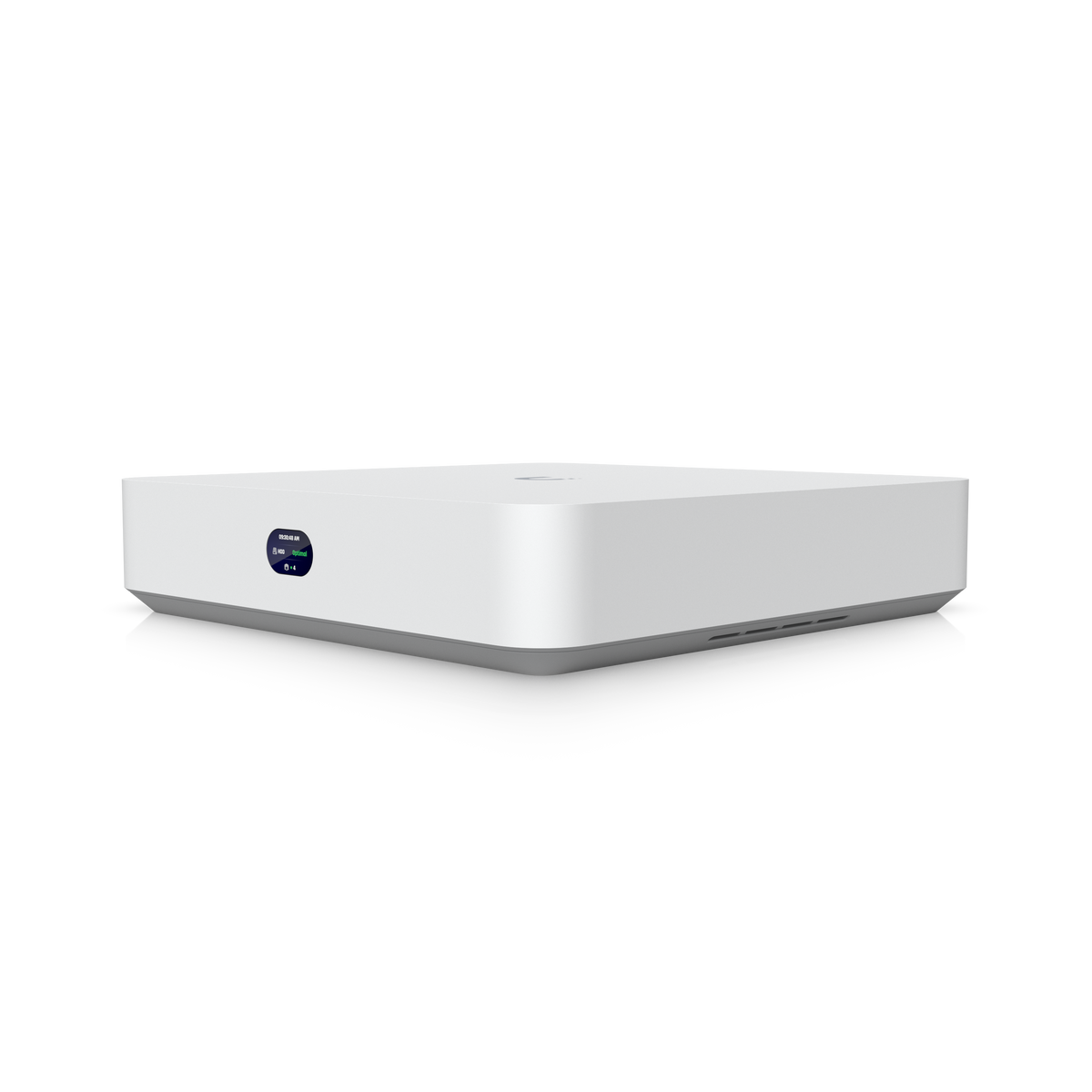
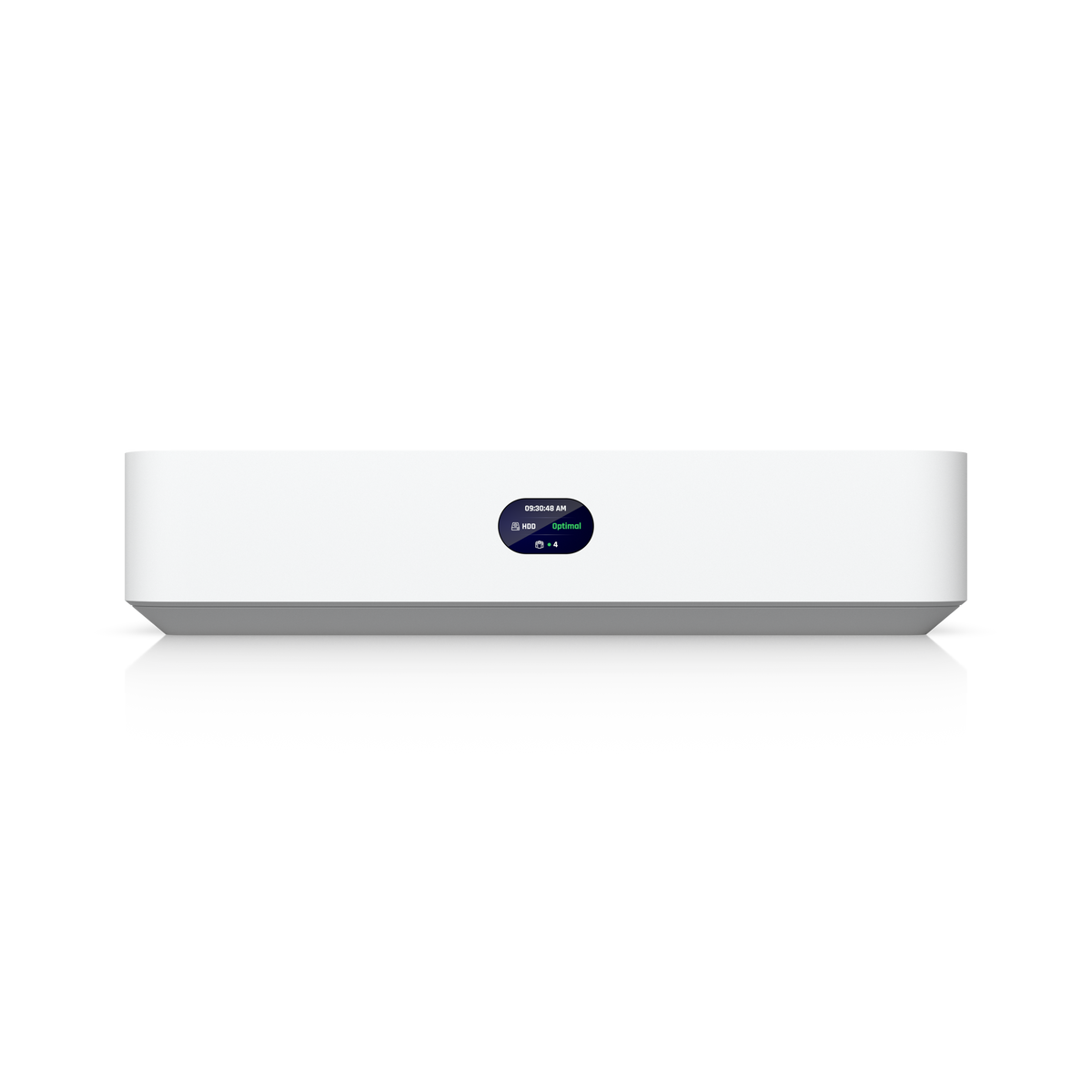
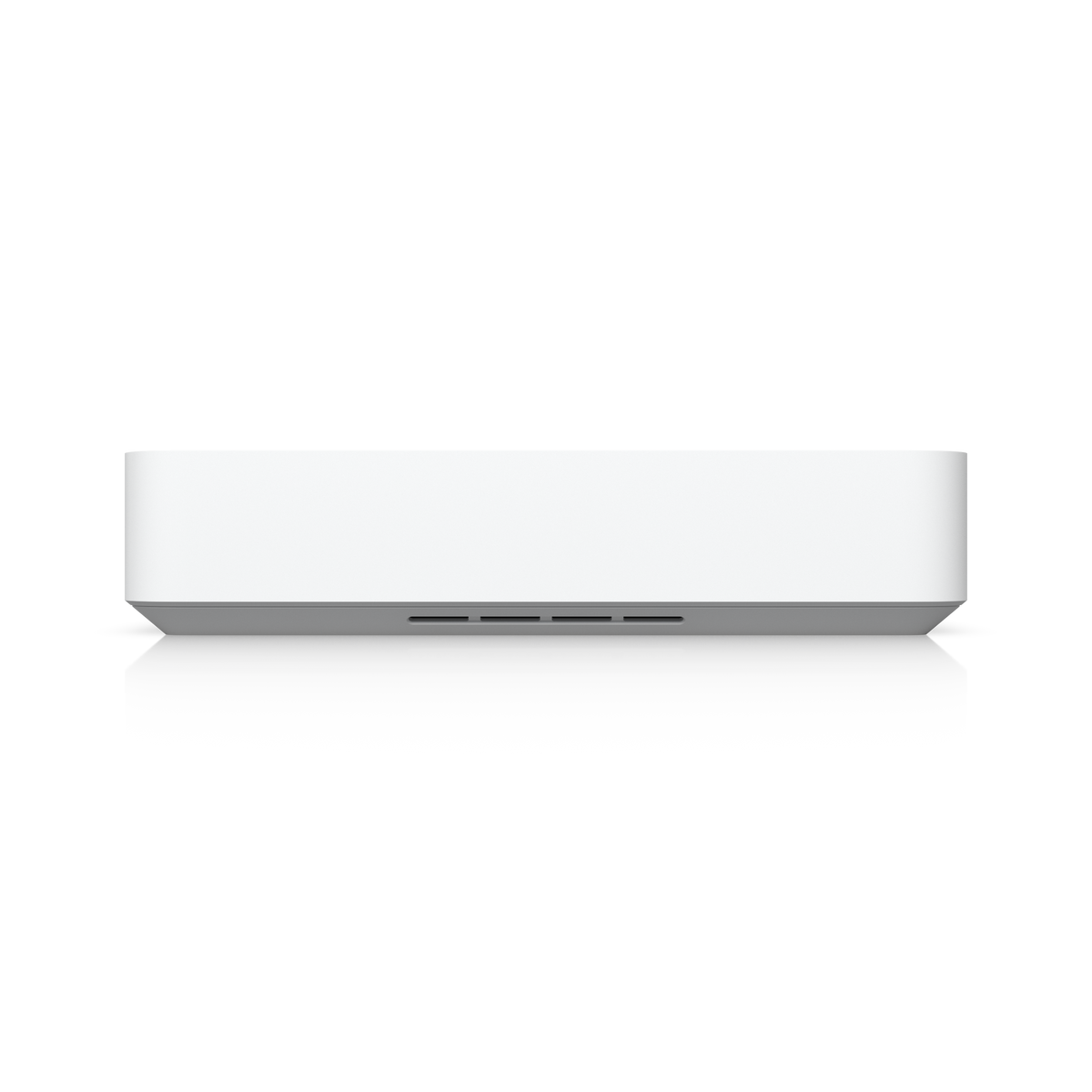
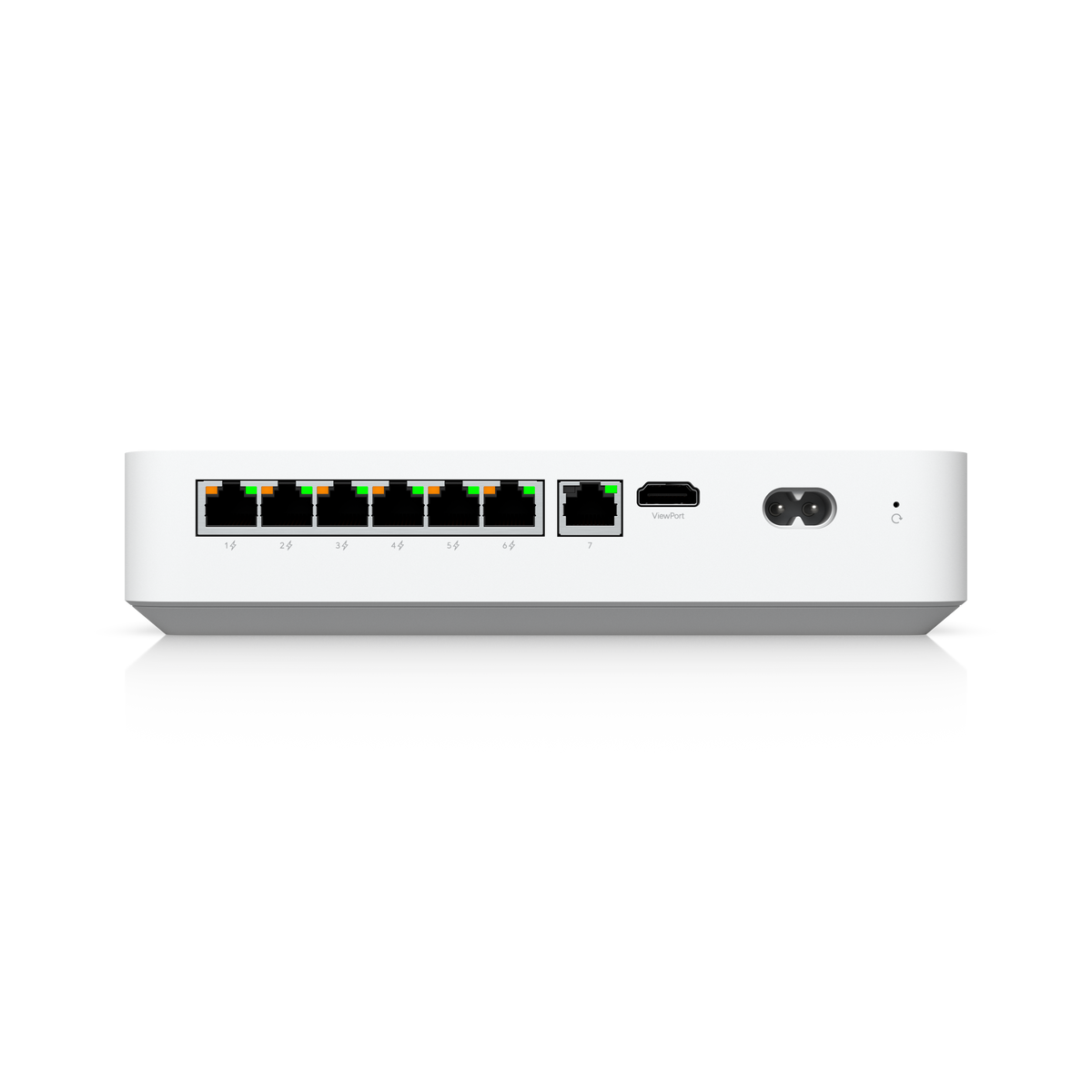
Ubiquiti UniFi Protect NVR
Ubiquiti UniFi Network Video Recorder Instant (UNVR Instant)
The Ubiquiti UNVR Instant is a compact desktop UniFi Protect NVR with one 3.5" drive bay, an integrated 6-port PoE switch and an integrated HDMI Viewport. Ubiquiti rates it to manage up to 15 HD, 8 2K or 6 4K cameras, and the six GbE PoE ports power supported cameras directly. Ubiquiti notes that it requires connection to a Gateway or Layer 3 switch.
Quick Glance
Key Features
Six GbE PoE ports for direct-to-NVR cameras
Six Gigabit PoE RJ45 downlink ports provide power and connectivity for supported cameras, which Ubiquiti says enables direct-to-NVR deployments without extra switching hardware. The PoE budget is 40W, with up to 15.4W per port. A separate GbE RJ45 uplink port connects the recorder to the network.
Up to 15 HD, 8 2K or 6 4K cameras with an HDMI Viewport
Runs UniFi Protect, UniFi Access and UniFi Connect. Ubiquiti rates it for up to 15 HD, 8 2K or 6 4K cameras and 50 Access hubs, with door access support and Vantage Point. The integrated HDMI Viewport connects directly to a display for live monitoring of up to 15 cameras, with up to 6 4K streams at once.
One 3.5" drive bay with data protection
A single 3.5" bay takes an HDD or SSD, with an 11W power budget for the drive, and Ubiquiti lists data protection. A quad-core ARM Cortex-A55 processor at 1.7 GHz and 4 GB of memory run the recorder, and a 1.14" screen sits on the compact polycarbonate body. Drives are chosen and fitted separately.
Detailed Specifications
Specifications are Ubiquiti's own, from its technical specification and store pages for the Network Video Recorder Instant. No hard drive is listed as part of the unit. Camera counts are Ubiquiti's ratings and depend on the camera settings used.
Need-to-Know
- Ubiquiti states the UNVR Instant requires connection to a Gateway or Layer 3 switch. Plan the uplink to one of these as part of the installation.
- Ubiquiti specifies one 3.5" drive bay and lists no drive as part of the UNVR Instant. A hard drive or SSD is chosen and fitted separately - ask AtomOffice which drive suits your recording needs.
- The six PoE ports share a 40W PoE budget, with up to 15.4W on any one port. Check the total draw of the cameras you connect against that budget.
- Camera counts are Ubiquiti's ratings: up to 15 HD, 8 2K or 6 4K cameras. Ubiquiti also notes that Reader Pro and Intercom quantities must be below Protect supported camera limits.
Best For / Customer Benefits
Customer Benefits
- Six GbE PoE ports power supported cameras directly, without a separate PoE switch.
- Integrated HDMI Viewport for live monitoring of up to 15 cameras on a local display.
- Manages up to 15 HD, 8 2K or 6 4K cameras in UniFi Protect, plus UniFi Access door support.
- Compact desktop body with wall and DIN rail mounting included.
- NDAA compliant, with FCC, IC, CE, SRRC and Anatel certifications.
Best For
Frequently Asked Questions
Ubiquiti's specification lists one 3.5" bay for an HDD or SSD and does not list a drive as part of the UNVR Instant. Plan to choose and fit a drive separately; AtomOffice can help you match a drive to the number of cameras and the retention you need.
Ubiquiti rates it to manage up to 15 HD cameras, 8 2K cameras or 6 4K cameras in UniFi Protect. The HDMI Viewport supports live monitoring of up to 15 cameras, and up to 6 4K streams at the same time.
Yes. It has six GbE PoE RJ45 downlink ports that power and connect supported cameras directly, which Ubiquiti says removes the need for extra switching hardware. The PoE budget is 40W in total, with up to 15.4W per port.
No. Ubiquiti notes that the UNVR Instant requires connection to a Gateway or Layer 3 switch through its GbE RJ45 uplink port. It is managed through UniFi Protect, UniFi Access and UniFi Connect.
It is a compact desktop unit measuring 220 x 220 x 47 mm and weighing 1.04 kg. Ubiquiti lists wall and DIN rail mounting as included. It runs from a universal 100–240V AC input with an internal 60W power supply.
Starting a small UniFi Protect system?
Tell us how many cameras you need and how long you want to keep footage, and we will help you pair the UNVR Instant with the right drive and cameras.