



Ubiquiti UniFi 5G Max U5G-Max, 5G NR and LTE Modem, 3.4 Gbps Peak, Dual SIM/eSIM, PoE Powered
U5G-Max
Condition: NEW
- Regular price
-
Dhs. 1,952.07 (exc. Vat) - Regular price
-
(exc. Vat) - Sale price
-
Dhs. 1,952.07 (exc. Vat)
Couldn't load pickup availability
Confirm Availability & Best Price
This model is fulfilled through our verified supplier network. Message us for live stock status and pricing.
Enquire NowGenuine Guarantee
Shop with Confidence: Authentic IT Products from Major Brands.
Shipping information
We offer FREE DELIVERY for order over AED 200. Also no additional Cash on Delivery (COD) fee.
Click here to know more
Returns information
UniFi Integration | 5G Modem
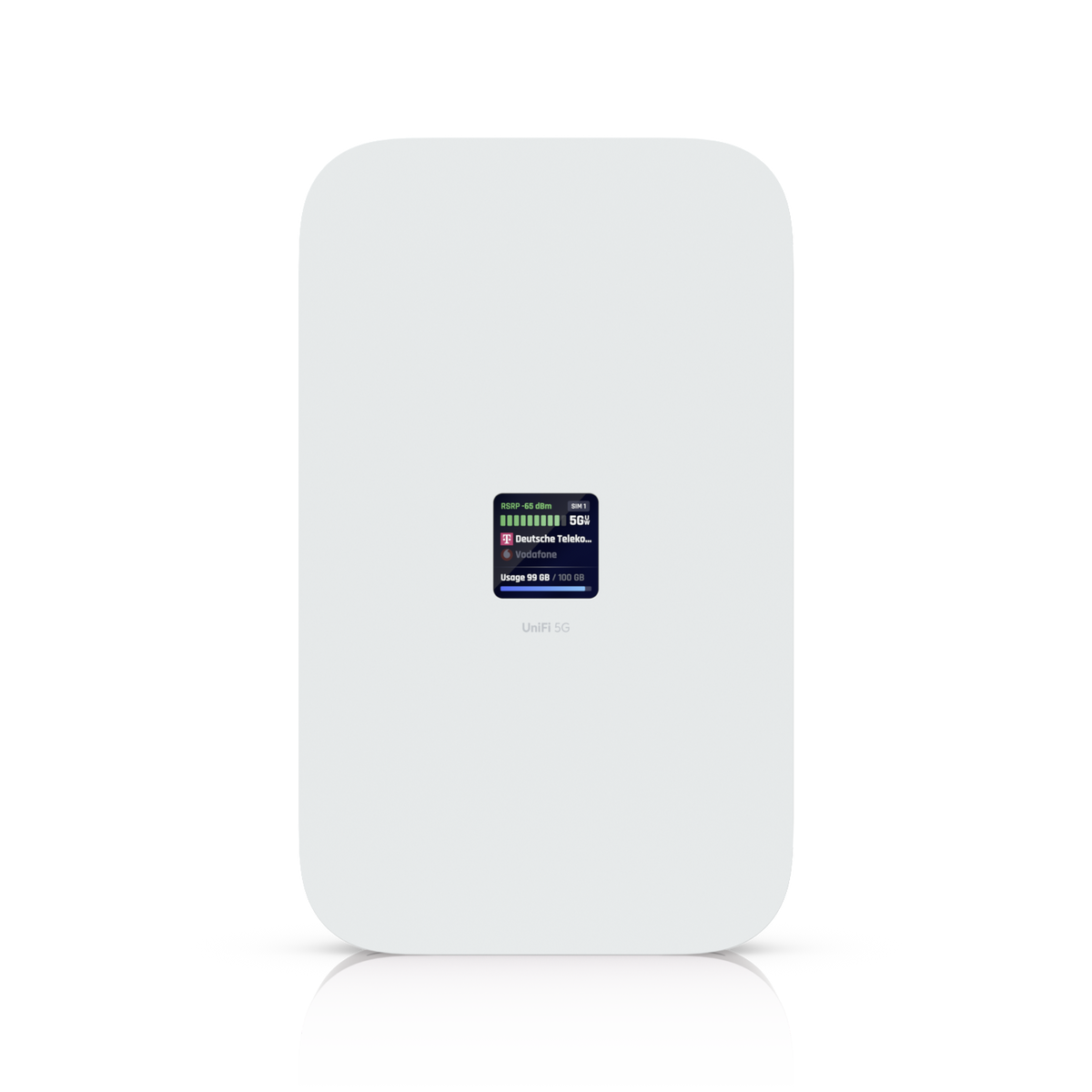
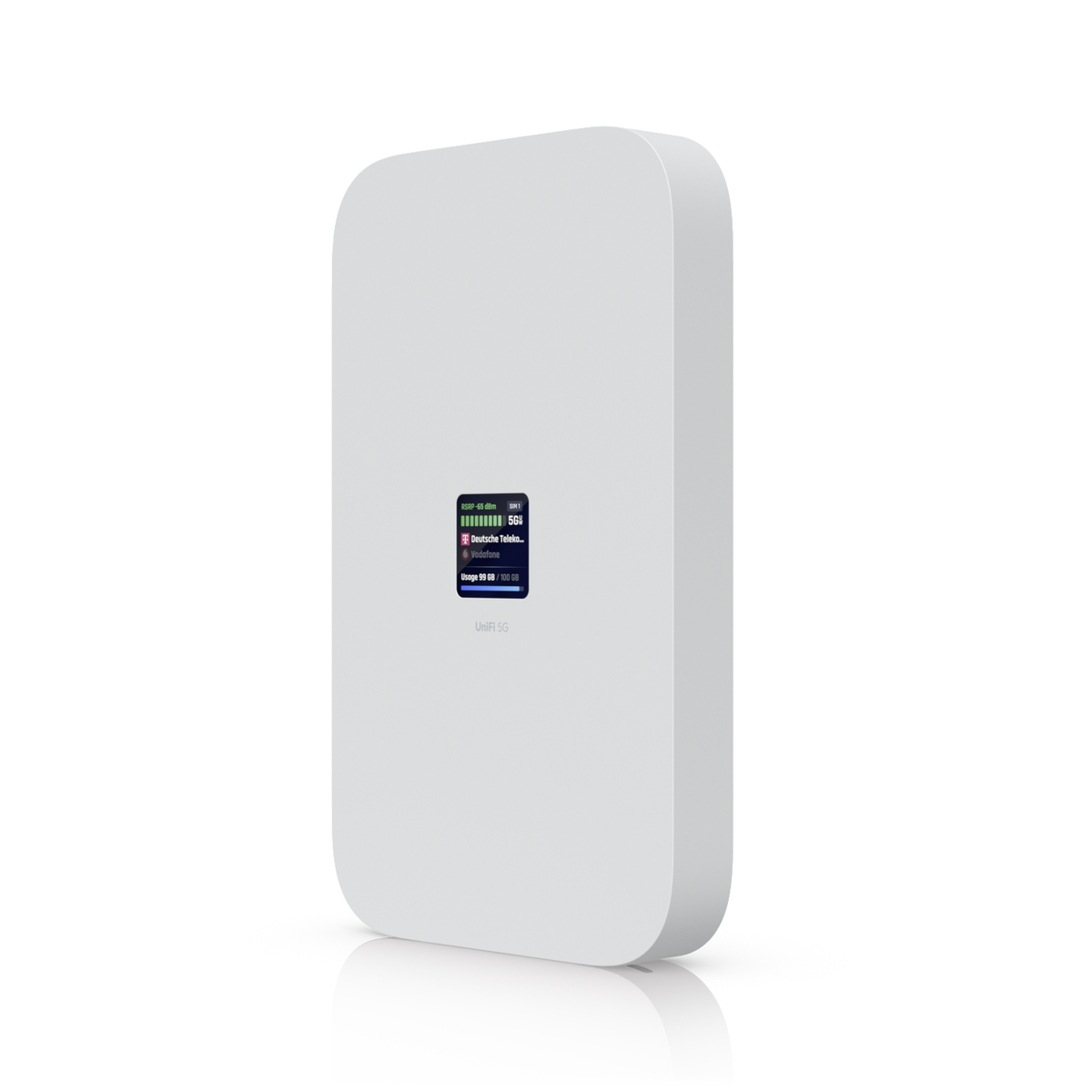
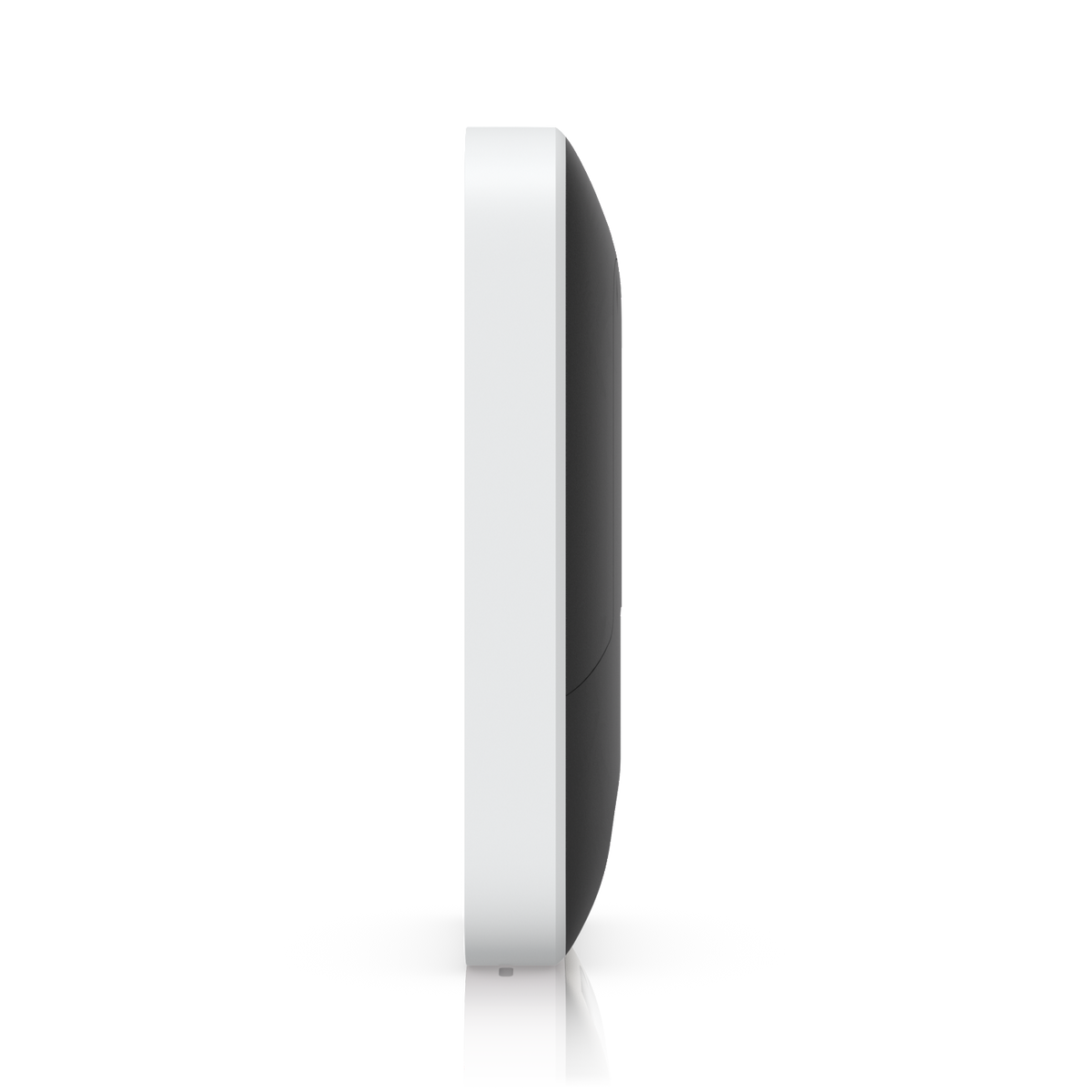
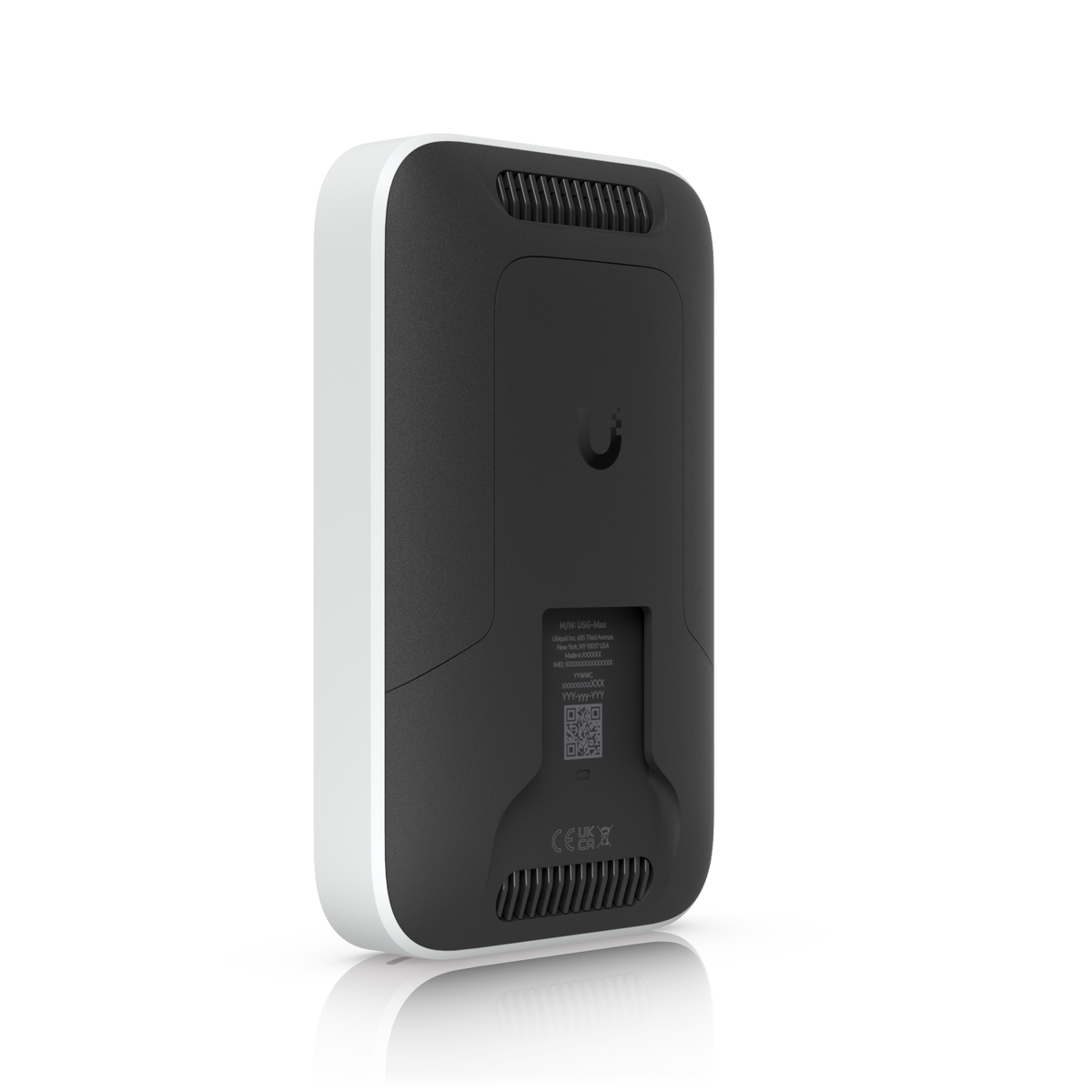
Ubiquiti UniFi 5G Max 5G Modem (U5G-Max)
A 5G NR and LTE modem for any UniFi deployment. It adopts through a UniFi PoE port, is powered over that same single 2.5 GbE RJ45 cable, and gives a UniFi gateway a cellular internet connection with automatic setup and failover. Ubiquiti rates peak 5G NSA speed at 3.4 Gbps downlink, depending on network coverage. Dual SIM (Nano-SIM plus Nano-SIM or eSIM), a 1.3" touchscreen, and desktop stand, wall and window mounts included.
Quick Glance
Key Features
5G and LTE internet with seamless failover
A 5G NR and LTE radio with four embedded cellular antennas. Ubiquiti rates peak speeds at 3.4 Gbps down and 560 Mbps up on 5G NSA, 1.8 Gbps down and 650 Mbps up on 5G SA, and 1.6 Gbps down and 210 Mbps up on 4G LTE; speed depends on network coverage and performance at the device location.
One PoE cable, automatic UniFi adoption
Adopts instantly through any UniFi PoE port and is powered over its single 2.5 GbE RJ45 port, drawing 14.5W at most. Ubiquiti describes automatic setup and seamless failover, managed in UniFi Network version 10.0.162 and later. An alternative internet connection is needed to update the console before adoption.
Dual SIM/eSIM and flexible mounting
Takes one Nano-SIM plus a second Nano-SIM or an eSIM; Nano-SIM 2 cannot be used while an eSIM is active. A 1.3" touchscreen shows status, and the desktop stand, wall mount and window mount are included. IK04 tamper resistance, polycarbonate and aluminium alloy enclosure, 410 g device weight.
Detailed Specifications
Specifications are from Ubiquiti's official technical specifications for the UniFi 5G Max (U5G-Max). Peak data speeds are Ubiquiti's figures and depend on network coverage and performance at the device location.
Need-to-Know
- The UniFi 5G Max is a cellular modem, not a gateway. It adopts into an existing UniFi deployment through a UniFi PoE port and needs a UniFi console or Cloud Gateway to manage it.
- UniFi Network version 10.0.162 or later is required. Ubiquiti states that an alternative internet connection, such as a standard ISP line, is needed to update the console before the U5G-Max is adopted.
- Power comes from the PoE input on the 2.5 GbE RJ45 port, at up to 14.5W. Ubiquiti lists no power adapter for it and does not state a PoE class.
- Peak speeds are Ubiquiti's figures and depend on network coverage and performance at the device location. Check that your mobile operator uses one of the 5G NR or LTE bands Ubiquiti lists before ordering.
- With an eSIM active, the second Nano-SIM slot cannot be used. Ubiquiti's 410 g weight is for the device alone; the stand and mounts are listed separately.
Best For / Customer Benefits
Customer Benefits
- Adds 5G or LTE internet to a UniFi network through one PoE cable, with no separate power adapter.
- Automatic setup and seamless failover inside the UniFi Network application.
- Dual SIM with eSIM support for a second operator or plan.
- Desktop stand, wall mount and window mount are included for placing it where the signal is strongest.
Best For
Frequently Asked Questions
It is a 5G NR and LTE modem that gives a UniFi deployment a cellular internet connection. Ubiquiti describes automatic setup and seamless failover once it is adopted through a UniFi PoE port, so it can serve as a primary or backup internet line for the UniFi gateway.
Ubiquiti lists peak speeds of 3.4 Gbps down and 560 Mbps up on 5G NSA, 1.8 Gbps down and 650 Mbps up on 5G SA, and 1.6 Gbps down and 210 Mbps up on 4G LTE. Ubiquiti notes that speed depends on network coverage and performance at the device location.
By PoE through its single 2.5 GbE RJ45 port, with a maximum power consumption of 14.5W. The same cable carries data to the UniFi network, so it can be mounted near a window for better signal and cabled back to a UniFi PoE port.
One Nano-SIM plus a second Nano-SIM or an eSIM. Ubiquiti notes that Nano-SIM 2 cannot be used when an eSIM is active.
A UniFi console or Cloud Gateway running UniFi Network version 10.0.162 or later, and a UniFi PoE port. Ubiquiti states that an alternative internet connection, such as a standard ISP or WAN line, is required to update the console before the U5G-Max is adopted.
Adding cellular internet to your UniFi network?
Tell us about your UniFi gateway, your mobile operator and where the unit will sit, and we will confirm whether the UniFi 5G Max fits your setup.