



Ubiquiti Access Point U6 Enterprise In-Wall U6-Enterprise-IW, WiFi 6E with 6 GHz, 4-Port GbE Switch, 2.5 GbE PoE+
U6-Enterprise-IW
Condition: NEW
- Regular price
-
Dhs. 1,112.75 (exc. Vat) - Regular price
-
(exc. Vat) - Sale price
-
Dhs. 1,112.75 (exc. Vat)
Couldn't load pickup availability
Confirm Availability & Best Price
This model is fulfilled through our verified supplier network. Message us for live stock status and pricing.
Enquire NowGenuine Guarantee
Shop with Confidence: Authentic IT Products from Major Brands.
Shipping information
We offer FREE DELIVERY for order over AED 200. Also no additional Cash on Delivery (COD) fee.
Click here to know more
Returns information
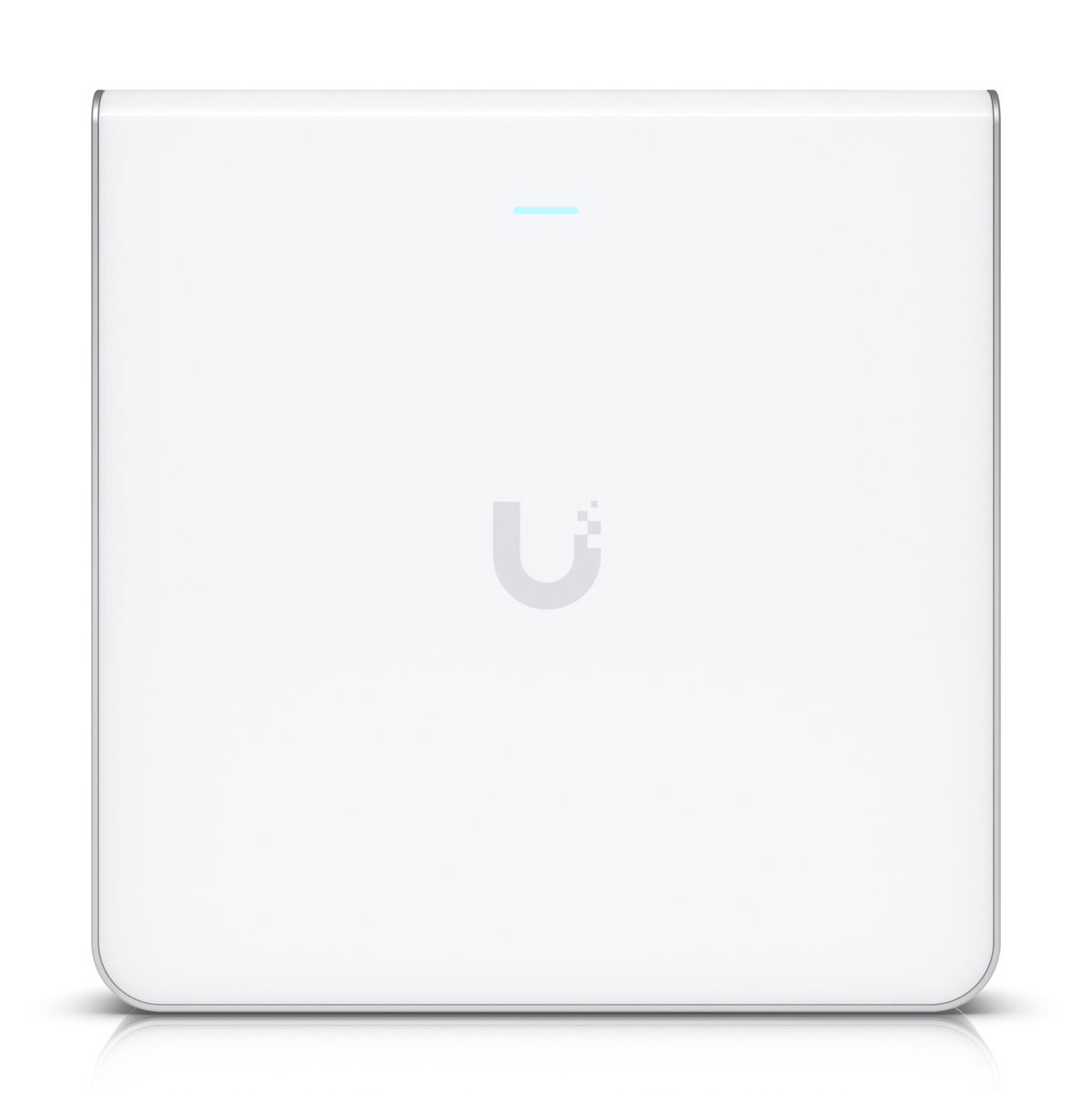
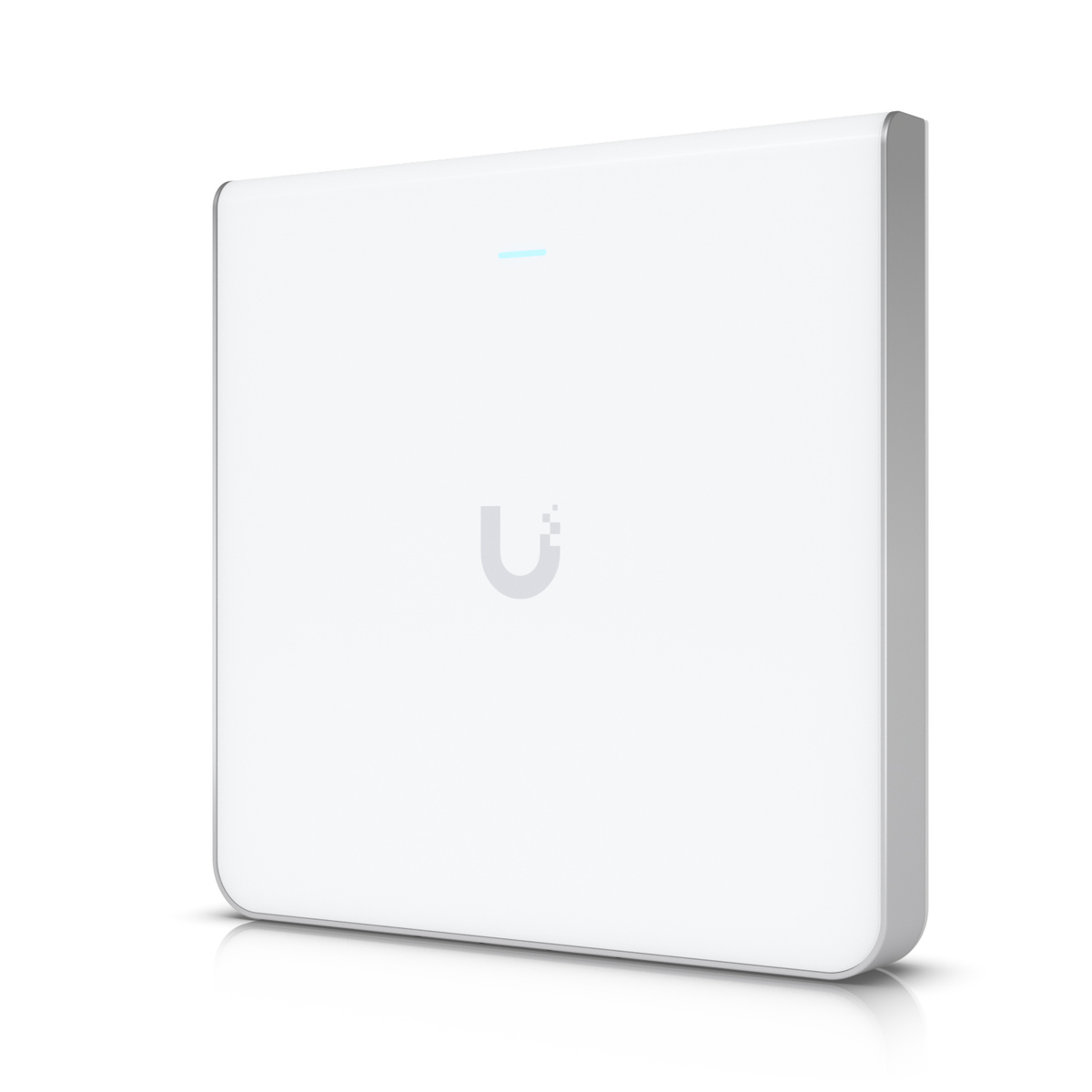
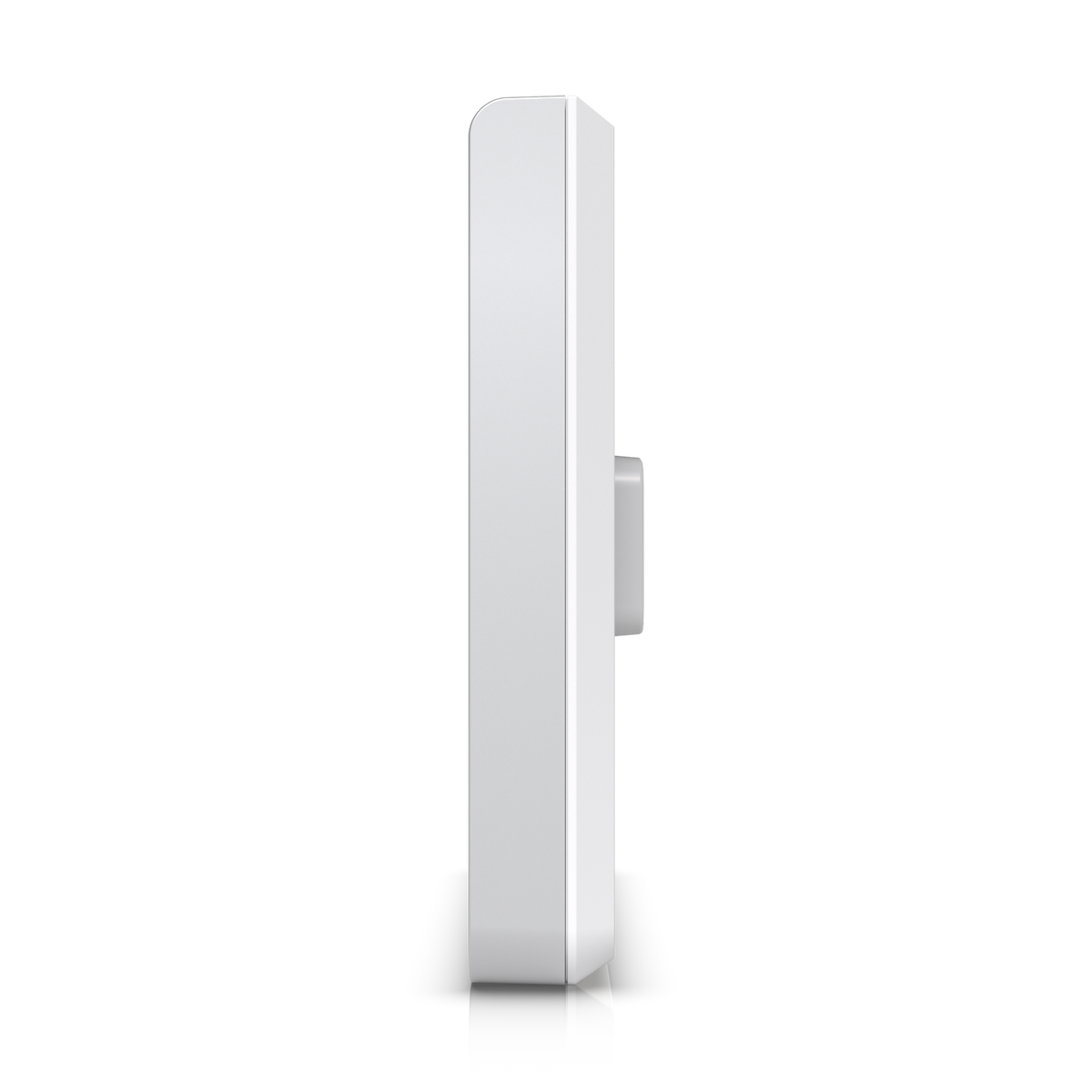
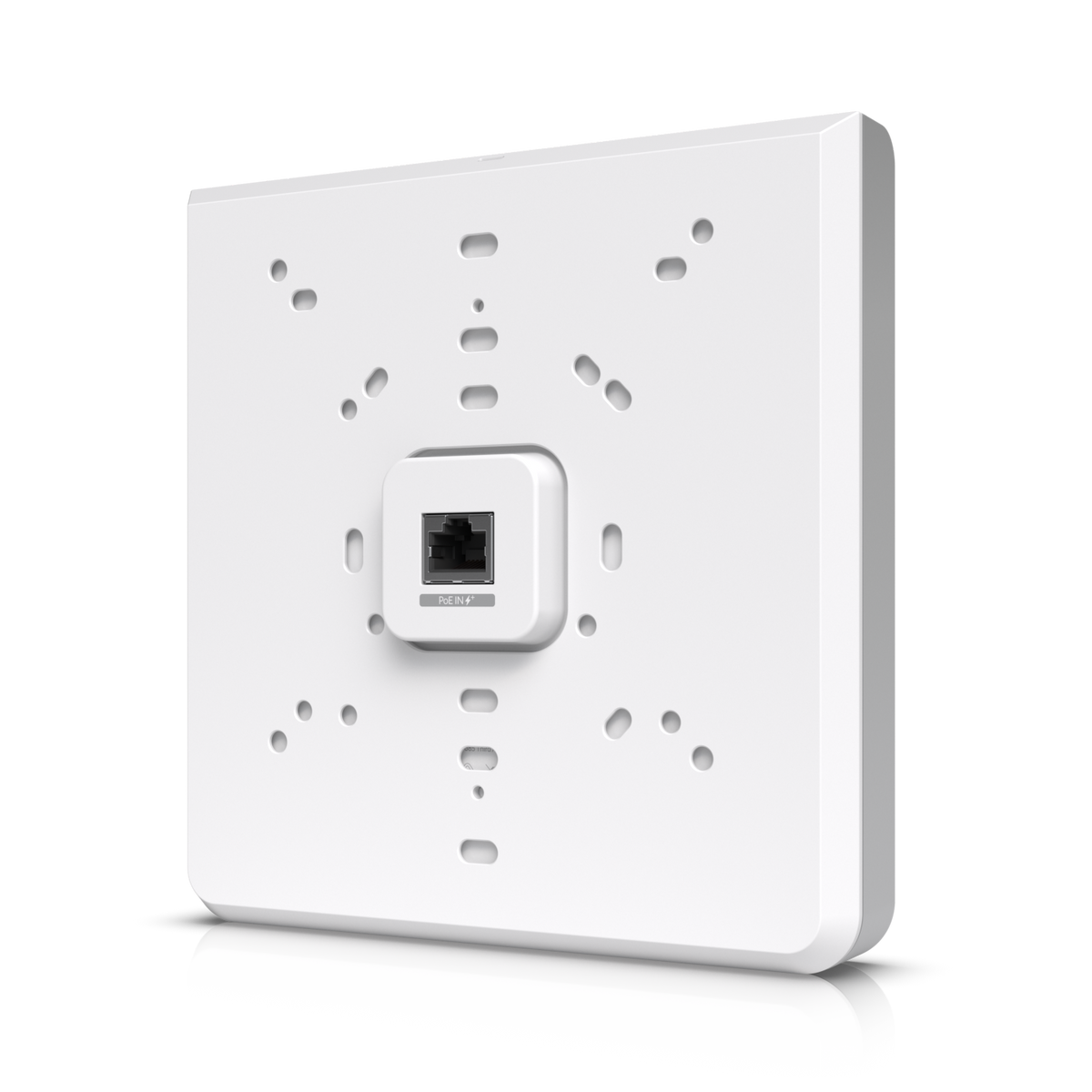
UniFi WiFi 6E In-Wall Access Point
Ubiquiti UniFi U6 Enterprise In-Wall WiFi 6E Access Point
The Ubiquiti U6 Enterprise In-Wall is a wall-mounted WiFi 6E access point with 10 spatial streams, 6 GHz support and a built-in 4-port switch, designed for high-density office networks. It covers up to 115 m² (1,250 ft²), handles 600+ connected devices, connects over a 2.5 GbE uplink and is powered by PoE+ or PoE++. One of its four GbE ports gives PoE output when it is powered by PoE++.
Quick Glance
Key Features
WiFi 6E with 10 spatial streams and 6 GHz
Ten spatial streams split as 4 x 4 MU-MIMO on 6 GHz, 4 x 4 on 5 GHz and 2 x 2 on 2.4 GHz. Ubiquiti rates the maximum data rate at 4.8 Gbps on 6 GHz and on 5 GHz (BW160), and 573.5 Mbps on 2.4 GHz (BW40). 6 GHz operation depends on the country.
Built-in 4-port switch with one PoE output
One 1/2.5 GbE RJ45 data-in port and four GbE RJ45 data-out ports, so the wall plate also feeds wired devices in the room. One of the four ports supplies PoE output; Ubiquiti states PoE++ input is required for that single-port PoE output. Without PoE output it runs on PoE+.
Made for high-density offices
Rated for 600+ connected devices and 115 m² (1,250 ft²) of coverage, with up to 8 BSSIDs per radio. Managed in the UniFi Network application (version 6.0.45 and later), with band steering, fast roaming (802.11r/k/v), wireless meshing, guest hotspot portals, PPSK and RADIUS-assigned VLANs.
Detailed Specifications
All specifications are Ubiquiti's own, from its official tech specs and store pages for the Access Point U6 Enterprise In-Wall (U6-Enterprise-IW). 6 GHz operation depends on the country and local regulations. PoE++ input is required for the single-port PoE output.
Need-to-Know
- 6 GHz operation is supported only in the countries Ubiquiti lists, so 6 GHz availability depends on the country and its local regulations. The 2.4 GHz and 5 GHz bands are not affected by this note.
- The access point runs on PoE+ or PoE++ through its 2.5 GbE data-in port. Ubiquiti states PoE++ input is required for the single-port PoE output on the built-in switch, so feed it from a PoE++ source if you want to power a device from it.
- Ubiquiti gives the maximum power consumption as 21W excluding PoE output, and lists no power adapter as included.
- Managing the U6 Enterprise In-Wall needs the UniFi Network application, version 6.0.45 or later.
Best For / Customer Benefits
Customer Benefits
- WiFi 6E on three bands with 10 spatial streams and up to 4.8 Gbps on 6 GHz and 5 GHz
- A built-in 4-port GbE switch, one port with PoE output when fed by PoE++
- A 2.5 GbE uplink so the wired side keeps up with the wireless side
- Rated for 600+ connected devices in high-density offices
- Guest portals, PPSK, RadSec and RADIUS-assigned VLANs for managed networks
Best For
Frequently Asked Questions
It supports 6 GHz, but Ubiquiti limits 6 GHz operation to the countries on its own supported list, and availability depends on local regulations. Ubiquiti's spec also notes that worldwide operating frequencies depend on the regulatory region. Contact us before ordering if 6 GHz is essential; the 2.4 GHz and 5 GHz bands work regardless.
Ubiquiti lists PoE+ and PoE++ as power methods. PoE++ input is required for the single-port PoE output on its built-in switch; without that output, PoE+ is enough. Maximum power consumption is 21W excluding PoE output, over a 44–57V DC range. Ubiquiti lists no power adapter as included.
The built-in switch has four GbE RJ45 data-out ports, one of which provides PoE output when the access point itself is powered by PoE++. That lets one cable to the wall feed the access point plus wired devices in the room.
Ubiquiti rates one U6 Enterprise In-Wall for 600+ connected devices and a coverage area of 115 m² (1,250 ft²). Real coverage depends on walls and interference, so larger offices usually plan several access points managed together in UniFi Network.
On a wall, with the mount included; Ubiquiti lists the mount material as aluminum. The access point measures 159.7 x 156.7 x 33.8 mm and weighs 884 g.
Planning a U6 Enterprise In-Wall rollout?
Tell us the rooms, users and wired devices you need to connect, and we will help you work out how many access points and which PoE+ or PoE++ ports you need.