



TP-Link 10/100 Mbps Desktop Switch, 5 or 8 Ports, Unmanaged Plug and Play, Plastic Case, Fanless
TL-SF1005D
Condition: NEW
- Regular price
-
Dhs. 23.93 (exc. Vat) - Regular price
-
(exc. Vat) - Sale price
-
Dhs. 23.93 (exc. Vat)
Couldn't load pickup availability
Confirm Availability & Best Price
This model is fulfilled through our verified supplier network. Message us for live stock status and pricing.
Enquire NowGenuine Guarantee
Shop with Confidence: Authentic IT Products from Major Brands.
Shipping information
We offer FREE DELIVERY for order over AED 200. Also no additional Cash on Delivery (COD) fee.
Click here to know more
Returns information


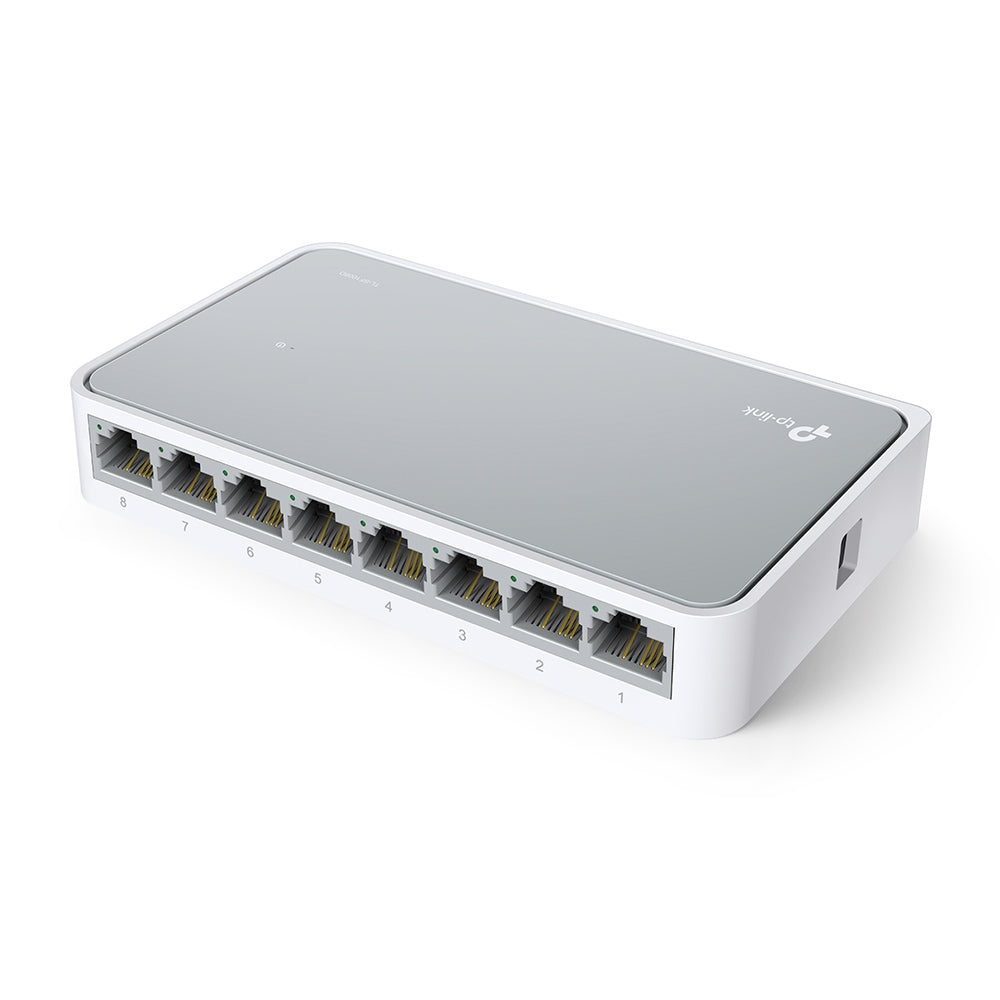
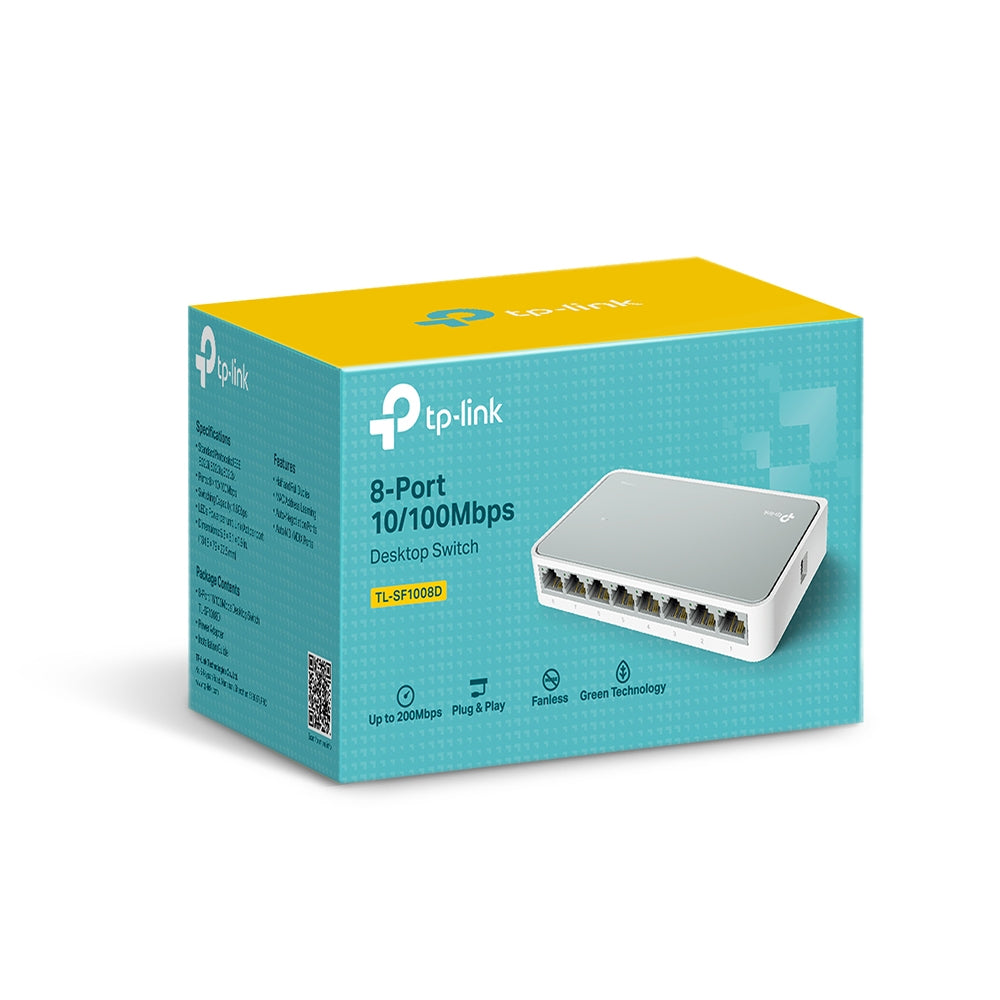
TP-Link unmanaged 10/100 Mbps desktop switches
TP-Link TL-SF1005D and TL-SF1008D 10/100 Mbps Desktop Switches
TL-SF1005D and TL-SF1008D are plug-and-play 10/100 Mbps desktop switches for home and small office networks. TL-SF1005D has five RJ45 ports and TL-SF1008D has eight. Both use auto-negotiation and Auto MDI/MDIX on every port, a plastic case and a fanless design, and need no configuring. They are Fast Ethernet (10/100 Mbps) switches, not Gigabit. Use the comparison table to choose the port count and compare size and power use.
Quick Glance
Key Features
5 or 8 Fast Ethernet ports
TL-SF1005D has 5 and TL-SF1008D has 8 10/100 Mbps Auto-Negotiation RJ45 ports. Every port supports Auto MDI/MDIX, so crossover cables and uplink ports are not needed. Non-blocking switching forwards packets at full wire speed, and a 2K jumbo frame is listed in TP-Link's overview copy.
Plug and play, flow control
Install the switch and connect devices; no configuring is required. Auto-negotiation senses the speed of each device (10 or 100 Mbps). IEEE 802.3x flow control for full duplex and backpressure for half duplex ease traffic congestion. Full duplex gives up to 200 Mbps per port.
Compact, fanless, Green Technology
The plastic desktop case is 103.5 × 70 × 22 mm on TL-SF1005D and 134.5 × 79 × 22.5 mm on TL-SF1008D, with no fan. Green Technology saves power: maximum consumption is 1.87 W for TL-SF1005D and 2.05 W for TL-SF1008D (220 V/50 Hz). An external power adapter is included.
Detailed Specifications
Specifications are taken from TP-Link's UAE product page for each model (TL-SF1005D hardware version V16, TL-SF1008D V11). Where a figure differs between the two switches it is shown per model. Rows that TP-Link does not list are left out rather than assumed.
Need-to-Know
TL-SF1005D is the smaller 5-port switch and TL-SF1008D adds three ports in a slightly larger case. Choose by how many wired devices you need to connect.
- These are unmanaged Fast Ethernet switches. Ports run at 10 or 100 Mbps, not 1 Gbps, and TP-Link lists no management interface.
- TP-Link's spec tables are for hardware versions V16 (TL-SF1005D) and V11 (TL-SF1008D). If you need a specific hardware version, ask us before ordering.
- TP-Link's two tables do not list the same rows: LED, standards, data rate and buffer size appear for TL-SF1008D only, so no comparison is made on those.
| Part Number | 10/100 Mbps RJ45 ports | Dimensions (W × D × H) | Max. power consumption | Max. heat dissipation | Storage temperature |
|---|---|---|---|---|---|
| TL-SF1005D | 5 | 103.5 × 70 × 22 mm | 1.87 W | 6.38 BTU/h | -40–60 °C (-40–140 °F) |
| TL-SF1008D | 8 | 134.5 × 79 × 22.5 mm | 2.05 W | 6.99 BTU/h | -40–70 °C (-40–158 °F) |
Both are unmanaged and fanless with a plastic desktop case, an external power adapter (5.0 V DC / 0.6 A), Green Technology, 802.3X flow control with back pressure, and FCC and CE certification.
Best For / Customer Benefits
Customer Benefits
- Two port counts on one page, so you can compare 5 and 8 ports and pick the one that fits.
- Plug-and-play setup with auto-negotiation and Auto MDI/MDIX on every port.
- A compact plastic desktop case with a fanless design and low power draw.
- Our team can help you choose the right switch for your home or office network.
Best For
Frequently Asked Questions
TL-SF1005D has five 10/100 Mbps ports and TL-SF1008D has eight. TL-SF1008D is slightly larger (134.5 × 79 × 22.5 mm against 103.5 × 70 × 22 mm) and lists a higher maximum power consumption (2.05 W against 1.87 W).
No. All ports are 10/100 Mbps Fast Ethernet. They suit basic wired devices. If you need 1 Gbps ports, ask us about a Gigabit switch instead.
No. TP-Link describes both as plug and play with no configuring required. Auto-negotiation on each port senses the speed of the connected device, and Auto MDI/MDIX removes the need for crossover cables.
No. TP-Link lists both switches as fanless in a plastic desktop case. Maximum power consumption is 1.87 W for TL-SF1005D and 2.05 W for TL-SF1008D, and an external power adapter is included.
Need help choosing a desktop switch?
Tell us how many wired devices you need to connect and we will help you choose between the 5-port and 8-port models.