



TP-Link Omada Hardware Controller, Manage up to 1,000 Omada Access Points, PoE or Rack Options
OC200
Condition: NEW
- Regular price
-
Dhs. 311.55 (exc. Vat) - Regular price
-
(exc. Vat) - Sale price
-
Dhs. 311.55 (exc. Vat)
Couldn't load pickup availability
Confirm Availability & Best Price
This model is fulfilled through our verified supplier network. Message us for live stock status and pricing.
Enquire NowGenuine Guarantee
Shop with Confidence: Authentic IT Products from Major Brands.
Shipping information
We offer FREE DELIVERY for order over AED 200. Also no additional Cash on Delivery (COD) fee.
Click here to know more
Returns information


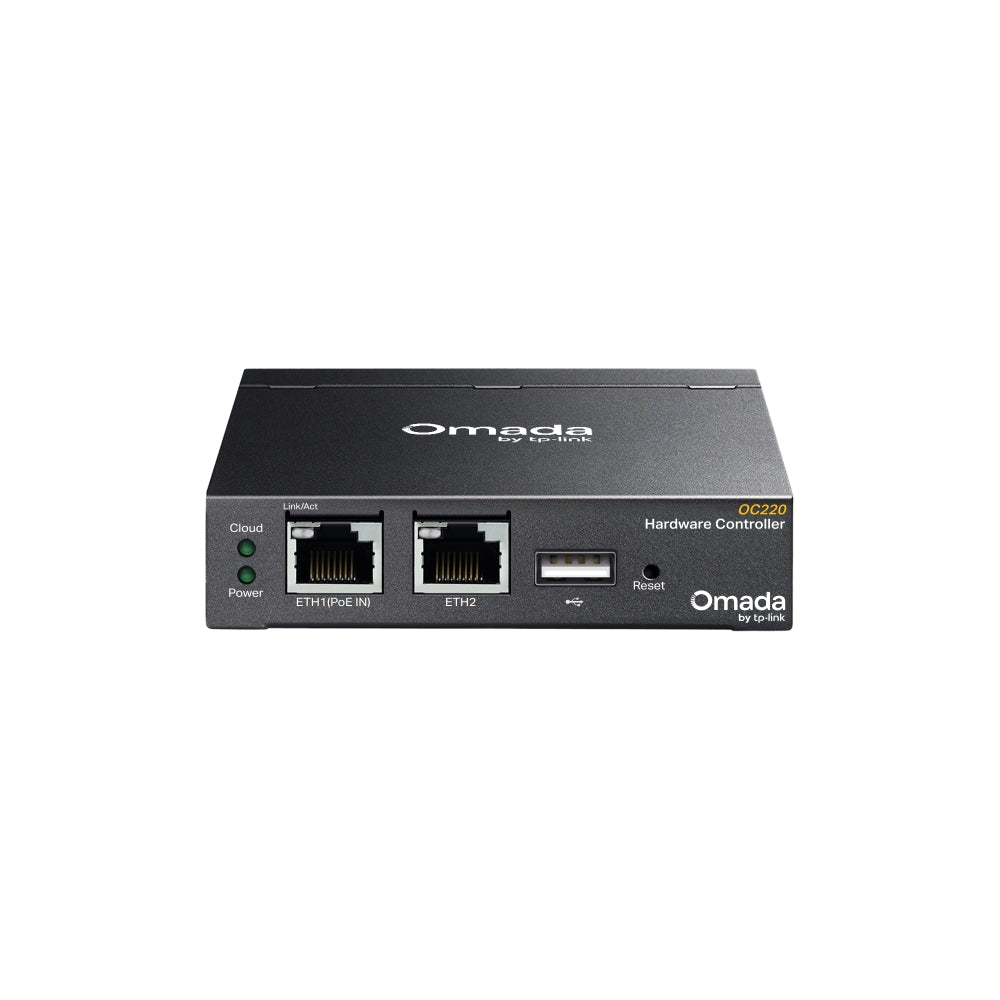

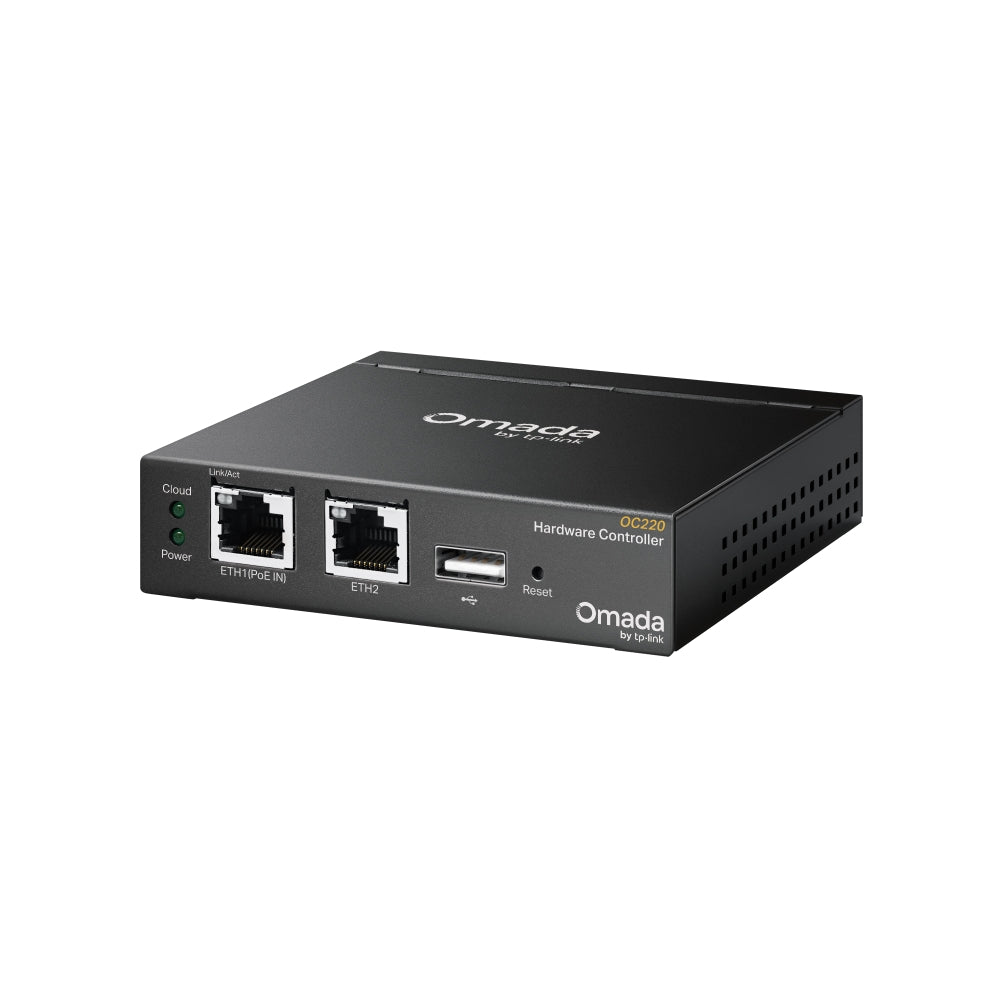


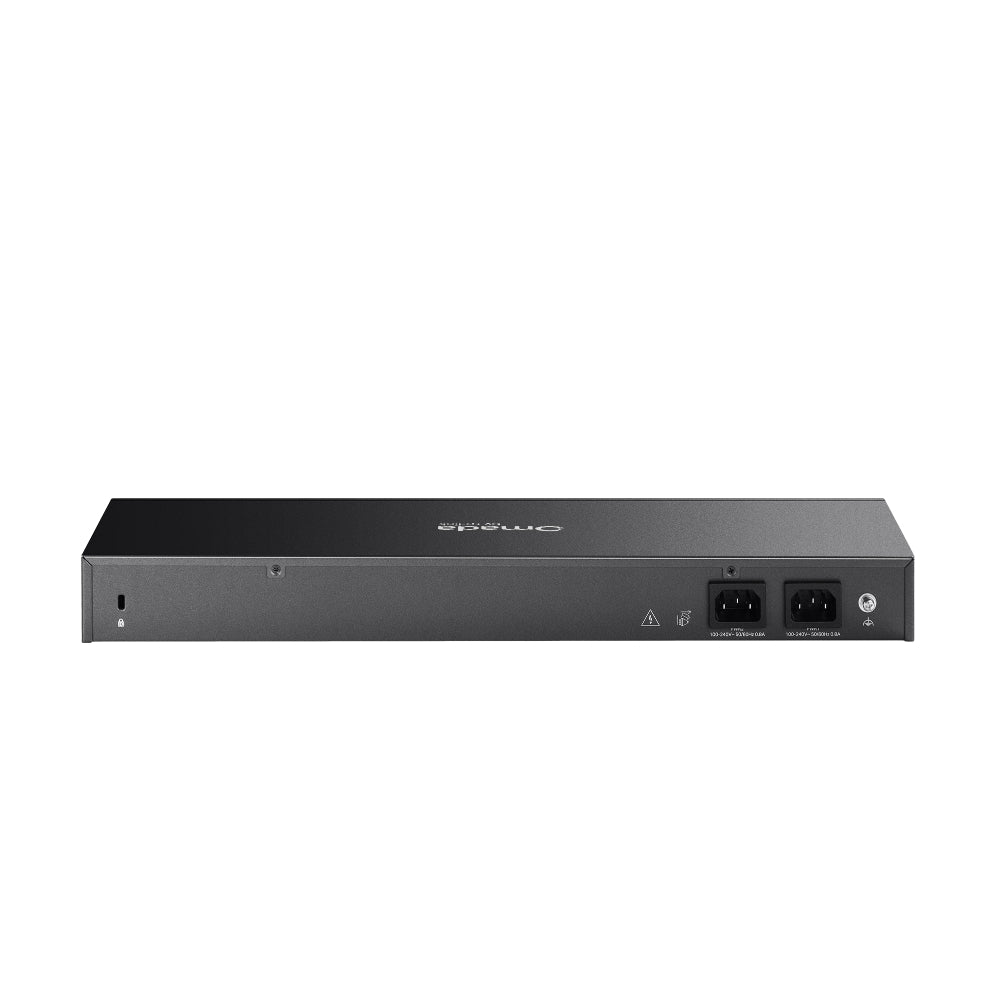


TP-Link Omada hardware controllers
Omada Hardware Controllers OC200, OC220, OC300 and OC400
An Omada hardware controller gives you centralized management for Omada access points, switches and gateways. This page covers four sizes. OC200 and OC220 are compact units that run on PoE or Micro USB power. OC300 is a larger unit that ships with a rackmount kit. OC400 manages up to 1,000 access points and adds 10G SFP+ ports. Use the comparison table to match the controller to the number of devices you need to manage.
Quick Glance
Key Features
From 100 to 1,000 access points
OC200 manages up to 100 Omada access points, 20 switches and 10 routers. OC220 manages 100 access points, 10 gateways and 20 switches. OC300 steps up to 500 access points, 100 gateways and 100 switches. OC400 reaches 1,000 access points, 100 gateways and 200 switches.
Cloud Access, app and multi-site
All four controllers list the Omada App, Cloud Access and Multi-site Management. OC200, OC220 and OC300 also list L3 Management, Automatic Device Discovery, Batch Configuration, Batch Firmware Upgrading and Captive Portal Configuration. OC400 adds multi-tenant management, backup and restore, and DPI and IPS/IDS monitoring.
Power and mounting to suit the site
OC200 and OC220 measure 100 × 98 × 25 mm and run on PoE or Micro USB power. OC300 and OC400 run on 100–240 V and come with a power cord and rackmount kit. OC400 also has two internal fixed power supplies, four Gigabit RJ45 ports and two 10G SFP+ ports.
Detailed Specifications
Specifications are taken from TP-Link's UAE product page for each model. Where a figure differs between models it is shown per model. Rows that TP-Link does not list for a model are left out rather than assumed.
Need-to-Know
OC200 and OC220 suit smaller sites and run on PoE or Micro USB power. OC300 and OC400 are larger units with a rackmount kit; OC300 manages up to 500 access points and OC400 up to 1,000.
- TP-Link publishes a list of the Omada devices each controller supports. Check your access points, switches and gateways against that list before you order.
- On OC220 and OC300, each DeltaStream GPON OLT you add reduces the number of switches the controller can manage, by five per OLT.
- Certification: TP-Link lists CE and FCC for all four controllers.
| Part Number | Ethernet and uplink | USB and console | Power | Managed devices (maximum) |
|---|---|---|---|---|
| OC200 | 2× 10/100 Mbps Ethernet | 1× USB 2.0, 1× Micro USB | 802.3af/at PoE or Micro USB (5 V DC, 1 A minimum) | 100 access points, 20 switches, 10 routers |
| OC220 | 2× Gigabit Ethernet | 1× USB 2.0, 1× Micro USB | 802.3af PoE or Micro USB (5 V DC, 1 A minimum) | 100 access points, 10 gateways, 20 switches |
| OC300 | 2× 10/100/1000 Mbps Ethernet | 1× USB 3.0 | 100–240 V, 50/60 Hz, 0.6 A | 500 access points, 100 gateways, 100 switches |
| OC400 | 2× 10G SFP+, 4× Gigabit RJ45 | 2× USB 3.0, 1× Gigabit console | 100–240 V, 50/60 Hz, 2× internal fixed power supplies | 1,000 access points, 100 gateways, 200 switches |
All four list the Omada App, Cloud Access and Multi-site Management, and CE and FCC certification.
Best For / Customer Benefits
Customer Benefits
- Four controller sizes on one page, so you can compare device limits, ports and power options before you choose.
- Cloud Access, the Omada App and multi-site management are listed for all four models.
- Compact PoE or Micro USB controllers for smaller sites, and controllers with a rackmount kit for larger ones.
- Our team can help you match a controller to your Omada access points, switches and gateways.
Best For
Frequently Asked Questions
Match the controller to how many devices you manage. OC200 and OC220 each manage up to 100 access points. OC300 manages up to 500 access points and OC400 up to 1,000. Check the switch and gateway limits in the comparison table as well.
Both are 100 × 98 × 25 mm and run on PoE or Micro USB. OC200 has 2× 10/100 Mbps Ethernet ports and accepts 802.3af/at PoE. OC220 has 2× Gigabit Ethernet ports and lists 802.3af PoE. TP-Link lists a wider operating temperature range for OC220: -5 to 50 ℃ against 0 to 40 ℃.
Yes. TP-Link lists Micro USB power (DC 5 V, minimum 1 A) for both. TP-Link's package list for each covers the controller, a Quick Installation Guide and an Ethernet cable only, so a USB power source is separate.
OC400 lists 1,000 access points and 200 switches against 500 and 100 on OC300. It has two 10G SFP+ ports, four Gigabit RJ45 ports, a Gigabit console port, two internal fixed power supplies, multi-tenant management and DPI and IPS/IDS monitoring.
TP-Link's package lists show a Rackmount Kit and a power cord for OC300 and OC400. OC200 and OC220 are listed with a Quick Installation Guide and an Ethernet cable only.
Not sure which Omada controller fits your network?
Tell us how many access points, switches and gateways you run and we will help you choose between OC200, OC220, OC300 and OC400.