



TP-Link Omada ES206XPP-M2 Easy Managed PoE++ Switch, 5× 2.5 Gbps Ports, 10 Gbps SFP+, 120 W PoE Budget
ES206XPP-M2
Condition: NEW
- Regular price
-
Dhs. 929.07 (exc. Vat) - Regular price
-
(exc. Vat) - Sale price
-
Dhs. 929.07 (exc. Vat)
Couldn't load pickup availability
Confirm Availability & Best Price
This model is fulfilled through our verified supplier network. Message us for live stock status and pricing.
Enquire NowGenuine Guarantee
Shop with Confidence: Authentic IT Products from Major Brands.
Shipping information
We offer FREE DELIVERY for order over AED 200. Also no additional Cash on Delivery (COD) fee.
Click here to know more
Returns information
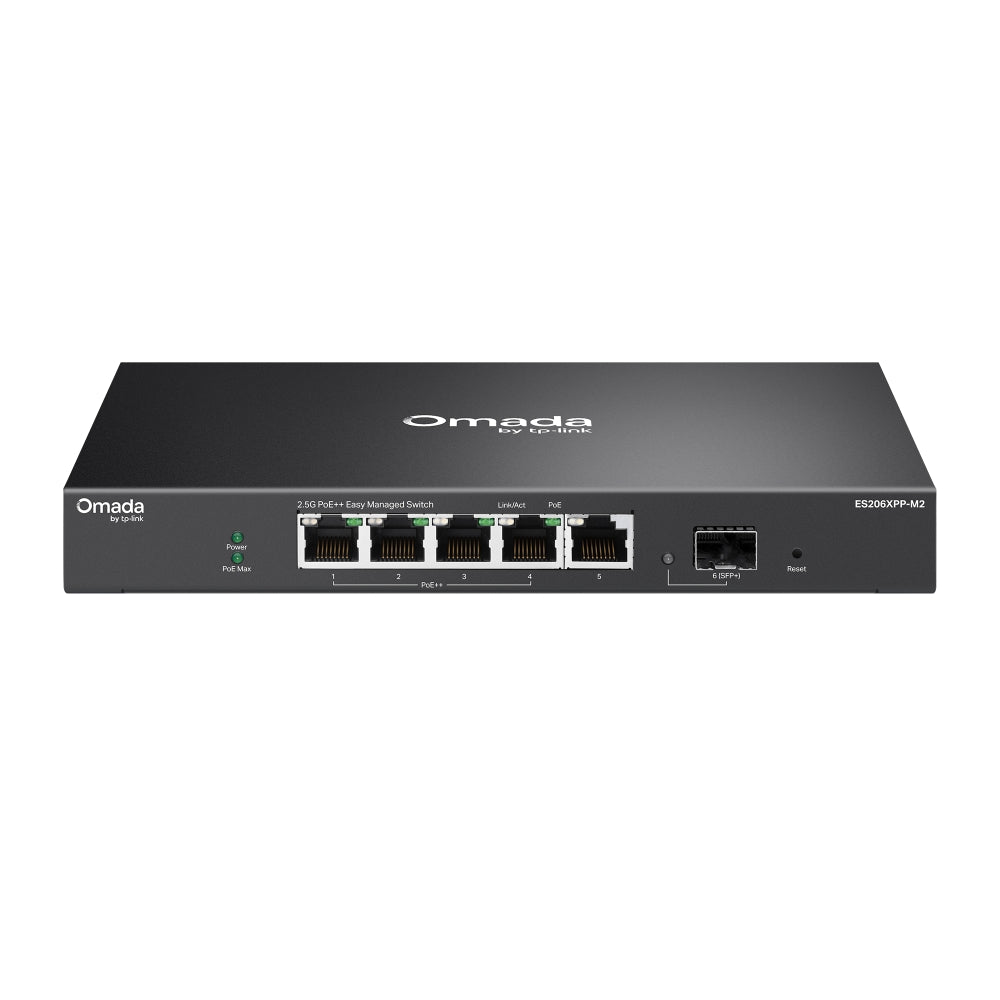

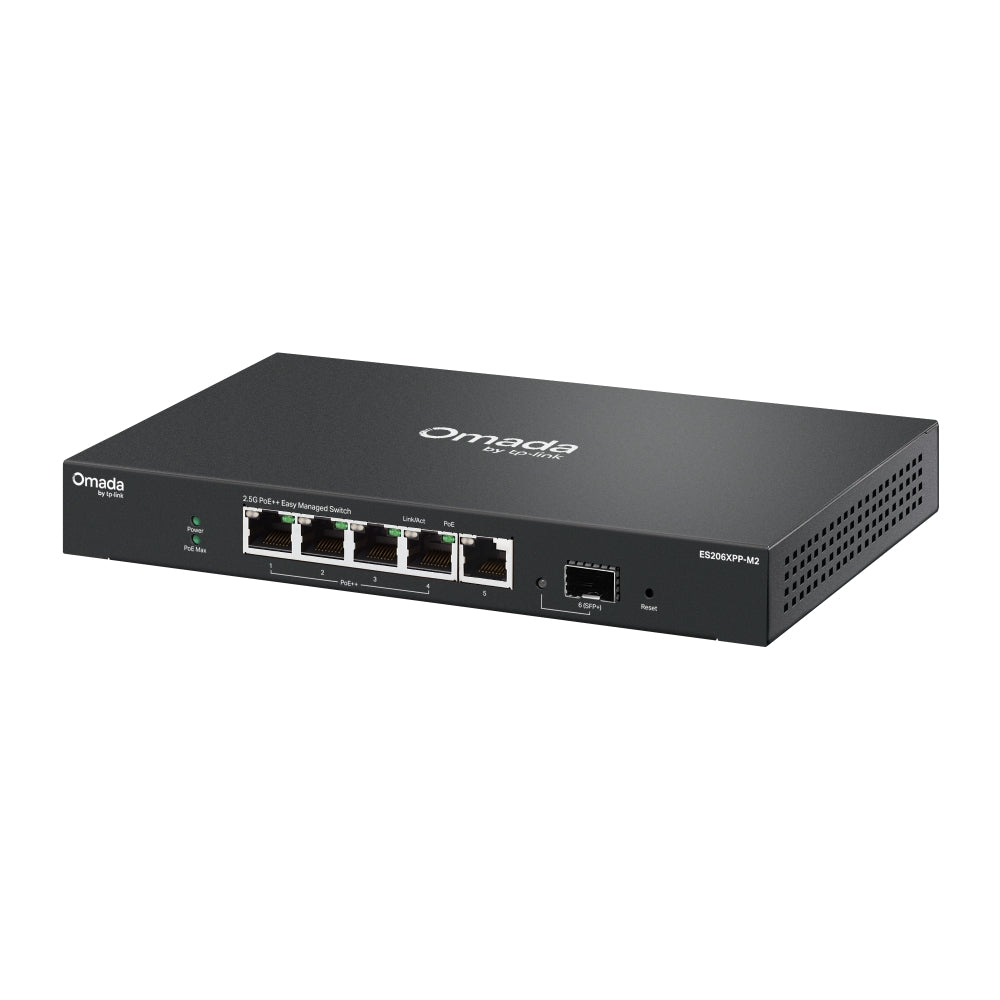
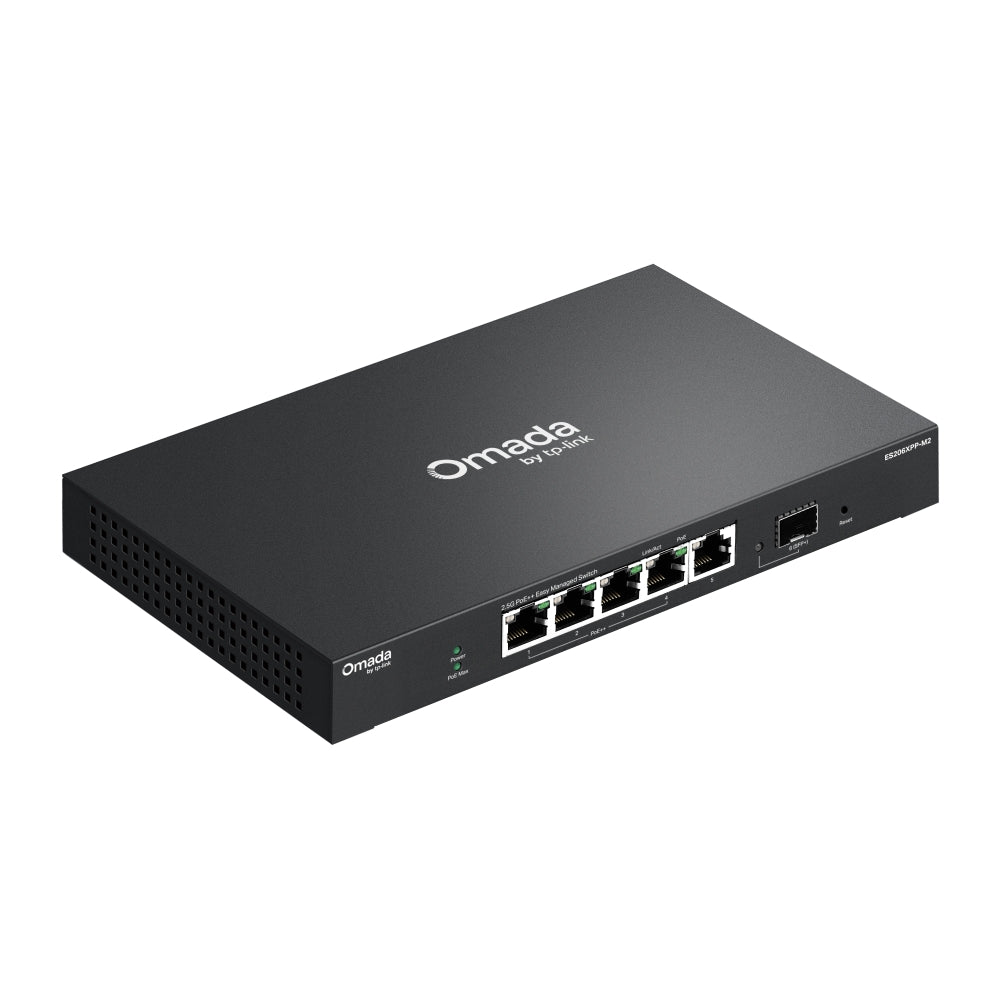
TP-Link Omada Easy Managed switch
TP-Link Omada ES206XPP-M2 Easy Managed PoE++ Switch with 10 Gbps SFP+
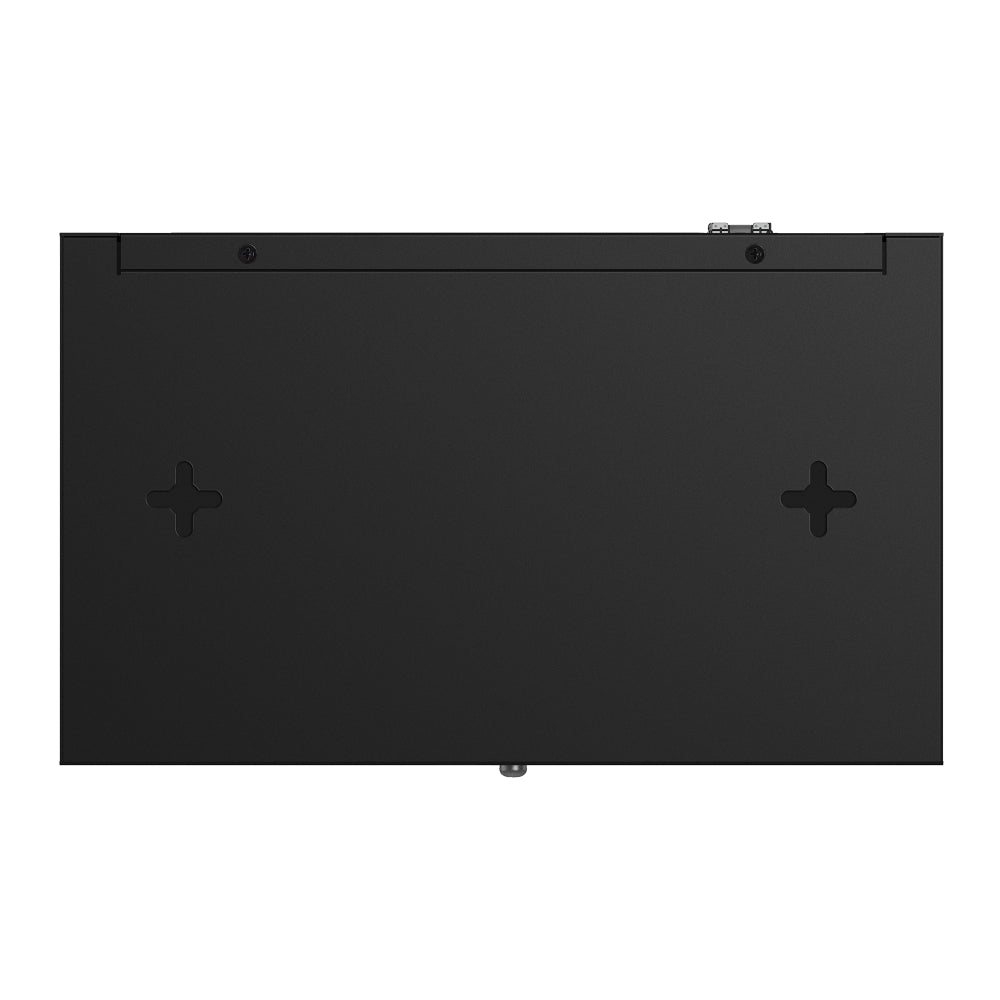
ES206XPP-M2 is an Omada Easy Managed switch with five 2.5 Gbps RJ45 ports and one 10 Gbps SFP+ slot. Four of the RJ45 ports provide PoE++ (802.3af/at/bt), sharing a 120 W budget with up to 90 W on any one port. It is fanless for silent operation, sits on a desk or mounts on a wall, and can be managed through the Omada App with an Omada controller. It suits a small office or home network that needs faster-than-Gigabit ports and powered devices.
Quick Glance
Key Features
2.5 Gbps ports with 10 Gbps uplink
Five RJ45 ports run at 2.5 Gbps with Auto-Negotiation and Auto MDI/MDIX. A 10 Gbps SFP+ slot gives a faster link to a server, another switch or a router. TP-Link lists 45 Gbps switching capacity, 33.48 Mpps forwarding rate, a 16K MAC address table and a 10 KB jumbo frame.
PoE++ for 4 powered devices
Four ports are 802.3af/at/bt PoE++ compliant and share 120 W, with up to 90 W on any single port. TP-Link also lists Fast PoE, Perpetual PoE and PoE Auto Recovery. That covers access points, cameras and other powered devices without separate power adapters.
Omada management, silent and compact
Manage it from the Omada App and Cloud Access with an Omada controller, with Zero-Touch Provisioning on the Omada Cloud-Based Controller. It is fanless, measures 209 × 126 × 26 mm, installs on a desktop or wall and has a physical security lock and ±6 kV surge protection.
Detailed Specifications
Specifications are taken from TP-Link's UAE product page for ES206XPP-M2 (hardware version V1). Rows that TP-Link does not list are left out rather than assumed.
Need-to-Know
- The Omada App, Cloud Access and Zero-Touch Provisioning need an Omada controller. TP-Link states that Zero-Touch Provisioning requires the Omada Cloud-Based Controller.
- The 120 W PoE budget is shared by the four PoE++ ports. TP-Link lists up to 90 W on any one port, so the total across all four cannot exceed 120 W.
- TP-Link marks the PoE Auto Recovery entry and four of the management features (Automatic Device Discovery, Batch Configuration, Batch Firmware Upgrading, Unified Configuration) with a footnote. Check TP-Link's conditions if you rely on them.
Best For / Customer Benefits
Customer Benefits
- Four PoE++ ports with a 120 W budget power access points and cameras from one cable each.
- Five 2.5 Gbps RJ45 ports and a 10 Gbps SFP+ slot give headroom beyond Gigabit.
- Fanless desktop or wall-mount design with a physical security lock.
- Our team can help you size the PoE budget for the devices you plan to connect.
Best For
Frequently Asked Questions
Four of the five 2.5 Gbps RJ45 ports provide PoE. They are 802.3af/at/bt PoE++ compliant and share a 120 W budget, with up to 90 W on any one port. The fifth RJ45 port and the 10 Gbps SFP+ slot are not listed as PoE ports.
For the Omada App, Cloud Access and Zero-Touch Provisioning, yes. TP-Link lists the Omada Hardware Controller, Omada Cloud-Based Controller and Omada Software Controller for centralized management, and the Zero-Touch Provisioning entry names the Cloud-Based Controller. The switch also lists a web-based GUI.
TP-Link lists desktop and wall-mount installation. The package contains the switch, a power adapter, a power cord, mounting feet and an installation guide. TP-Link does not list wall-mounting hardware in the package, so check what you need before ordering.
The switch has one 10 Gbps SFP+ slot, which gives a faster link than the 2.5 Gbps RJ45 ports. TP-Link's spec table does not list specific SFP+ modules or cables, so check module compatibility before you order one.
Need help planning your PoE network?
Tell us which access points, cameras or other devices you want to power and we will help you check the 120 W budget against the Omada ES206XPP-M2.