



Synology DiskStation DS725+ 2-Bay Desktop NAS Enclosure
DS725+
Condition: NEW
- Regular price
-
Dhs. 2,185.00 (exc. Vat) - Regular price
-
(exc. Vat) - Sale price
-
Dhs. 2,185.00 (exc. Vat)
-
Hurry, only 1 item left in stock!
Couldn't load pickup availability
Confirm Availability & Best Price
This model is fulfilled through our verified supplier network. Message us for live stock status and pricing.
Enquire NowGenuine Guarantee
Shop with Confidence: Authentic IT Products from Major Brands.
Shipping information
We offer FREE DELIVERY for order over AED 200. Also no additional Cash on Delivery (COD) fee.
Click here to know more
Returns information
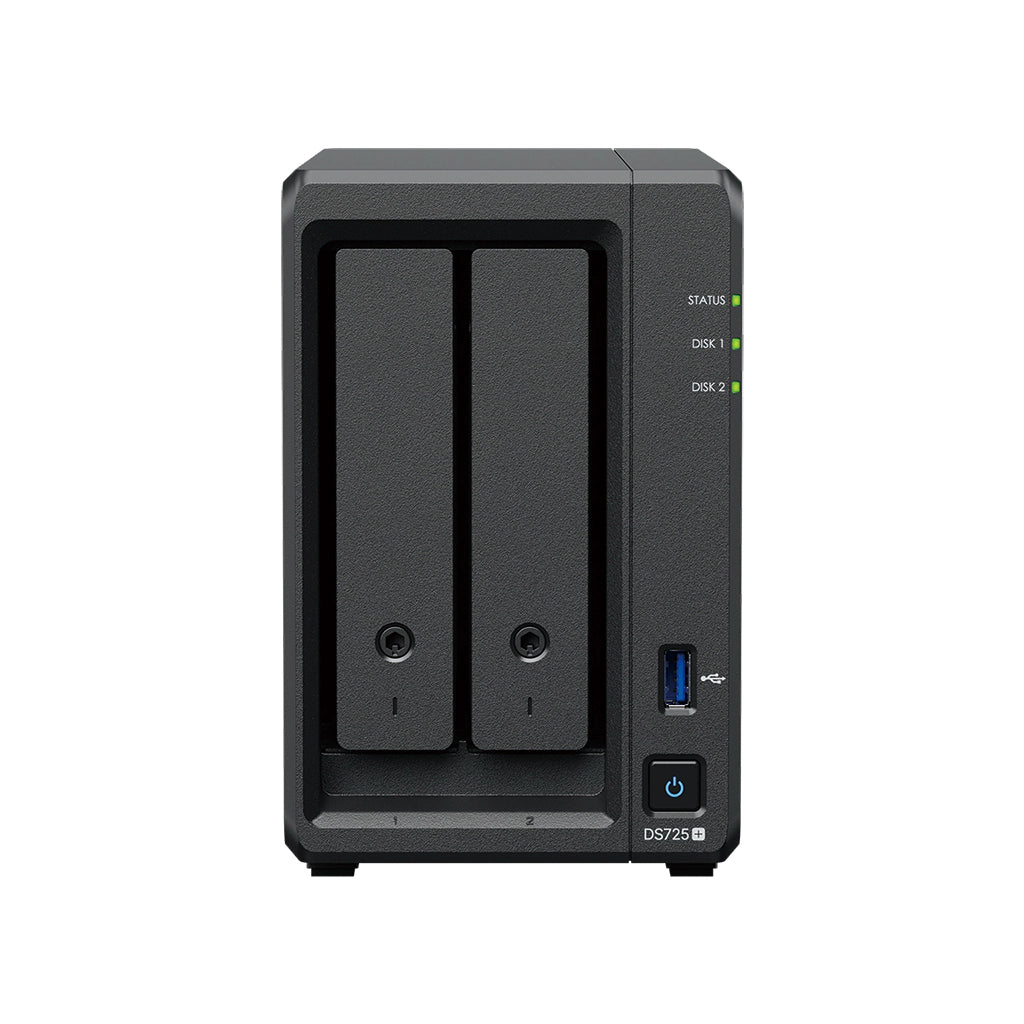
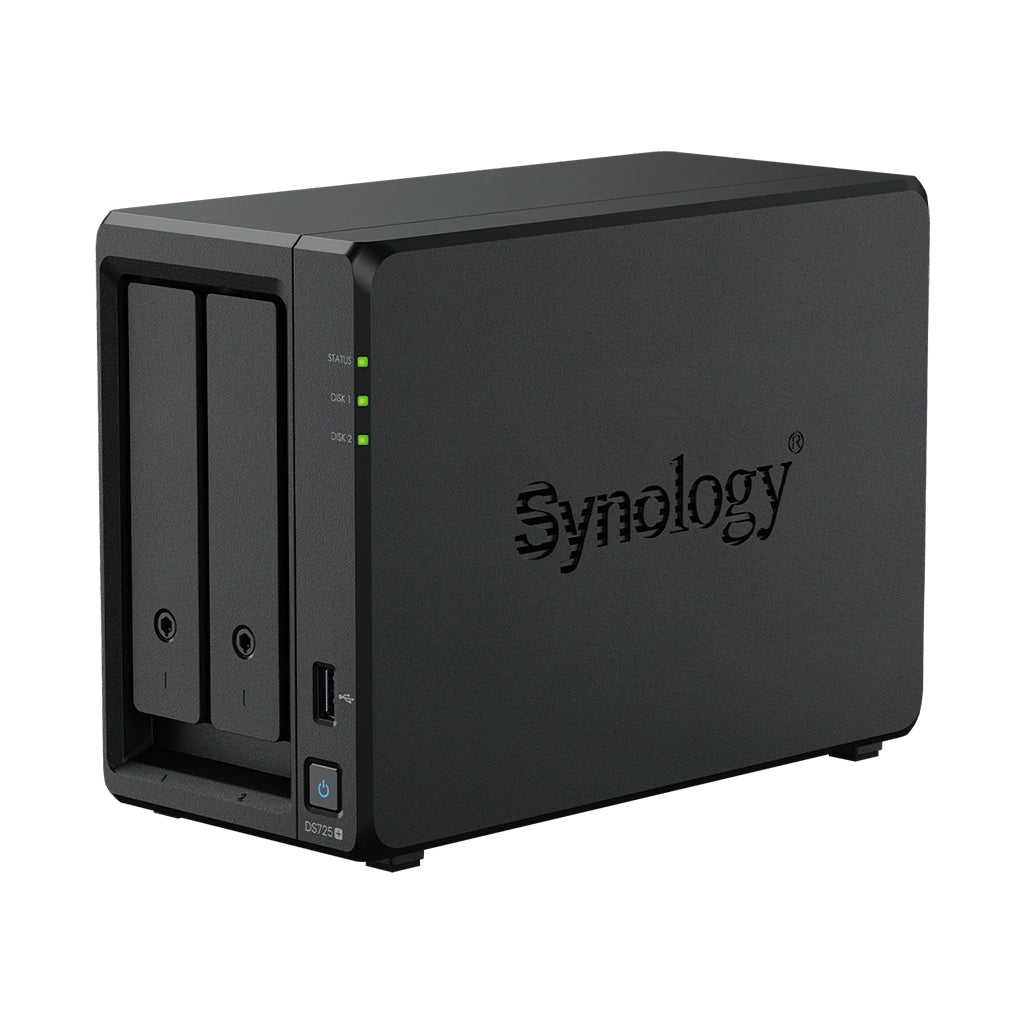
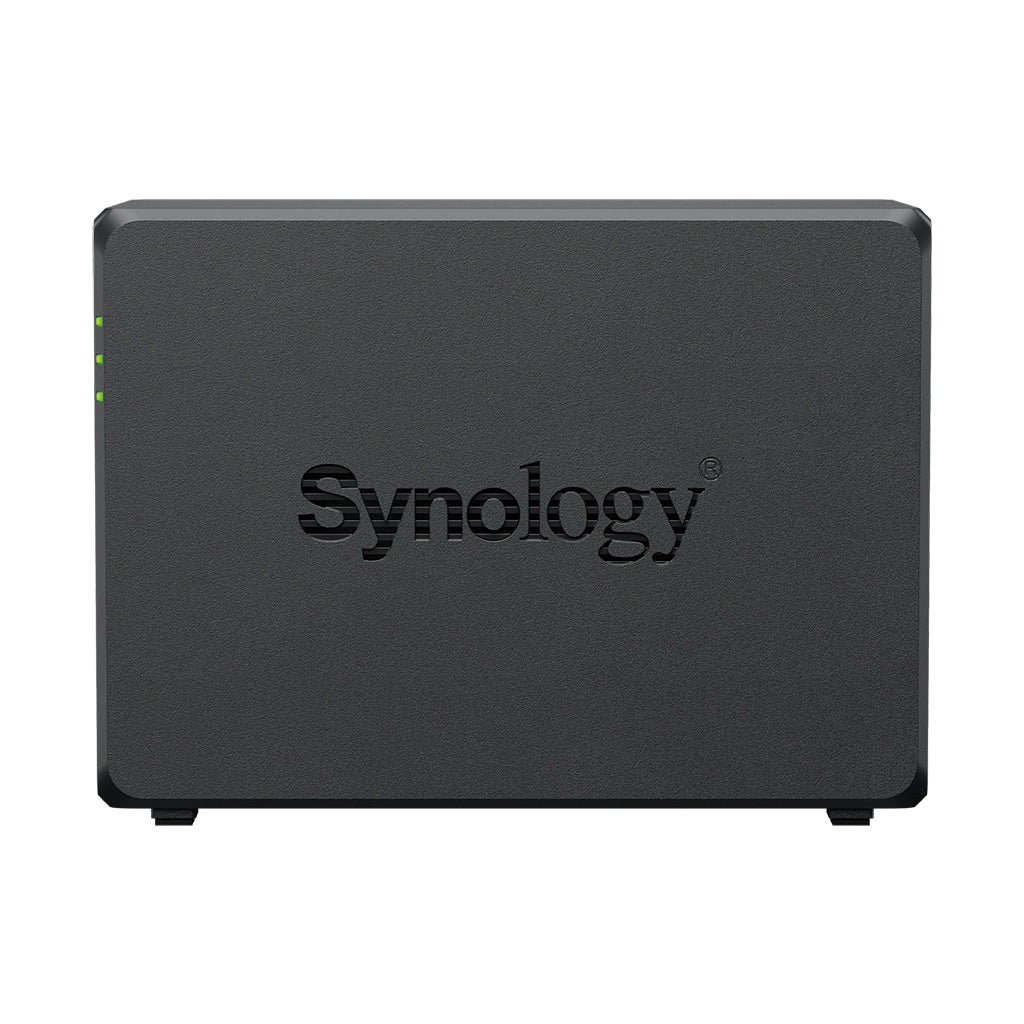
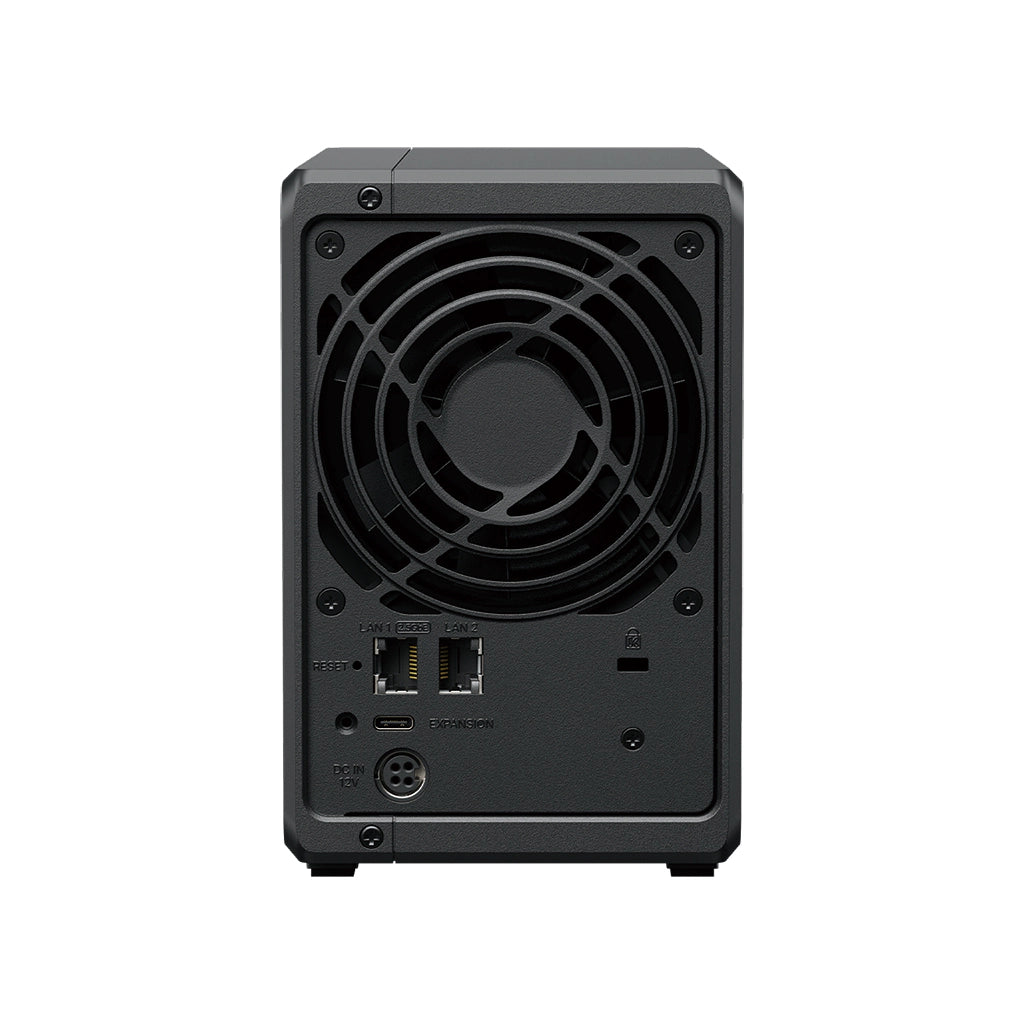

Synology Network Attached Storage
Synology DiskStation DS725+ 2-Bay Desktop NAS Enclosure
A two-bay that is not an entry-level box. AMD Ryzen R1600 turboing to 3.1 GHz, 4 GB of ECC memory expandable to 32 GB, two M.2 NVMe cache slots, and a DX525 port that takes it to seven bays later. Quietest in the range at 17.9 dB(A). Supplied without drives — you choose and budget for those separately.
Quick Glance
Key Features
Ryzen R1600 and ECC memory in a two-bay
Two cores and four threads turboing to 3.1 GHz, with ECC memory that corrects single-bit errors in flight and room for 32 GB. That combination normally starts at four bays — here it is in a box 106 mm wide.
Two bays now, seven later
Two M.2 NVMe cache slots sit alongside the SATA bays rather than consuming one, and a DX525 expansion unit takes the total to seven bays — so a two-bay purchase is not a dead end when the data grows.
17.9 dB(A) and about 20 W
One 92 mm fan with a quiet mode, measured by Synology at 17.9 dB(A) — the quietest figure in the current DiskStation range — drawing 20.41 W in use and 7.87 W with the drives asleep.
Detailed Specifications
Specifications are provided by the manufacturer and may be updated or changed without prior notice. AtomOffice is not responsible for any discrepancies between the information shown here and the manufacturer's official documentation.
Need-to-Know
- The DS725+ ships as a bare enclosure. Budget for two SATA drives on top, and check them against Synology's compatibility list before ordering — Synology only guarantees full functionality and support for drives on that list.
- Two bays reach RAID 1 or SHR, which survives one failed drive. Two-drive redundancy needs more disks, which on this model means adding a DX525 expansion unit rather than a bigger chassis.
- This model takes ECC memory. Both slots must hold identical modules sharing the same model number, so reaching 32 GB means a matched pair of 16 GB modules rather than adding one alongside the fitted 4 GB.
- The two network ports are different speeds — one 2.5GbE and one Gigabit — so they will not combine into a single faster link, and Synology caps the Gigabit port at a 1,500-byte MTU. There is also only one USB 3.2 Gen 1 port on this model.
- The warranty is 3 years and can be extended to 5, but the extension SKU is regional: in the UAE that is EW201. 'Extended Warranty Plus' is sold only in Europe and North America, so do not budget for it here.
Best For / Customer Benefits
Customer Benefits
- ECC memory and a Ryzen processor in a two-bay footprint, which normally starts a tier higher.
- NVMe caching without giving up either of the two drive bays.
- 17.9 dB(A) means it can sit on a desk in an occupied room rather than needing a cupboard.
- Btrfs snapshots roll a share back to a point in time, which is what actually saves you after ransomware.
Best For
Official & Recommended Options
Don't see the accessory you need? Email info@atomoffice.com — we carry a range of Synology storage accessories and can help you find the right fit.
Learn More About the DS725+
Frequently Asked Questions
No. It is sold as a diskless enclosure, so you choose the drives to suit the capacity and budget you need. It takes two 3.5-inch SATA hard drives or 2.5-inch SATA SSDs, plus up to two M.2 NVMe SSDs for caching. Synology only guarantees full functionality and support for drives on its compatibility list, so check there first — we are happy to quote validated Synology drives alongside the unit.
Class of hardware. The DS725+ has an AMD Ryzen R1600 instead of a Celeron, ECC memory instead of non-ECC, two memory slots reaching 32 GB instead of a 6 GB ceiling, two M.2 NVMe cache slots the DS225+ does not have, and a DX525 expansion port. Both are two-bay boxes; only one of them is built to be grown.
Against one drive failing, yes — RAID 1 or SHR mirrors the two drives, so either can fail without data loss. Surviving a second failure needs more disks than two bays hold, which on this model means adding a DX525 expansion unit to reach seven drives, where RAID 6 and SHR-2 become available. Note that RAID is not a backup: it protects against hardware failure, not deletion or ransomware, which is what the Btrfs snapshots are for.
Not into one faster link. The DS725+ has one 2.5GbE port and one Gigabit port rather than a matched pair, so link aggregation cannot usefully bond them. The second port is still worth having for separating traffic, keeping a management path open, or failover. Synology also caps the Gigabit port at a 1,500-byte MTU, so jumbo frames apply only to the 2.5GbE port.
Not Sure How Many Bays or Which Drives?
Tell our UAE team what you are storing, how fast it needs to be and how much you can afford to lose, and we will size the NAS, the drives and the RAID level with you — including when a smaller unit is the right answer.