



Synology DiskStation DS225+ 2-Bay Desktop NAS Enclosure
DS225+
Condition: NEW
- Regular price
-
Dhs. 1,485.00 (exc. Vat) - Regular price
-
(exc. Vat) - Sale price
-
Dhs. 1,485.00 (exc. Vat)
-
Hurry, only 1 item left in stock!
Couldn't load pickup availability
Confirm Availability & Best Price
This model is fulfilled through our verified supplier network. Message us for live stock status and pricing.
Enquire NowGenuine Guarantee
Shop with Confidence: Authentic IT Products from Major Brands.
Shipping information
We offer FREE DELIVERY for order over AED 200. Also no additional Cash on Delivery (COD) fee.
Click here to know more
Returns information
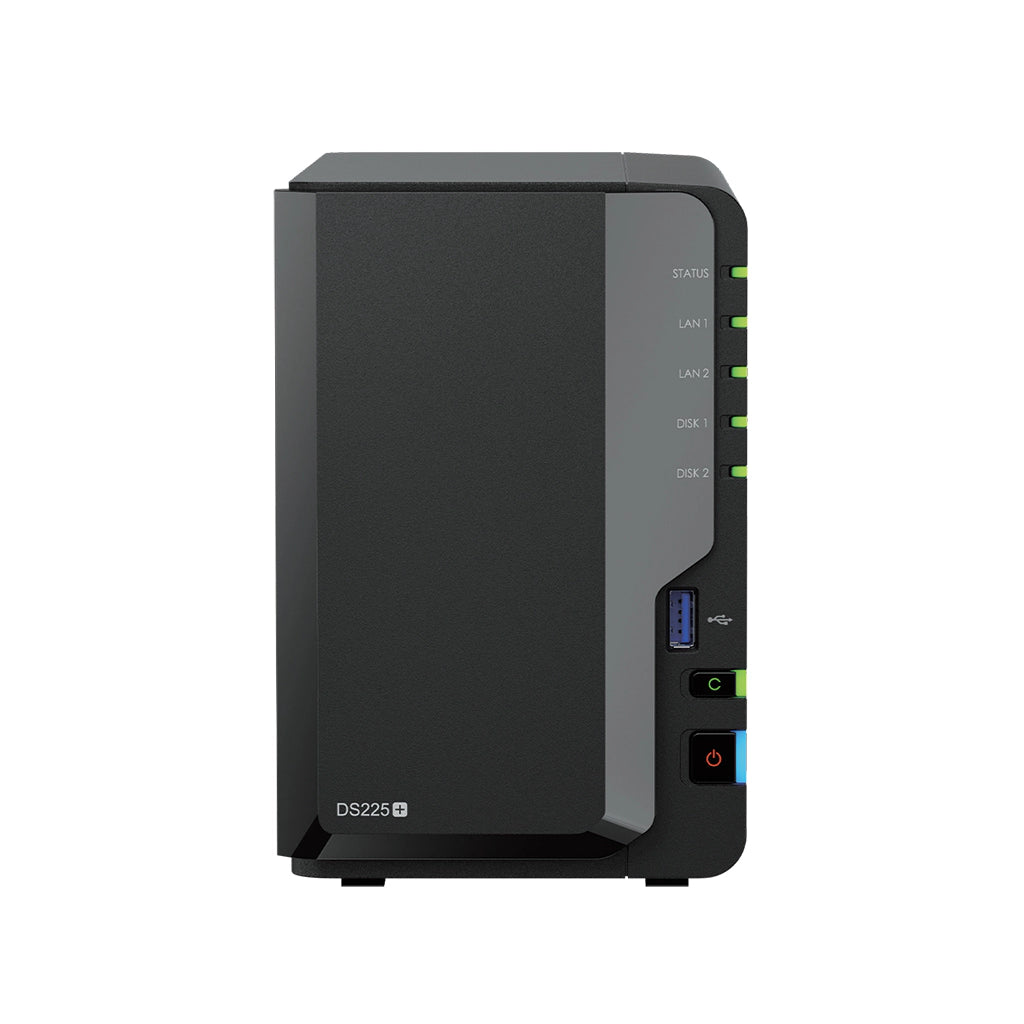
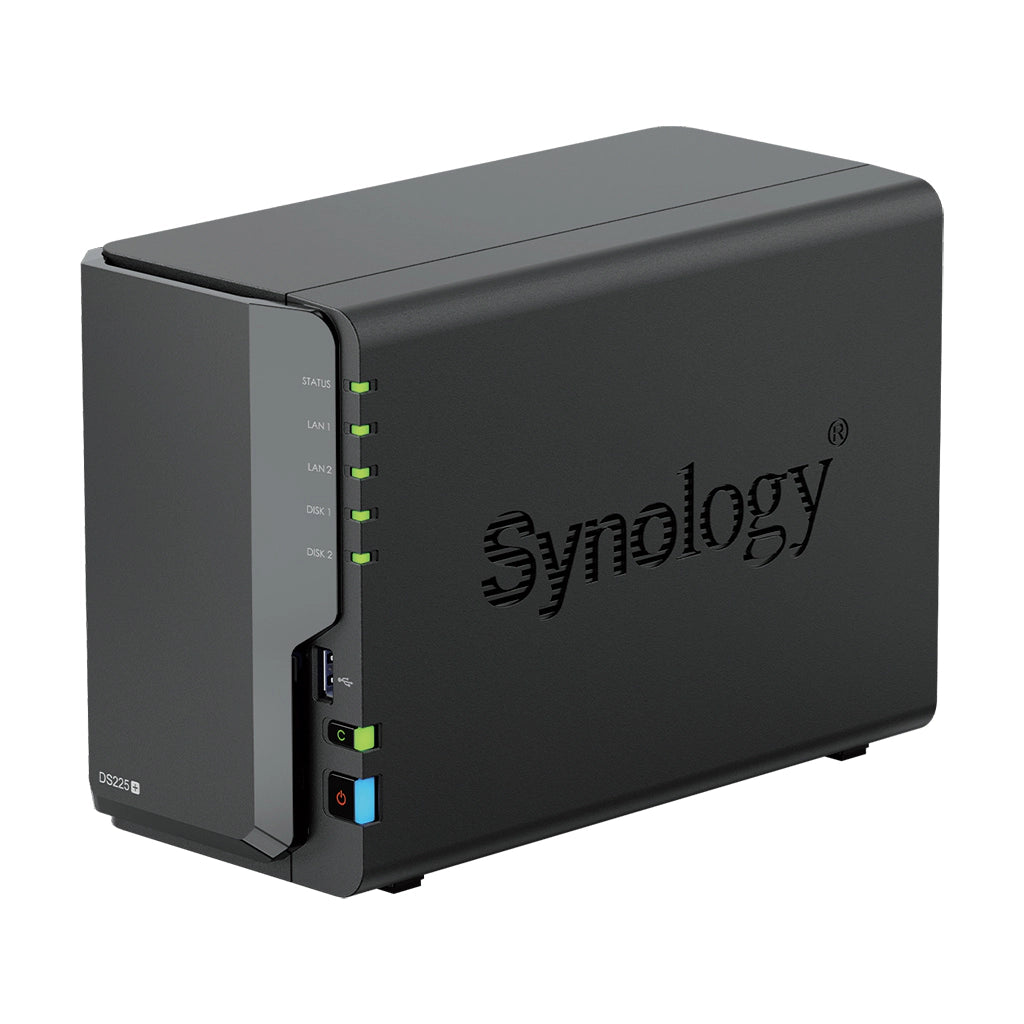
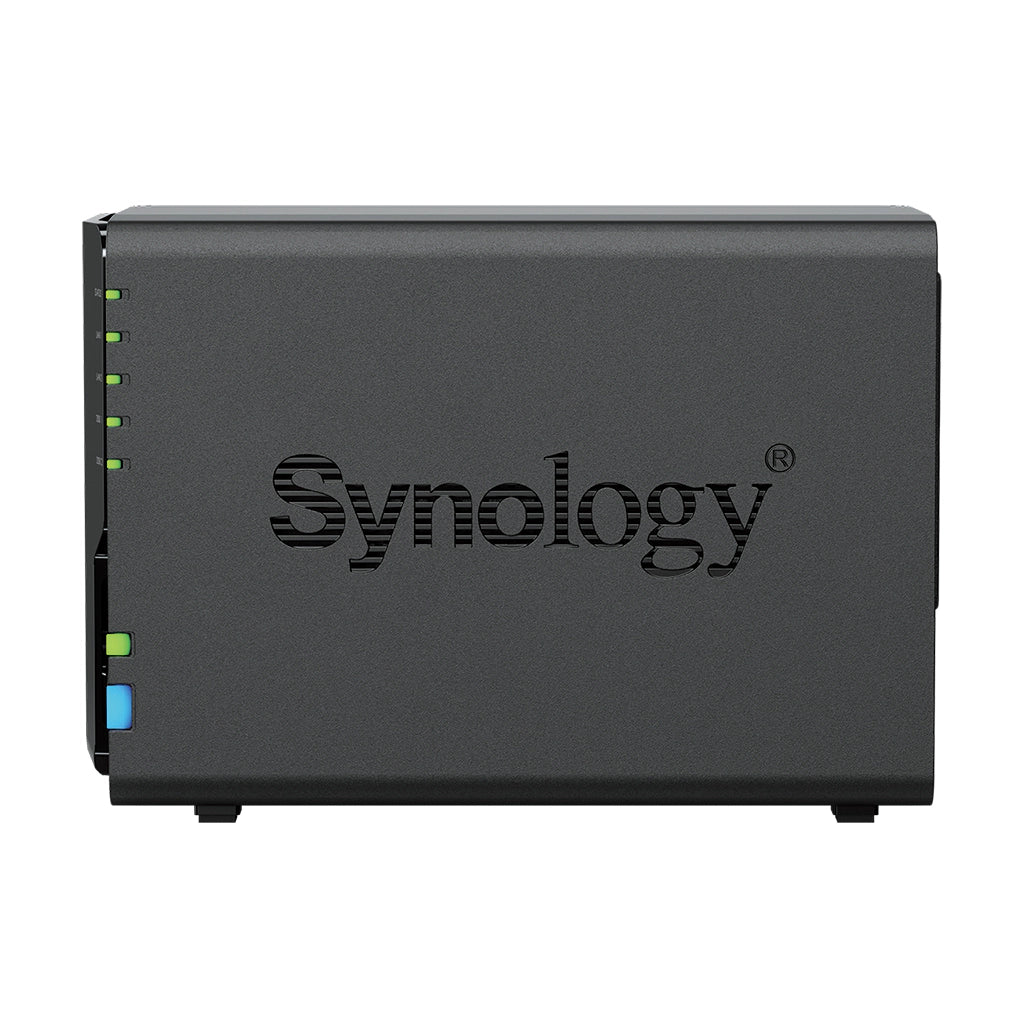
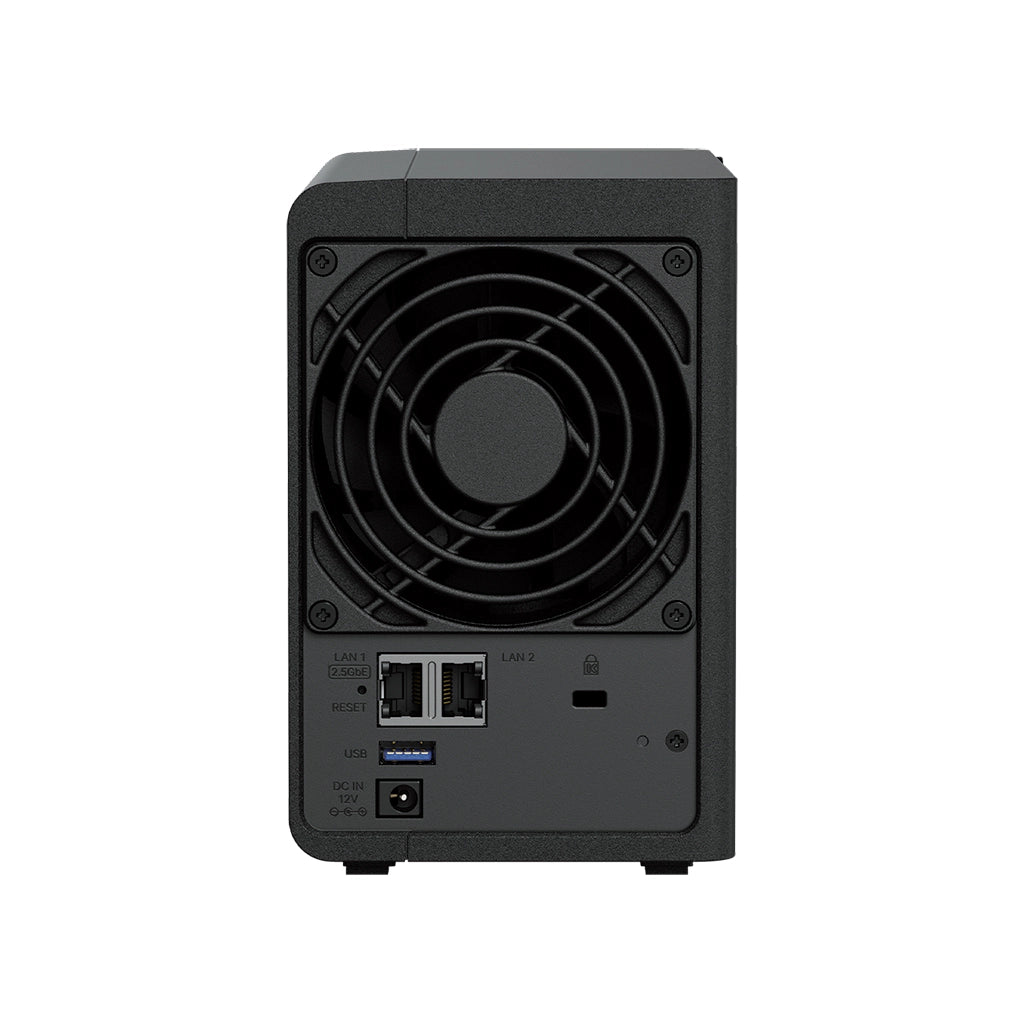

Synology Network Attached Storage
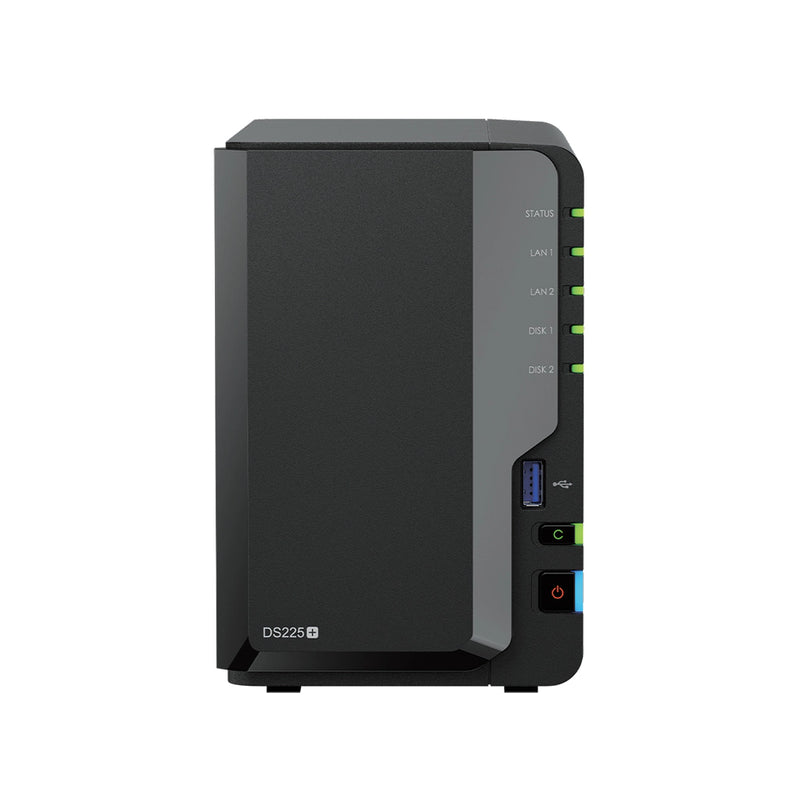
Synology DiskStation DS225+ 2-Bay Desktop NAS Enclosure
The two-bay Synology most small offices end up buying — shared files, automatic backup and Synology's DSM software, on about 17 W and under 20 dB(A). Intel Celeron J4125 quad-core, 2 GB of DDR4 expandable to 6 GB, and a 2.5GbE port alongside a Gigabit one. Supplied without drives — you choose and budget for those separately.
Quick Glance
Key Features
DSM — the reason people buy Synology
DiskStation Manager handles file sharing, Active Backup for Business, Synology Photos, Drive and Surveillance Station from one web interface that non-specialists can actually run. Btrfs snapshots let a share be rolled back to a point in time.
2.5GbE without recabling
The 2.5GbE port runs over the CAT5e already in the wall, so the speed step needs no new cabling. A second Gigabit port sits alongside it for separating traffic or keeping a management path open.
19.6 dB(A) and about 17 W
One 92 mm fan with a quiet mode, measured by Synology at 19.6 dB(A), drawing 16.98 W in use and 6.08 W with the drives asleep — quiet and cheap enough to leave running in an occupied room.
Detailed Specifications
Specifications are provided by the manufacturer and may be updated or changed without prior notice. AtomOffice is not responsible for any discrepancies between the information shown here and the manufacturer's official documentation.
Need-to-Know
- The DS225+ ships as a bare enclosure. Budget for two SATA drives on top, and check them against Synology's compatibility list before ordering — Synology only guarantees full functionality and support for drives on that list.
- Memory is part-soldered: 2 GB is fixed to the board and there is a single free slot, giving a 6 GB ceiling with a 4 GB module. It is not a pair of matched slots, and Synology will not provide full warranty or technical support if a non-Synology module is fitted.
- The two network ports are different speeds — one 2.5GbE and one Gigabit — so they will not combine into a single faster link. Synology also notes the Gigabit port is limited to a 1,500-byte MTU, which rules out jumbo frames on that port.
- The warranty is 3 years and can be extended to 5, but the extension SKU is regional: in the UAE that is EW201. 'Extended Warranty Plus' is sold only in Europe and North America, so do not budget for it here — ask us and we will quote the right one.
- The DS225+ is supplied as a diskless enclosure. Hard drives and SSDs are not included and are ordered separately — ask us and we will quote drives alongside the unit.
Best For / Customer Benefits
Customer Benefits
- One shared drive for the whole office, instead of files living on whichever laptop made them.
- Active Backup for Business protects PCs, Macs and servers without a per-seat licence.
- Btrfs snapshots roll a share back to a point in time, which is what actually saves you after ransomware.
- Under 20 dB(A) and about 17 W, so it can sit in the office rather than needing a cupboard.
Best For
Official & Recommended Options
Don't see the accessory you need? Email info@atomoffice.com — we carry a range of Synology storage accessories and can help you find the right fit.
Learn More About the DS225+
Frequently Asked Questions
No. It is sold as a diskless enclosure, so you choose the drives to suit the capacity and budget you need. It takes two 3.5-inch SATA hard drives or 2.5-inch SATA SSDs. Synology only guarantees full functionality and support for drives on its compatibility list, so check there first — we are happy to quote validated Synology HAT3300 or HAT5300 drives alongside the unit.
One 4 GB module, taking it to 6 GB. The first 2 GB is soldered to the board and there is a single free slot, so this is not a matched pair of sockets. Use the Synology D4NS01-4G module — Synology states it will not provide full product warranty or technical support where a non-Synology module has been fitted.
Not into one faster link. The DS225+ has one 2.5GbE port and one Gigabit port rather than a matched pair, so link aggregation cannot usefully bond them. The second port is still worth having for separating traffic, keeping a management path open, or failover. Note too that Synology caps the Gigabit port at a 1,500-byte MTU, so jumbo frames only apply to the 2.5GbE port.
Basic, JBOD, RAID 0, RAID 1 and SHR. DSM as a platform also offers SHR-2, RAID 5, RAID 6, RAID 10 and RAID F1, but those need three or four drives, so they are not available on a two-bay unit. For most small offices RAID 1 or SHR is the right answer — one drive can fail without losing data.
Not Sure How Many Bays or Which Drives?
Tell our UAE team what you are storing, how fast it needs to be and how much you can afford to lose, and we will size the NAS, the drives and the RAID level with you — including when a smaller unit is the right answer.