



Samsung WAC Series 4K Interactive Display, Android 11, 40-Point Touch, 3-in-1 USB-C
LH65WACWLGCXUE
Condition: NEW
- Regular price
-
Dhs. 3,985.00 (exc. Vat) - Regular price
-
(exc. Vat) - Sale price
-
Dhs. 3,985.00 (exc. Vat)
-
Hurry, only 1 item left in stock!
Couldn't load pickup availability
Confirm Availability & Best Price
This model is fulfilled through our verified supplier network. Message us for live stock status and pricing.
Enquire NowGenuine Guarantee
Shop with Confidence: Authentic IT Products from Major Brands.
Shipping information
We offer FREE DELIVERY for order over AED 200. Also no additional Cash on Delivery (COD) fee.
Click here to know more
Returns information
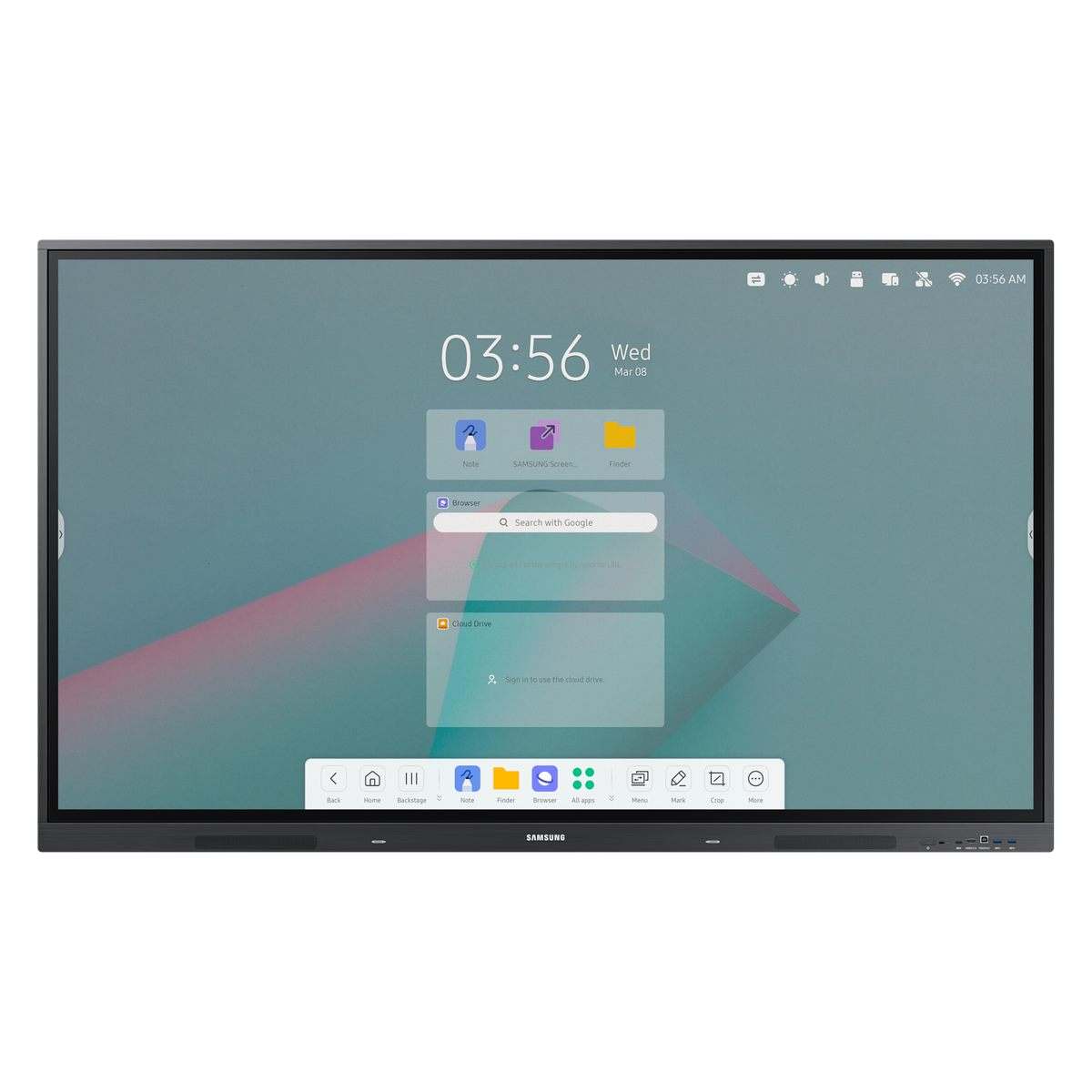
65" & 75" 4K Interactive Display for Classrooms
Samsung Interactive Display WAC Series
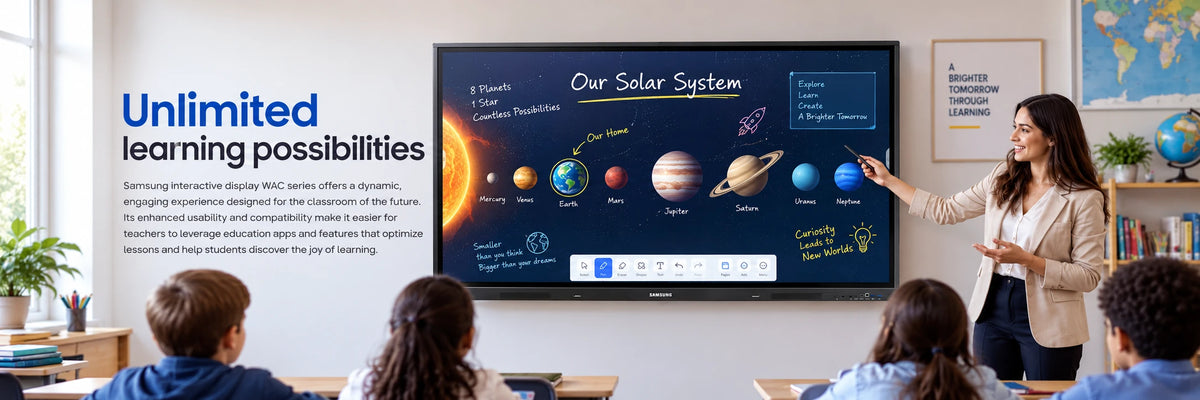
A 4K touchscreen built for teaching, in 65" and 75": Android 11 runs on the panel itself, up to 40 people can write on it at once, and a single USB-C cable carries picture, touch and 65 W of charging to a connected laptop.
Quick Glance
Key Features
Android OS built in
The panel runs Android 11 with a customisable home screen, so the apps a teacher uses most are one tap away — no PC required to start a lesson.
40-point multi-touch and dual pen
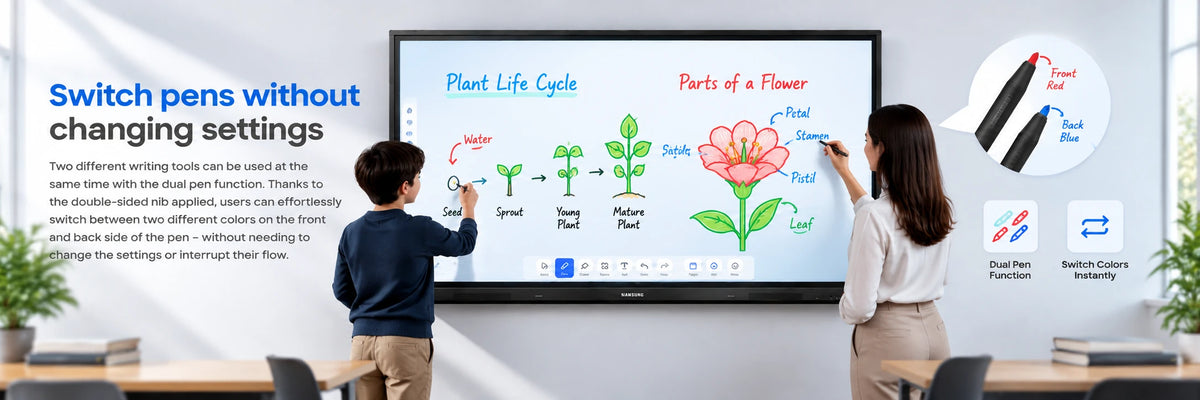
Up to 40 simultaneous touch points let a whole group write and draw together, and the double-sided pen nib switches between two colours without changing a setting.
One-cable USB-C connection
The 3-in-1 USB-C port carries screen mirroring, touch control and up to 65 W of charging over a single cable to a connected laptop.
Detailed Specifications
Wall brackets, mobile trolleys and floor stands are sold separately unless they are listed under What's in the Box. Confirm that your mount is rated for this panel's VESA pattern and weight before installation. Specifications are provided by the manufacturer and may be updated or changed without prior notice. AtomOffice is not responsible for any discrepancies between the information shown here and the manufacturer's official documentation.
Need-to-Know
- Screen sharing needs Windows 10 or later, macOS 10.11 or later, Chrome 38 or later, Android 5.1 or later, or iOS 10 or later.
- HDMI Out mirrors the panel to a second screen at FHD or UHD 60 Hz, and charging over USB-C is capped at 65 W.
- Choose your size above: 65" (LH65WACWLGCXUE, 33.9 kg, 600 × 400 mm VESA) or 75" (LH75WACWLGCXUE, 45.5 kg, 800 × 400 mm VESA). Everything else on this page applies to both.
Best For / Customer Benefits
Customer Benefits
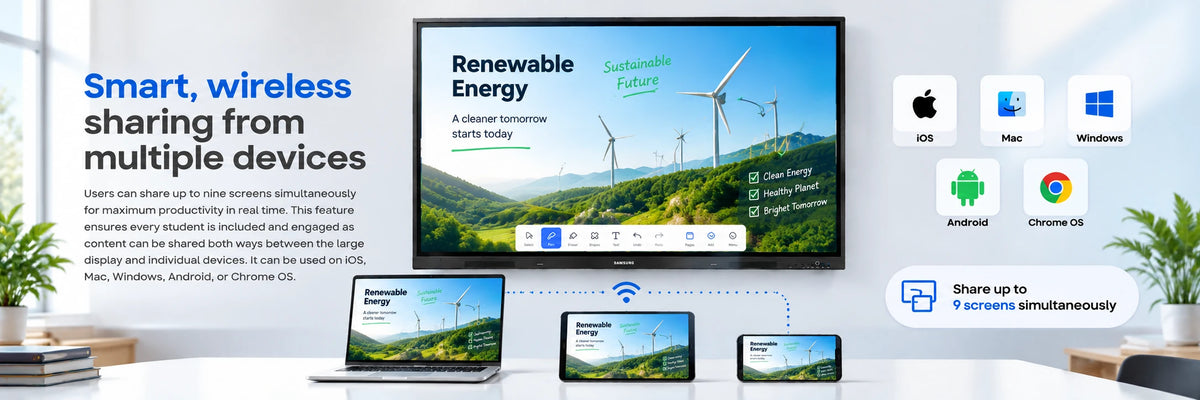
- Up to nine people can put their screen on the board at once, from any major platform
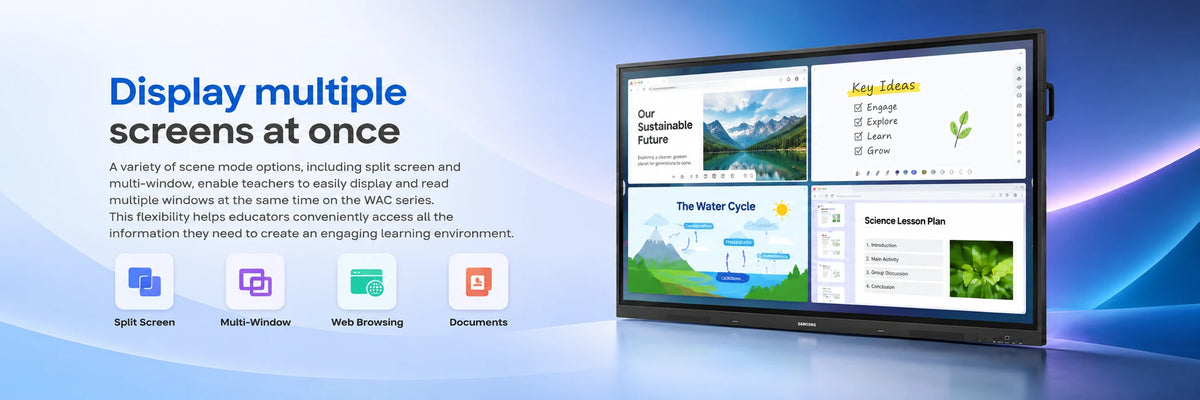
- Split screen and multi-window keep lesson material and notes side by side
- HDMI Out repeats the whiteboard on a larger screen so the back row can still read it
- Rated for 16 hours a day, seven days a week — sized for a full teaching timetable
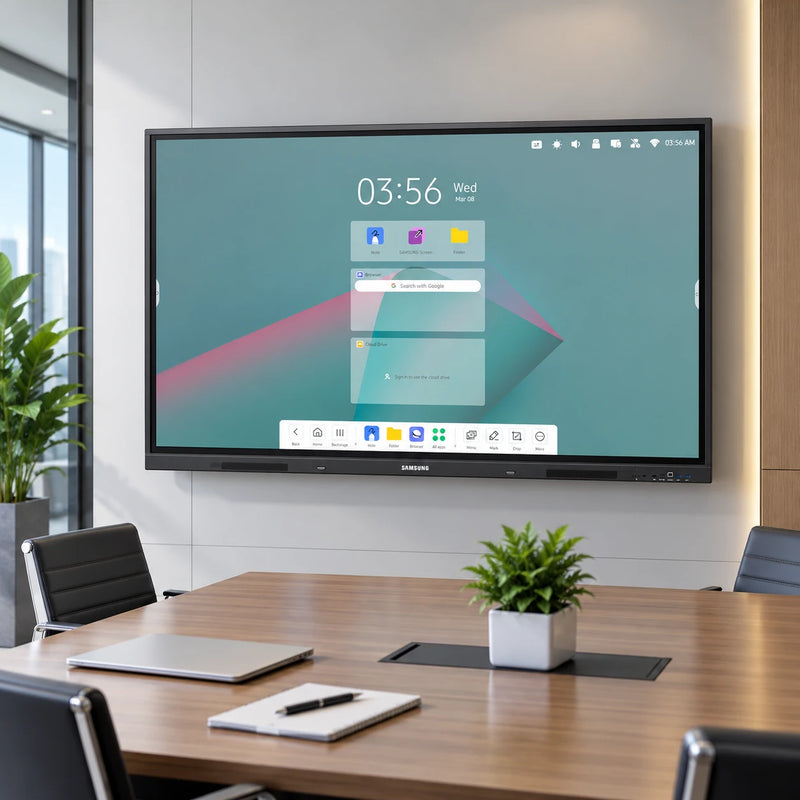
Best For
Gallery
Official & Recommended Options
Need a wall mount, a trolley or a delivery date? Contact us — we will confirm the right bracket for the size you choose.
Frequently Asked Questions
Only the size and what follows from it. The 65" (LH65WACWLGCXUE) is 1,488 × 897 × 88 mm, weighs 33.9 kg and takes a 600 × 400 mm VESA mount; the 75" (LH75WACWLGCXUE) is 1,709 × 1,020 × 88 mm, weighs 45.5 kg and takes 800 × 400 mm. Panel, 4K resolution, 400 nit brightness, 40-point touch, Android 11 and every port are identical on both.
The panel registers up to 40 simultaneous touch points, so a large group can annotate together. The dual pen carries a different colour at each end, so switching colour is just a flip of the pen rather than a menu change.
No. Android 11 runs on the panel itself with 32GB of internal storage and apps pinned to the home-screen bar. A laptop or PC can still be connected over HDMI or the 3-in-1 USB-C cable when you want to work from it.
Yes. HDMI Out sends what is on the panel to another display at FHD or UHD 60 Hz, which is how larger rooms keep the back rows able to read it.
Bring the WAC Series into your classroom
Talk to AtomOffice about sizes, mounting options and free delivery anywhere in the UAE.