



Samsung ViewFinity S6 S60D QHD Flat Monitor, IPS 100Hz, HDR10 - HDMI, DisplayPort, USB Hub
LS27D606EAMXUE
Condition: NEW
- Regular price
-
Dhs. 815.00 (exc. Vat) - Regular price
-
(exc. Vat) - Sale price
-
Dhs. 815.00 (exc. Vat)
Couldn't load pickup availability
Genuine Guarantee
Shop with Confidence: Authentic IT Products from Major Brands.
Shipping information
We offer FREE DELIVERY for order over AED 200. Also no additional Cash on Delivery (COD) fee.
Click here to know more
Returns information
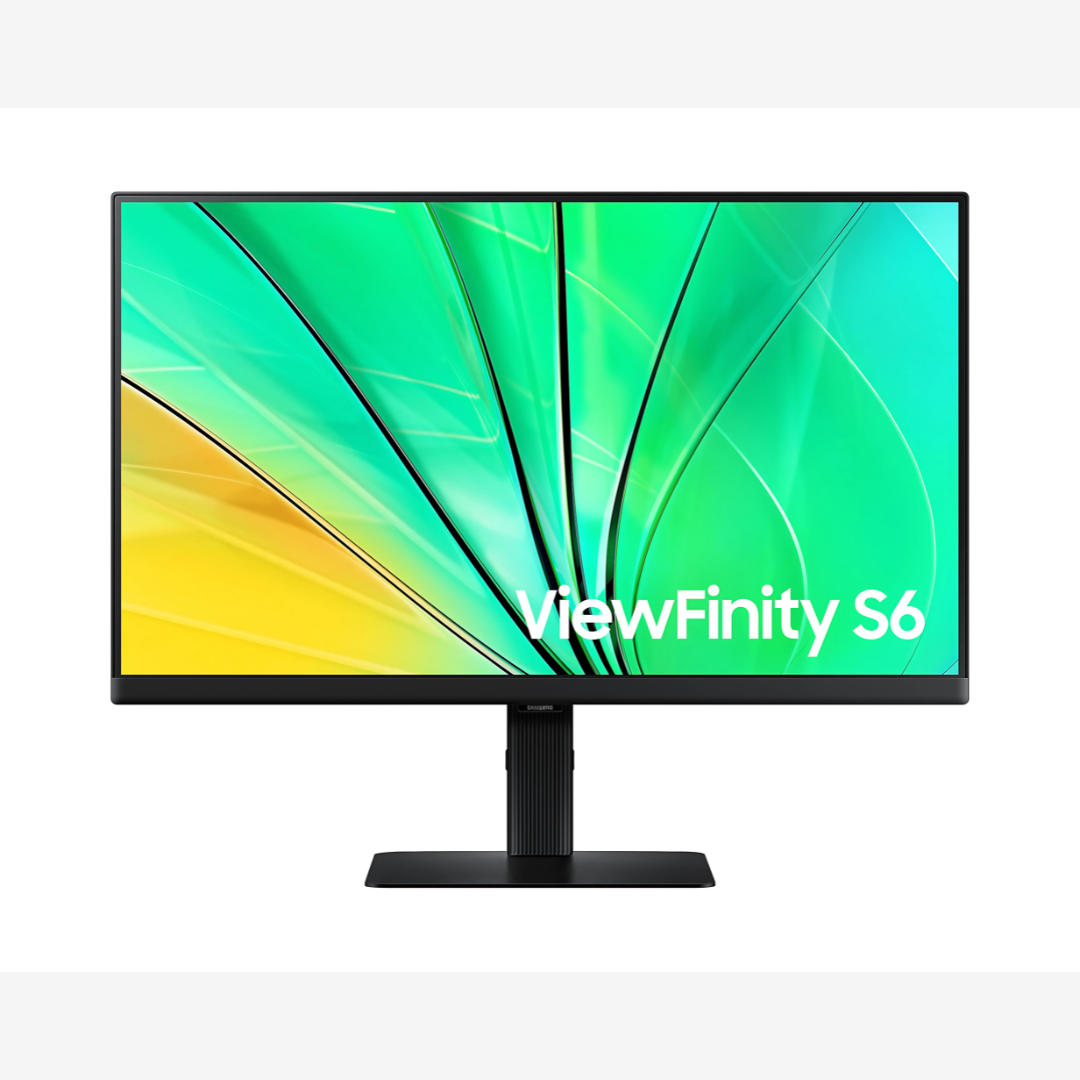
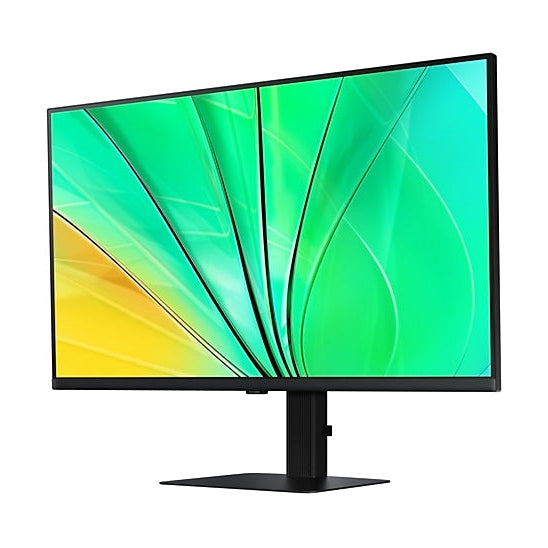
ViewFinity S6 S60D · 27 or 32 inch
Samsung ViewFinity S6 S60D — QHD IPS at 100Hz with HDR10
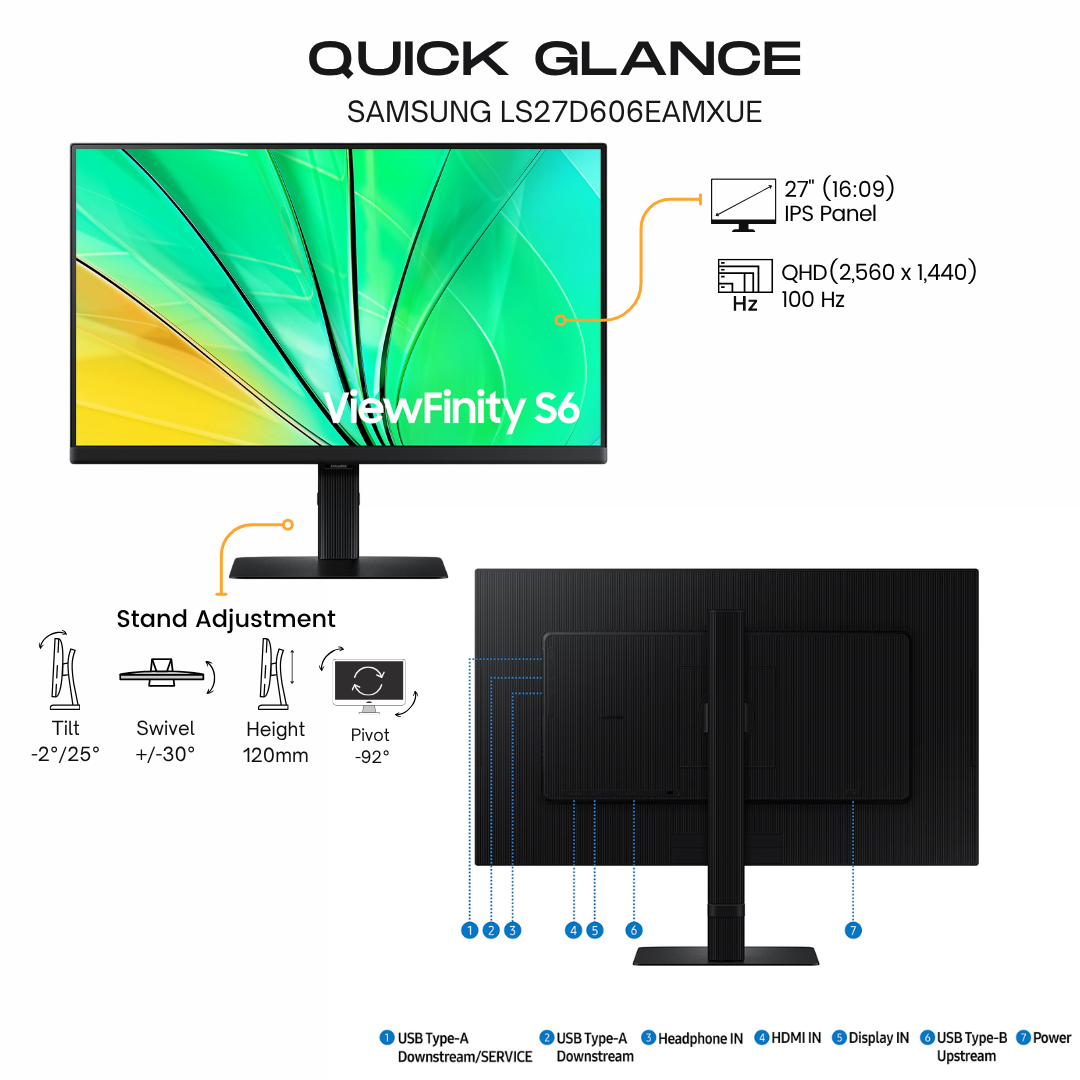
Samsung's ViewFinity S6 S60D is a flat QHD (2560 x 1440) IPS monitor at up to 100Hz with HDR10 and up to a billion colours, offered here in 27 and 32 inches with the same panel specification on both. HDMI, DisplayPort and a three-port USB 3.0 hub with a USB-B upstream port connect a desk full of peripherals, and the Easy Setup Stand clicks together without tools. The stand raises by 120 mm, tilts, swivels and pivots to portrait, and TUV-certified Intelligent Eye Care keeps long days comfortable. Only the screen, footprint and weight change between sizes.
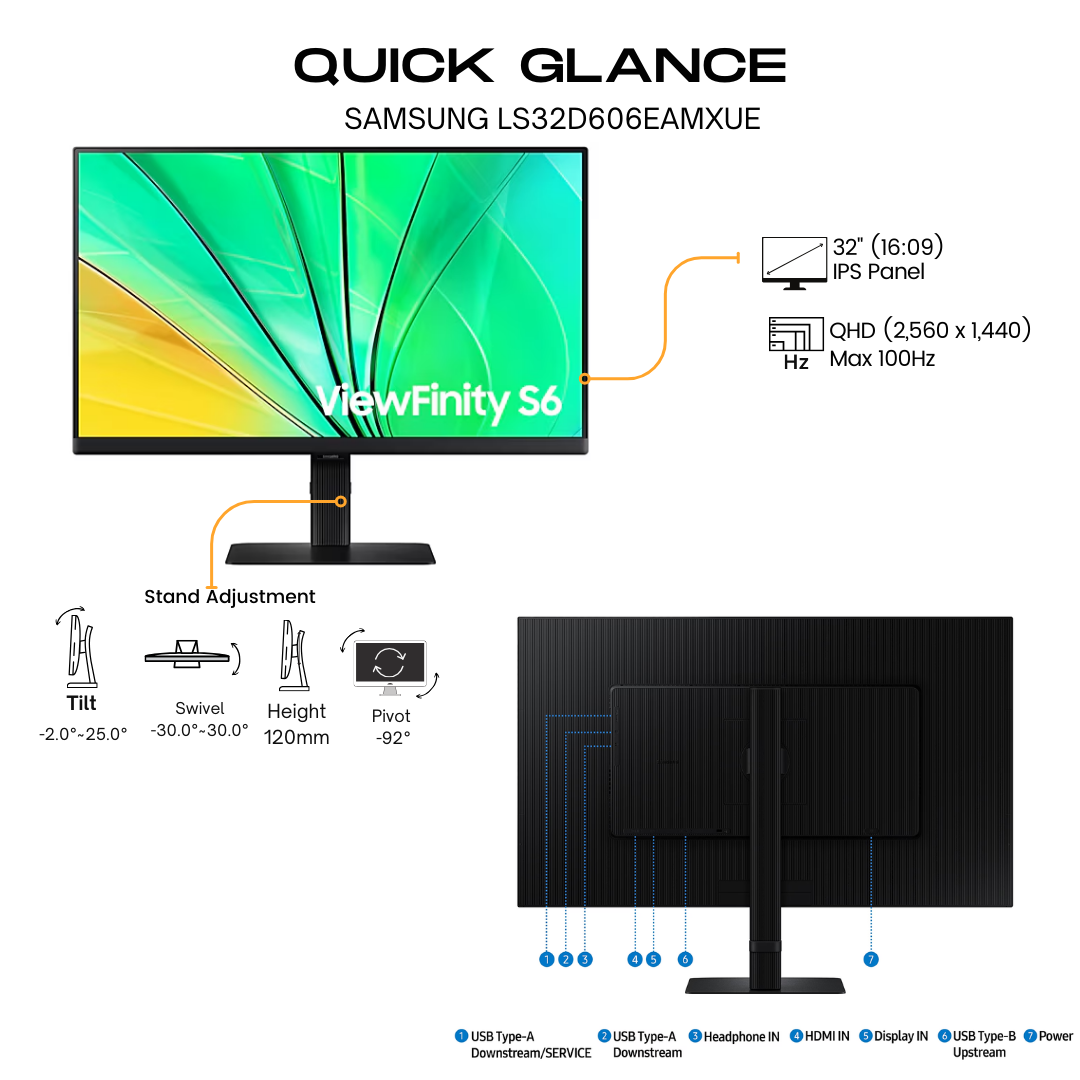
Quick Glance
Key Features
QHD at 100Hz with HDR10 Colour
QHD (2560x1440) resolution and a 100Hz refresh rate work together to reveal fine detail while reducing stutter and tearing in diagrams, designs and video. HDR10 and up to 1.07 billion colours with 99% sRGB coverage give darker darks, brighter brights and true-to-life colour.
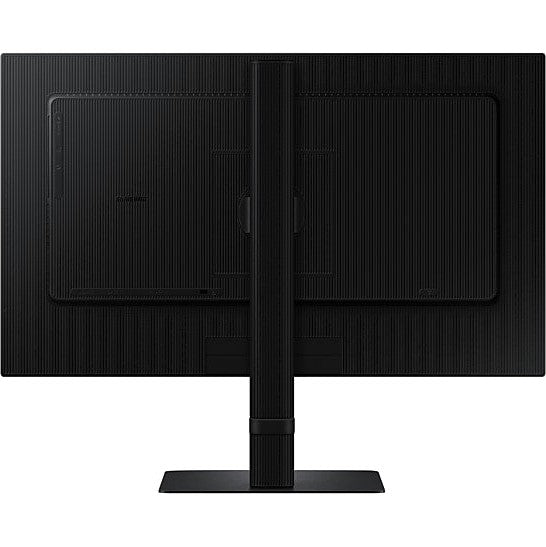
HDMI, DisplayPort and a USB 3.0 Hub
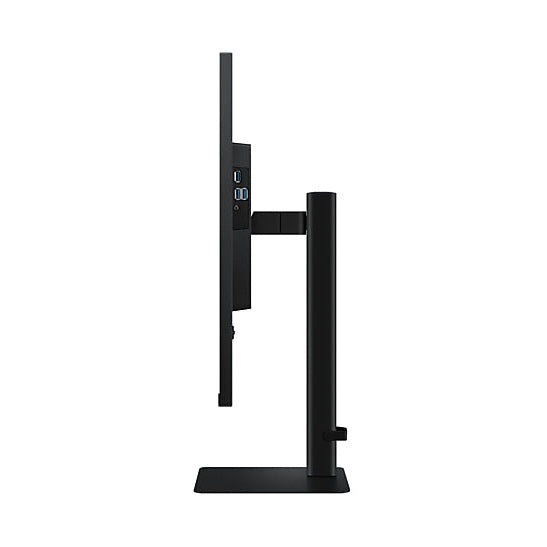
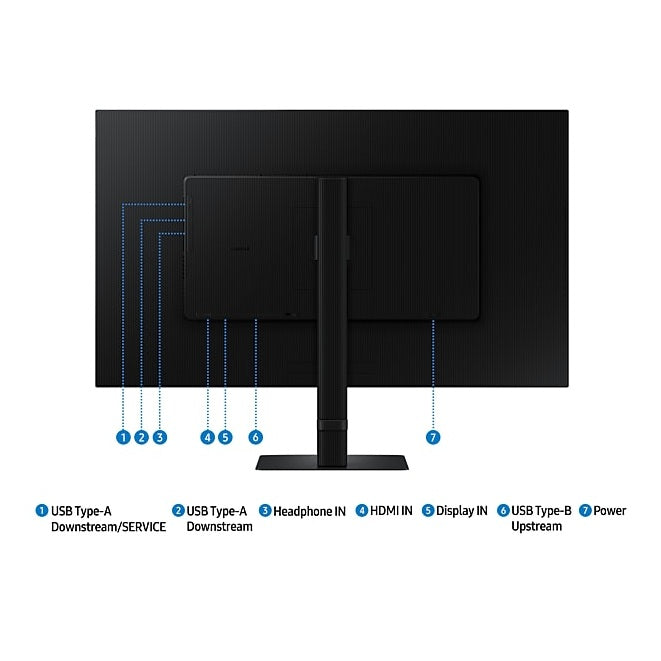
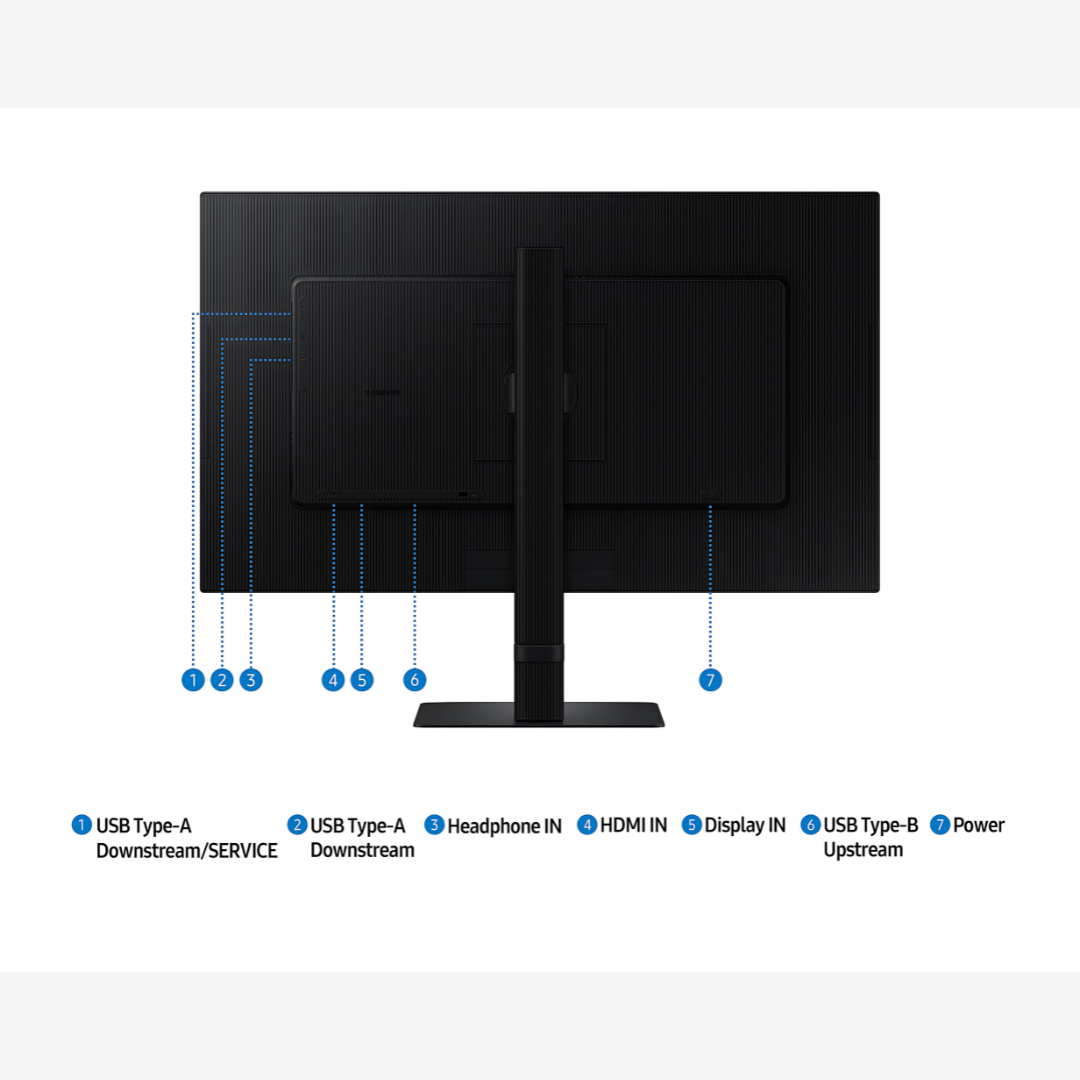
One HDMI and one DisplayPort 1.4 input sit alongside a three-port USB 3.0 hub fed by a USB-B upstream port, so a keyboard, mouse and drive plug into the monitor instead of the computer. HDMI, DisplayPort and USB 3.0 cables are in the box, with a headphone output for audio.
Easy Setup Stand That Raises, Swivels and Pivots
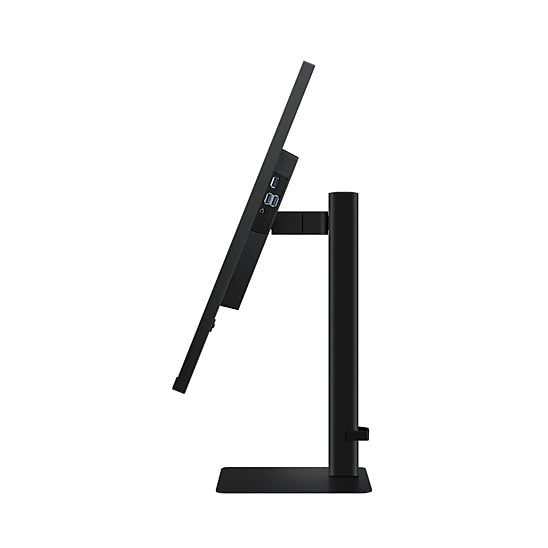
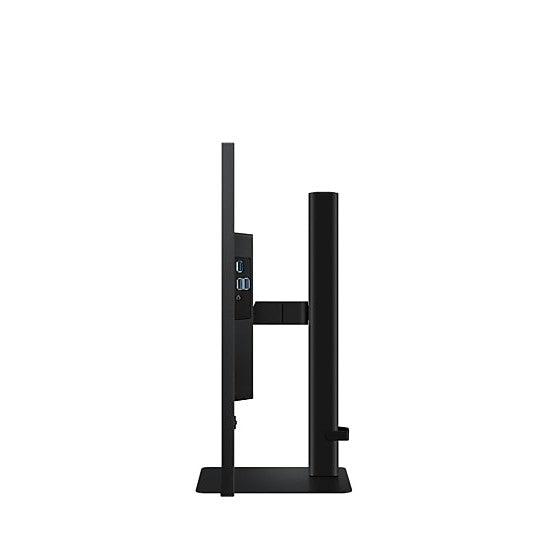
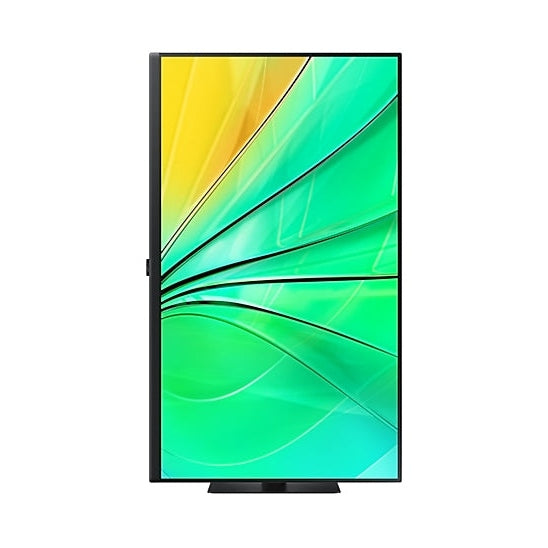
The Easy Setup Stand fits without tools or screws and releases at the push of a button. It raises through 120 mm, tilts from -2° to 25°, swivels 30° either way and pivots 90 degrees for long documents with less scrolling. A 100 x 100 wall mount takes a monitor arm.
Detailed Specifications
Specifications as published by Samsung Gulf on the product pages for the LS27D606EAMXUE and LS32D606EAMXUE. Where a figure differs by size, every size is listed.
Need-to-Know
Two sizes share this page. The panel specification, inputs, USB hub and stand are identical on both; what changes is the screen area, the footprint and the weight.
- The USB hub needs the supplied USB 3.0 cable connected from the monitor's USB-B upstream port to the computer. It carries data for peripherals; Samsung lists no USB-C.
- Inputs are one HDMI and one DisplayPort 1.4. A USB-C-only laptop needs a USB-C to HDMI or USB-C to DisplayPort cable or adaptor.
- No speakers are listed by Samsung for this model. Use the headphone output for headphones or powered speakers.
- Set 100Hz in your computer's display settings after connecting; both inputs are listed with HDCP 2.2.
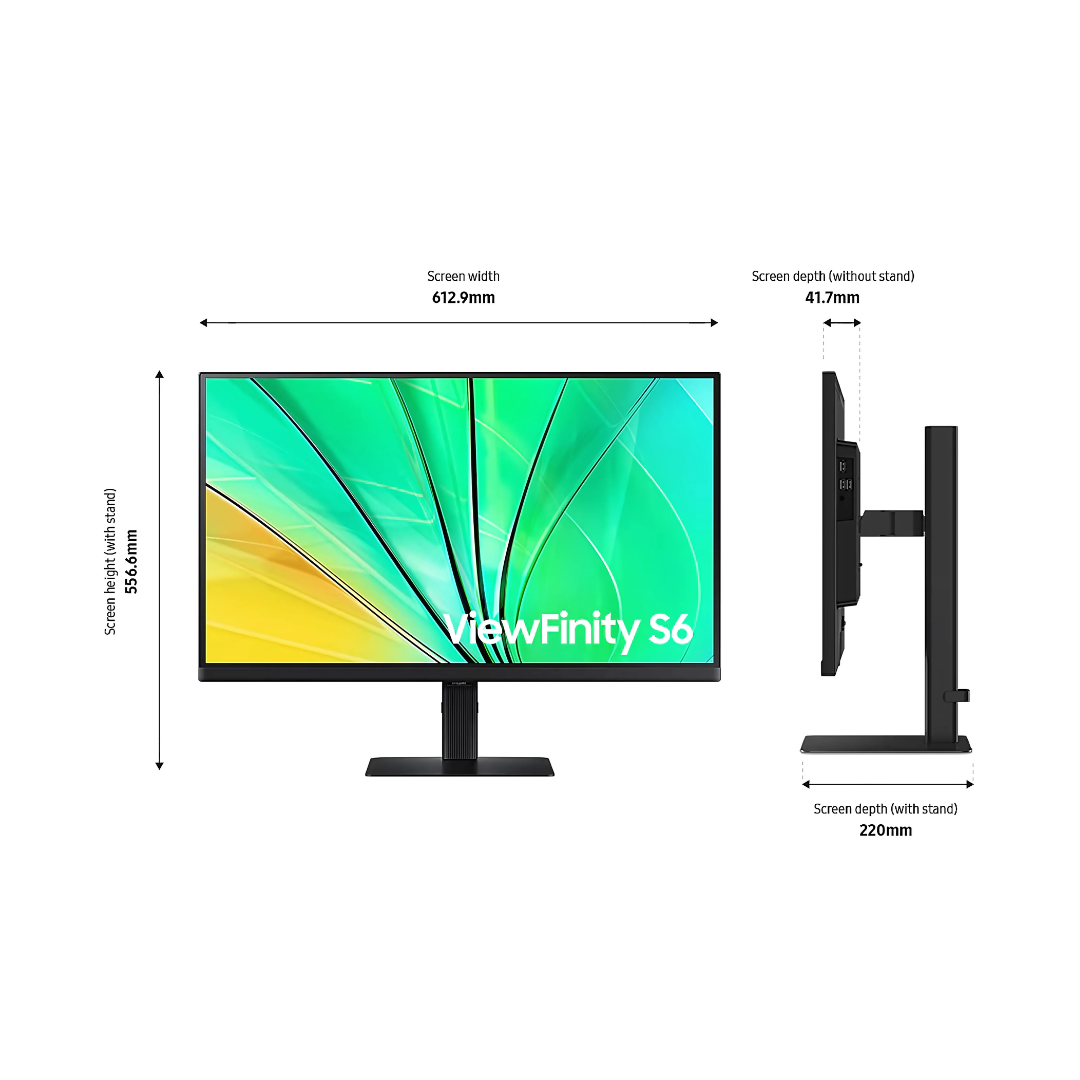
| Size | Model | Active display area | With stand (W x H x D) | Weight with stand |
|---|---|---|---|---|
| 27" | LS27D606EAMXUE | 596.736 x 335.664 mm | 612.9 x 556.6 x 220 mm | 6.1 kg |
| 32" | LS32D606EAMXUE | 698.112 mm (H) x 392.688 mm (V) | 713.9 x 585 x 220 mm | 7.2 kg |
At QHD on both sizes, the 27-inch gives the sharper image and the 32-inch the larger text and picture from a normal sitting distance.
Best For / Customer Benefits
Customer Benefits
- QHD at 100Hz gives more workspace than Full HD and smoother scrolling than a standard office screen.
- The built-in three-port USB 3.0 hub keeps peripherals on the monitor, connected to the computer by one USB cable.
- A tool-free Easy Setup Stand with height, tilt, swivel and pivot sets the screen to each user in minutes.
- The same IPS panel in 27 and 32 inches lets an office match one model and one set of cables to every desk.
Best For
Frequently Asked Questions
Only the physical size. Both are QHD 2560 x 1440 IPS panels at up to 100Hz with 350 cd/m² brightness, 1000:1 contrast, HDR10, 1.07 billion colours and 99% sRGB coverage, with the same HDMI, DisplayPort and USB 3.0 hub and the same Easy Setup Stand. The 32-inch shows the same pixels larger; the 27-inch is sharper and takes less desk space.
Samsung lists a USB hub with three USB 3.0 ports, fed from the computer through a USB-B upstream port. A USB 3.0 cable is in the box. The ports are for peripherals such as a keyboard, mouse or drive; the monitor has no USB-C.
Yes. Samsung lists pivot to about 92° on both sizes, along with 120 mm of height adjustment, tilt from -2° to 25° and swivel of about 30° either way. The Easy Setup Stand fits without tools, and a 100 x 100 wall mount is provided for monitor arms.
Samsung lists an HDMI cable, a DisplayPort cable, a USB 3.0 cable and a 1.5 m power cable. The power supply is internal, so there is no separate adaptor brick.
Not sure whether the 27 or 32-inch ViewFinity S6 suits your desk?
Tell us what you work on and what you connect, and our UAE team will recommend the right S60D size and confirm current stock.