



Samsung Smart Monitor M5 M50C FHD Flat Monitor, VA Panel, Smart TV Apps, Wi-Fi - HDMI, USB, White
LS27CM501EMXUE
Condition: NEW
- Regular price
-
Dhs. 660.00 (exc. Vat) - Regular price
-
(exc. Vat) - Sale price
-
Dhs. 660.00 (exc. Vat)
Couldn't load pickup availability
Genuine Guarantee
Shop with Confidence: Authentic IT Products from Major Brands.
Shipping information
We offer FREE DELIVERY for order over AED 200. Also no additional Cash on Delivery (COD) fee.
Click here to know more
Returns information
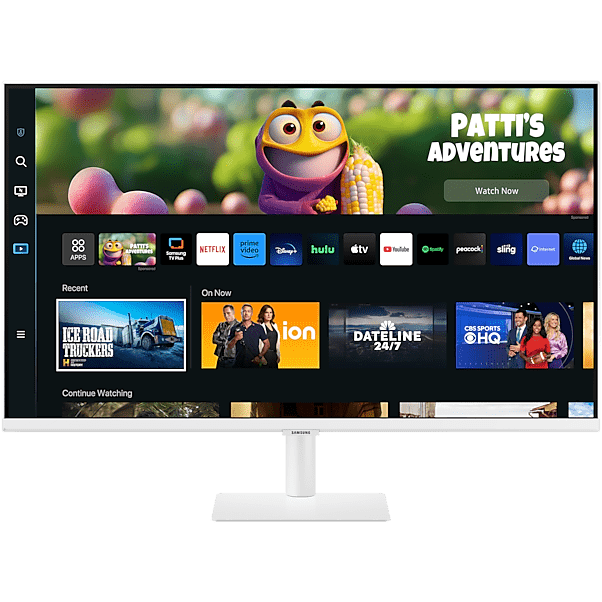
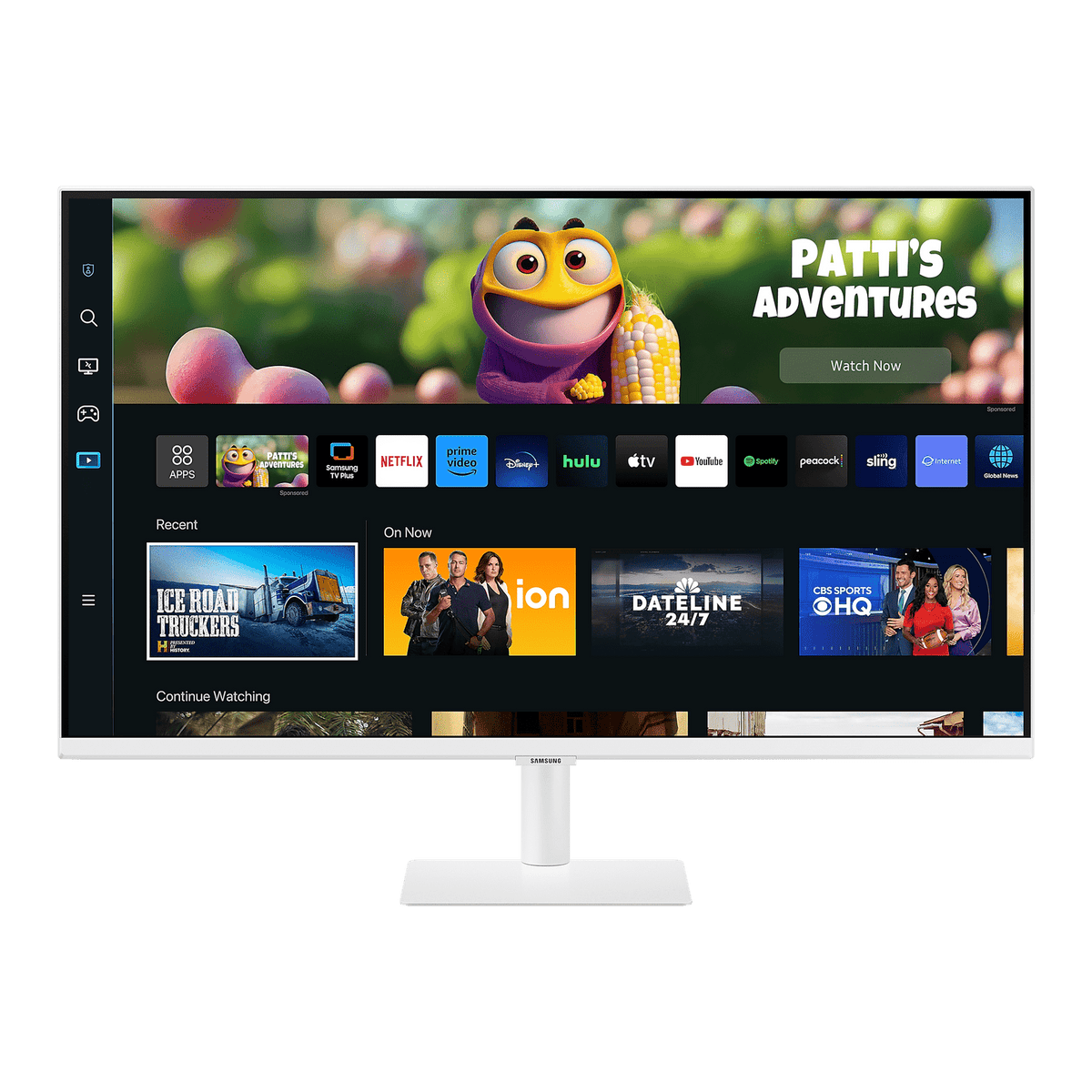
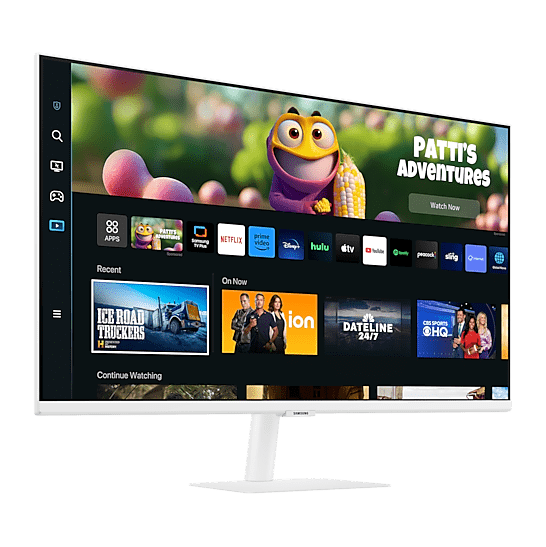

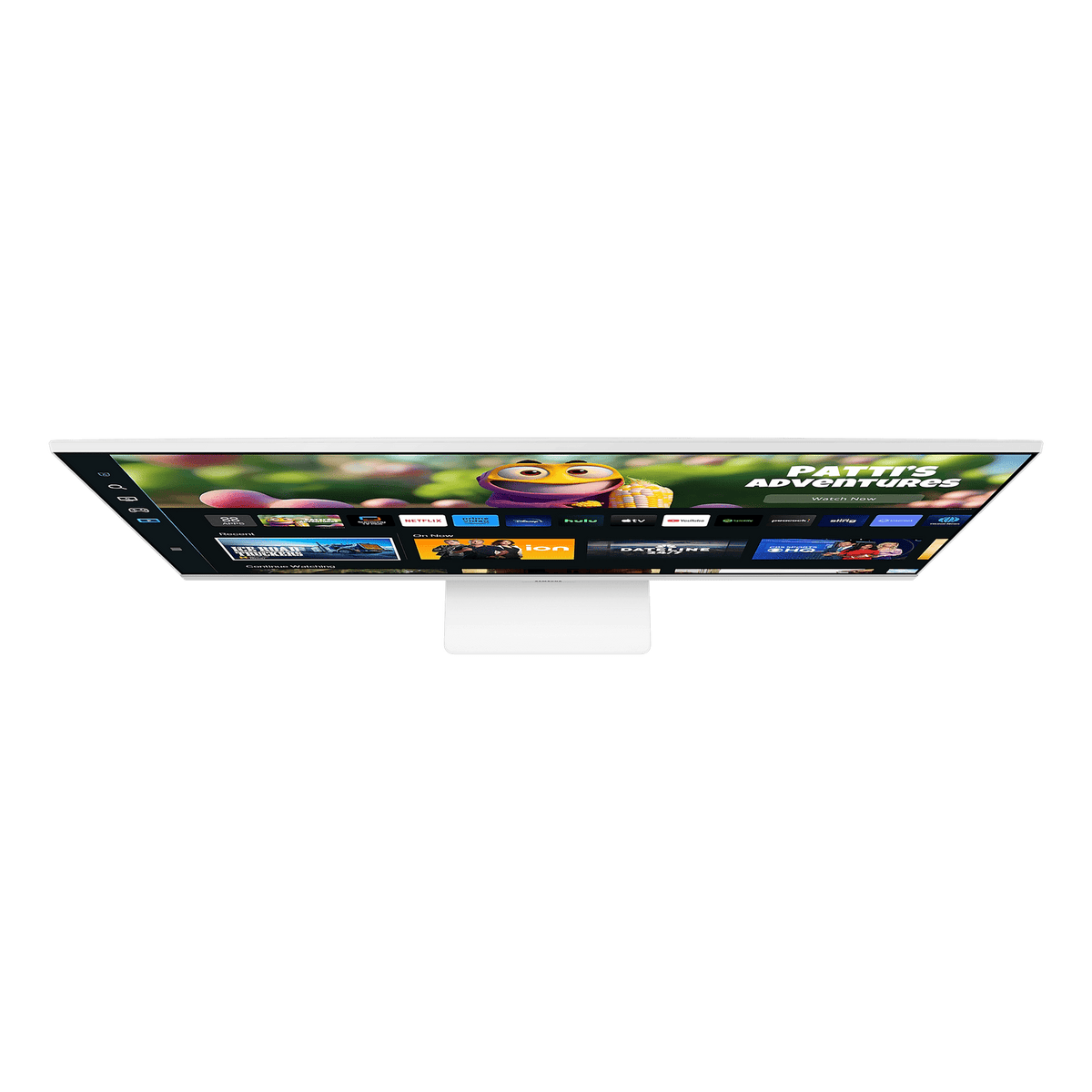
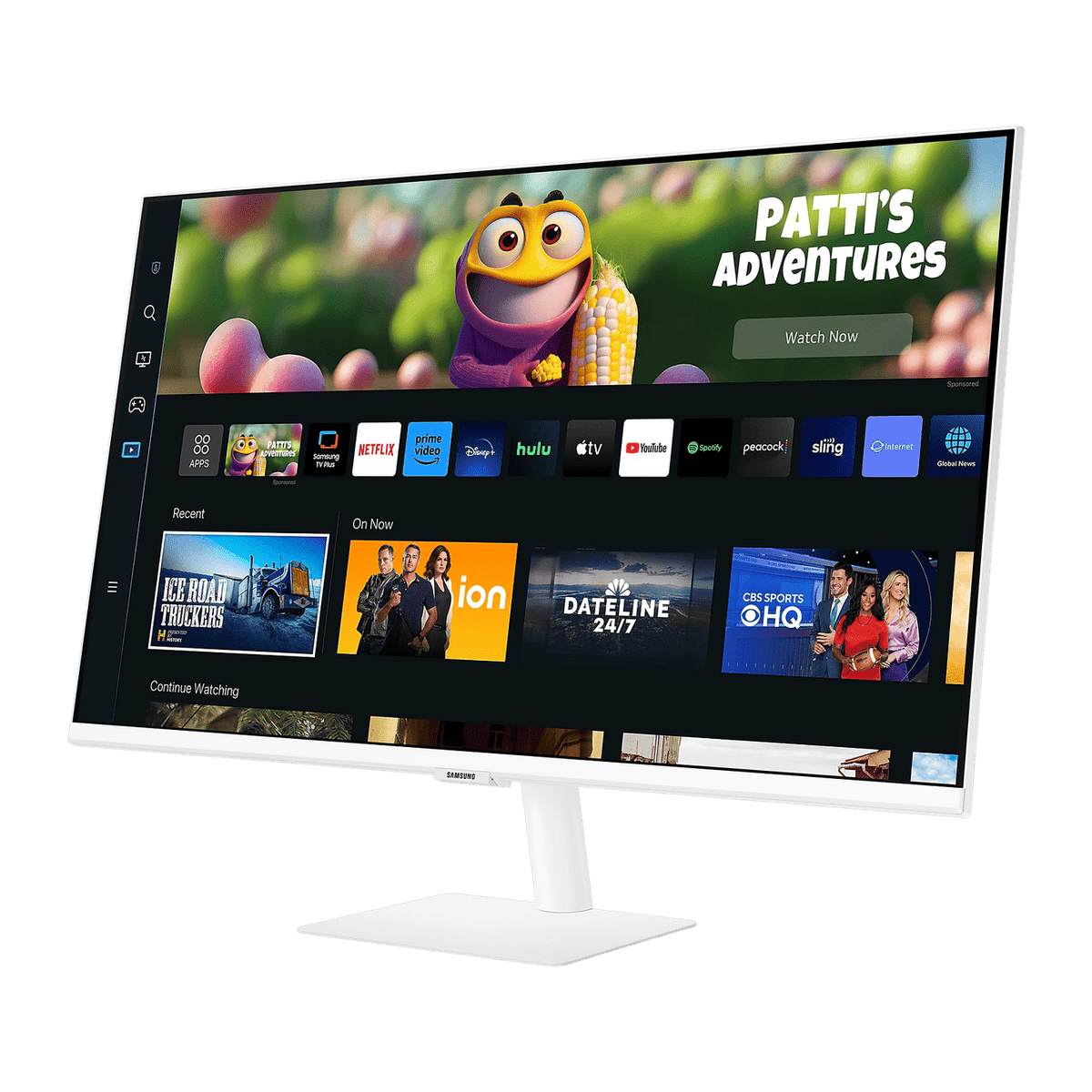

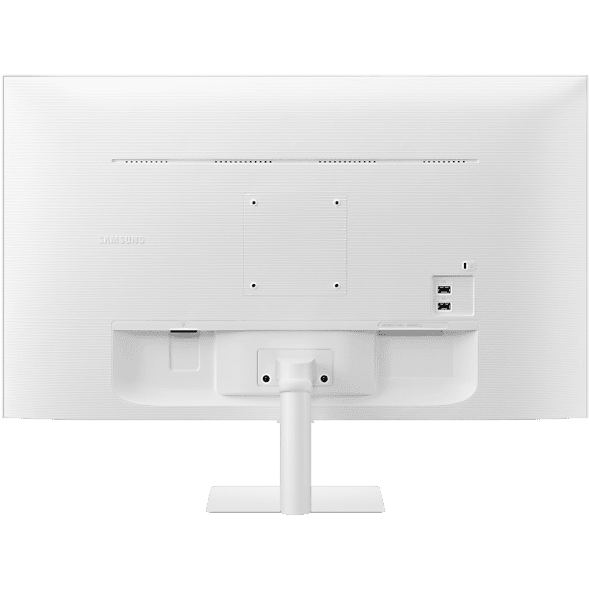
Smart Monitor M5 · 27 or 32 inch
Samsung Smart Monitor M5 M50C — FHD, Smart TV Apps, White
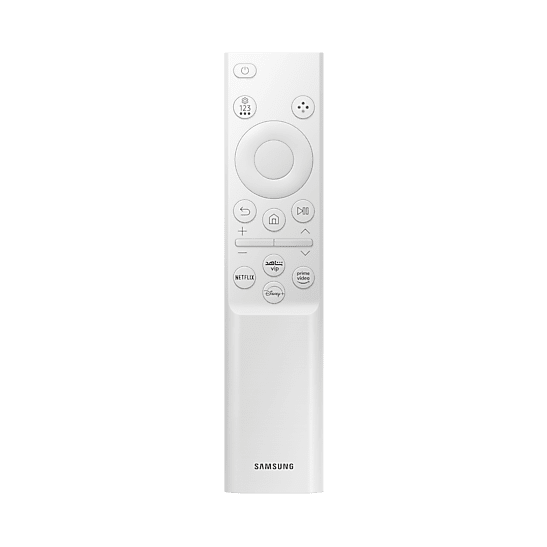
Samsung's Smart Monitor M5 M50C is a white Full HD VA monitor with Samsung's Tizen smart platform built in, offered here in two sizes — 27 and 32 inches — with the same specification on both apart from the screen and power draw. Stream from native TV apps, open Microsoft 365, reach your PC remotely or mirror a phone over Wi-Fi without switching a computer on, then use it as an ordinary HDMI monitor when you do. Wi-Fi 5, Bluetooth 5.2, two USB ports, built-in speakers and a remote control are included.
Quick Glance
Key Features
Smart TV Apps and Microsoft 365 Without a PC
Samsung's Tizen platform runs native streaming apps, Samsung Gaming Hub and Microsoft 365 directly on the monitor. Remote Access reaches your PC, wireless mirroring and AirPlay put a phone, tablet or Mac on the big screen, and SmartThings controls smart home devices, all with the included remote or a mouse and keyboard.
Wi-Fi 5, Bluetooth 5.2, Two HDMI and USB
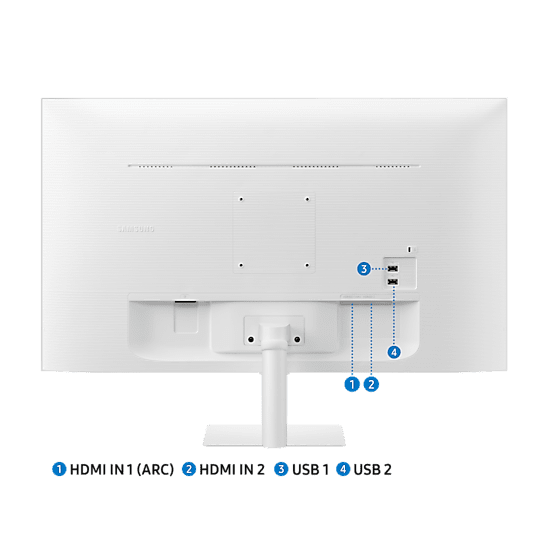
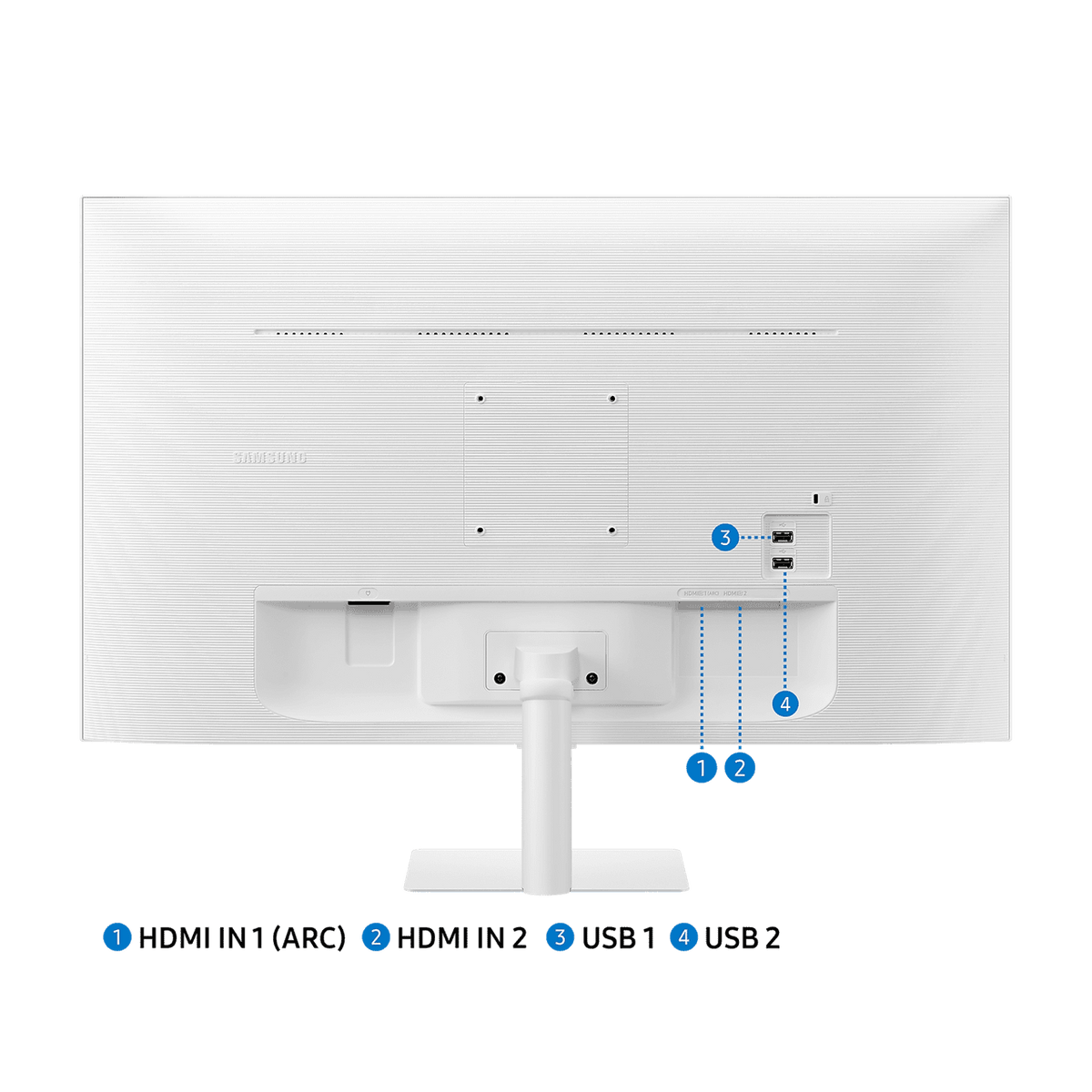
Wi-Fi 5 and Bluetooth 5.2 connect the smart features, a wireless keyboard and mouse or headphones. Two HDMI 1.4 inputs (HDCP 2.2) take a laptop and a console, and two USB-A ports add peripherals. Built-in speakers with Adaptive Sound and HDMI-CEC round out a screen that works as a TV or a monitor.
Full HD VA Picture with HDR10
The VA panel gives a 3,000:1 static contrast ratio at Full HD 1920 x 1080, with HDR10 support, 178° viewing angles and 250 cd/m² brightness. Adaptive Picture adjusts brightness to the room, and Eye Saver Mode and Flicker Free keep long sessions comfortable.
Detailed Specifications
Specifications as published by Samsung Gulf on the product pages for the LS27CM501EMXUE and LS32CM501EMXUE. Where a figure differs by size, every size is listed. App availability varies by country, and some apps and services need a Samsung account, an internet connection or a separate subscription.
Need-to-Know
Two sizes share this page. The panel, smart features, connections and stand are identical on both; what changes is the screen area, the footprint, the weight and the maximum power draw.
- The smart features need an internet connection, and Samsung states that a Samsung account is required for many apps and services; without one, only external inputs such as HDMI can be used.
- App availability varies by country and some streaming services need their own subscription. Samsung states that no TV tuner is included.
- There is no DisplayPort, no USB-C and no D-Sub (VGA): wired video is over the two HDMI inputs only.
- The stand tilts only. For height or swivel adjustment, use the 100 x 100 mm wall mount with a monitor arm.
- Samsung lists the maximum power consumption as 50 W for the 27-inch and 60 W for the 32-inch; the power supply is built in, so there is no external adaptor.
| Size | Model | Active display area | With stand (W x H x D) | Power consumption (max) |
|---|---|---|---|---|
| 27" | LS27CM501EMXUE | 597.888 x 336.312 mm | 615.5 x 455.4 x 193.5 mm | 50 W |
| 32" | LS32CM501EMXUE | 698.4 x 392.85 mm | 716.1 x 517.0 x 193.5 mm | 60 W |
Both sizes are Full HD, so the 27-inch gives the sharper picture on a desk and the 32-inch the larger picture for watching from further away.
Best For / Customer Benefits
Customer Benefits
- One screen works as a smart TV, a PC-free Microsoft 365 workstation and an ordinary HDMI monitor.
- Wi-Fi 5 and Bluetooth 5.2 keep the desk free of extra cables for the smart features, keyboard and headphones.
- Built-in speakers with Adaptive Sound and the included remote make it ready to watch out of the box.
- The white finish and slim profile suit a home setting rather than a traditional office screen.
- One model in two sizes lets you choose the screen area without changing the features.
Best For
Frequently Asked Questions
The screen size, the footprint, the weight and the maximum power draw (50 W for the 27-inch, 60 W for the 32-inch). Both are white Full HD 1920 x 1080 VA panels at 60Hz with HDR10, the same Tizen smart platform, Wi-Fi 5, Bluetooth 5.2, two HDMI inputs, two USB ports, built-in speakers, the remote control and the same tilting stand.
Yes. The monitor runs Samsung's Tizen platform with native streaming apps, controlled with the included remote or a mouse. It needs an internet connection over Wi-Fi, a Samsung account for many apps, and some services need their own subscription. App availability varies by country, and there is no TV tuner.
Yes. Microsoft 365 runs directly on the monitor with a Microsoft account, and Remote Access lets you reach and control your PC over the network. Connect a Bluetooth or USB keyboard and mouse for typing, or plug a laptop into either HDMI input to use it as a normal monitor.
Yes. Samsung lists wireless display, Tap View and AirPlay support, so a compatible Galaxy phone, iPhone, iPad or Mac can be mirrored to the screen. Samsung notes that AirPlay needs iOS 12.3 or macOS 10.14.5 or later, and that some functions depend on the model and region.
No. The wired video inputs are two HDMI 1.4 ports; there is no DisplayPort, USB-C or VGA. A laptop with only USB-C needs a USB-C to HDMI adaptor or cable. The two USB-A ports are for peripherals such as a keyboard, mouse or storage.
Not sure whether 27 or 32 inches suits your room?
Tell us whether it is mainly for watching, working or both and how far you will sit from it, and our UAE team will recommend the right M50C size and confirm current stock.