



Samsung S70A Series UHD 4K Flat Monitor, 60Hz, HDR10 - HDMI, DisplayPort
LS27A700NWMXUE
Condition: NEW
- Regular price
-
Dhs. 860.00 (exc. Vat) - Regular price
-
(exc. Vat) - Sale price
-
Dhs. 860.00 (exc. Vat)
Couldn't load pickup availability
Genuine Guarantee
Shop with Confidence: Authentic IT Products from Major Brands.
Shipping information
We offer FREE DELIVERY for order over AED 200. Also no additional Cash on Delivery (COD) fee.
Click here to know more
Returns information
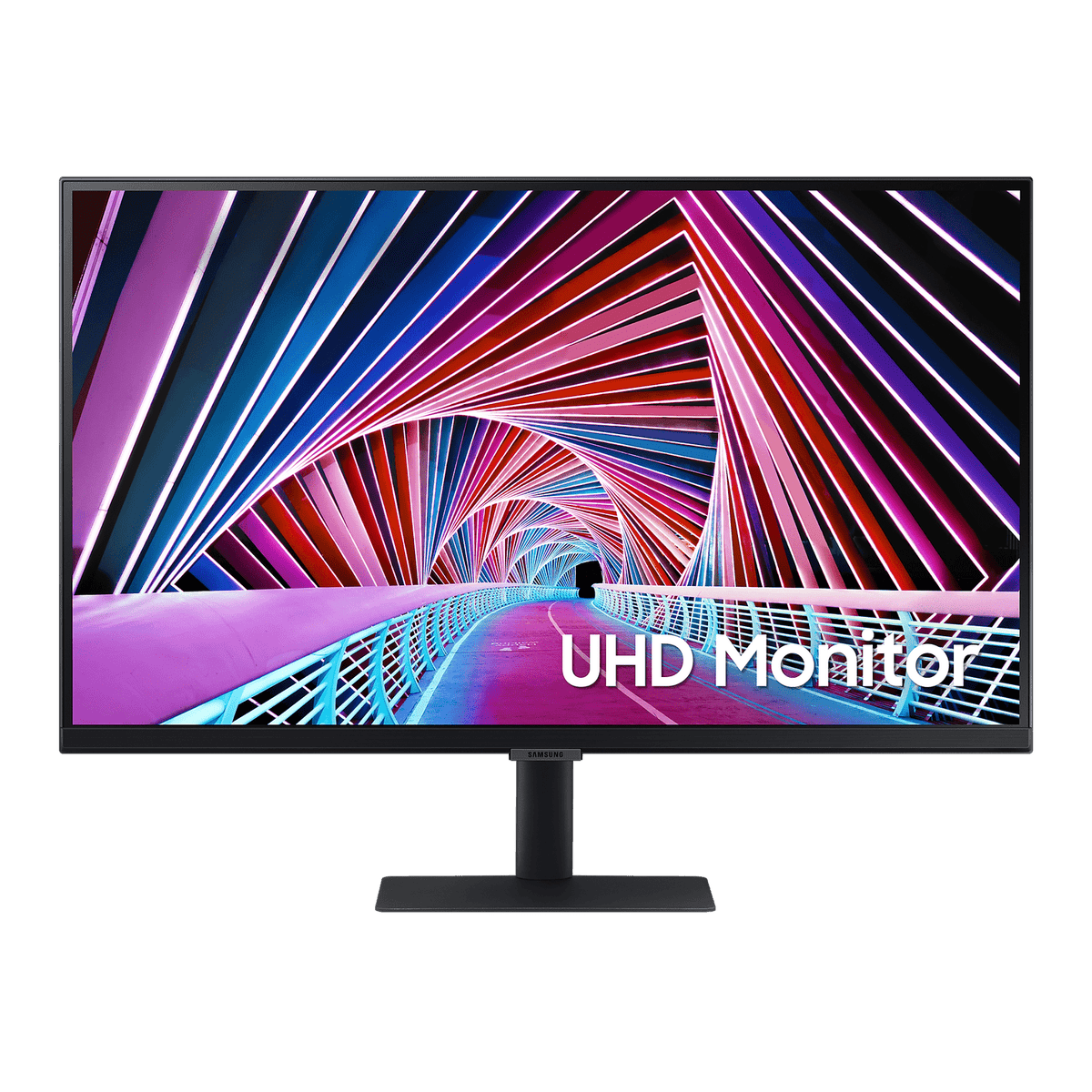
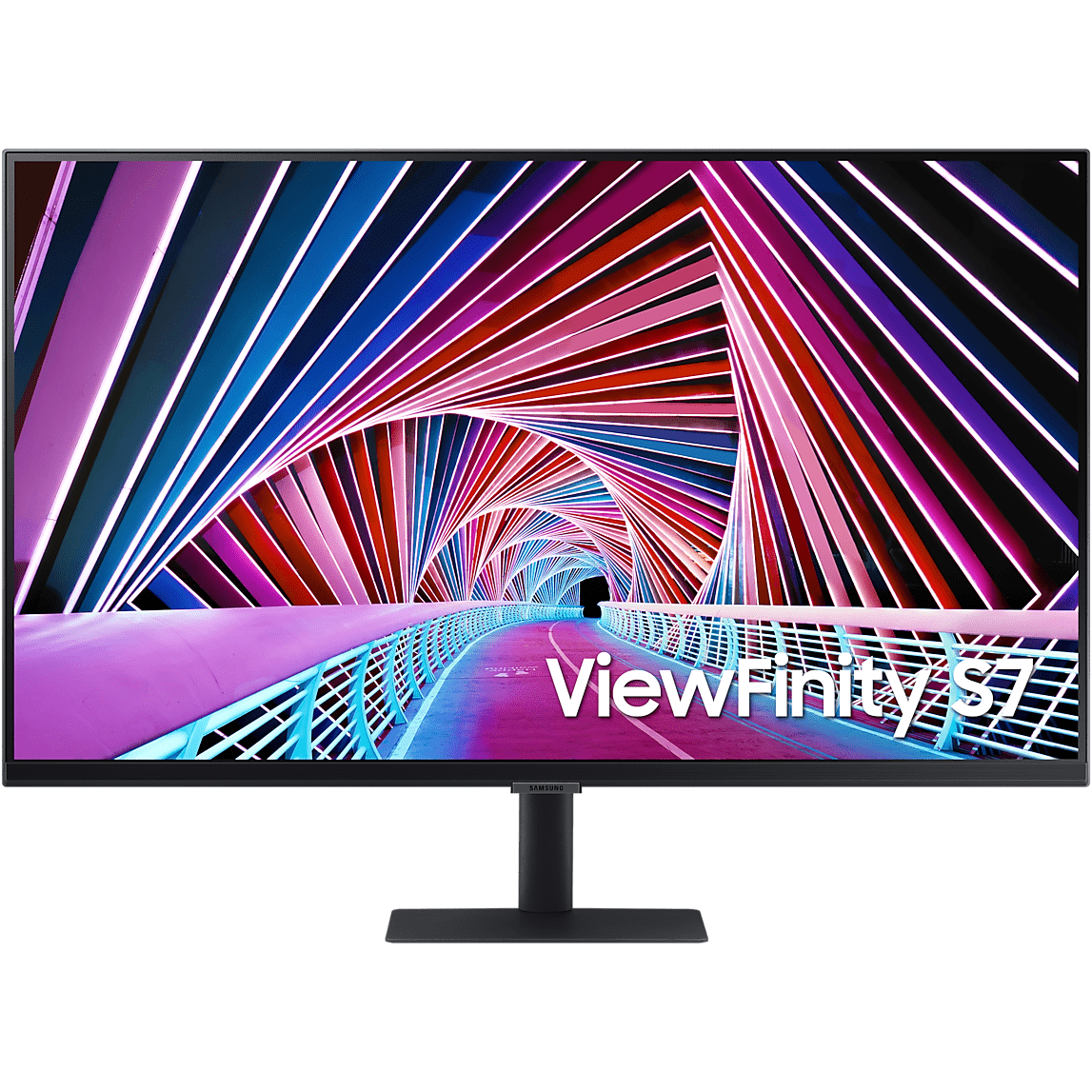
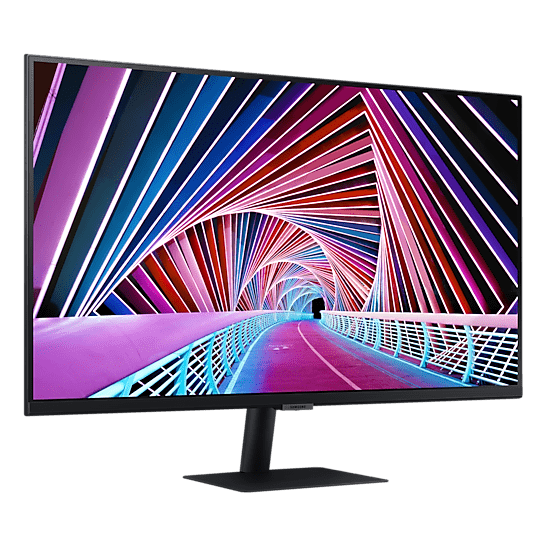
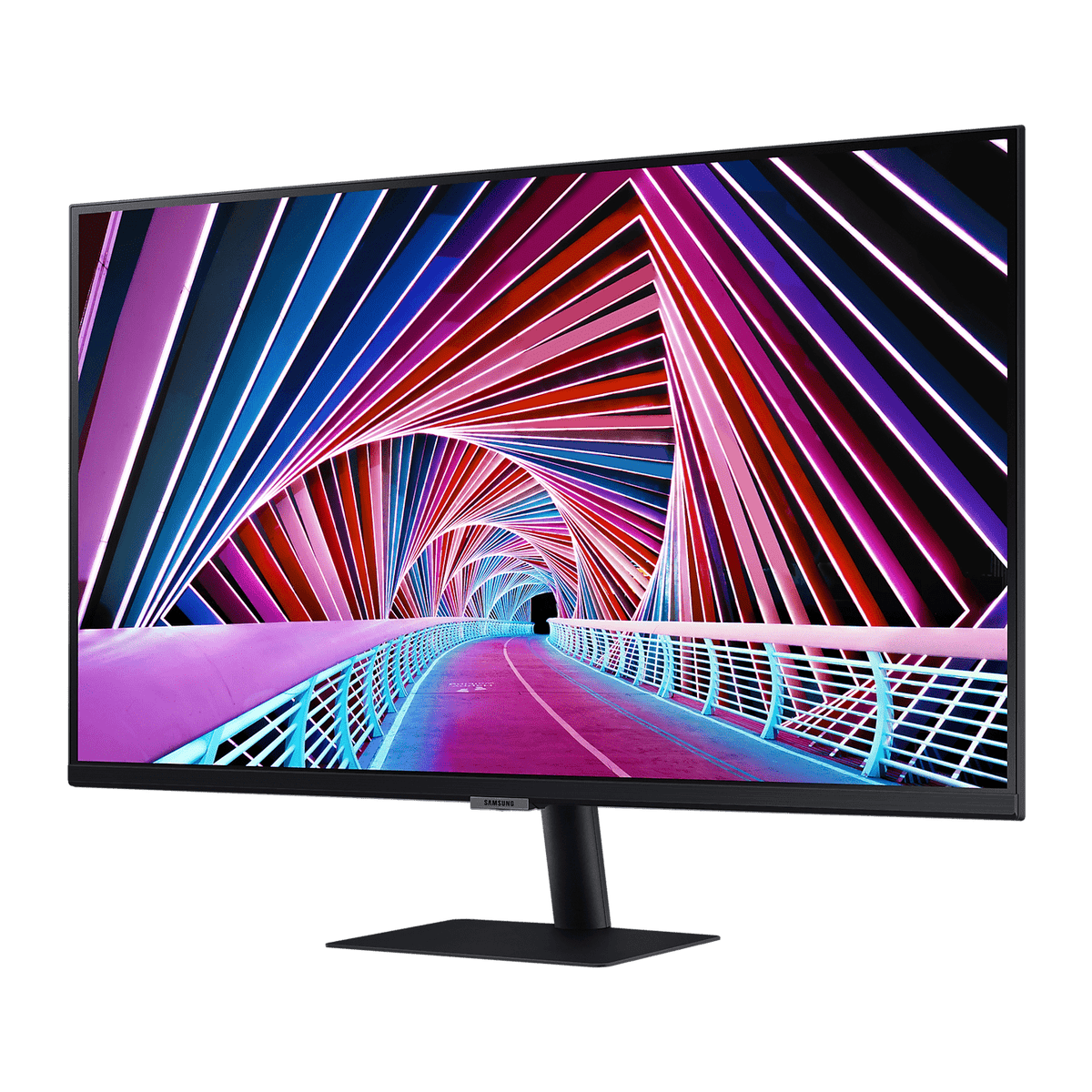
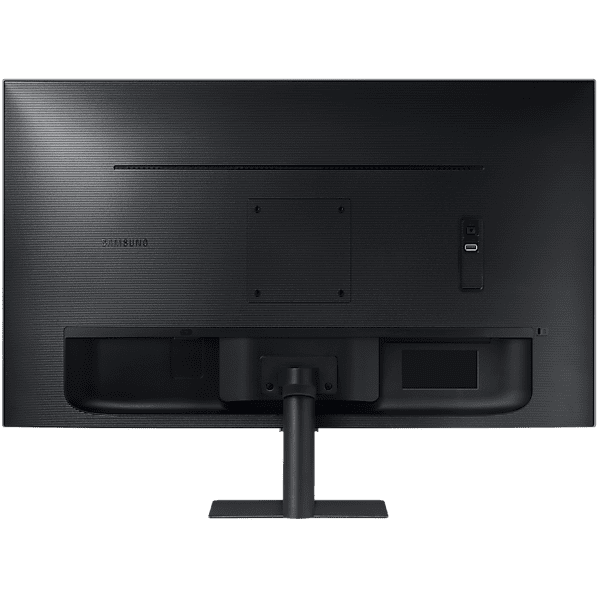
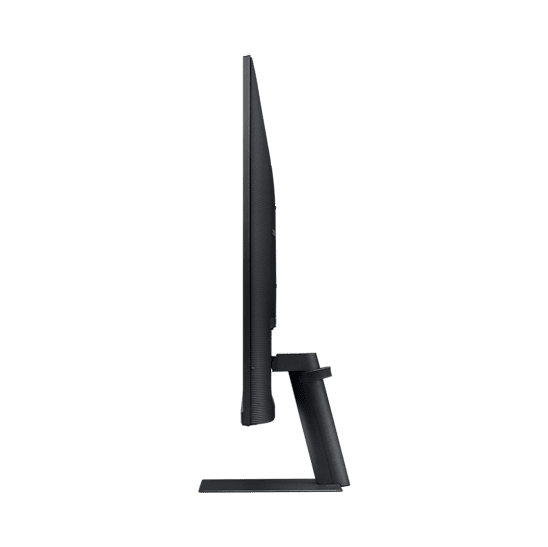
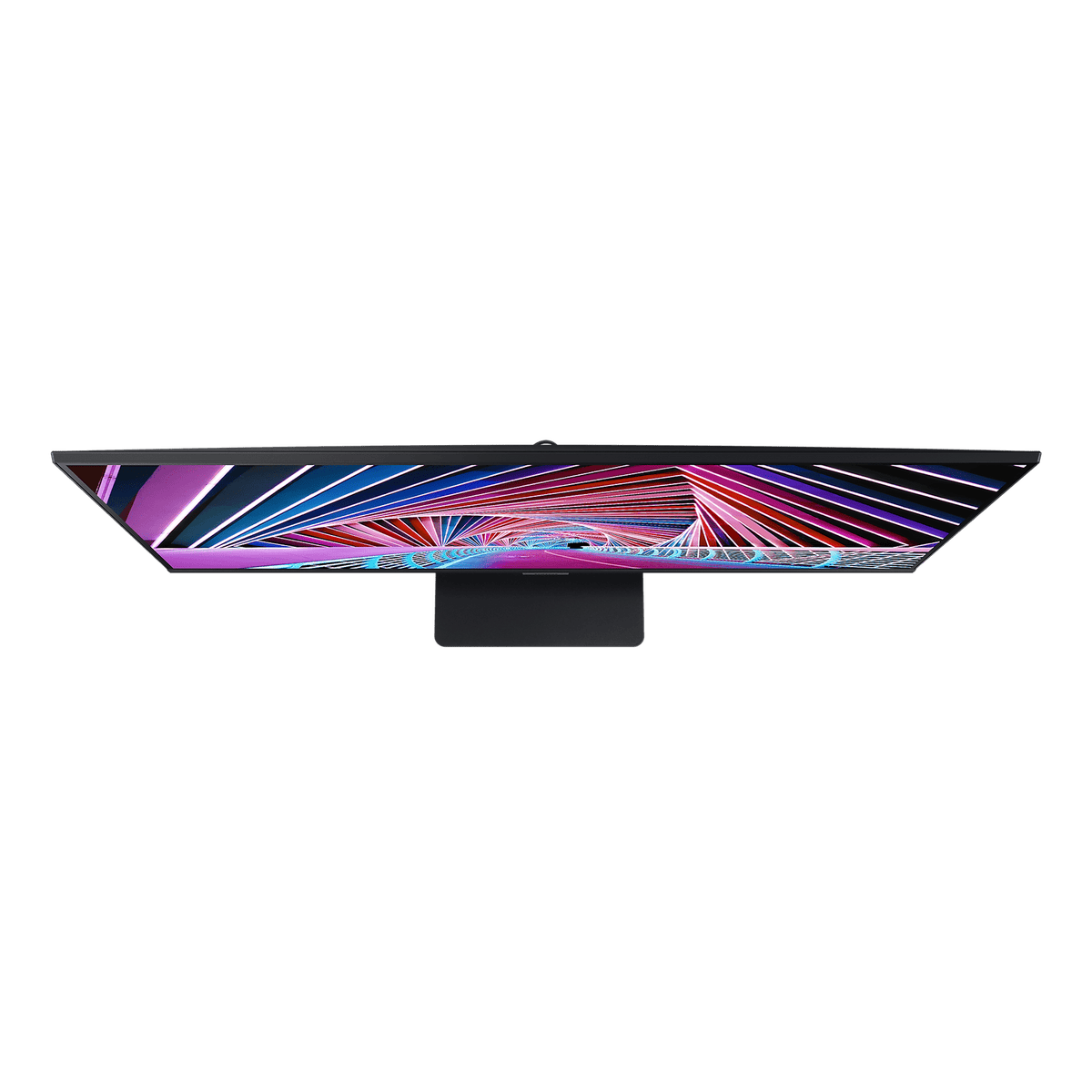
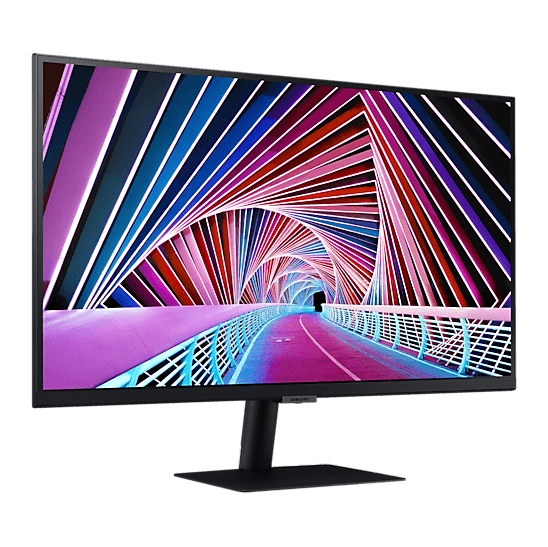
S70A Series · 27 or 32 inch
Samsung S70A Series UHD 4K Monitor — HDR10, a Billion Colours
Samsung's S70A Series is a flat 4K UHD (3840 x 2160) monitor with HDR10 and up to a billion colours, offered here in 27 and 32 inches. Both sizes share the resolution, the 60Hz refresh rate, 300 cd/m² brightness, the HDMI 2.0 and DisplayPort 1.2 inputs and the slim tilting stand. The panel is what changes: the 27-inch is IPS for colour that holds from wide angles, and the 32-inch is VA with a 2500:1 static contrast ratio. Samsung's Intelligent Eye Care, Eye Saver Mode and Flicker Free keep long days comfortable, and the near-borderless design suits a dual-screen desk.
Quick Glance
Key Features
4K UHD Detail with HDR10
With 4x the pixels of Full HD, 4K UHD shows every detail in depth and gives room to keep several tools, documents and applications open at once. HDR10 makes dark colours darker and bright colours brighter, and support for up to 1.07 billion colours with 99% sRGB coverage keeps gradients smooth.
TUV-Certified Intelligent Eye Care
For late-night work, the Eco Light Sensor and Adaptive Picture adjust brightness and colour temperature to the room. Eye Saver Mode reduces blue light and Flicker Free cuts screen flicker, as part of Samsung's TUV-certified Intelligent Eye Care.
Near-Borderless Design for Focused Work
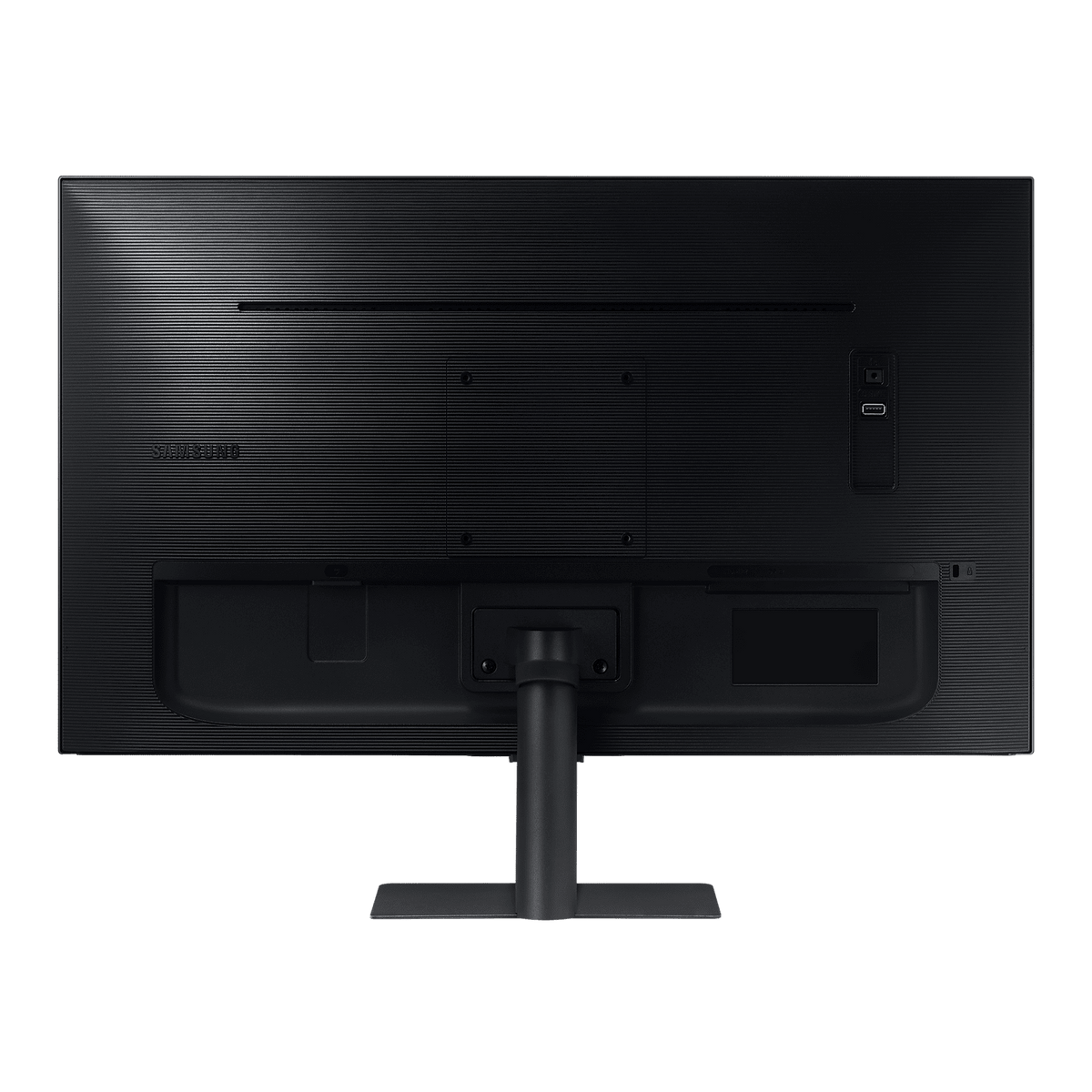
A virtually borderless design keeps attention on the work and lines two screens up with a near-gapless join. The slim stand tilts from -2° to 22°, a 100 x 100 wall mount takes a monitor arm, and Auto Source Switch picks up a newly connected device without a trip to the menu.
Detailed Specifications
Specifications as published by Samsung for each exact model: the LS27A700NWMXUE from its Samsung Saudi Arabia product page and the LS32A700NWNXZA from its Samsung Caribbean product page. The Samsung Gulf site no longer lists either code. Where a figure differs by size, each size is shown separately.
Need-to-Know
Two sizes share this page. Resolution, refresh rate, brightness, inputs and stand are the same on both; the panel type, static contrast, footprint and weight change with the size.
- The two sizes use different panels: the 27-inch is IPS and the 32-inch is VA. Resolution, refresh rate, brightness and inputs are the same.
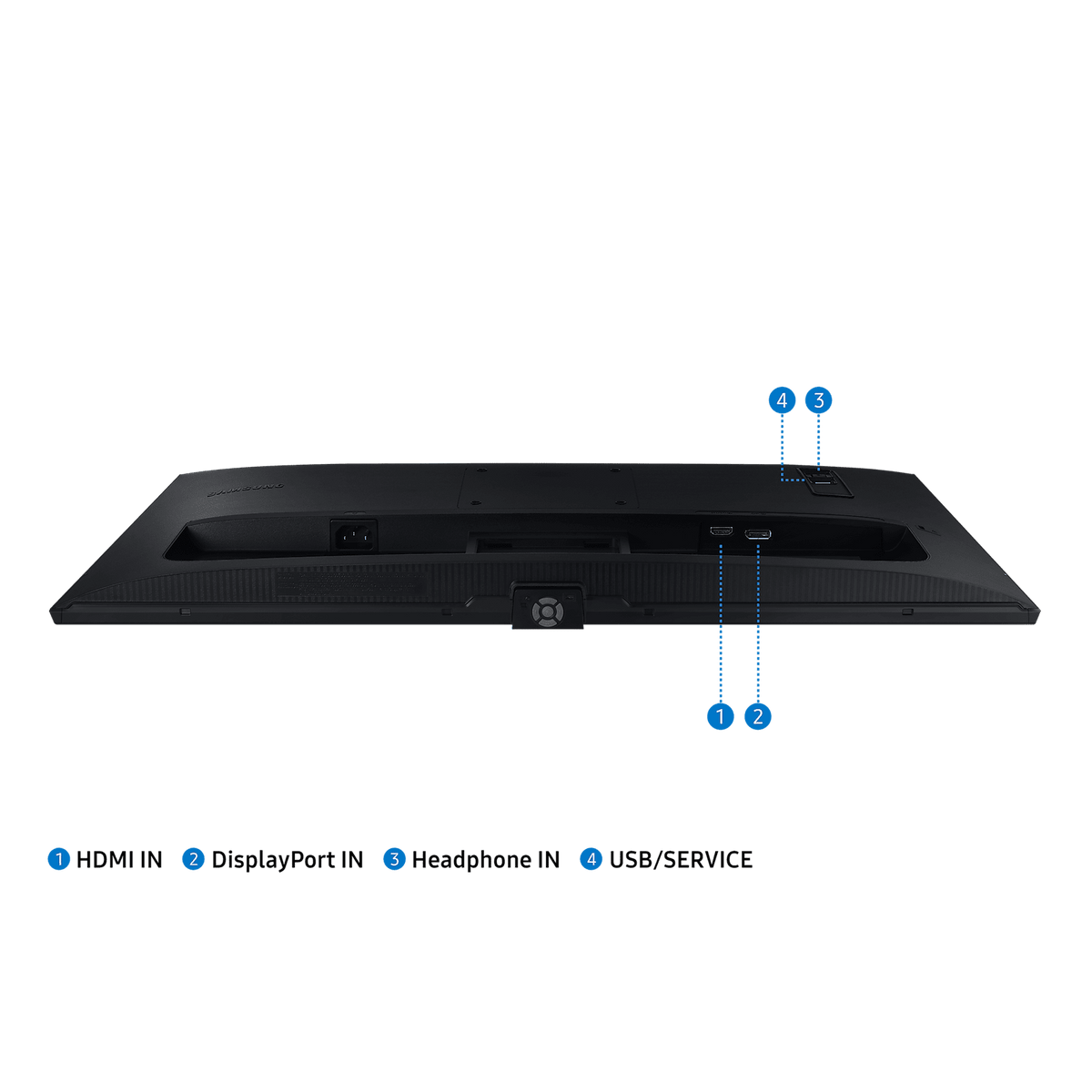
- Inputs are one HDMI 2.0 and one DisplayPort 1.2. There is no USB-C and no D-Sub (VGA), so a USB-C-only laptop needs a USB-C to HDMI or USB-C to DisplayPort adaptor.
- USB differs by model: Samsung lists one USB port for the 27-inch ("USB Hub: 1") and no USB ports for the 32-inch. Neither size has USB-C.
- The stand tilts only. For height adjustment or rotation, use the 100 x 100 wall mount with a monitor arm.
- No speakers. The headphone output passes sound to headphones or powered speakers.
| Size | Model | Panel type | Static contrast | With stand (W x H x D) | Package weight |
|---|---|---|---|---|---|
| 27" | LS27A700NWMXUE | IPS | 1000:1(Typ) | 615.5 x 456 x 193.5 mm | 7 kg |
| 32" | LS32A700NWNXZA | VA | 2500:1(Typ) | 716.1 x 518.5 x 193.5 mm | 7.60 kg |
Choose the 27-inch IPS panel for the sharpest 4K image and wide-angle colour, or the 32-inch VA panel for deeper contrast and larger text at the same resolution.
Best For / Customer Benefits
Customer Benefits
- 4K UHD gives four times the pixels of Full HD, so more of a timeline, drawing or spreadsheet fits on screen.
- HDR10 and up to a billion colours show photos and video with smooth gradients and 99% sRGB coverage.
- Choose IPS at 27 inches for wide-angle colour, or VA at 32 inches for deeper contrast, with the same inputs and stand.
- TUV-certified Intelligent Eye Care, Eye Saver Mode and Flicker Free are built in for long working days.
Best For
Frequently Asked Questions
Both are 4K UHD 3840 x 2160 at 60Hz with HDR10, 300 cd/m² typical brightness, 1.07 billion colours, one HDMI 2.0 and one DisplayPort 1.2 input and the same tilting stand. The 27-inch (LS27A700NWMXUE) has an IPS panel with 1000:1 typical static contrast; the 32-inch (LS32A700NWNXZA) has a VA panel with 2500:1 typical static contrast. The 32-inch is also larger and heavier.
Samsung lists a maximum 60Hz refresh rate at 3840 x 2160, with one HDMI 2.0 and one DisplayPort 1.2 input. Connect with HDMI or DisplayPort from the computer; Samsung lists USB-C as not supported, so a USB-C laptop needs a USB-C to HDMI or USB-C to DisplayPort cable. An HDMI cable is included.
Not with the included stand, which tilts from about -2° to 22° only. Both sizes have a 100 x 100 wall mount, so a standard monitor arm gives height and angle adjustment if you need it.
No. Samsung lists no speaker for either size. There is a headphone output, so headphones or a pair of powered speakers can be connected directly to the monitor.
Not sure whether the 27 or 32-inch S70A suits you?
Tell us what you work on and what you connect to the screen, and our UAE team will recommend the right S70A size and confirm current stock.