



Samsung S33A Flat Monitor 60Hz, Eye Saver Mode, Flicker Free - HDMI, VGA
LS19A330NHMXUE
Condition: NEW
- Regular price
-
Dhs. 190.00 (exc. Vat) - Regular price
-
(exc. Vat) - Sale price
-
Dhs. 190.00 (exc. Vat)
Couldn't load pickup availability
Genuine Guarantee
Shop with Confidence: Authentic IT Products from Major Brands.
Shipping information
We offer FREE DELIVERY for order over AED 200. Also no additional Cash on Delivery (COD) fee.
Click here to know more
Returns information
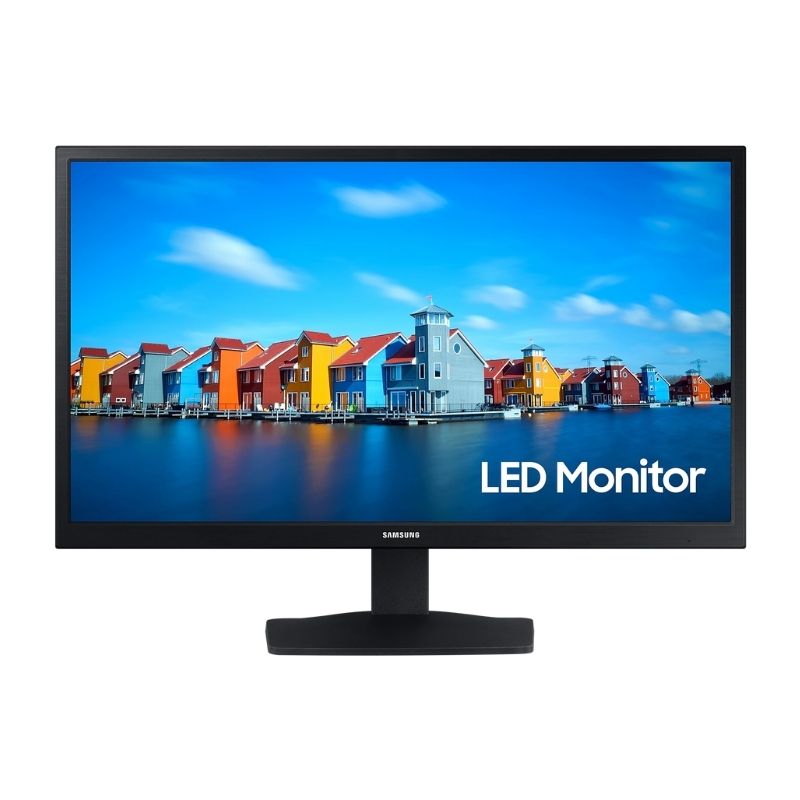
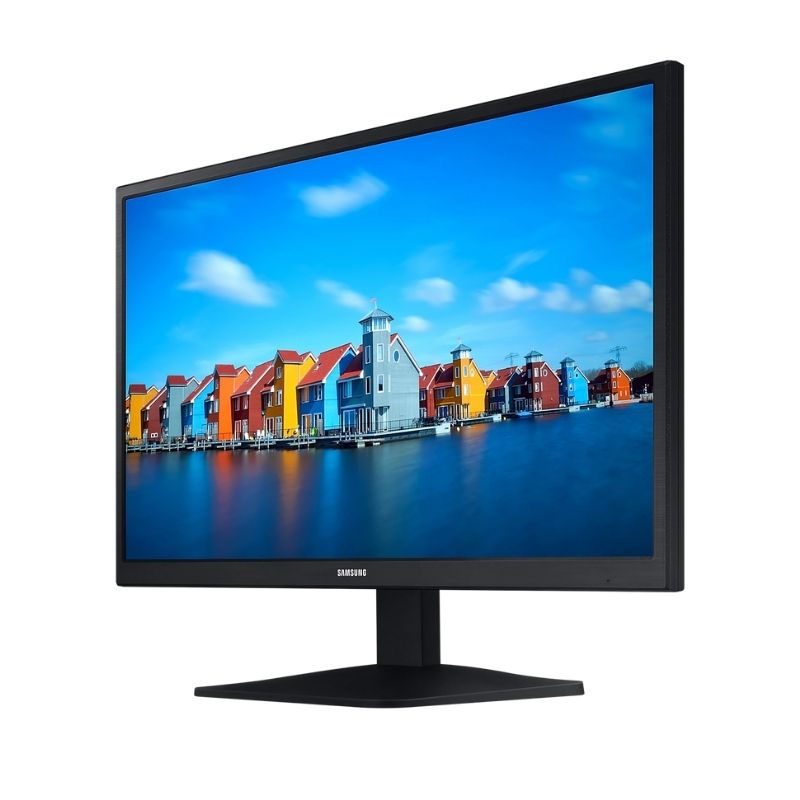
Samsung S33A · 19 or 22 inch
Samsung S33A Flat Monitor — 19-inch TN or 22-inch VA, 60Hz
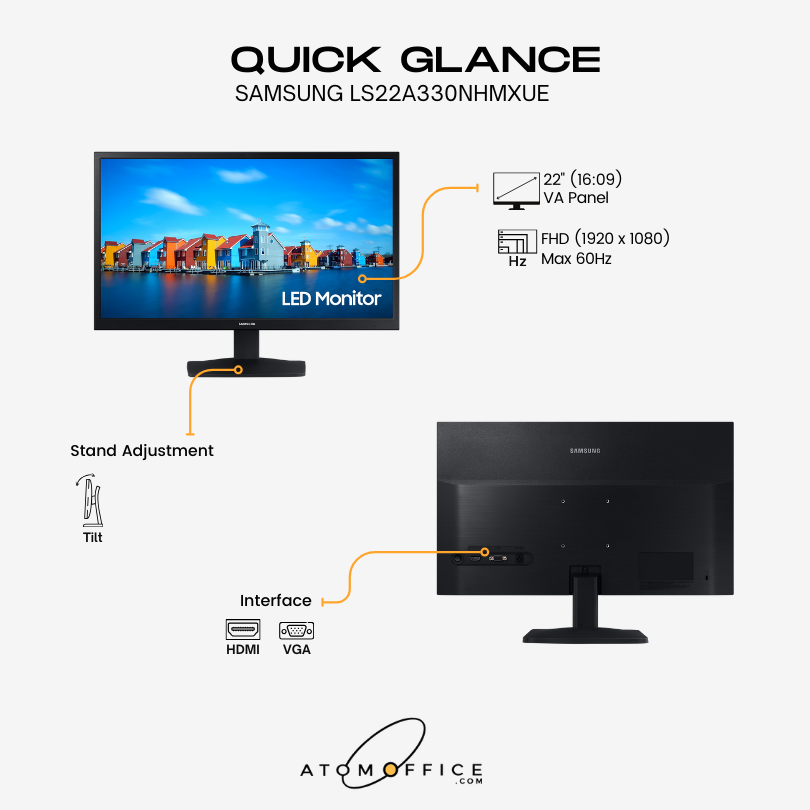
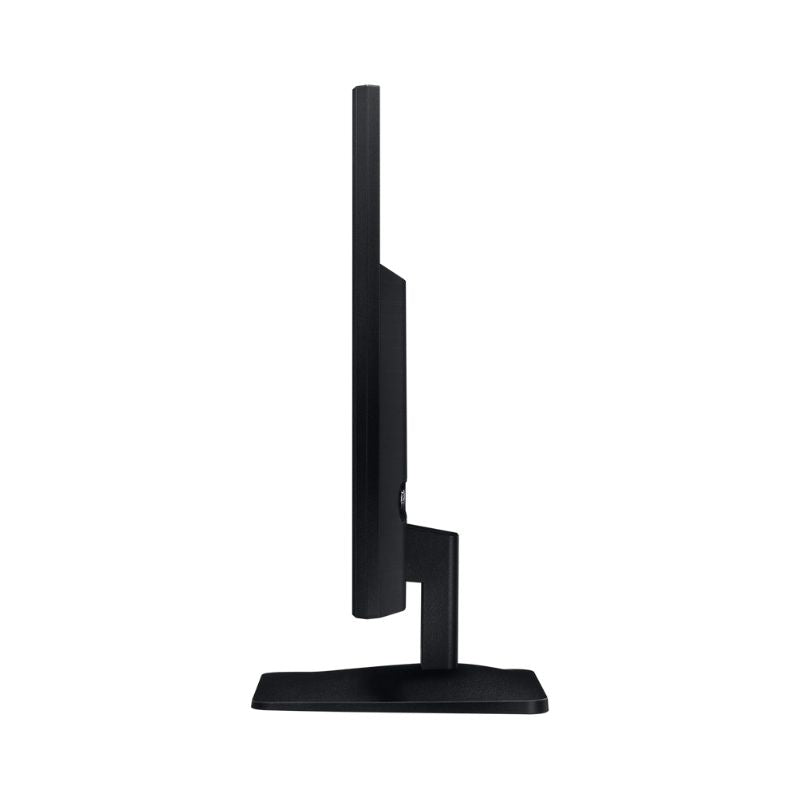
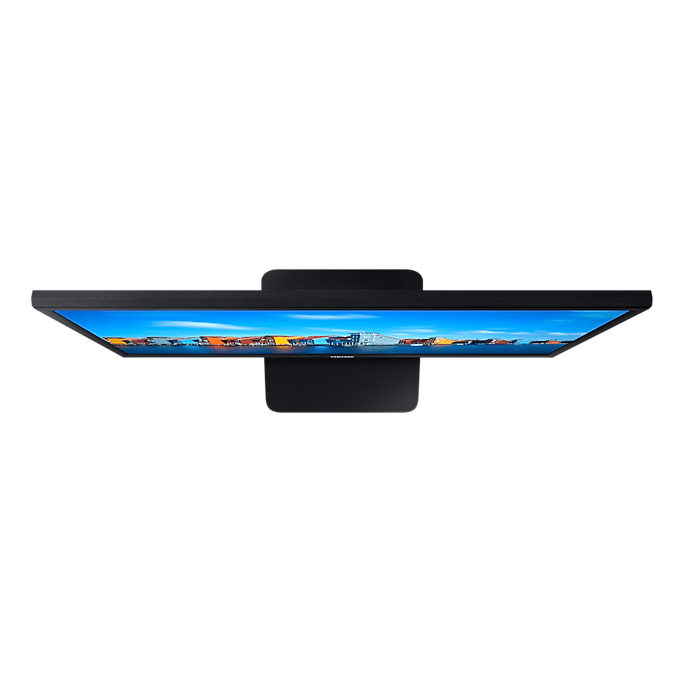
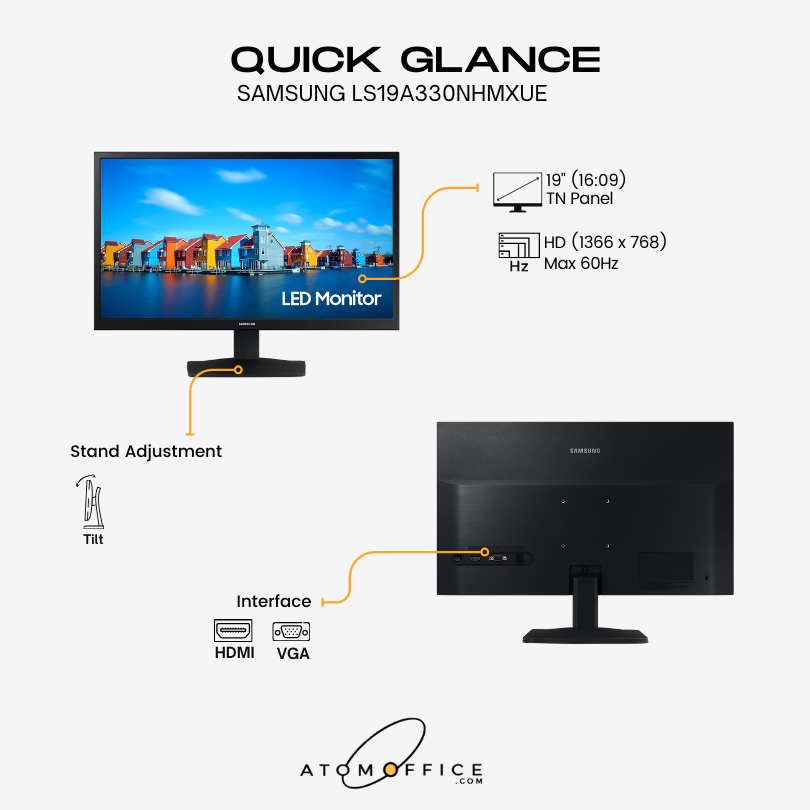
Samsung's S33A is a simple flat office monitor, offered here in two sizes that are not the same panel: the 19-inch is a TN screen at 1,366 x 768, and the 22-inch is a VA screen at Full HD 1,920 x 1,080 with 178° viewing angles and a 3000:1 contrast ratio. Both run at 60Hz with 250 cd/m² brightness, Eye Saver Mode and Flicker Free, both have one HDMI and one D-Sub (VGA) input for a laptop or an older desktop, and both sit on a tilting stand with a 75 x 75 mm wall mount.
Quick Glance
Key Features
Two Sizes, Two Panels
The 22-inch uses a VA panel at Full HD 1920 x 1080, with a 3000:1 contrast ratio for deeper blacks and 178° viewing angles that keep documents accurate from wherever you sit. The 19-inch uses a TN panel at 1366 x 768 with 600:1 contrast and 90° / 65° viewing angles, for a compact screen viewed straight on.
Eye Saver Mode and Flicker Free
Eye Saver Mode minimises blue light and Flicker Free continuously removes screen flicker, so long days at the desk stay comfortable on either size. Samsung's Game Mode setting boosts contrast in dark scenes when the working day is done.
HDMI and D-Sub for New and Old Computers
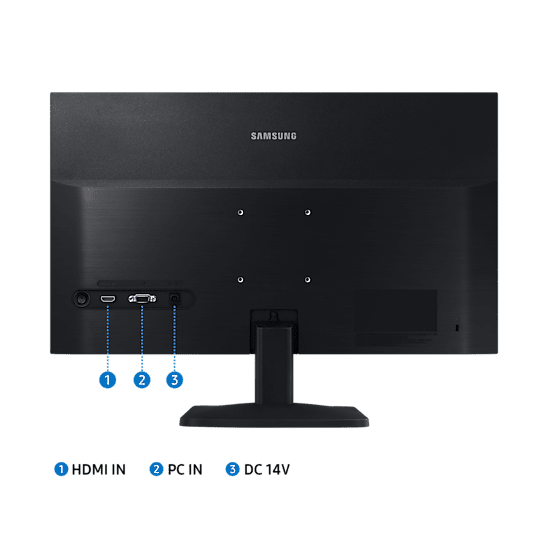
One HDMI 1.4 and one D-Sub (VGA) input connect a current laptop and an older desktop, and an HDMI cable is in the box. The stand tilts from -5° to 21°, and the 75 x 75 mm wall mount takes a standard arm or bracket.
Detailed Specifications
Specifications as published by Samsung Saudi Arabia (English) on the product pages for the LS19A330NHMXUE and LS22A330NHMXUE; neither model has a page on Samsung's UAE site. The two sizes use different panels, so every figure that differs by size is listed per size.
Need-to-Know
Two sizes share this page, and the panel is not the same: the 19-inch is TN at 1,366 x 768 and the 22-inch is VA at Full HD. Inputs, stand, brightness and refresh rate are identical.
- The two sizes are different panels: the 19-inch is TN at 1,366 x 768 (not Full HD) with 90° / 65° viewing angles; the 22-inch is VA at Full HD 1,920 x 1,080 with 178° / 178°.
- Two inputs only: one HDMI 1.4 and one D-Sub (VGA). There is no DisplayPort, USB-C or USB, so a laptop with only USB-C needs a USB-C to HDMI adaptor.
- No audio: Samsung lists no speaker and no headphone output for this model. Route sound through the computer or a separate device.
- The stand tilts only. For height or swivel adjustment, use the 75 x 75 mm wall mount with a monitor arm.
| Size | Model | Panel and resolution | Contrast · viewing angle | Response time (GTG) |
|---|---|---|---|---|
| 19" | LS19A330NHMXUE | TN · 1,366 x 768 | 600:1 · 90°/65° | 5 |
| 22" | LS22A330NHMXUE | VA · 1,920 x 1,080 | 3000:1 · 178°/178° | 6.5 |
Choose the 22-inch for Full HD, 178° viewing angles and higher contrast; the 19-inch suits a compact screen used straight on for basic office work.
Best For / Customer Benefits
Customer Benefits
- HDMI and VGA together keep an older desktop in service alongside a newer laptop.
- The 22-inch adds Full HD, 178° viewing angles and higher contrast for a small step up in size.
- The 19-inch fits tight counters and reception desks where a larger screen will not.
- Eye Saver Mode and Flicker Free are built in on both sizes, for comfort through a full working day.
Best For
Frequently Asked Questions
More than the size. The 22-inch is a VA panel at Full HD 1,920 x 1,080 with 3000:1 contrast, 178° viewing angles and 6.5ms (GTG) response. The 19-inch is a TN panel at 1,366 x 768 with 600:1 contrast, 90° / 65° viewing angles and 5ms (GTG) response. Both run at 60Hz with 250 cd/m² brightness and share the same inputs, stand and 75 x 75 mm wall mount.
No. Samsung lists the 19-inch S33A at 1,366 x 768. For Full HD 1,920 x 1,080, choose the 22-inch. The 19-inch also uses a TN panel rather than the 22-inch's VA panel, so its viewing angles are narrower (90° / 65°).
Not directly. The monitor has one HDMI 1.4 input and one D-Sub (VGA) input, with no USB-C and no DisplayPort. A USB-C to HDMI adaptor or cable from the laptop side will connect it. An HDMI cable is included in the box.
No. Samsung lists no speaker and no headphone output for either size, and the only connections are HDMI, D-Sub and power. Sound stays on your computer, laptop or a separate speaker or headset.
Not sure whether the 19 or 22-inch S33A suits your desk?
Tell us what the screen is for and what you connect to it, and our UAE team will recommend the right size and confirm current stock.