



Samsung Odyssey G5 G55C QHD 1000R Curved Gaming Monitor, VA Panel 165Hz - HDMI, DisplayPort
LS27CG552EMXUE
Condition: NEW
- Regular price
-
Dhs. 638.00 (exc. Vat) - Regular price
-
(exc. Vat) - Sale price
-
Dhs. 638.00 (exc. Vat)
Couldn't load pickup availability
Genuine Guarantee
Shop with Confidence: Authentic IT Products from Major Brands.
Shipping information
We offer FREE DELIVERY for order over AED 200. Also no additional Cash on Delivery (COD) fee.
Click here to know more
Returns information
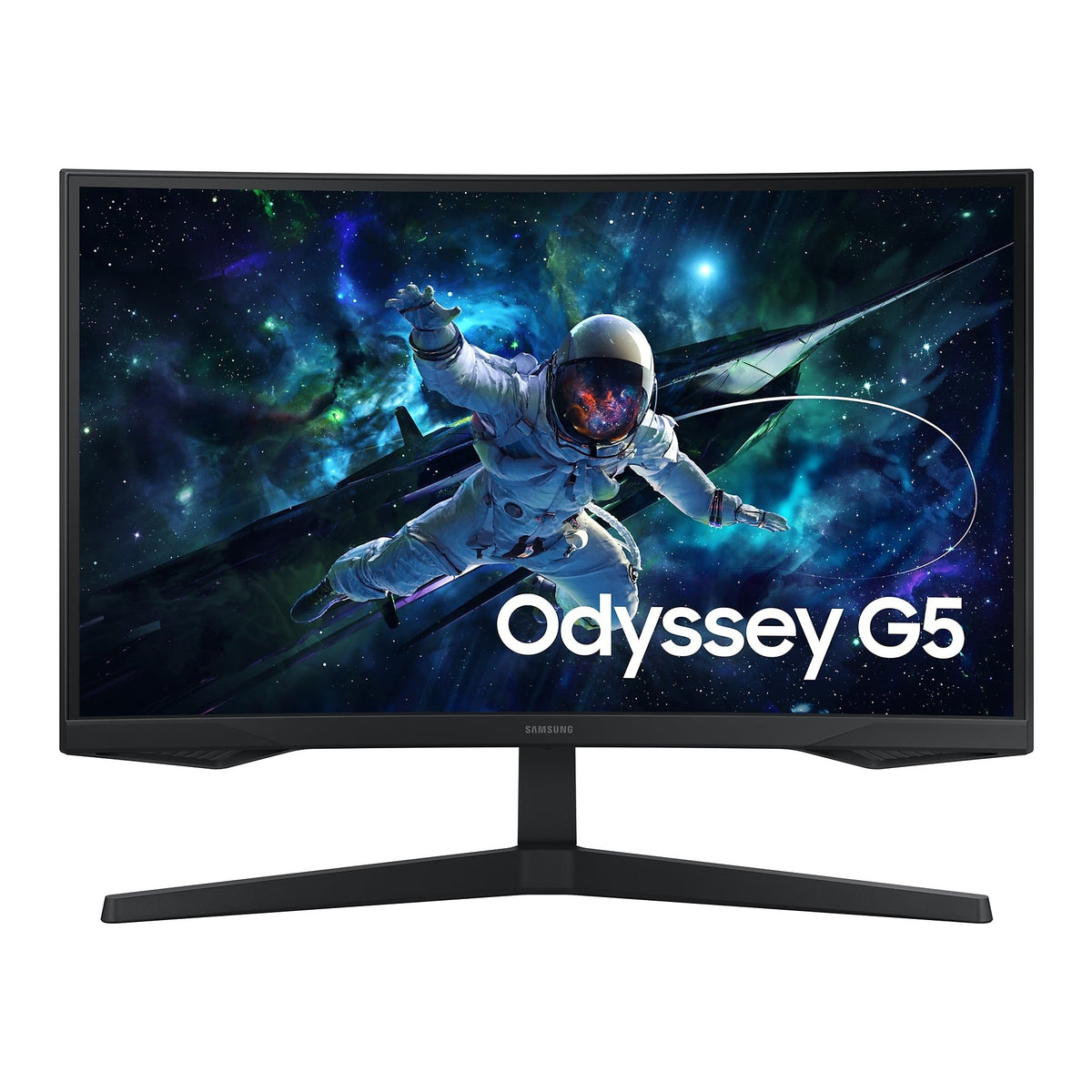
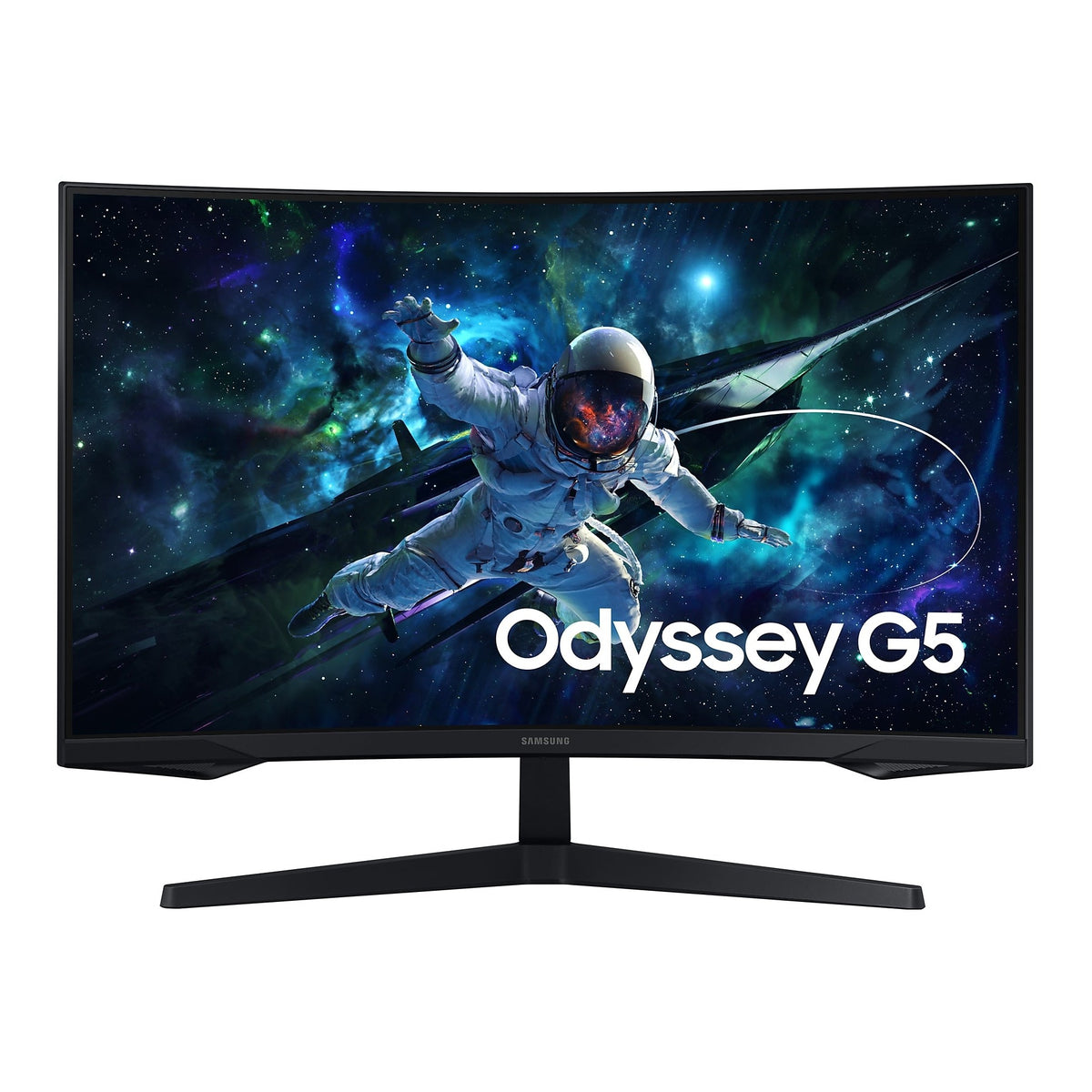
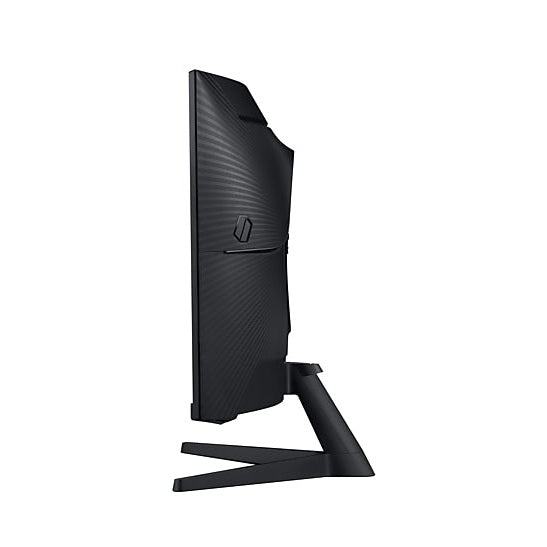
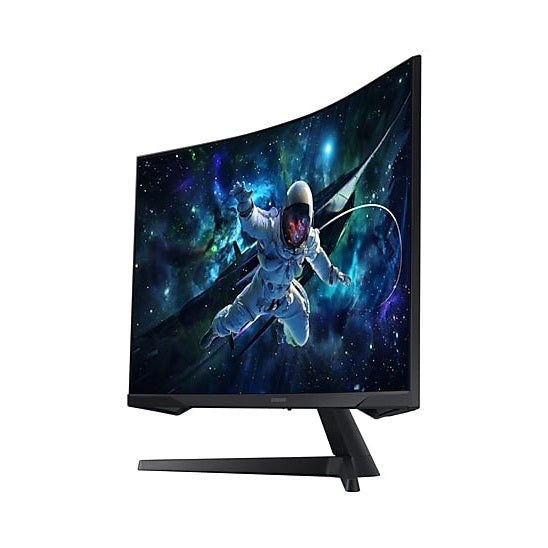
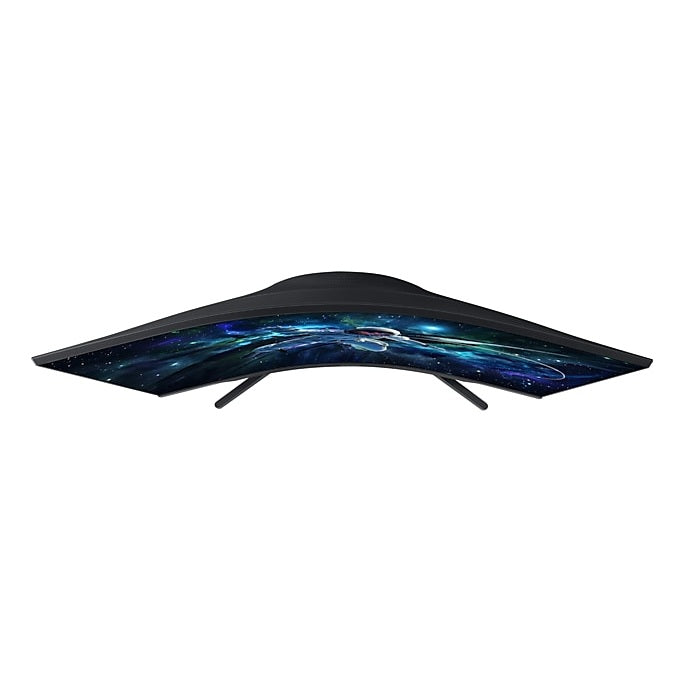
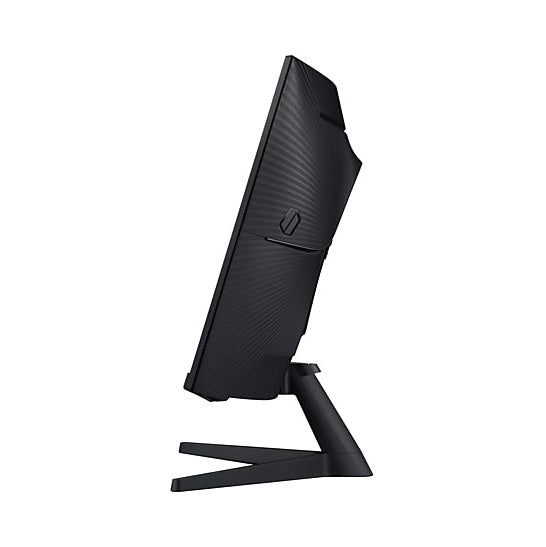
Odyssey G5 G55C · 27 or 32 inch curved
Samsung Odyssey G5 G55C — QHD 1000R Curved, 165Hz
Samsung's Odyssey G5 G55C is a QHD (2,560 x 1,440) curved gaming monitor with a 1000R VA panel, a 165Hz refresh rate and a 1ms (MPRT) response time, offered here in 27 and 32 inches with the same panel specification on both. HDR10 brings out detail in dark and bright scenes, AMD FreeSync keeps the monitor in step with the graphics card to reduce tearing, and Samsung's gaming tools, from Black Equalizer to Virtual AIM Point, are built in. One DisplayPort 1.2 and one HDMI input connect a PC or a console. Pick the size that suits your desk.
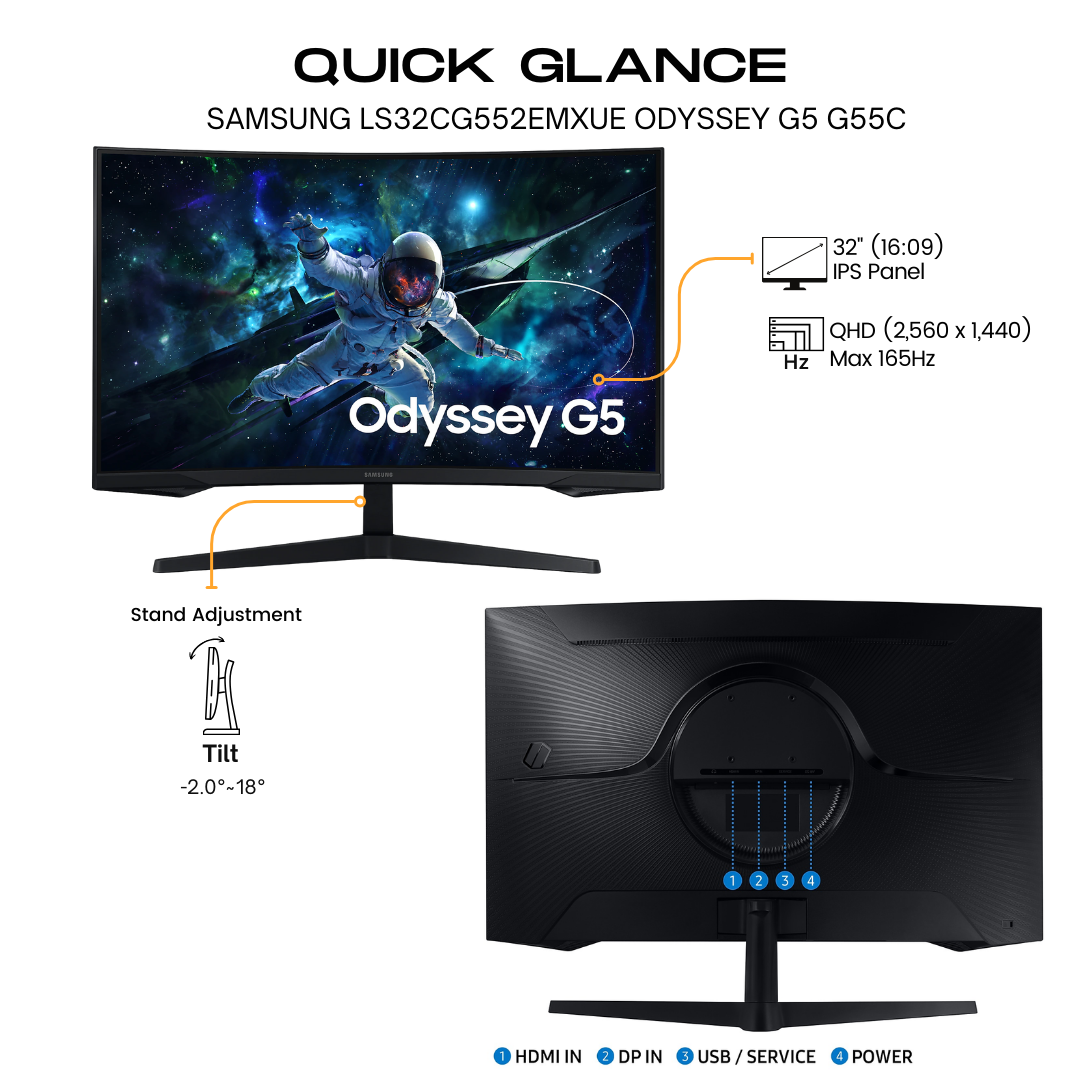
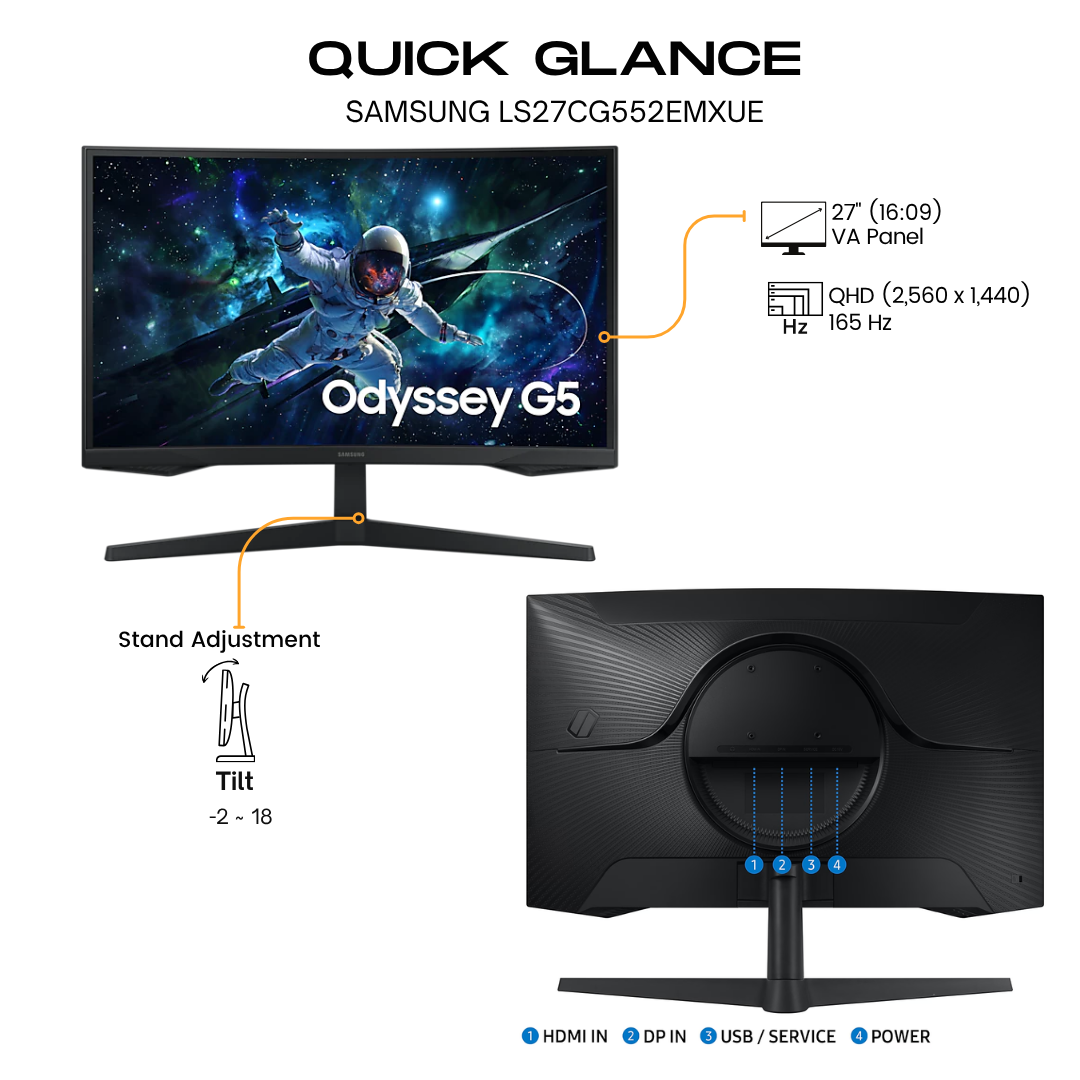
Quick Glance
Key Features
QHD on a 1000R Curve, with HDR10
The 1000R curve fills your peripheral vision and draws you into the game, and QHD resolution packs in 1.7 times the pixel density of Full HD for sharp, detailed images. The VA panel gives a 2,500:1 typical static contrast ratio and 300 cd/㎡ typical brightness, and HDR10 brings out detail in shadows and highlights.
165Hz, 1ms (MPRT) and AMD FreeSync
A 165Hz refresh rate removes lag for ultra-smooth action, and the 1ms (MPRT) response time keeps frames clear of blur. AMD FreeSync keeps the monitor and graphics card refresh rates in sync to reduce image tearing, so fast scenes look seamless in games and films.
Gaming Tools and Eye Comfort
Black Equalizer lifts detail out of dark areas, Virtual AIM Point adds an on-screen aiming point, Low Input Lag Mode and Refresh Rate Optimizor tune response, and Super Arena Gaming UX gathers the settings in one place. Eye Saver Mode reduces blue light and Flicker Free cuts screen flicker.
Detailed Specifications
Specifications as published by Samsung Gulf on the product pages for the LS27CG552EMXUE and LS32CG552EMXUE. Where a figure differs by size, every size is listed.
Need-to-Know
Two sizes share this page. Samsung lists the same curved QHD panel, inputs and stand on both; what changes is the screen area, the footprint, the weight and the power draw.
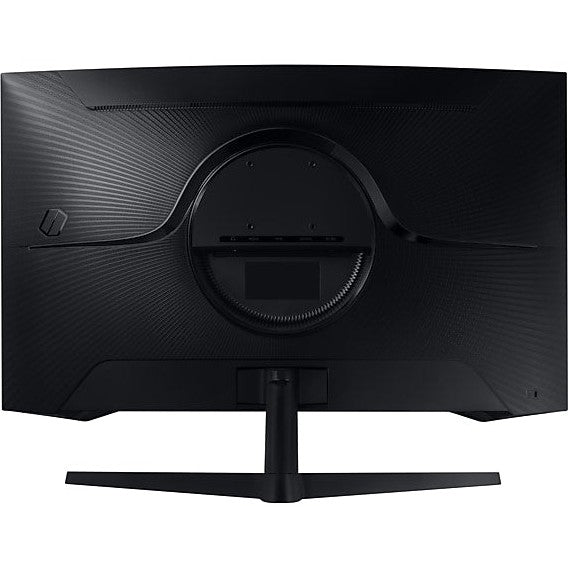
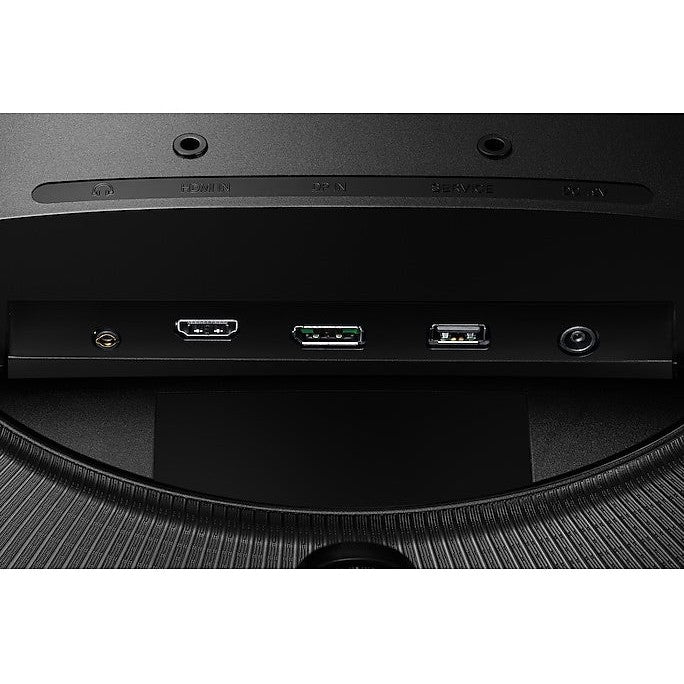
- Two video inputs: one DisplayPort 1.2 and one HDMI, both with HDCP 2.2. Samsung lists no USB-C, so a laptop with only USB-C needs a USB-C to DisplayPort or HDMI adaptor.
- Samsung's specification lists a headphone output and no audio of its own. Use headphones or separate speakers for sound.
- The stand tilts only, from about -2 to 18 degrees. For more adjustment, use the 75 x 75 mm wall mount with a compatible arm.
- Power draw differs by size: Samsung lists 40 W maximum for the 27-inch and 59 W for the 32-inch.
| Size | Model | Active display area | With stand (W x H x D) | Weight with stand | Power (max) |
|---|---|---|---|---|---|
| 27" | LS27CG552EMXUE | 596.736 x 335.664 mm | 616.6 x 477.4 x 272.6 mm | 4.10 kg | 40 W |
| 32" | LS32CG552EMXUE | 697.344 x 392.256 mm | 710.1 x 533.6 x 272.6 mm | 5.2 kg | 59 W |
Both sizes have the same 2,560 x 1,440 resolution, so the 27-inch shows a sharper image and the 32-inch a larger picture and text from the same seat.
Best For / Customer Benefits
Customer Benefits
- The 1000R curve and QHD resolution fill your view with a sharp, detailed picture.
- 165Hz with a 1ms (MPRT) response time keeps fast games smooth and clear.
- HDR10 and a 2,500:1 VA contrast ratio bring out detail in dark scenes.
- HDMI and DisplayPort cables come in the box, so it is ready to connect.
Best For
Frequently Asked Questions
Samsung lists the same panel on both: QHD 2,560 x 1,440, 1000R curve, VA, 165Hz, 1ms (MPRT), 300 cd/㎡ and HDR10, with the same inputs and tilting stand. The 32-inch has the bigger picture and a larger footprint and draws more power (59 W against 40 W maximum); the 27-inch packs the same pixels into a smaller screen for a sharper image.
One DisplayPort 1.2 input and one HDMI input, both HDCP 2.2, plus a headphone output. Samsung includes both an HDMI cable and a DP cable in the box. USB-C is not offered, so a USB-C-only laptop needs an adaptor.
Yes. Samsung lists AMD FreeSync, which keeps the monitor's refresh rate in step with the graphics card to reduce image tearing, so fast scenes in games and films look seamless and smooth.
Yes. Both sizes have a 75 x 75 mm wall mount for a compatible arm or bracket. The included stand tilts from about -2 to 18 degrees but does not change height, so an arm is the way to adjust that.
Not sure whether 27 or 32 inches suits your setup?
Tell us how far you sit from the screen and what you play on, and our UAE team will recommend the right Odyssey G5 G55C size and confirm current stock.