

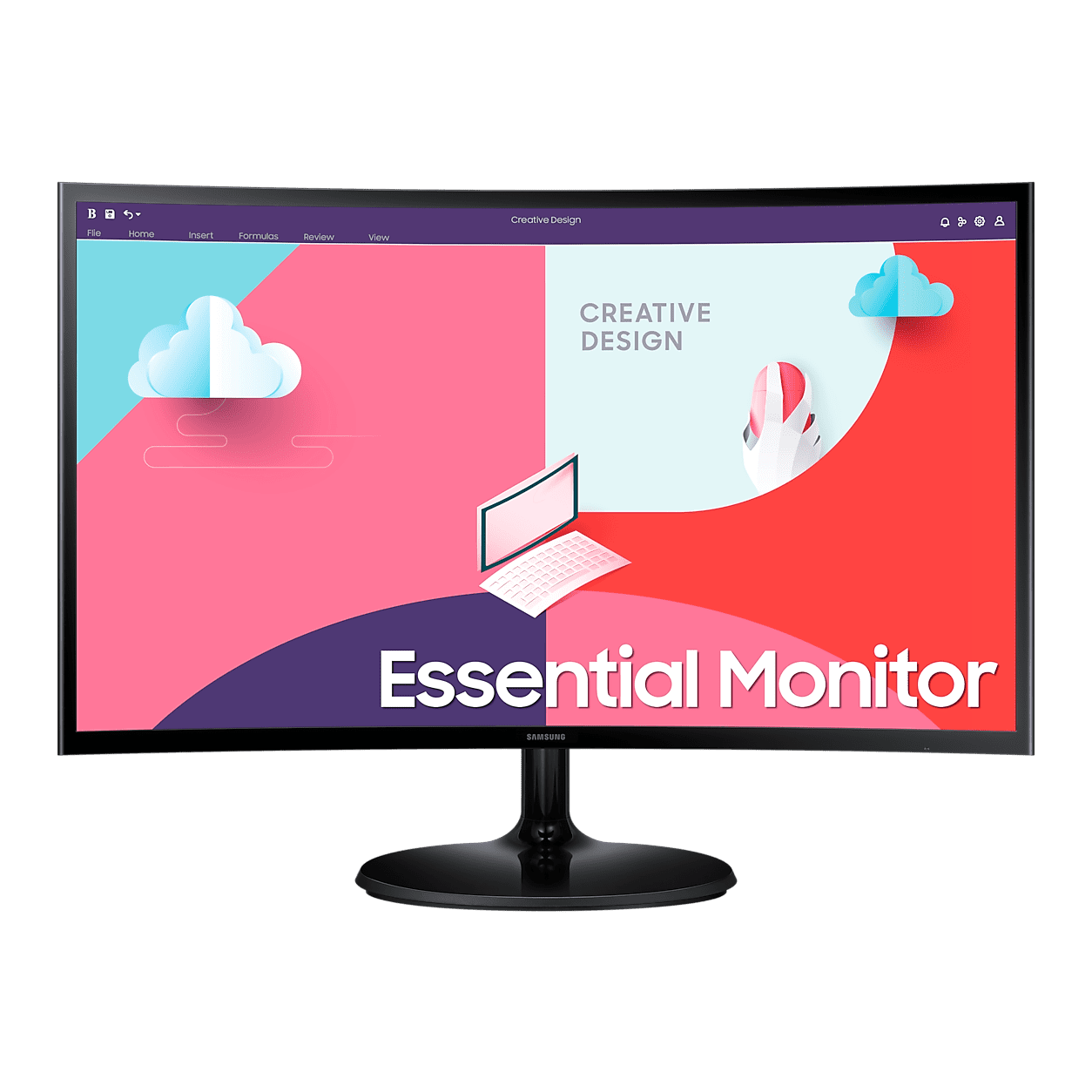
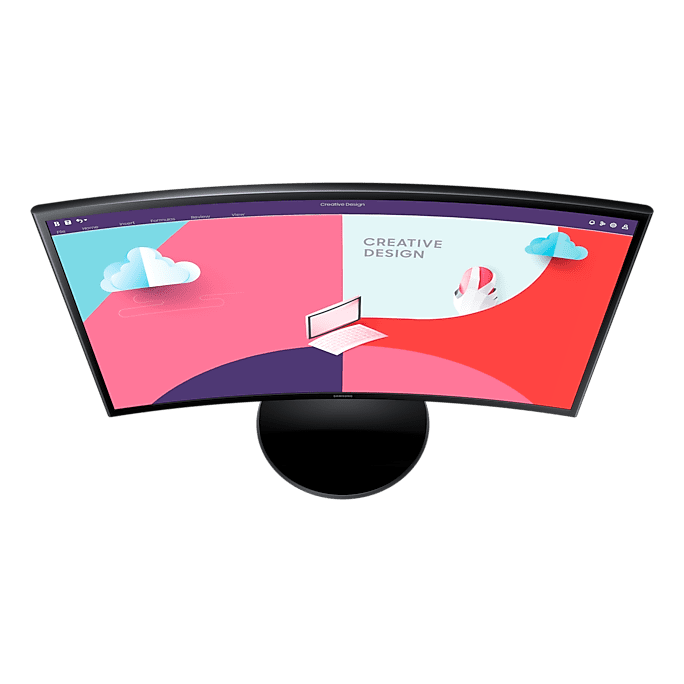


Samsung Essential S3 S36C Curved FHD Monitor, 1800R VA Panel 75Hz, AMD FreeSync - HDMI, D-Sub
LS24C360EAMXUE
Condition: NEW
- Regular price
-
Dhs. 325.00 (exc. Vat) - Regular price
-
(exc. Vat) - Sale price
-
Dhs. 325.00 (exc. Vat)
Couldn't load pickup availability
Genuine Guarantee
Shop with Confidence: Authentic IT Products from Major Brands.
Shipping information
We offer FREE DELIVERY for order over AED 200. Also no additional Cash on Delivery (COD) fee.
Click here to know more
Returns information
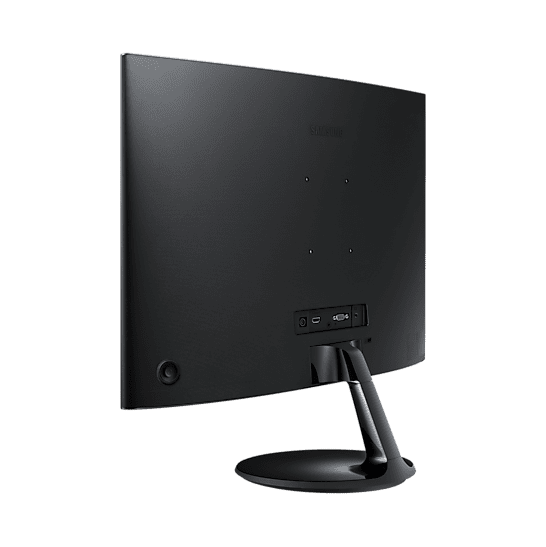
Essential S3 Curved · 24 or 27 inch
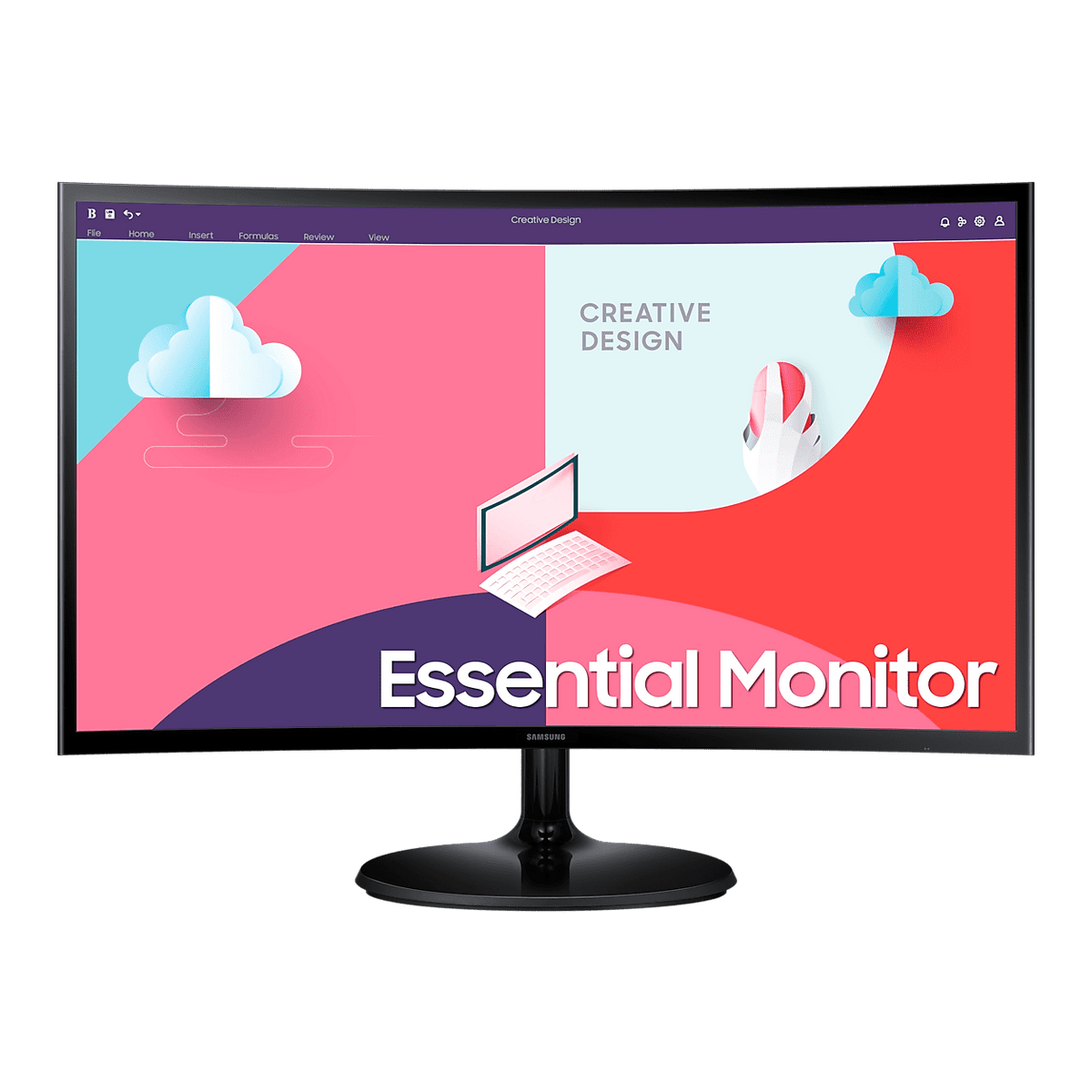
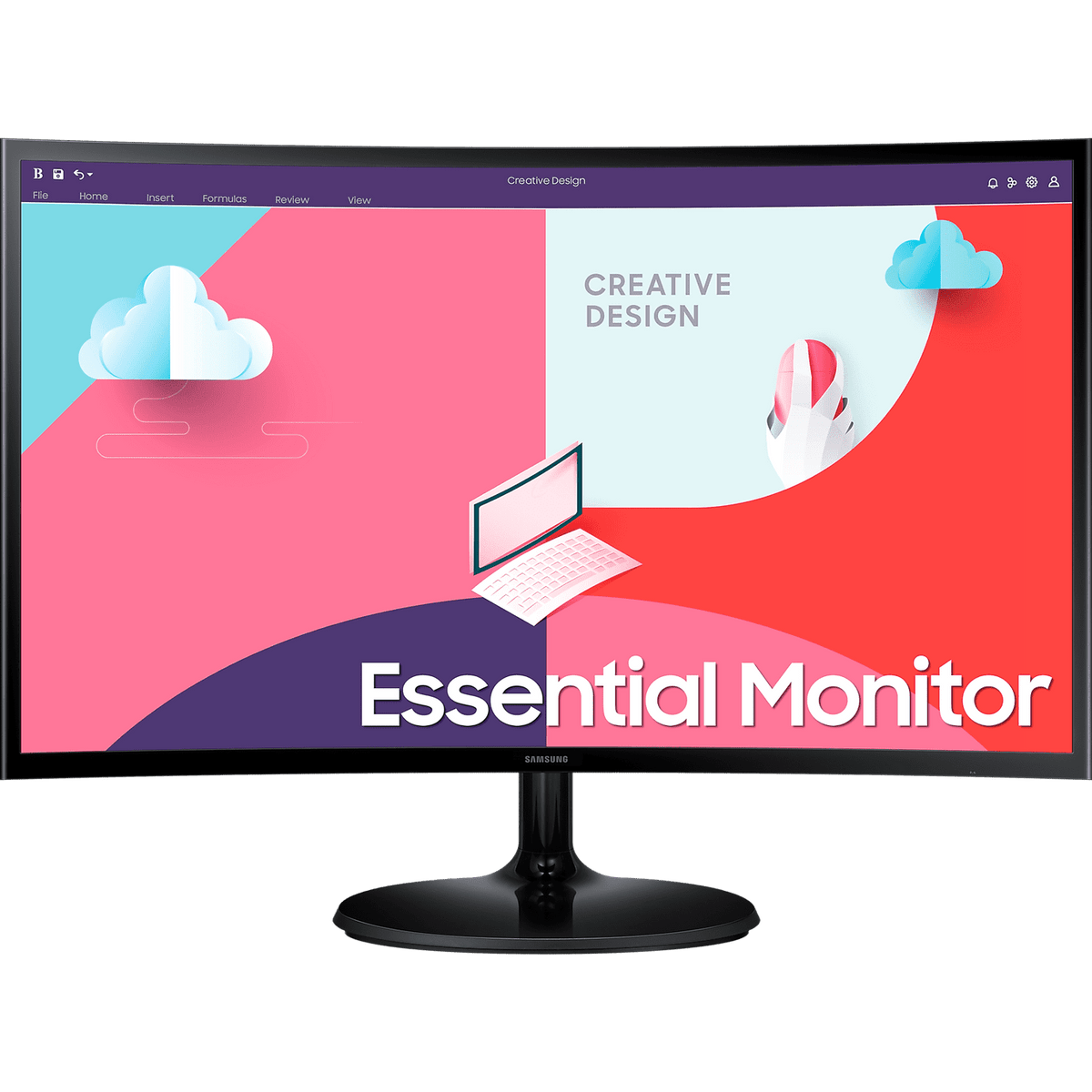
Samsung Essential S3 S36C — 1800R Curved FHD, 75Hz
Samsung's Essential S3 S36C is a Full HD VA monitor with an 1800R curve, offered here in two sizes — 24 and 27 inches — with the same panel specification on both. The curve wraps the picture more closely around your field of view, the VA panel gives a 3,000:1 contrast ratio, and 75Hz with AMD FreeSync keeps games and video smooth. One HDMI and one D-Sub input connect a current laptop and an older PC side by side, and Eye Saver Mode and Flicker Free keep long sessions comfortable.
Quick Glance
Key Features
1800R Curve and 3,000:1 VA Contrast
The 1800R curved screen wraps more closely around your field of vision for a wider, more immersive view that helps you stay focused on what is on screen. The VA panel delivers a 3,000:1 static contrast ratio, with 178° viewing angles, 250 cd/m² typical brightness and 16.7 million colours at Full HD 1920 x 1080.
75Hz, AMD FreeSync and Game Mode
The 75Hz refresh rate delivers smoother scenes with reduced lag and ghosting, and AMD FreeSync keeps the monitor and graphics card in sync to reduce image tearing. Game Mode adjusts colour and contrast so dark scenes are easier to read, and the 4ms (GTG) response time keeps motion clear.
HDMI and D-Sub, Eye Comfort, Eco Saving Plus
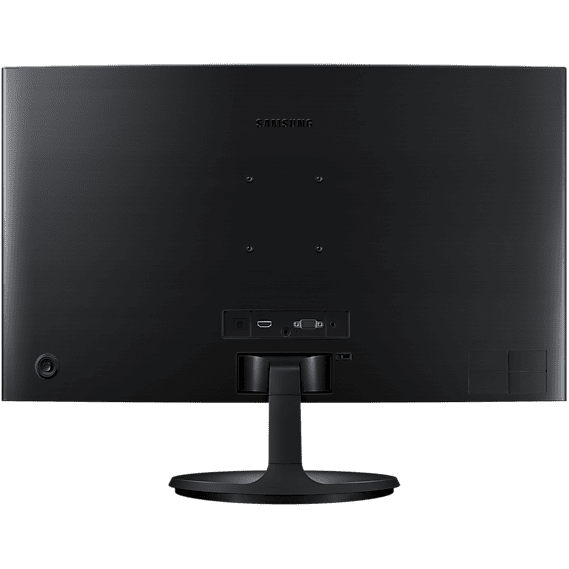
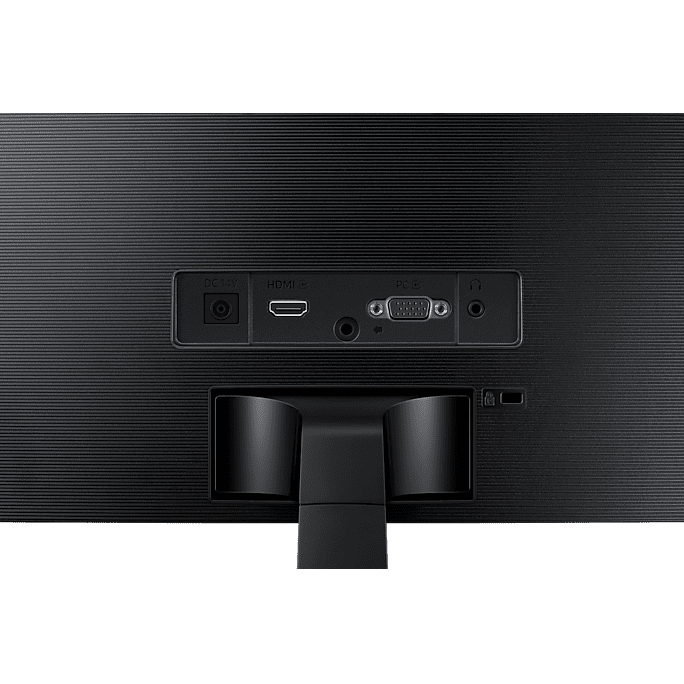
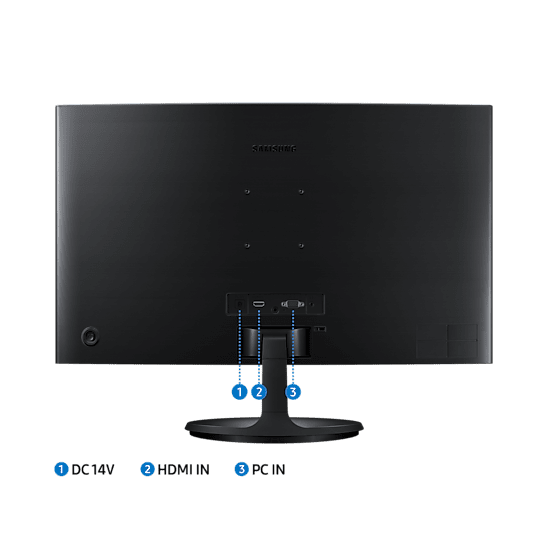
One HDMI 1.4 input and one D-Sub (VGA) input connect a current laptop and an older desktop at the same time, with a headphone output for sound. TUV-certified Eye Saver Mode and Flicker Free reduce eye strain, and Eco Saving Plus saves up to 10% more energy.
Detailed Specifications
Specifications as published by Samsung on the product page for each exact model code: Samsung Gulf for the 24-inch LS24C360EAMXUE and Samsung Singapore for the 27-inch LS27C360EAEXXS. The two sites print some identical figures in different formats (Singapore writes '1 EA', '25W', 'FHD (1,920 x 1,080)' and '178°(H)/178°(V)'); each size's row shows its own site's wording. Samsung lists the tilt range with º as the unit; it is shown here in degrees.
Need-to-Know
Two sizes share this page. The curved panel, inputs and stand are identical on both; what changes is the screen area, the footprint and the weight.
- No DisplayPort, USB-C or USB hub: the inputs are one HDMI 1.4 and one D-Sub (VGA). A laptop with only USB-C needs a USB-C to HDMI cable or adaptor.
- Samsung lists no speaker for this model; sound goes through the headphone output to headphones or a separate speaker.
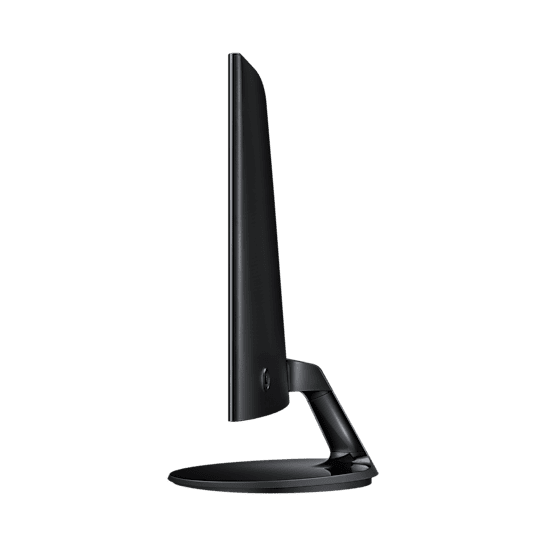
- The round stand tilts only; Samsung lists no height, swivel or pivot adjustment. The screen accepts a 75 x 75 mm wall mount.
- Power comes from an external adaptor (AC 100~240V); the box includes an HDMI cable and a 1.5 m power cable.
| Size | Model | Active display area | With stand (W x H x D) | Weight with stand |
|---|---|---|---|---|
| 24" | LS24C360EAMXUE | 521.3952 x 293.2848 mm | 547.8 x 416.3 x 214.0 mm | 3.1 kg |
| 27" | LS27C360EAEXXS | 596.736 x 335.664 mm | 622.6 x 458.6 x 214.0 mm | 4.2 kg |
Both sizes are Full HD, so the 24-inch gives the sharper image and the 27-inch the bigger picture and text from further back.
Best For / Customer Benefits
Customer Benefits
- The 1800R curve wraps the picture around you for a more immersive view than a flat screen of the same size.
- HDMI and D-Sub inputs let a current laptop and an older PC share one screen without an adaptor.
- 3,000:1 VA contrast gives deeper blacks for films and dark game scenes.
- Eye Saver Mode and Flicker Free make long working days easier on the eyes.
- One model in two sizes lets you pick the screen area without changing the specification.
Best For
Frequently Asked Questions
Only the physical size. Both are Full HD 1920 x 1080 VA panels with an 1800R curve, 75Hz with AMD FreeSync, 4ms (GTG) response, 250 cd/m² brightness and 3,000:1 contrast, with the same HDMI and D-Sub inputs, headphone output and tilting round stand. The 27-inch gives a bigger picture and text; the 24-inch packs the same pixels into a smaller screen for a sharper image.
It is the curve radius: the screen curves as if it were part of a circle with an 1800 mm radius. Samsung says the curved screen wraps more closely around your field of vision, creating a wider view that enhances depth perception and minimises peripheral distractions.
Yes. Samsung lists one D-Sub (VGA) input alongside one HDMI 1.4 input, so an older PC with a VGA port connects directly and a current laptop can use the HDMI input at the same time.
No. Samsung's specification lists no speaker and no DisplayPort, USB-C or USB hub on this model. There is a headphone output for headphones or a separate speaker, and the video inputs are one HDMI and one D-Sub.
Yes. Samsung lists a 75 x 75 mm wall mount for this model, so it fits a standard 75 x 75 mm VESA arm or bracket in place of the round stand.
Not sure whether 24 or 27 inches suits your desk?
Tell us how far you sit from the screen and what you connect to it, and our UAE team will recommend the right S36C size and confirm current stock.