



QNAP TS-464U-8G 4-Bay Rackmount NAS Enclosure
TS-464U-8G
Condition: NEW
- Regular price
-
Dhs. 4,595.00 (exc. Vat) - Regular price
-
(exc. Vat) - Sale price
-
Dhs. 4,595.00 (exc. Vat)
-
Hurry, only 1 item left in stock!
Couldn't load pickup availability
Confirm Availability & Best Price
This model is fulfilled through our verified supplier network. Message us for live stock status and pricing.
Enquire NowGenuine Guarantee
Shop with Confidence: Authentic IT Products from Major Brands.
Shipping information
We offer FREE DELIVERY for order over AED 200. Also no additional Cash on Delivery (COD) fee.
Click here to know more
Returns information

QNAP Network Attached Storage
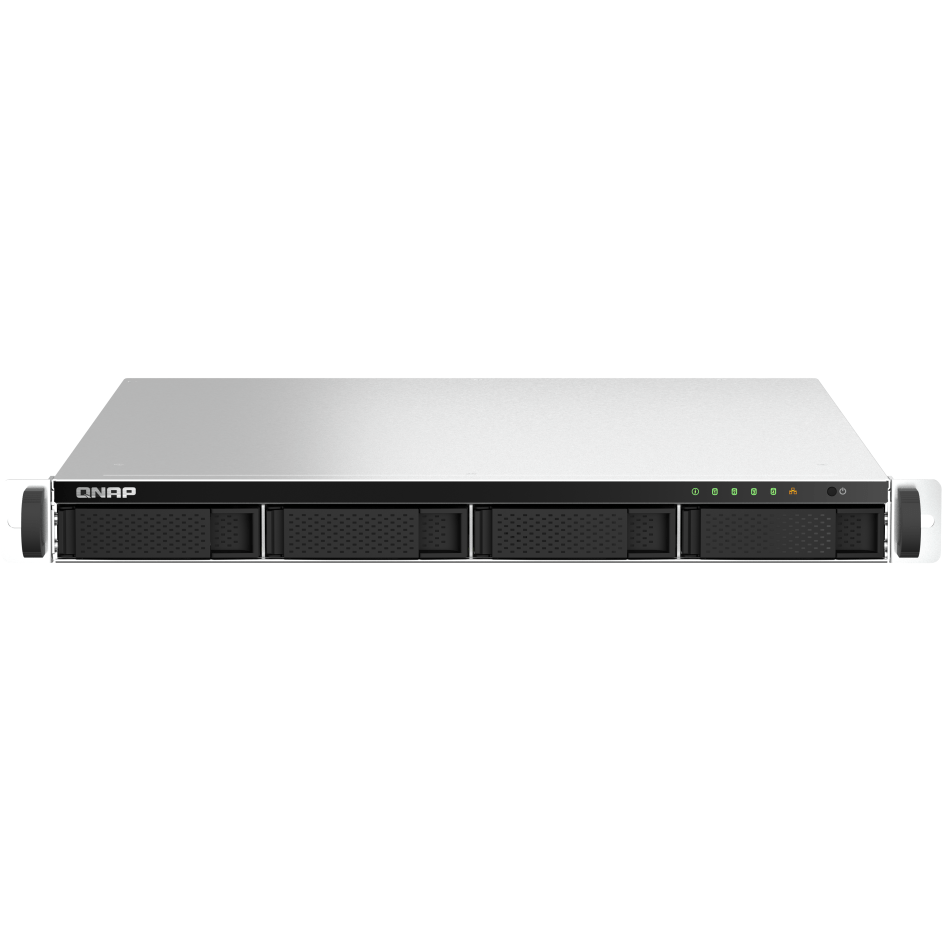
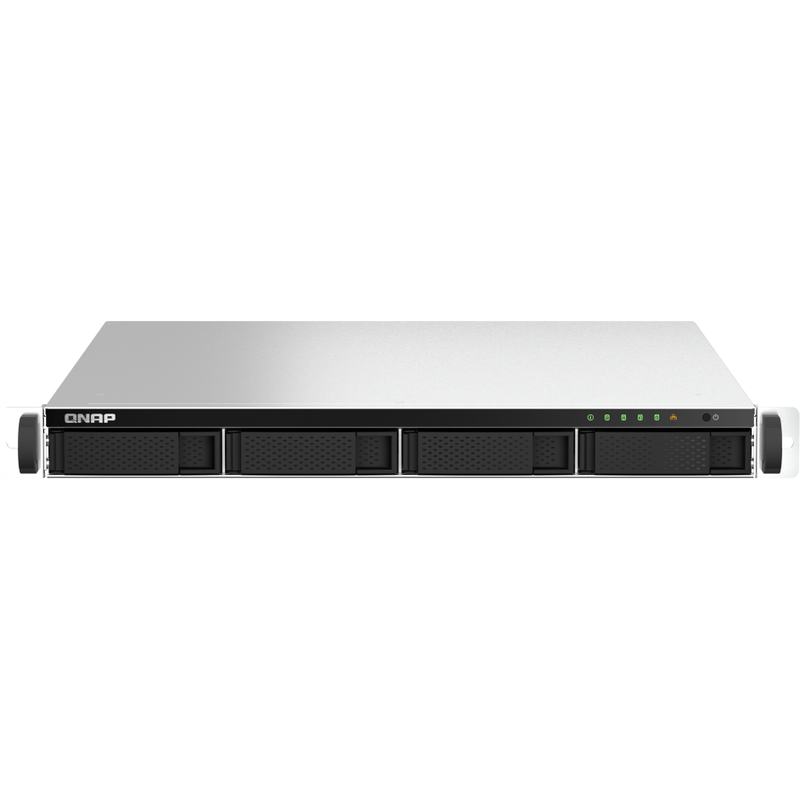
QNAP TS-464U-8G 4-Bay Rackmount NAS Enclosure
A four-bay 1U rackmount NAS for small-business file serving, virtualisation, fast backup and round-the-clock surveillance. Intel Celeron N5095, 8 GB of DDR4 expandable to 16 GB, two 2.5GbE ports that trunk to 5 Gbps, and a PCIe Gen 3 slot for 10GbE or M.2 caching. Supplied without drives — you choose and budget for those separately.
Quick Glance
Key Features
Quad-core Intel with hardware encryption
An Intel Celeron N5095 four-core processor bursting to 2.9 GHz, with the AES-NI engine handling AES 256-bit volume encryption in hardware so protecting sensitive data does not cost you throughput.
Dual 2.5GbE, trunked to 5 Gbps
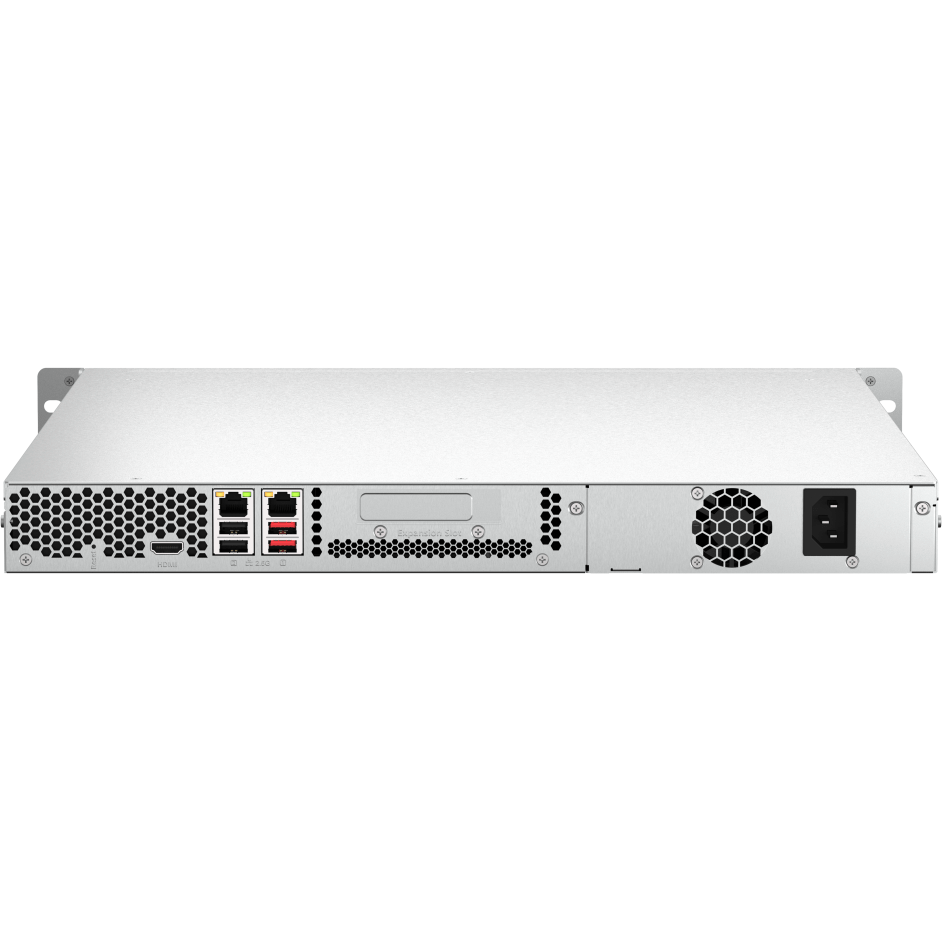
Two 2.5GbE RJ45 ports that negotiate down to 1G and 100M, so existing CAT5e cabling still works. Port Trunking combines them for up to 5 Gbps on bandwidth-hungry jobs like backup windows and video editing.
One PCIe slot, several futures
A PCIe Gen 3 x2 slot takes a 10GbE or 5GbE network card, a QM2 card for M.2 NVMe caching, or an Edge TPU for AI image recognition — one upgrade path, chosen when you need it.
Detailed Specifications
Specifications are provided by the manufacturer and may be updated or changed without prior notice. AtomOffice is not responsible for any discrepancies between the information shown here and the manufacturer's official documentation.
Need-to-Know
- The TS-464U ships as a bare enclosure. Budget for four SATA drives on top, and check them against QNAP's compatibility list before ordering — not every drive is validated for NAS use.
- Memory tops out at 16 GB across two SODIMM slots, and 8 GB of that is already fitted. QNAP is explicit that unsupported modules may degrade performance, cause errors or prevent the operating system from starting, so plan on QNAP modules.
- The warranty is split: 3 years on the NAS itself, but 1 year on the bundled accessories.
- There are no onboard M.2 slots. M.2 SSD caching needs a QM2 adapter card in the single PCIe Gen 3 x2 slot — and that is the same slot a 10GbE card would use, so you get caching or faster networking, not both.
- The TS-464U is supplied as a diskless enclosure. Hard drives and SSDs are not included and are ordered separately — ask us and we will quote drives alongside the unit.
Best For / Customer Benefits
Customer Benefits
- Consolidates file serving, backup and surveillance onto one 1U box instead of three.
- 2.5GbE over the CAT5e already in the wall — a speed upgrade with no recabling.
- Snapshots let you roll a share back to a point in time, which is what actually saves you after ransomware.
- Buy the enclosure now and add drives, memory or 10GbE as the workload grows.
Best For
Official & Recommended Options
Don't see the accessory you need? Email info@atomoffice.com — we carry a range of QNAP storage accessories and can help you find the right fit.
Learn More About the TS-464U
Frequently Asked Questions
No. It is sold as a diskless enclosure, so you choose the drives to suit the capacity and budget you need. It takes four 3.5-inch SATA hard drives or 2.5-inch SATA SSDs. Check any drive against QNAP's compatibility list first — we are happy to quote validated NAS drives alongside the unit.
Yes. The TS-464U ships with QTS and supports switching to QuTS hero, QNAP's ZFS-based operating system, from QTS 5.2.2 onwards. QuTS hero adds end-to-end data integrity, WORM protection and inline deduplication. Switching rebuilds the storage, so decide before you load data onto it.
Not onboard. The TS-464U adds M.2 NVMe caching through a QM2 adapter card fitted to its PCIe Gen 3 x2 slot. Because there is only one PCIe slot, an M.2 card and a 10GbE network card are an either/or — worth deciding up front which matters more to your workload.
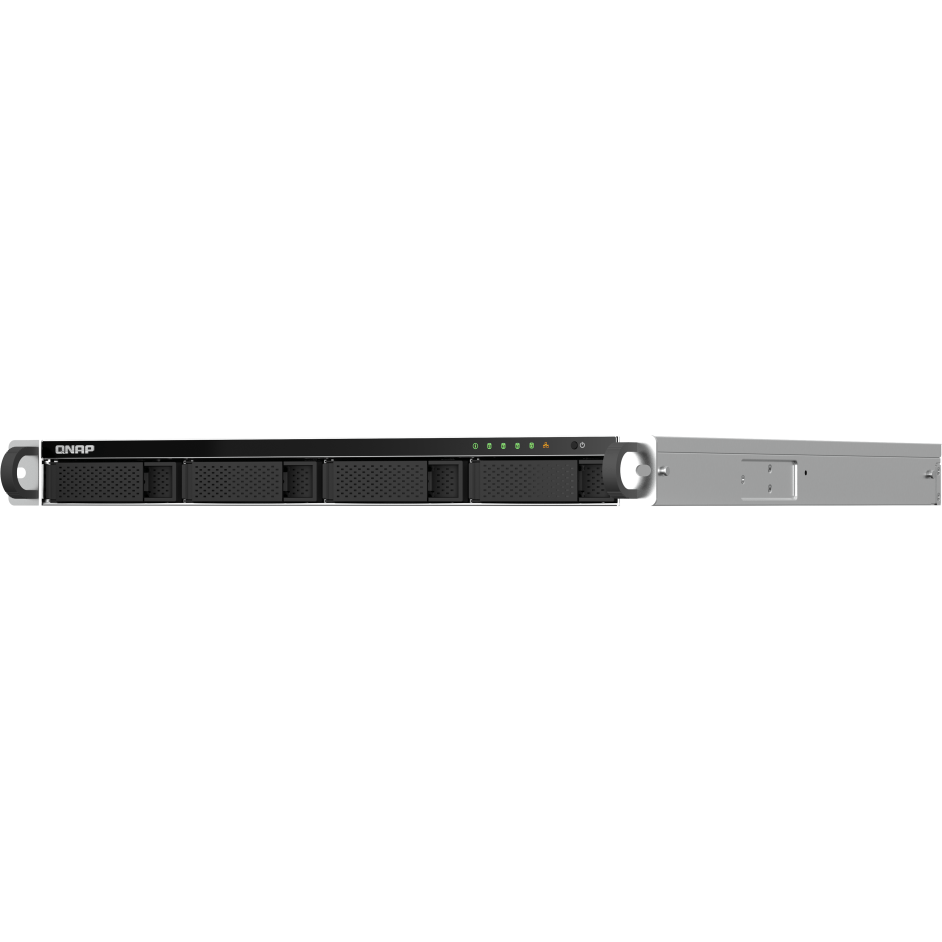
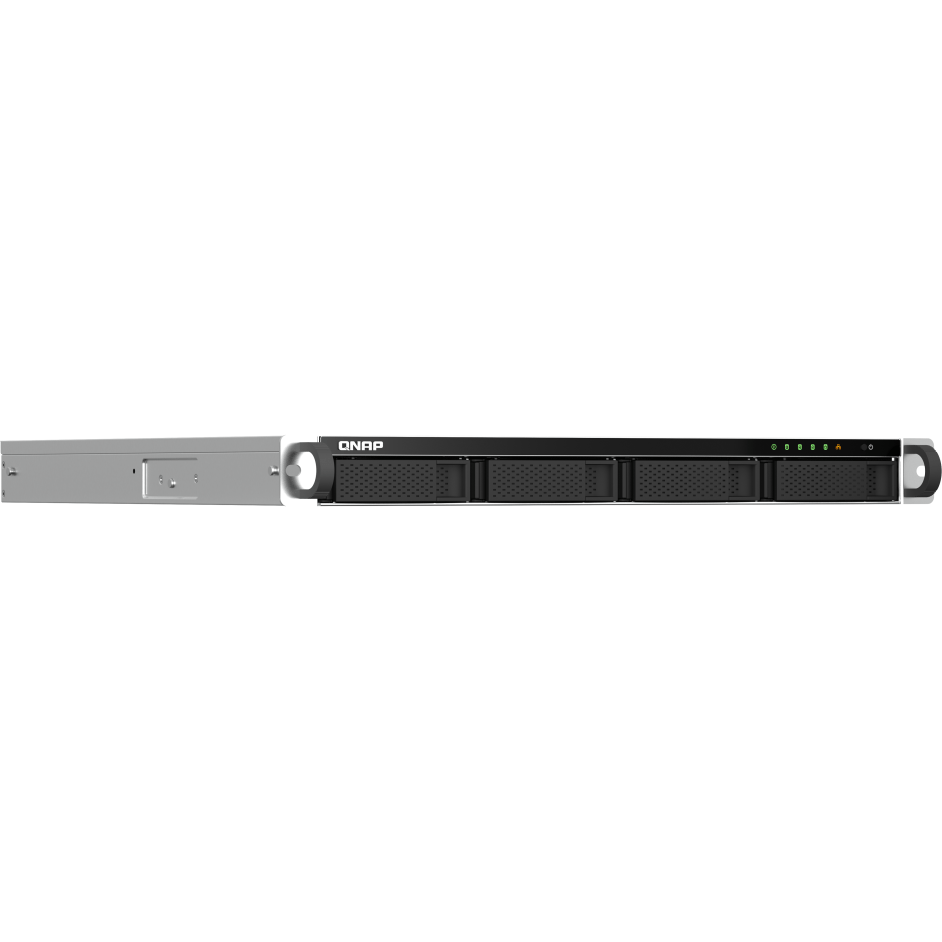
It is a 1U unit measuring 43.3 × 430 × 479 mm, so check the depth against your cabinet. Two hangers are included in the box; the RAIL-B02 rail kit for a four-post rack is an optional extra and is not supplied with the unit.
Not Sure How Many Bays or Which Drives?
Tell our UAE team what you are storing, how fast it needs to be and how much you can afford to lose, and we will size the NAS, the drives and the RAID level with you — including when a smaller unit is the right answer.