



Philips V Line Full HD IPS Flat Monitor, 100Hz Adaptive-Sync - HDMI, VGA
271V8B
Condition: NEW
- Regular price
-
Dhs. 309.00 (exc. Vat) - Regular price
-
(exc. Vat) - Sale price
-
Dhs. 309.00 (exc. Vat)
Couldn't load pickup availability
Genuine Guarantee
Shop with Confidence: Authentic IT Products from Major Brands.
Shipping information
We offer FREE DELIVERY for order over AED 200. Also no additional Cash on Delivery (COD) fee.
Click here to know more
Returns information
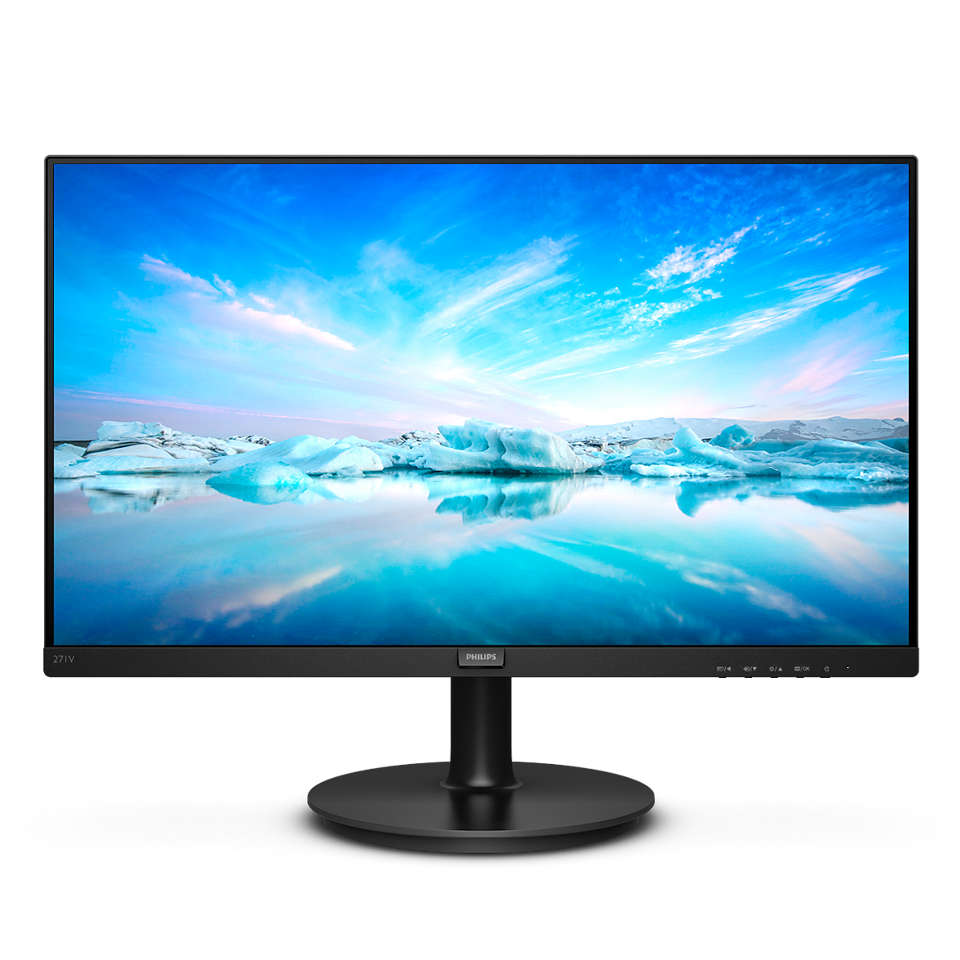
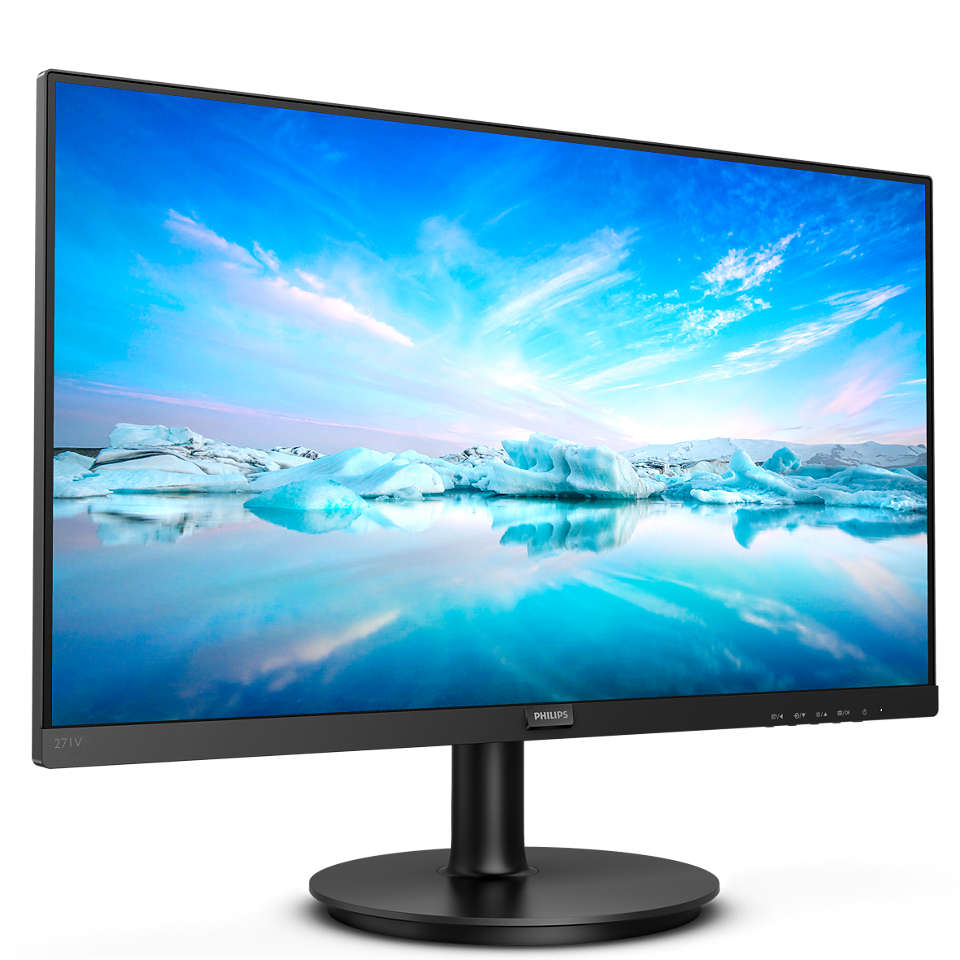
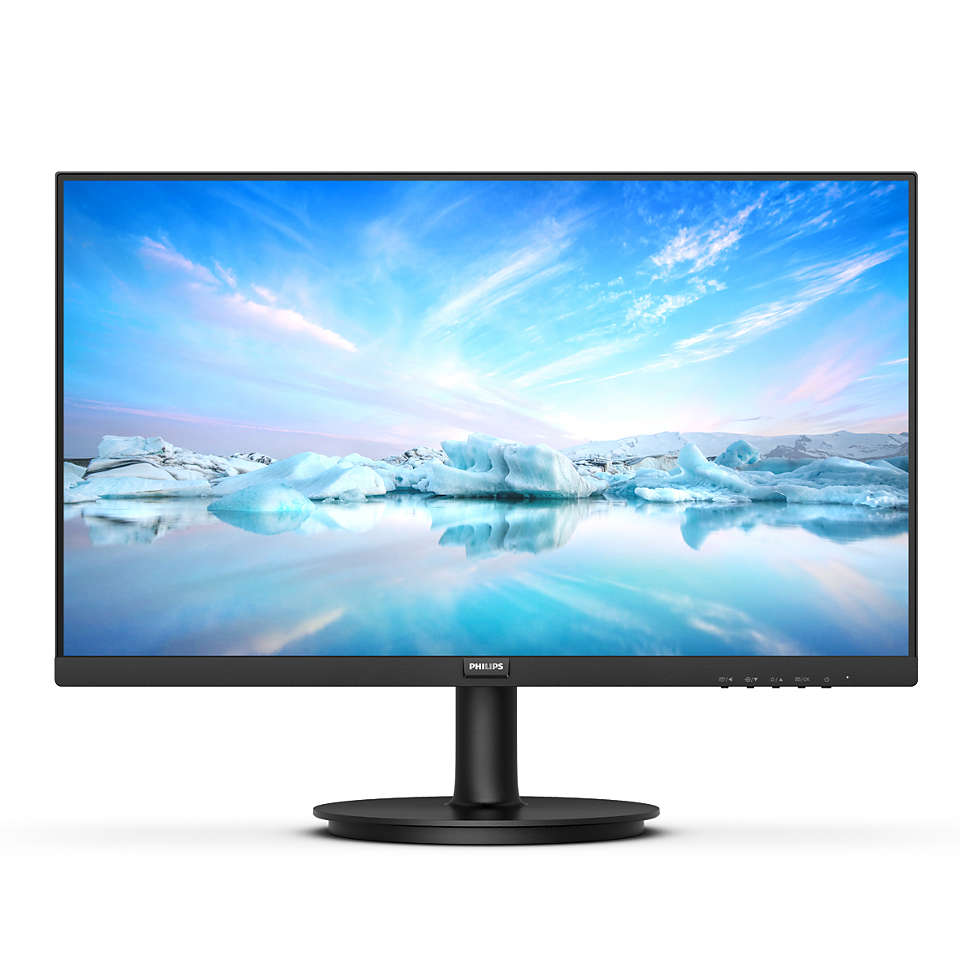
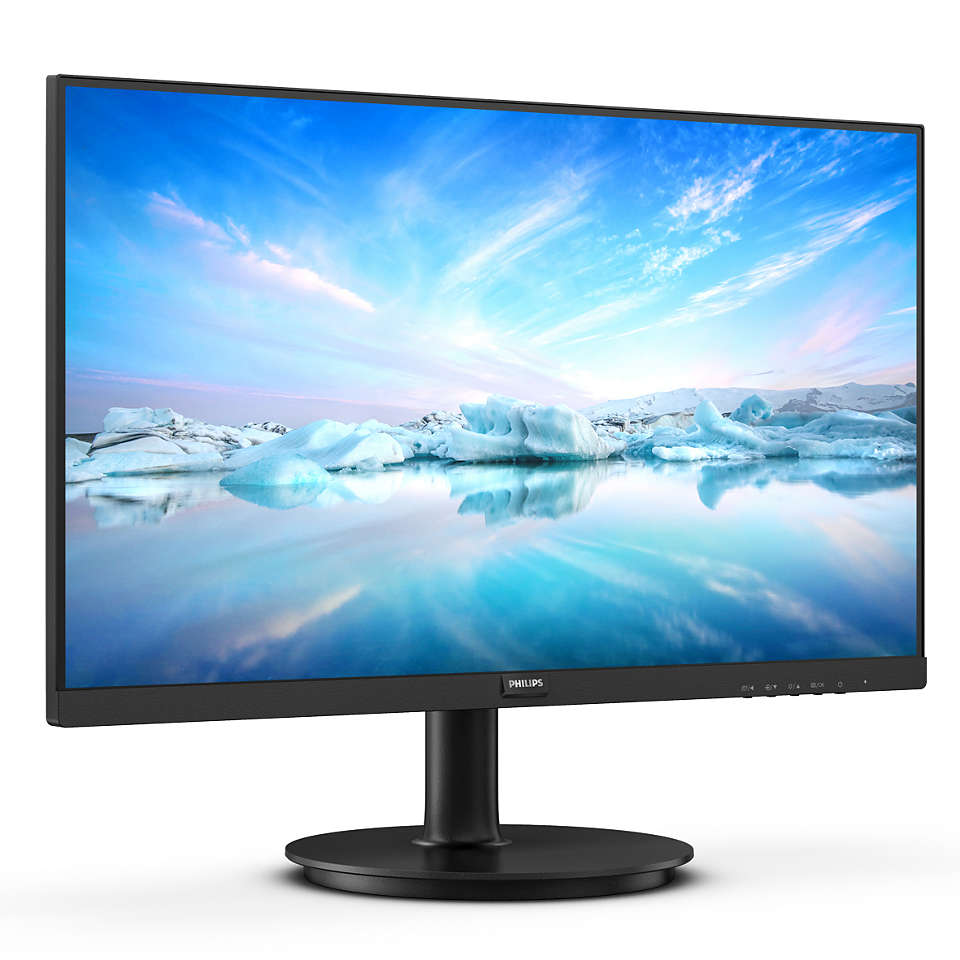
Philips V Line · 24 or 27 inch
Philips V Line 241V8B / 271V8B — Full HD IPS, 100Hz
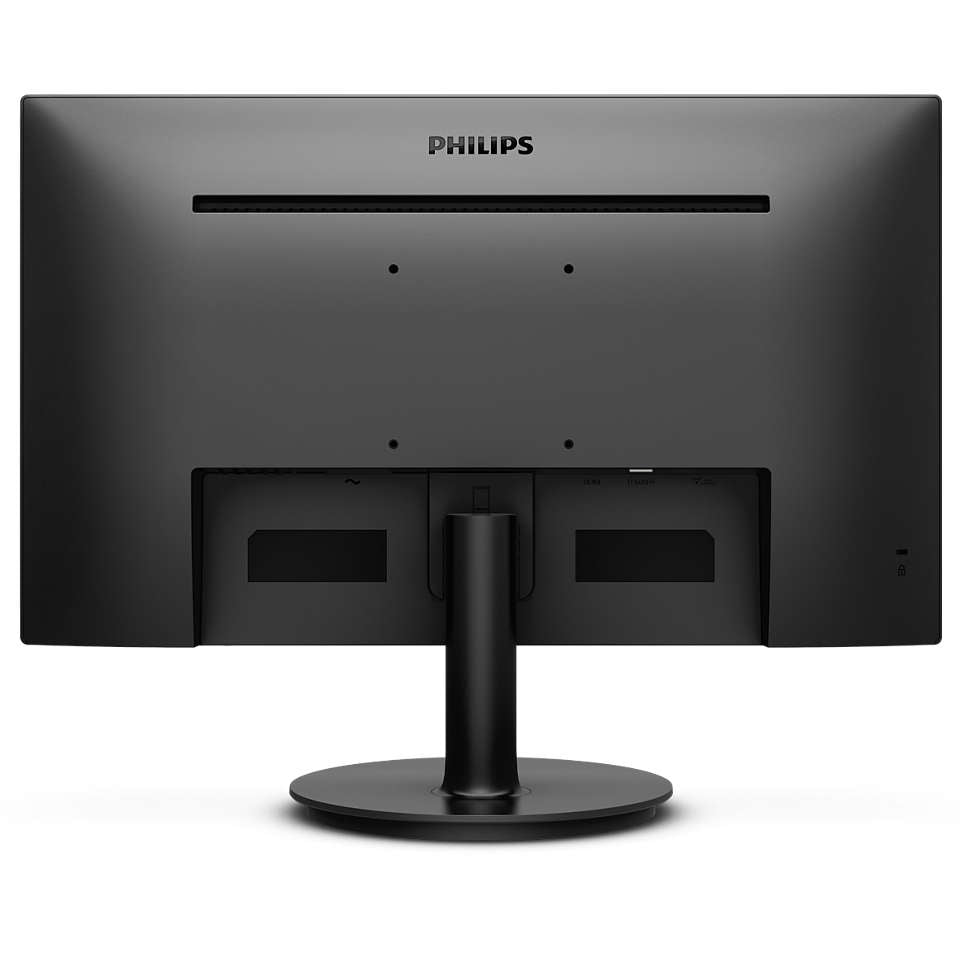
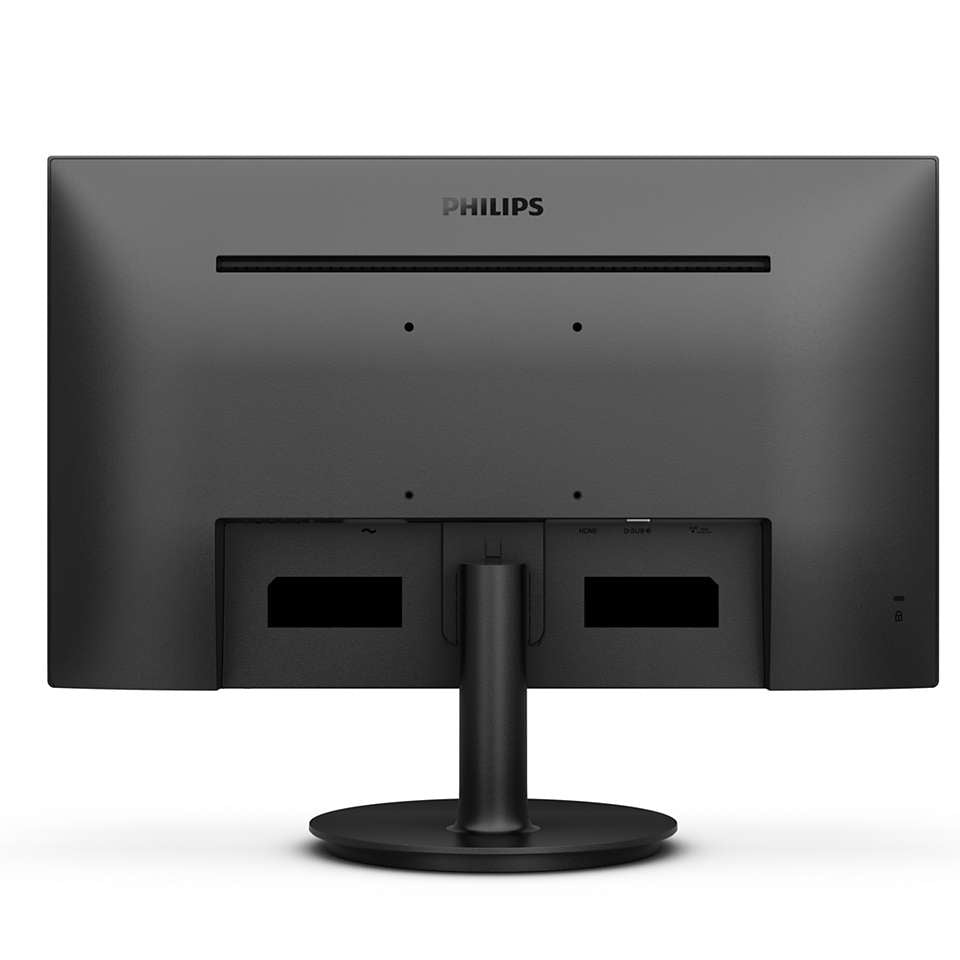
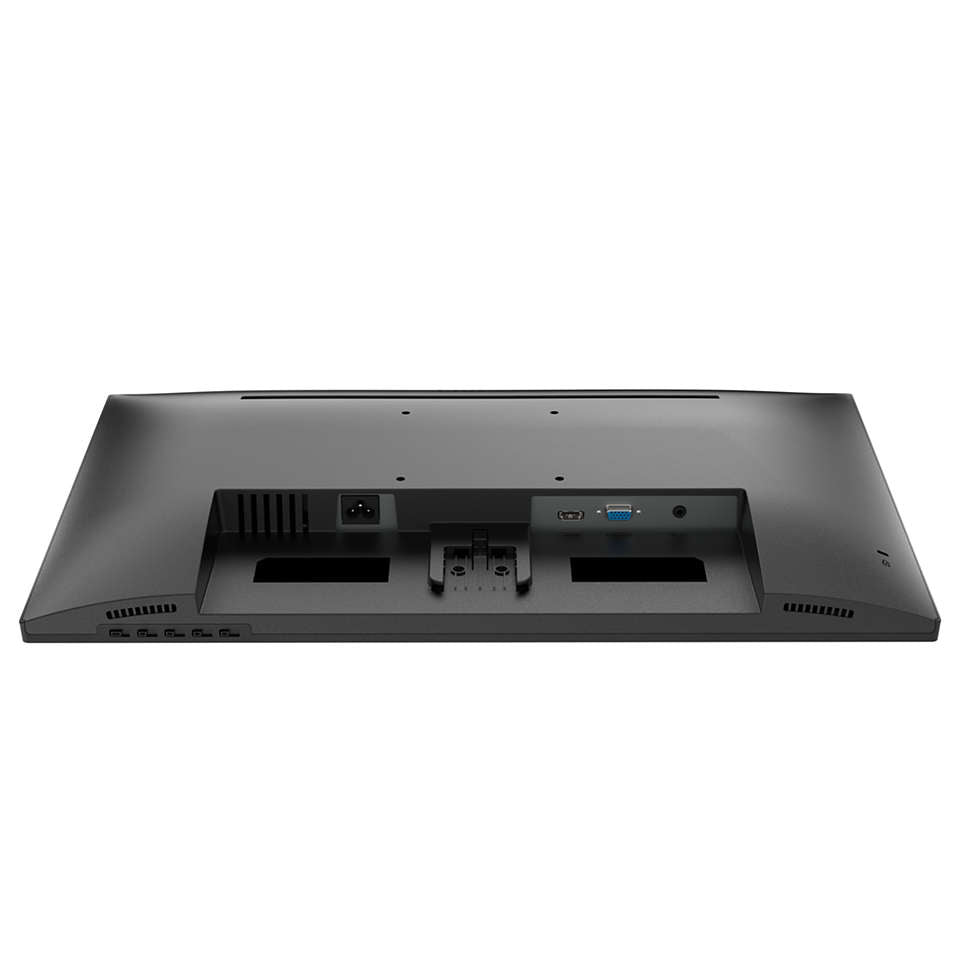
Philips' V line 241V8B and 271V8B are flat Full HD IPS monitors at up to 100Hz, offered here in two sizes: 24 inches (a 23.8-inch panel) and 27 inches. Both share the same picture specification, with 178° viewing angles, 250 cd/m² brightness, Adaptive-Sync, and Flicker-free and LowBlue Mode for comfortable long days. HDMI and VGA inputs connect a current laptop or an older desktop, an audio output passes sound to headphones or speakers, the stand tilts, and a 100 x 100 mm VESA mount takes a standard arm.
Quick Glance
Key Features
IPS Colour at 100Hz with Adaptive-Sync
The IPS panel gives wide 178/178 degree viewing angles with crisp images and vivid colours, so the picture holds up from almost any angle. The screen refreshes up to 100 times per second for smoother motion than a standard display, and Adaptive-Sync keeps action fluid and free of broken frames.
Flicker-free, LowBlue Mode and EasyRead
Philips Flicker-free technology regulates brightness to reduce flicker and eye fatigue, and LowBlue Mode uses software to reduce shortwave blue light. EasyRead mode gives a paper-like view for long, text-heavy documents, and the anti-glare coating cuts reflections on a bright desk.
SmartImage and SmartContrast
SmartImage presets let you pick modes such as Office, Photo, Movie, Game and Economy, and the monitor optimises contrast, colour saturation and sharpness for each. SmartContrast analyses what is on screen and adjusts colours and backlight intensity to bring out rich black detail.
Detailed Specifications
Specifications as published by Philips for the UAE models 241V8B/89 and 271V8B/89 (Philips PRX product data, philips.ae). Where a figure differs by size, both sizes are listed. Philips publishes no in-box accessory list for these models.
Need-to-Know
Two sizes share this page. The panel, resolution, refresh rate, inputs and stand are identical on both; what changes is the screen area, pixel density, footprint, weight and power draw.
- The 24-inch model has a 23.8-inch (60.5 cm) visible panel, as Philips specifies it; 24 is the size class.
- Two video inputs only: one HDMI 1.4 and one VGA. Philips lists no DP socket, no USB-C and no USB hub, so a laptop with only USB-C needs a USB-C to HDMI adaptor.
- No speakers: Philips lists an audio output only. Plug headphones or external speakers into it, or keep sound on the computer.
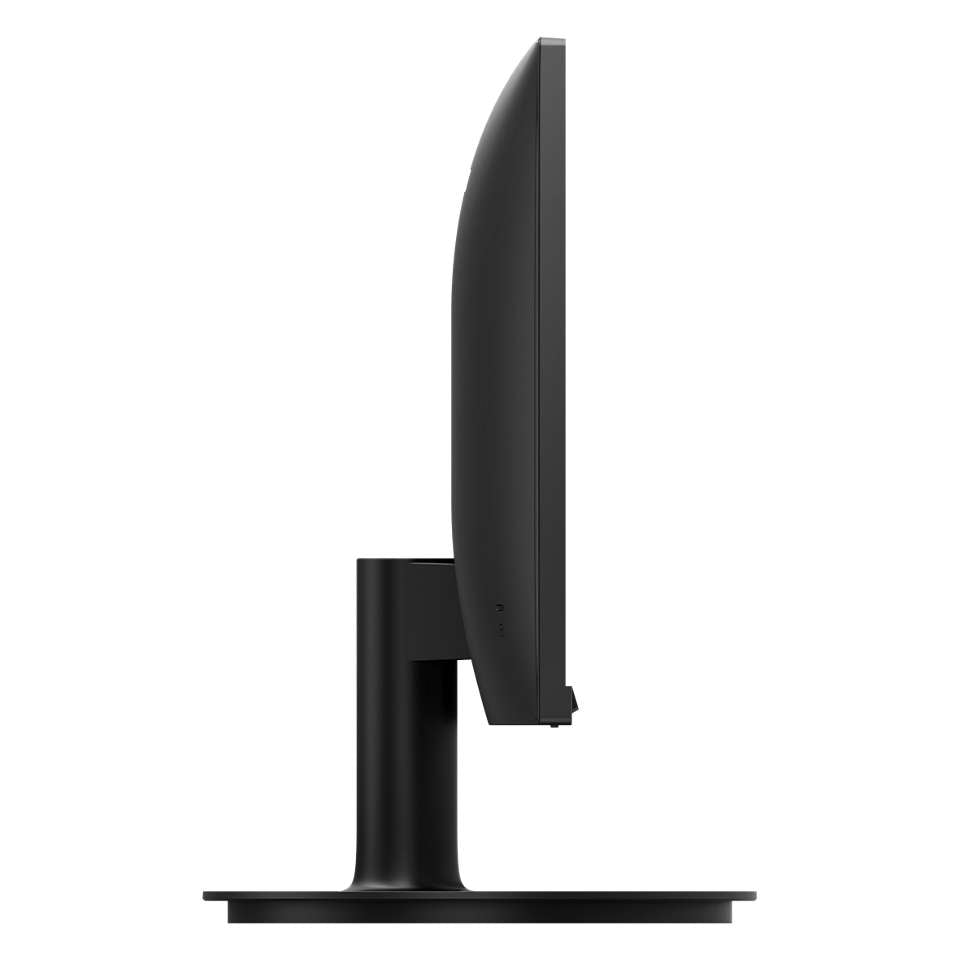
- The stand tilts from -5 to 20 degrees only. For other adjustments, use the 100 x 100 mm VESA mount with a monitor arm.
- Philips publishes no in-box accessory list for these models, so we do not claim one. Ask us to confirm the cables supplied before ordering if it matters to your setup.
| Size | Model | Panel size | Pixel density | With stand, max height (W x H x D) | Weight with stand |
|---|---|---|---|---|---|
| 24" | 241V8B | 23.8 inch / 60.5 cm | 92.56 PPI | 540 x 416 x 220 mm | 3.17 kg |
| 27" | 271V8B | 27 inch / 68.6 cm | 81.59 PPI | 613 x 456 x 231 mm | 3.82 kg |
Both sizes are Full HD, so the 24-inch packs its pixels more tightly for a sharper image, while the 27-inch gives larger text and picture from the same sitting distance.
Best For / Customer Benefits
Customer Benefits
- One model in two sizes lets an office standardise on the same screen, cables and settings.
- IPS colour holds up from the side, so a screen shared across a desk still looks right.
- 100Hz with Adaptive-Sync makes scrolling and video smoother than a standard office screen.
- HDMI and VGA together keep an older desktop in service alongside a newer laptop.
- Flicker-free, LowBlue Mode and EasyRead are built in, for comfort through a full working day.
Best For
Frequently Asked Questions
Only the physical size and what follows from it. Both are Full HD 1920 x 1080 IPS panels at up to 100Hz with 4 ms (GtG) response, 250 cd/m² brightness, 1300:1 contrast, the same HDMI and VGA inputs, the same tilting stand and the same 100 x 100 mm VESA mount. The 24-inch (a 23.8-inch panel) has the higher pixel density at 92.56 PPI; the 27-inch gives a larger picture at 81.59 PPI and draws slightly more power.
Philips specifies a maximum resolution of 1920 x 1080 at 100 Hz, with a vertical scanning range of 48 - 100 Hz. Use the HDMI 1.4 input from a computer that can output 100Hz, and set the refresh rate in the computer's display settings; the VGA input is best kept for older computers.
Not directly. The monitor has one HDMI 1.4 input and one VGA input, and Philips lists no USB-C or DP socket for this model. A USB-C to HDMI adaptor or cable from the laptop side will connect it.
No. Philips lists an audio output but no speakers for this model. Connect headphones or external speakers to the audio output, or keep sound on your computer.
Yes. Both sizes have a 100 x 100 mm VESA mount, which fits standard monitor arms and wall brackets. The included stand tilts from -5 to 20 degrees but does not raise or lower, so an arm is the way to get more adjustment.
Not sure whether 24 or 27 inches suits your desk?
Tell us how far you sit from the screen and what you connect to it, and our UAE team will recommend the right Philips V line size and confirm current stock.