



Philips Evnia 8000 QD-OLED Curved Gaming Monitor, Dual QHD, 240Hz - HDMI 2.1, DP 2.1, USB-C
49M2C8900
Condition: NEW
- Regular price
-
Dhs. 4,550.00 (exc. Vat) - Regular price
-
Dhs. 5,300.00(exc. Vat) - Sale price
-
Dhs. 4,550.00 (exc. Vat)
Couldn't load pickup availability
Genuine Guarantee
Shop with Confidence: Authentic IT Products from Major Brands.
Shipping information
We offer FREE DELIVERY for order over AED 200. Also no additional Cash on Delivery (COD) fee.
Click here to know more
Returns information
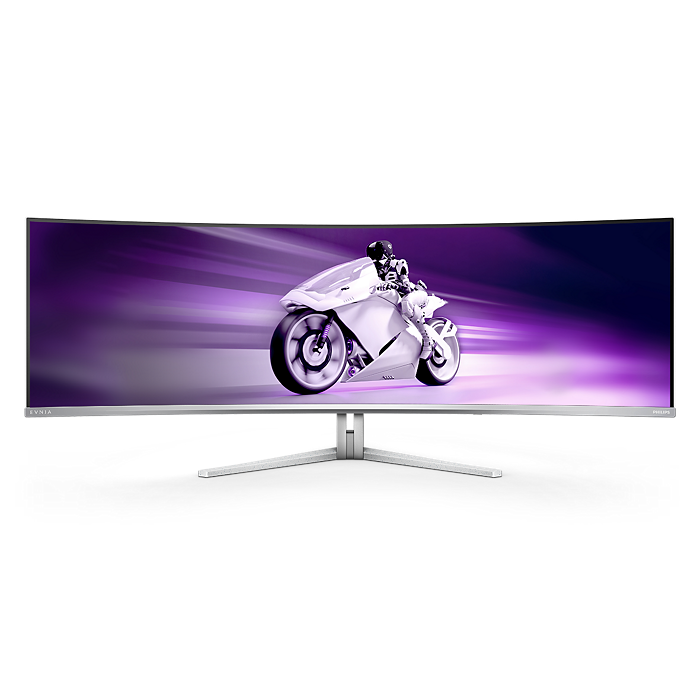

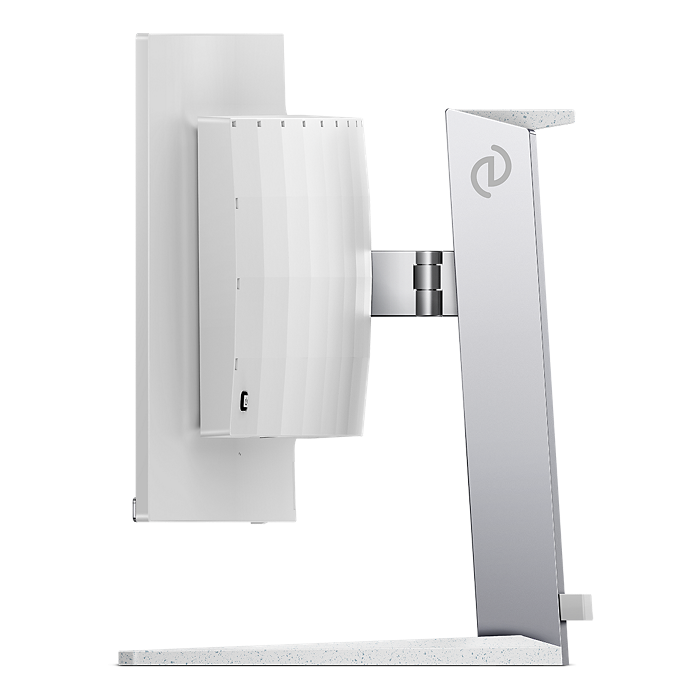
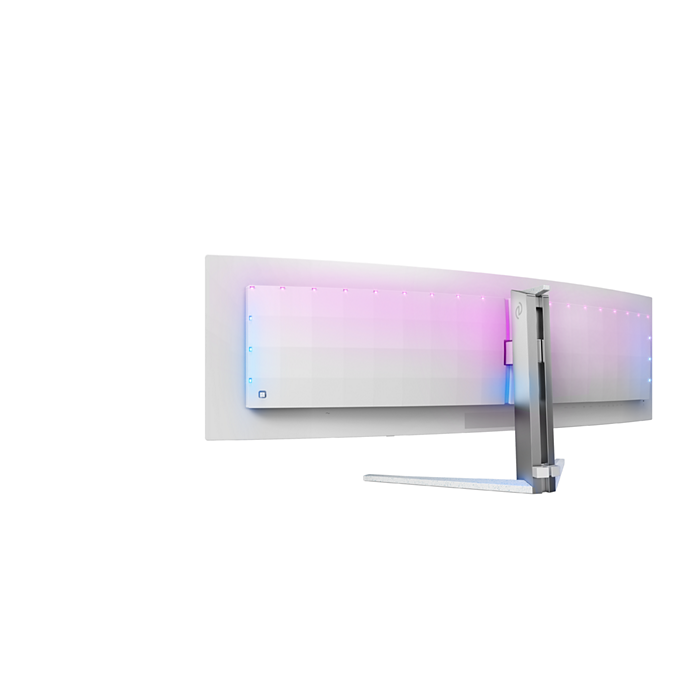
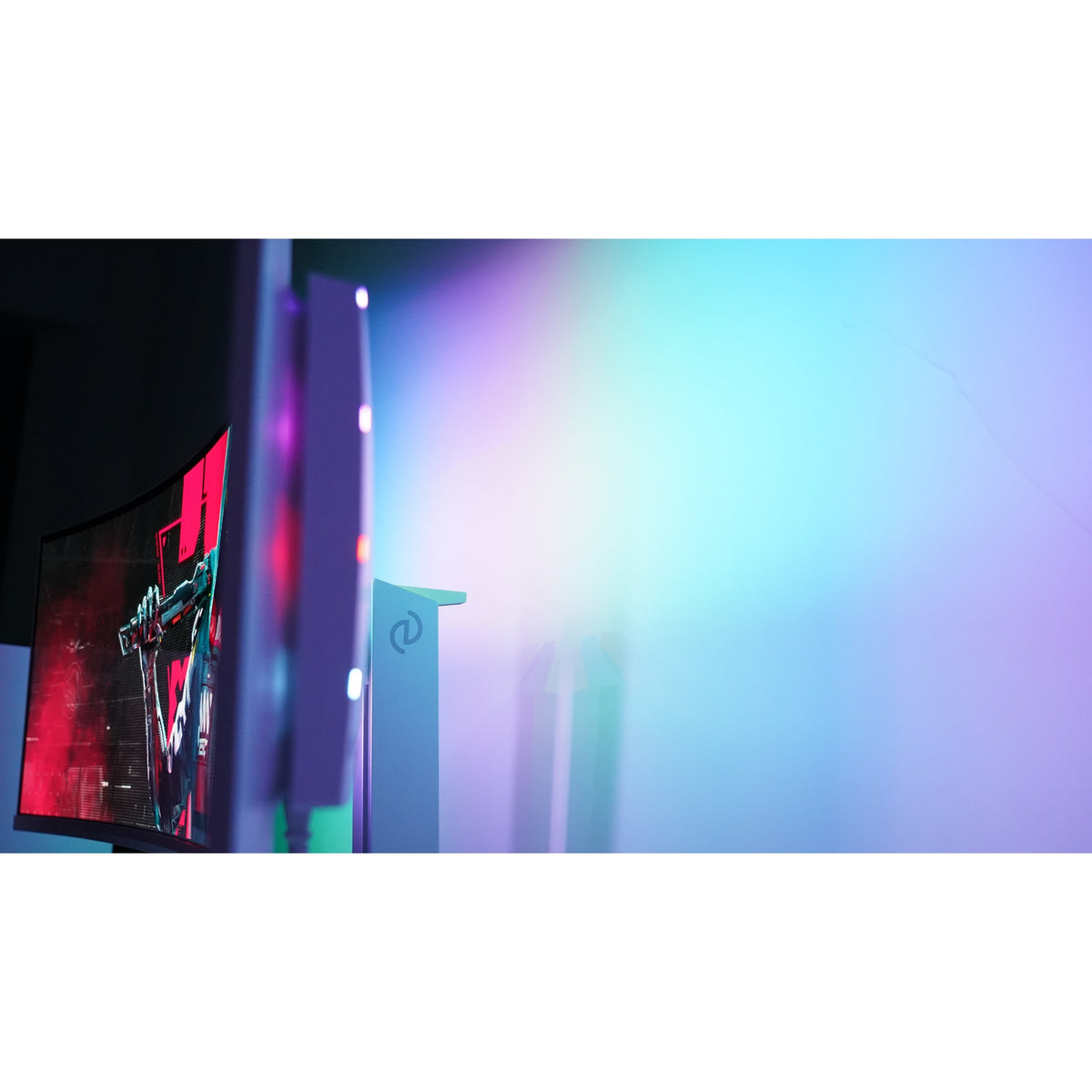
Philips Evnia 8000 · 49M2C8900 · 49 inch
Philips Evnia 8000 49M2C8900 QD-OLED Curved Gaming Monitor, 240Hz
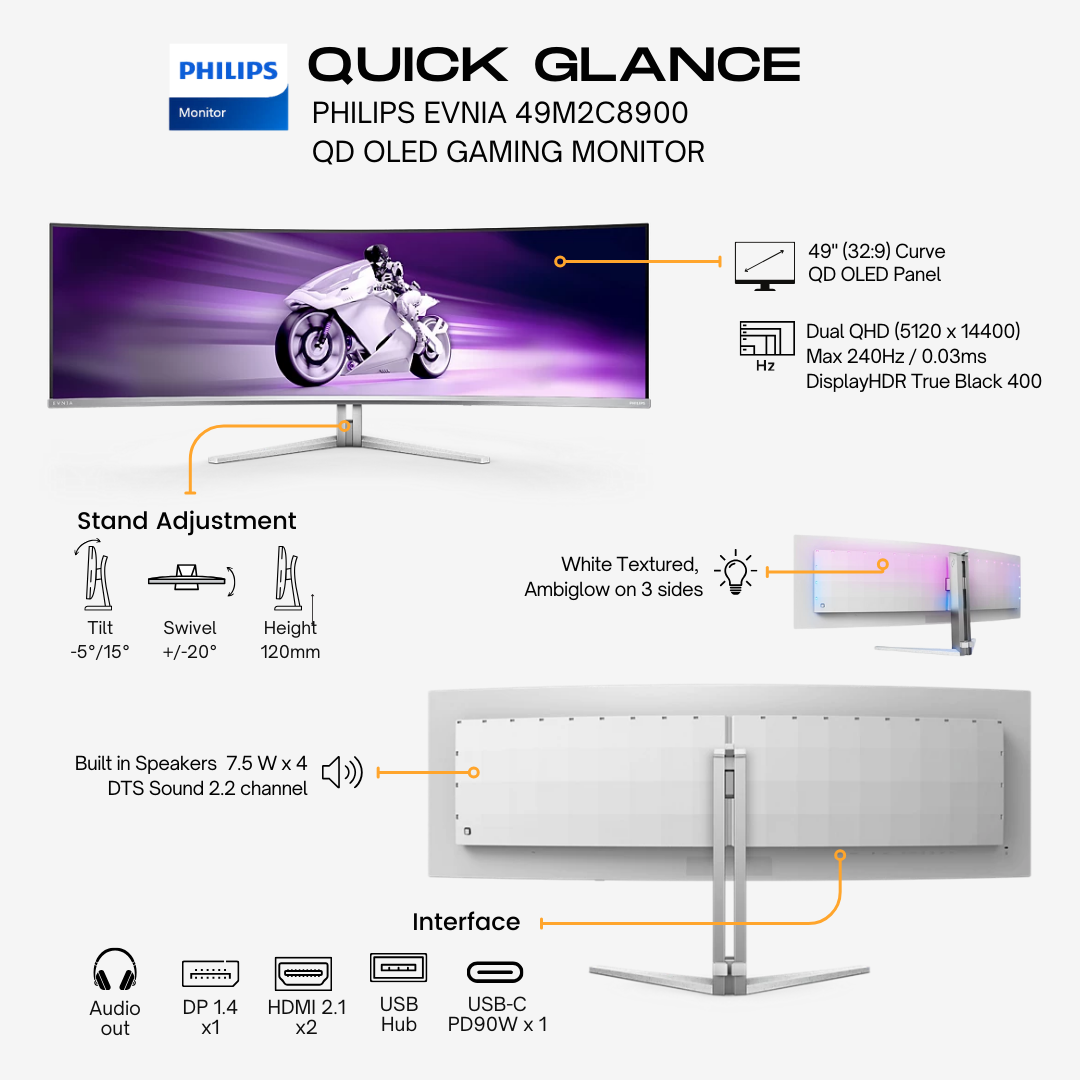
Philips' Evnia 8000 49M2C8900 is a 49-inch (48.9-inch panel) curved QD OLED gaming monitor: 5120 x 1440 (Dual QHD) in 32:9 on an 1800R curve, up to 240 Hz, with 0.03 ms (Gray to Gray) response, DisplayHDR True Black 400, AMD FreeSync Premium Pro and NVIDIA G-SYNC compatible support. It has two HDMI 2.1 inputs, DisplayPort 2.1 and a USB-C socket with up to 90W of Power Delivery, a USB 3.2 hub with KVM, DTS Sound speakers (30 W) and 3-sided Ambiglow, on a stand with height, swivel and tilt adjustment.
Quick Glance
Key Features
Dual QHD QD OLED at 240 Hz with 0.03 ms Response
A 49-inch 1800R curved QD OLED screen runs 5120 x 1440 in 32:9 at up to 240 Hz with 0.03 ms (Gray to Gray) response. AMD FreeSync Premium Pro and NVIDIA G-SYNC compatible support reduce tearing, a low input lag mode is built in, and Philips lists VESA ClearMR 13000 for low blur.
DisplayHDR True Black 400 with 10-bit Colour
DisplayHDR True Black 400 certified, with 250 nit SDR brightness, 450 nit HDR (APL 10%) and 1000 nit at APL 3%, a 1,500,000:1 typical contrast ratio, true 10-bit colour and DCI-P3 99% (min.) coverage. Philips says an integrated graphene shield keeps the display cool to help protect colour over time.
USB-C 90W, HDMI 2.1, DP 2.1, KVM and 30 W Sound
USB-C (DP Alt mode, up to 90W Power Delivery), two HDMI 2.1 and one DisplayPort 2.1 input, plus a USB 3.2 Gen1 hub with four USB-A downstream ports, KVM and PIP/PBP. DTS Sound with 7.5 W x 4 speakers makes up 30 W, and 3-sided AI-enhanced Ambiglow lights the wall behind.
Detailed Specifications
Specifications as published by Philips for the UAE model 49M2C8900/89 (Philips PRX product data, philips.ae, and Philips' own leaflet for the same code). In-box contents are from Philips' own quick start guide and user manual for this model.
Need-to-Know
This page currently offers one size, the 49-inch 49M2C8900. Its key figures are below; if Philips adds another size of this model, it will be listed here alongside.
- Philips advises making sure your graphics card can reach the maximum resolution and refresh rate. 5120 x 1440 at 240 Hz needs a graphics card and cable that can carry it; use the DisplayPort 2.1 or HDMI 2.1 input.
- Philips says NVIDIA G-SYNC support works over DisplayPort, and that the G-SYNC compatible mode supports variable refresh from 50Hz to 240Hz. Update your NVIDIA driver to the latest version and use a graphics card that supports G-SYNC.
- For video over USB-C your laptop must support DisplayPort Alt mode, and for charging it must support USB-C Power Delivery (up to 90W here). Check your laptop manual or maker for details.
- Philips gives the height adjustment as '120' without a unit and lists swivel of -/+ 20 degree and tilt of -5/15 degree. The stand offers no other movements; the 100 x 100 mm VESA mount takes a monitor arm.
- The box contents are from Philips' own quick start guide and user manual for the 49M2C8900. Philips marks these cables as different according to region; if a particular cable matters to your setup, ask us which ones ship with your unit before you order.
| Size | Model | Resolution | With stand (W x H x D) | Weight with stand | Refresh rate (max.) |
|---|---|---|---|---|---|
| 49" | 49M2C8900 | 5120 x 1440 | 1195 x 544 x 359 mm | 13.96 kg | 240Hz |
A 32:9 screen at 5120 x 1440 has the width of two QHD monitors side by side, with a pixel density of 108.77 PPI on the 1800R curve.
Best For / Customer Benefits
Customer Benefits
- QD OLED with a 1,500,000:1 typical contrast ratio and 0.03 ms (Gray to Gray) response gives deep blacks and clear motion.
- 5120 x 1440 at 240 Hz on a 49-inch 32:9 curve fills your field of view for racing, flight and action games.
- DisplayHDR True Black 400, true 10-bit colour and DCI-P3 99% (min.) coverage suit HDR games and video.
- USB-C with up to 90W of USB PD charging and a KVM switch let one monitor share a keyboard and mouse with a laptop and a PC.
- HDMI 2.1 and DisplayPort 2.1 inputs support consoles and high-end graphics cards.
Best For
Frequently Asked Questions
Philips gives the maximum resolution as 5120 x 1440 (Dual QHD) at 240 Hz on a 49-inch (48.9-inch panel) 1800R curved QD OLED screen in 32:9, with 0.03 ms (Gray to Gray) response. Use a graphics card and cable able to carry that signal.
Yes. Philips lists DisplayHDR True Black 400 certification, AMD FreeSync Premium Pro, and certified NVIDIA G-SYNC compatible operation (over DisplayPort). Brightness is listed as SDR 250 nit, HDR 450 nit at APL 10% and 1000 nit at APL 3%.
Yes, if the laptop supports DisplayPort Alt mode and USB-C Power Delivery. Philips lists USB-C with DP Alt mode and up to 90W of Power Delivery, a USB-B upstream port, four USB-A downstream ports (two with fast charge) and a KVM switch to share the keyboard and mouse between two devices.
Yes. Philips lists DTS Sound speakers (7.5 W x 4, 30 W in total, 2.2 channel) and 3-sided Ambiglow lighting with AI-enhanced colour matching. It also supports Windows Dynamic Lighting on Windows 11.
Want to check the 49M2C8900 suits your setup?
Tell us which graphics card, console or laptop you are connecting and our UAE team will confirm the right cable for 240Hz and current stock of the Philips 49M2C8900.