



MSI 27" PRO MP273AW Flat FHD Monitor, IPS Panel 100Hz, Built-in Speakers - HDMI, DP, VGA (White)
9S6-3PB4CH-089
Condition: NEW
- Regular price
-
Dhs. 397.00 (exc. Vat) - Regular price
-
Dhs. 415.00(exc. Vat) - Sale price
-
Dhs. 397.00 (exc. Vat)
Couldn't load pickup availability
Genuine Guarantee
Shop with Confidence: Authentic IT Products from Major Brands.
Shipping information
We offer FREE DELIVERY for order over AED 200. Also no additional Cash on Delivery (COD) fee.
Click here to know more
Returns information
27-inch FHD business monitor
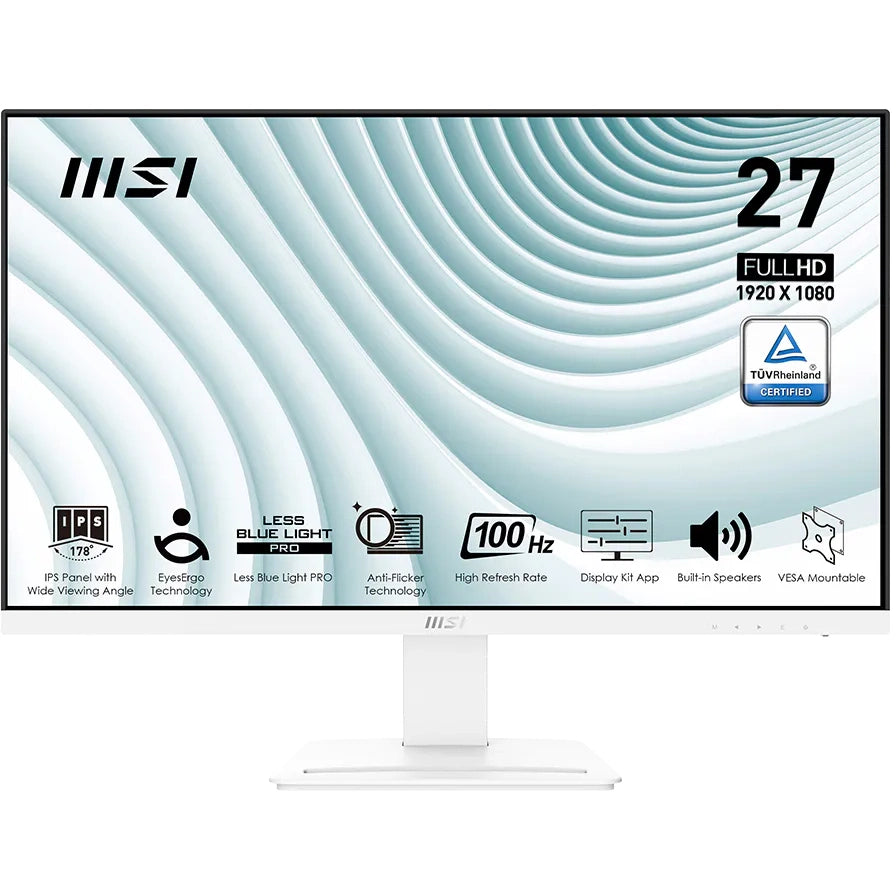
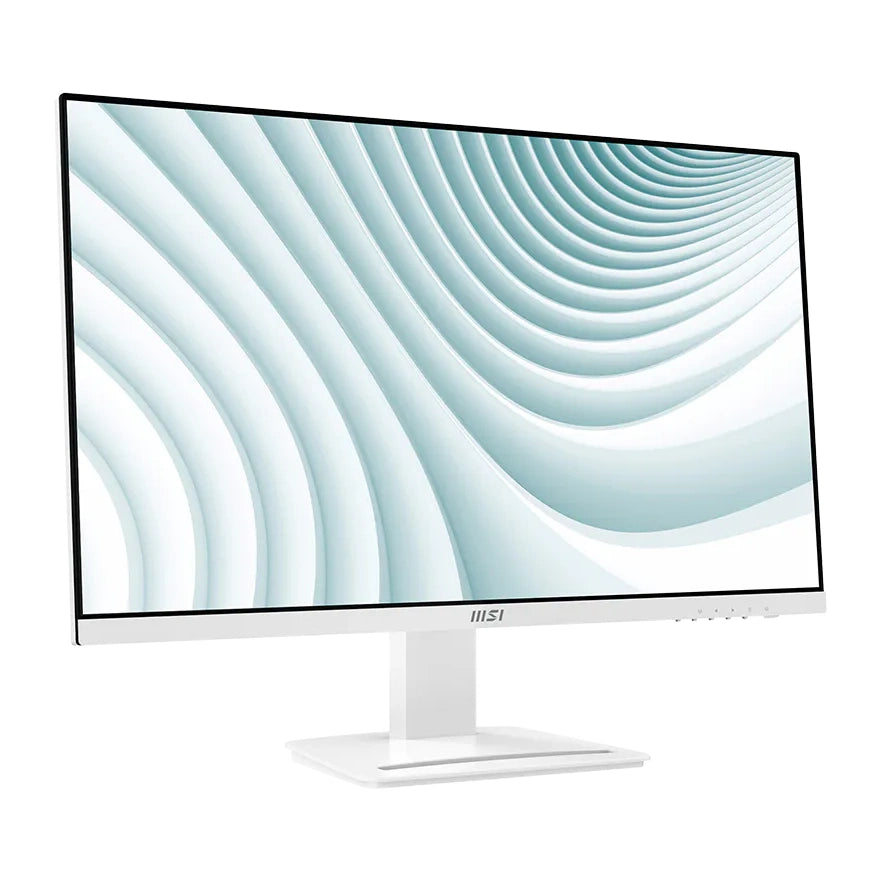
MSI PRO MP273AW 27" FHD IPS Monitor, 100Hz
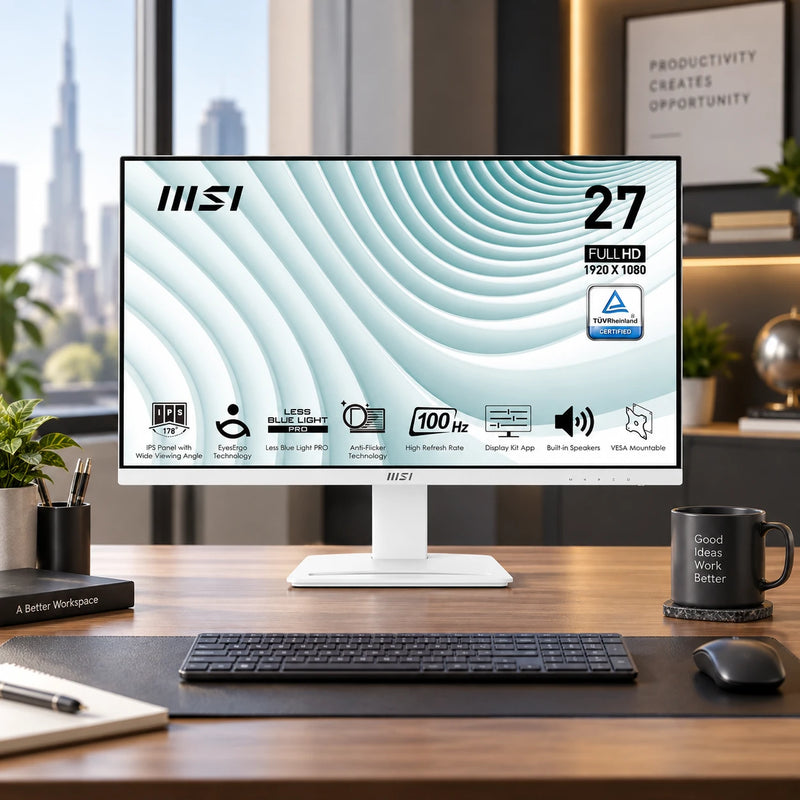
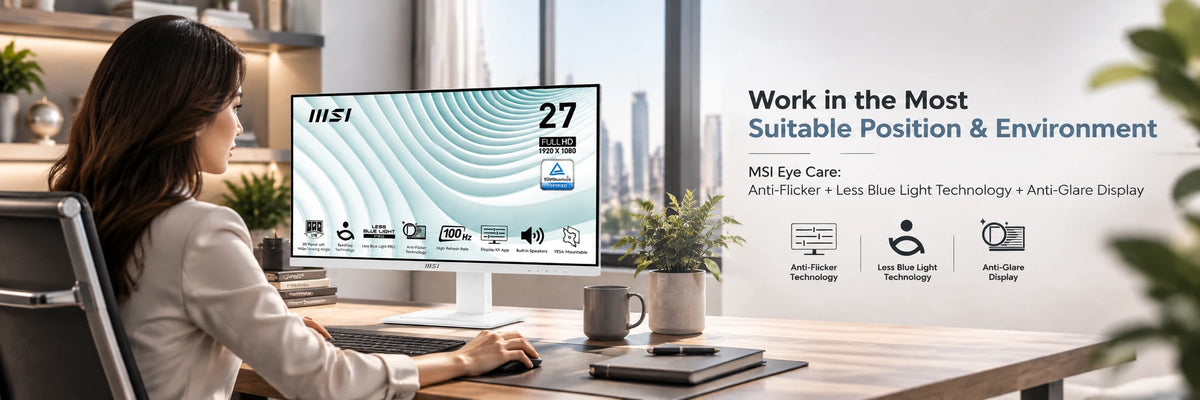
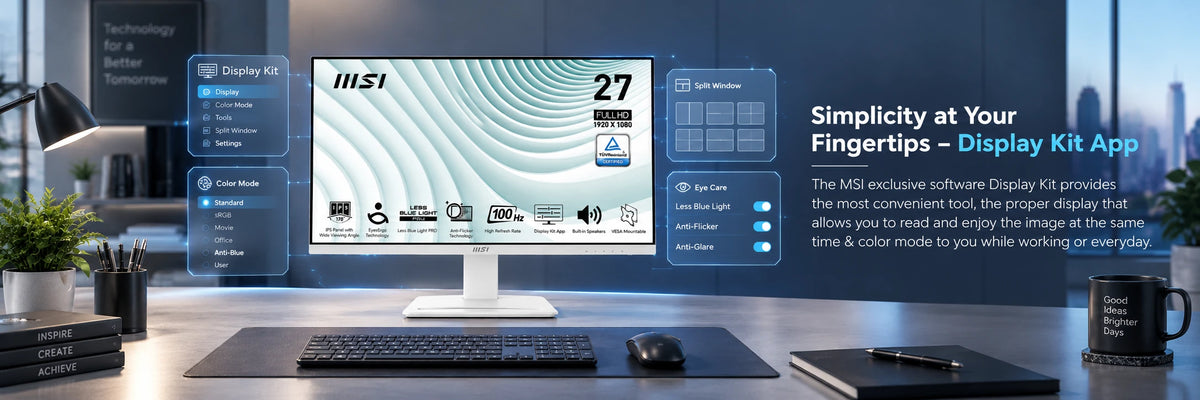
A 27-inch Full HD monitor built for long working days: an IPS panel with 178° viewing angles in both directions, a 100Hz refresh rate, and MSI Eye Care combining Anti-Flicker, Less Blue Light PRO and an anti-glare coating on a TÜV certified display. Two 3W speakers are built in, so a conference call needs no extra hardware. DisplayPort, HDMI and D-Sub inputs cover new machines and older ones alike, and the stand assembles tool-free.
Quick Glance
Key Features
100Hz IPS, Smooth and Consistent Corner to Corner
Most office displays stop at 60Hz; this one runs to 100Hz over DisplayPort or HDMI, with 1ms MPRT keeping scrolling and window drags visibly smoother. The IPS panel holds a 178° viewing angle both horizontally and vertically, so colour and brightness stay consistent across the full 27-inch width, not just dead centre.
Eye Care in the Panel, Not a Software Filter
Less Blue Light PRO is a hardware filter, so it cuts blue light without washing the colour out the way a software overlay does. Anti-Flicker and an anti-glare surface complete a TÜV certified display.
Speakers and Three Inputs
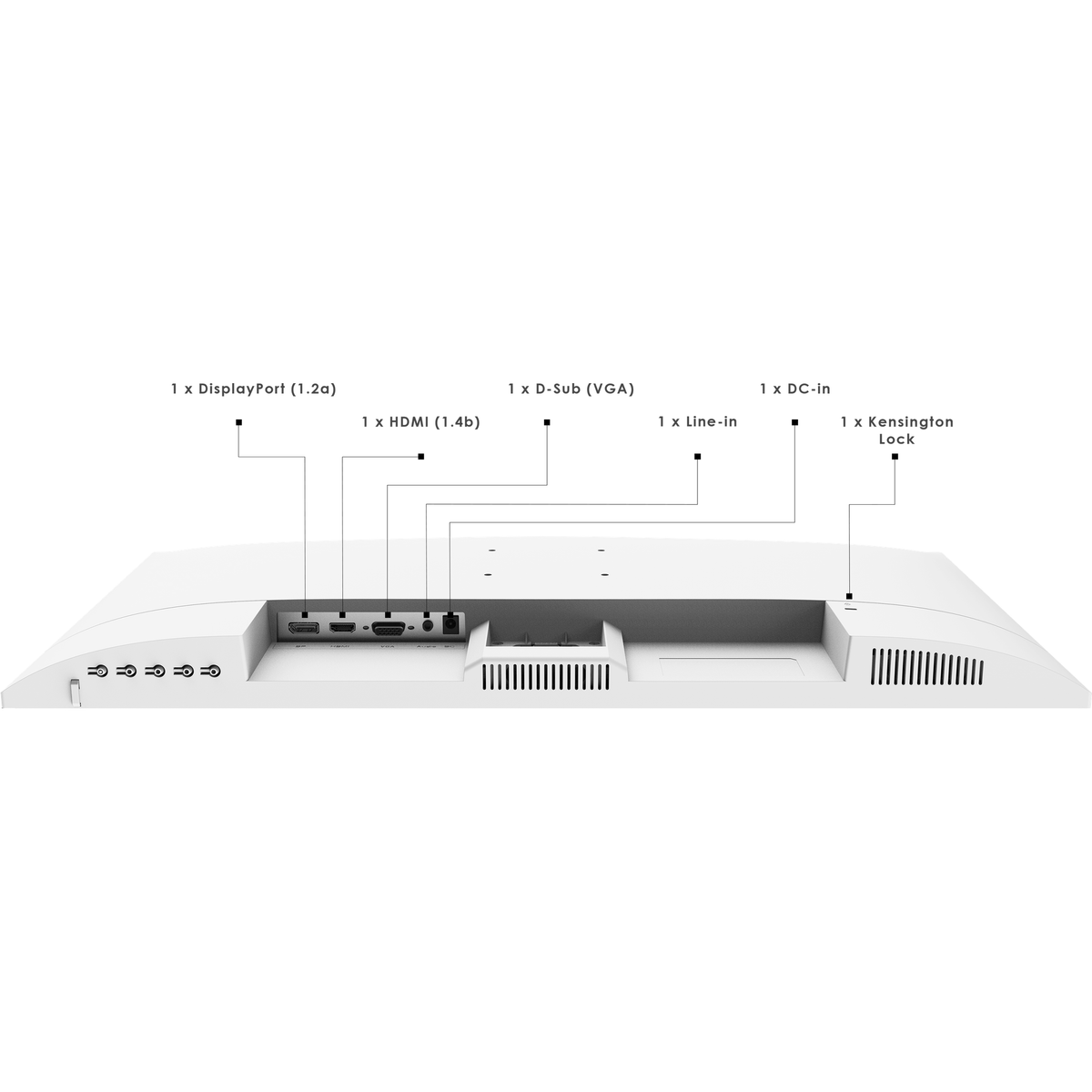
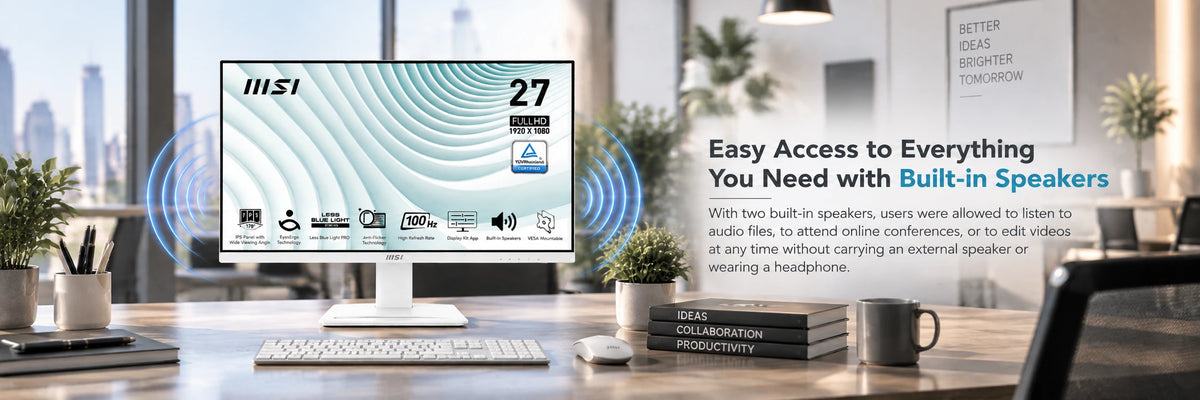
Two 3W speakers handle calls without a headset. DisplayPort 1.2a, HDMI 1.4b and D-Sub (VGA) mean it connects to a new laptop and to a machine old enough to have only VGA.
Detailed Specifications
Specifications as published by MSI in the PRO MP273AW datasheet (available below) and on the MSI product and specification pages. MSI does not publish a brightness figure for this model, so none is listed.
Need-to-Know
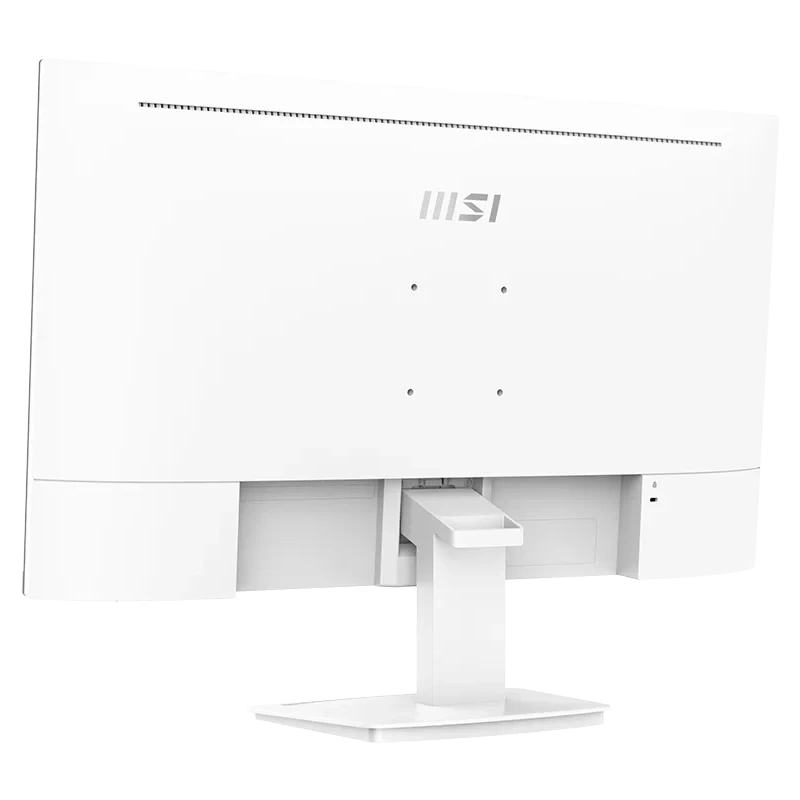
- The stand tilts only, from -5° to 20°. There is no height, swivel or pivot adjustment — use the 75 x 75 mm VESA mount if you need them.
- D-Sub (VGA) is limited to 1920 x 1080 at 60Hz. The full 100Hz needs DisplayPort or HDMI.
- MSI does not publish a brightness figure for this model. Ask us before you order if you need a rated nits value.
- MSI does not publish an in-box accessory list for this model, so we have not stated one.
Best For / Customer Benefits
Customer Benefits
- A tilt-only stand plus a 75 x 75 mm VESA mount means you can still add height or a swing arm with a third-party mount — MSI's own MT81 monitor arm is built for this series.
- The same VESA mount also lets you dock an MSI Cubi mini PC directly on the back of the screen, keeping a separate computer case off the desk.
- Three video inputs (DisplayPort, HDMI, VGA) mean a legacy VGA-only desktop and a brand-new laptop can both plug in without an adapter — though VGA is capped at 60Hz, so use DisplayPort or HDMI for the full 100Hz.
- Built-in 2x 3W speakers and a Line-in port mean a video call needs nothing more than what is already on the desk.
- The tool-free stand and an accessory slot for your phone mean setup and daily use need no extra hardware.
Best For
Gallery

Official & Recommended Options
Learn More About the PRO MP273AW
Frequently Asked Questions
No. The MP273AW stand tilts from -5° to 20° and does nothing else — no height, swivel or pivot. If you need those, it takes a standard 75 x 75 mm VESA mount, and MSI lists its own MT81 monitor arm for this series.
No. MSI lists D-Sub (VGA) at 1920 x 1080 up to 60Hz. DisplayPort 1.2a and HDMI 1.4b both carry 1920 x 1080 at up to 100Hz, so use one of those if the refresh rate is why you are buying it.
Yes, two 3W speakers, which is enough for conference calls and system audio without a headset or a soundbar. There is also a Line-in audio port. There is no headphone output listed.
MSI does not publish a brightness figure for the PRO MP273AW, so we are not going to quote one. If a rated nits value matters for your room, ask us and we will put the question to the distributor before you order.
Yes. The W on the end of MP273AW is the white finish — the same panel is sold as the MP273A in black. Check which one you are ordering if you are matching existing screens.
Not sure which size suits your desk?
Tell us how far you sit from the screen and what you run on it, and we will tell you honestly whether 24 or 27 inches is the better buy.