



LG UltraGear GS60QC QHD 180Hz 1000R Curved Gaming Monitor, VA Panel - HDMI, DP
27GS60QC-B.AMAQ
Condition: NEW
- Regular price
-
Dhs. 665.00 (exc. Vat) - Regular price
-
Dhs. 730.00(exc. Vat) - Sale price
-
Dhs. 665.00 (exc. Vat)
-
Hurry, only 2 items left in stock!
Couldn't load pickup availability
Genuine Guarantee
Shop with Confidence: Authentic IT Products from Major Brands.
Shipping information
We offer FREE DELIVERY for order over AED 200. Also no additional Cash on Delivery (COD) fee.
Click here to know more
Returns information
LG UltraGear · 27 or 32 inch curved
LG UltraGear GS60QC — QHD 180Hz, 1000R Curved
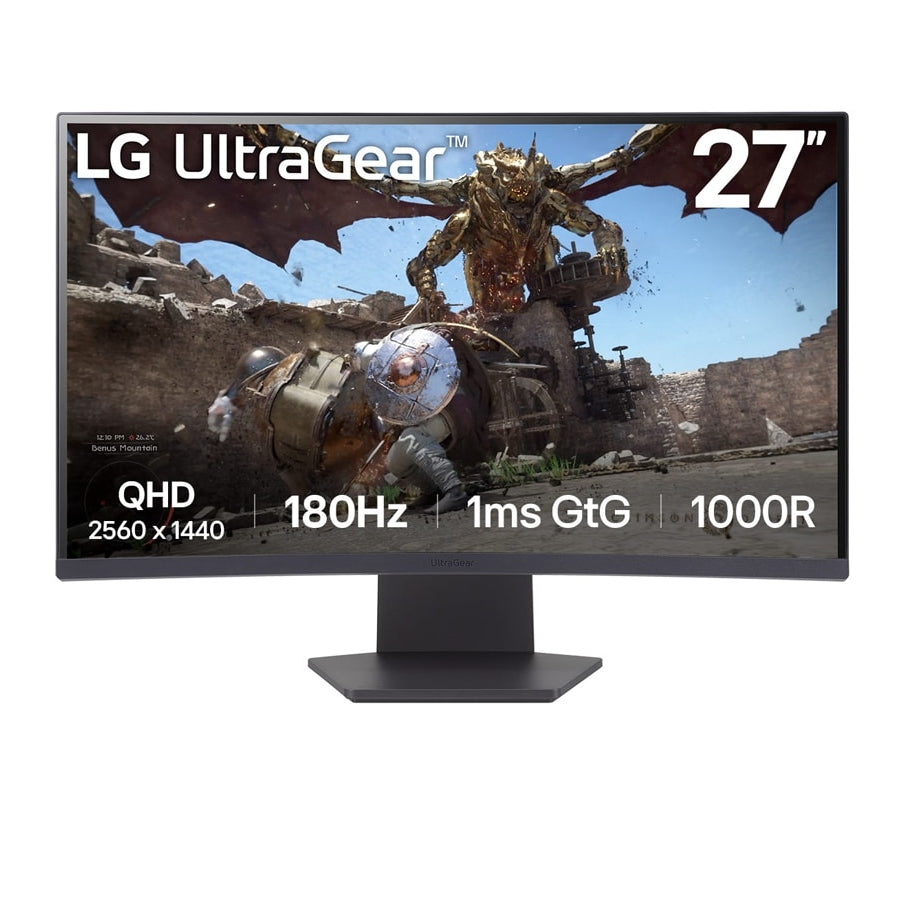
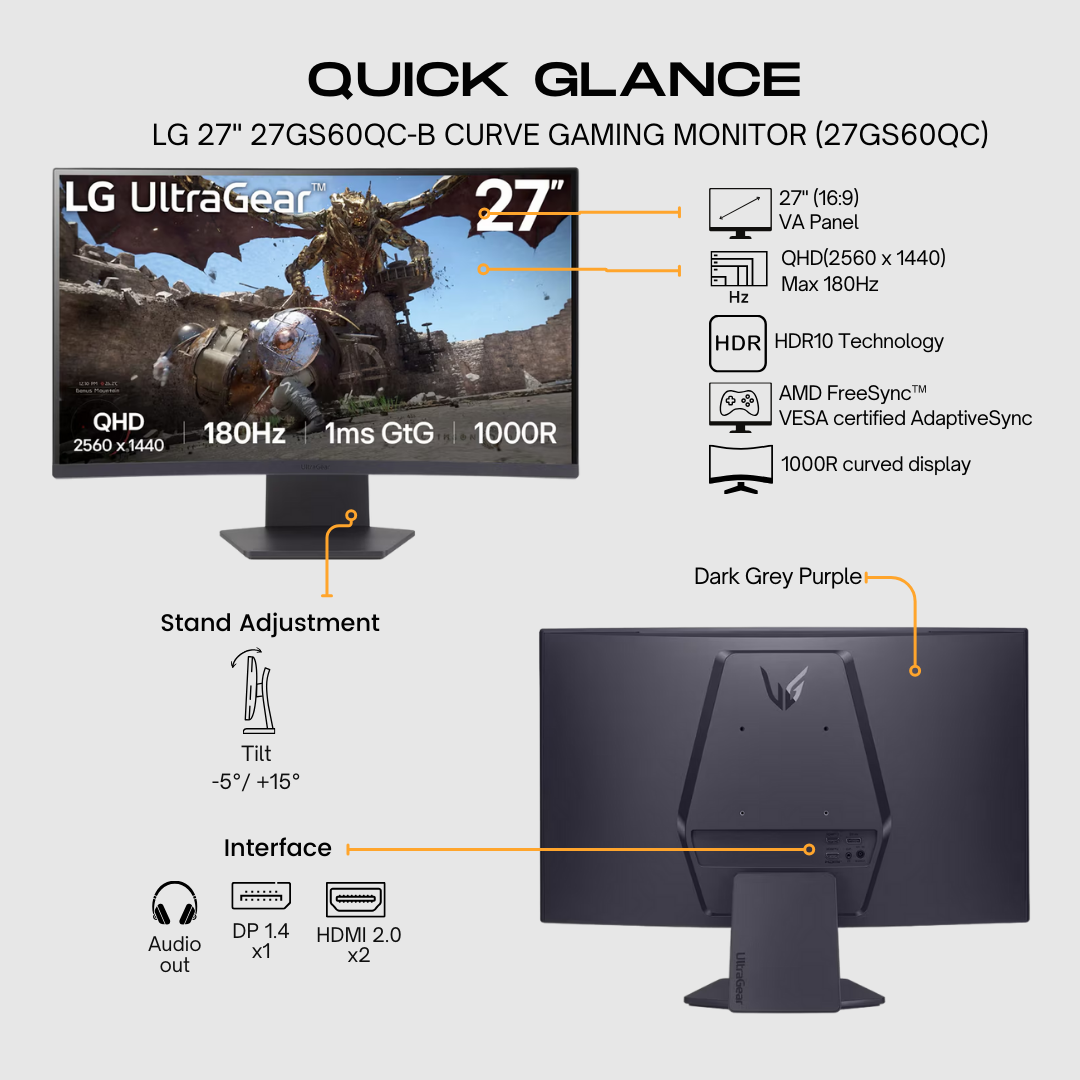
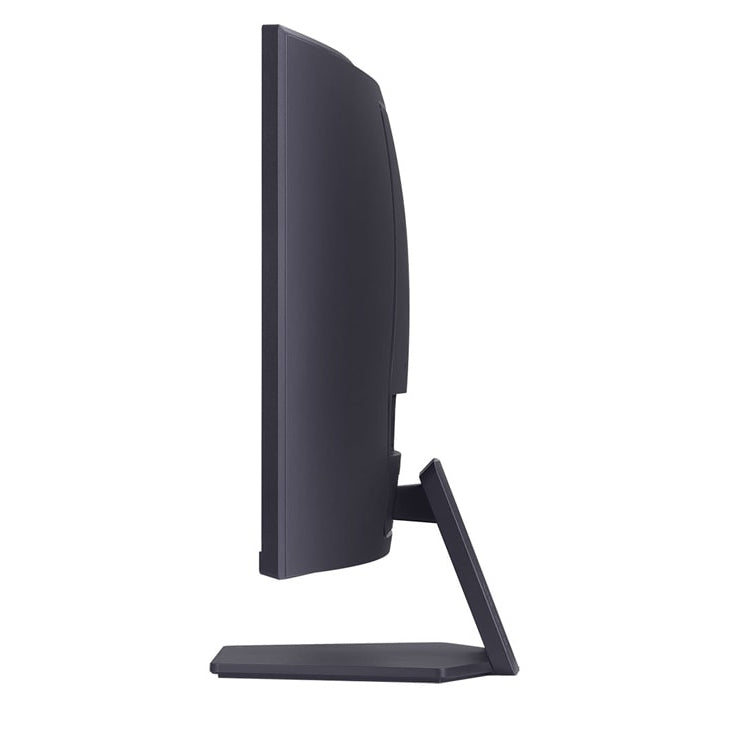
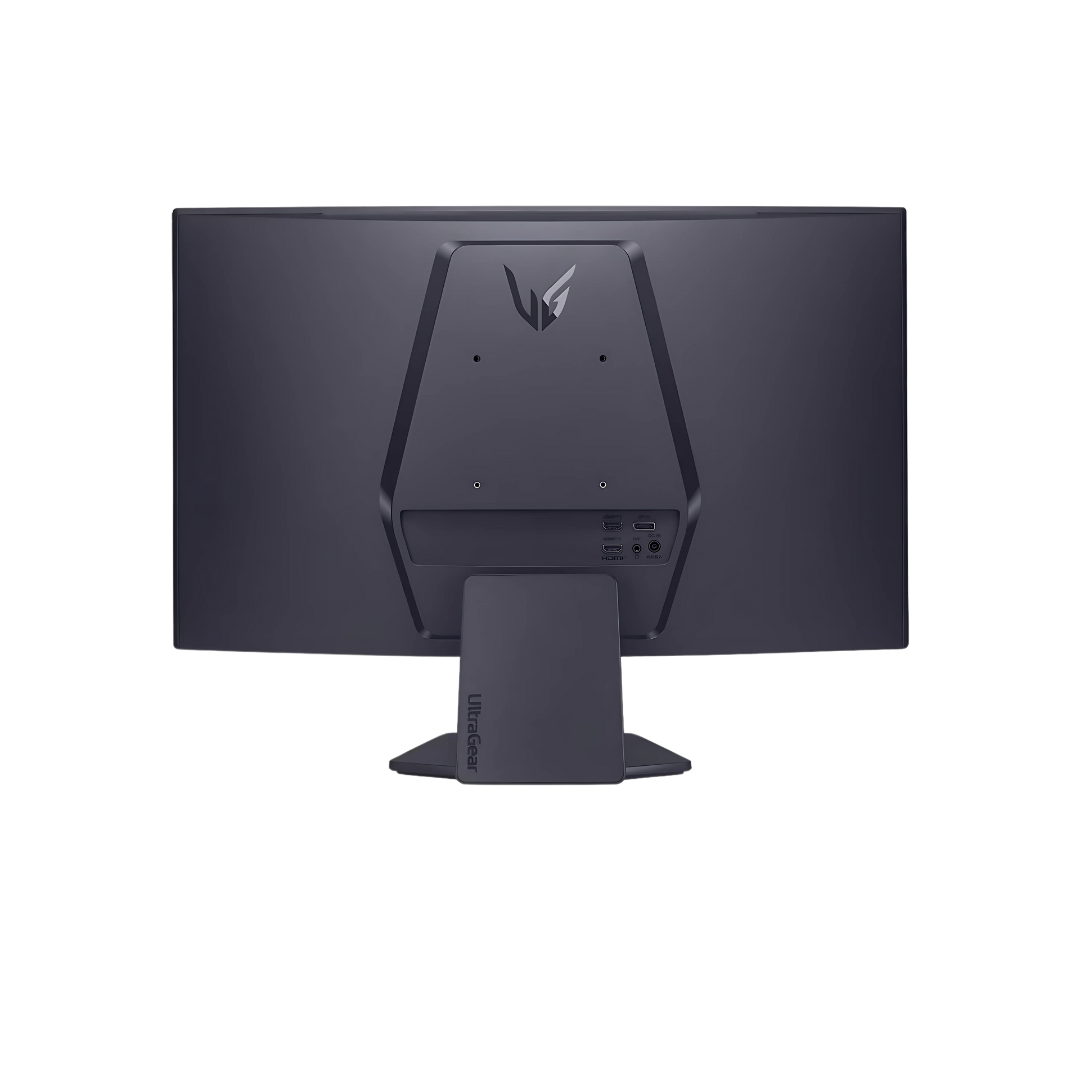
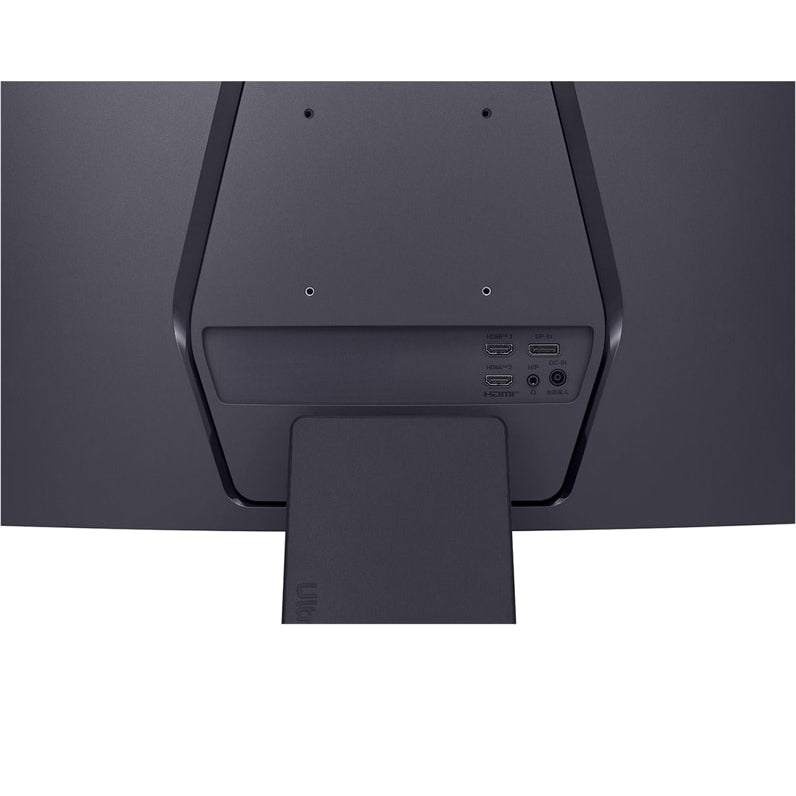
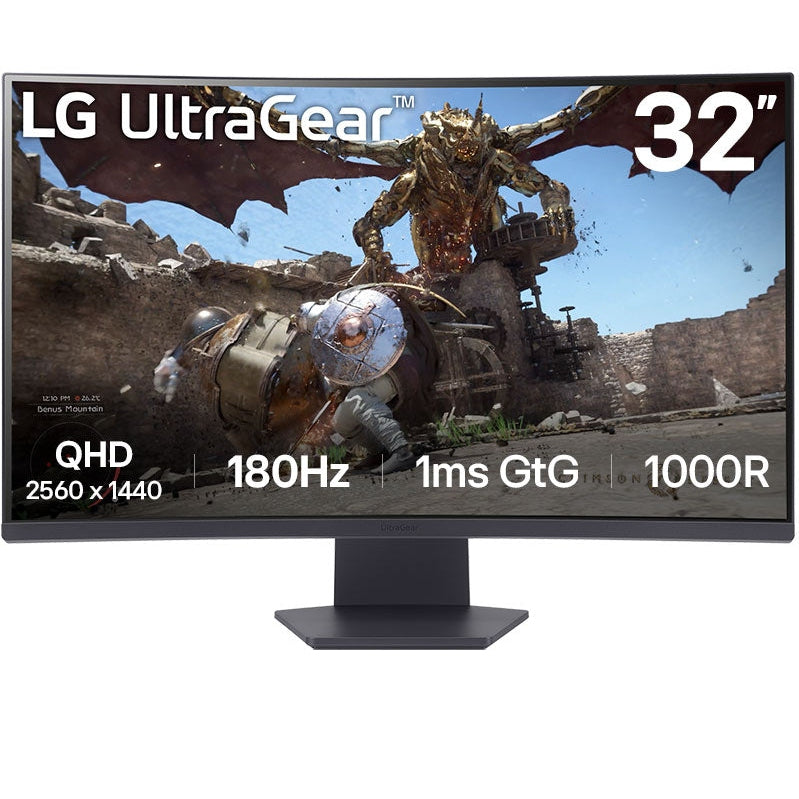
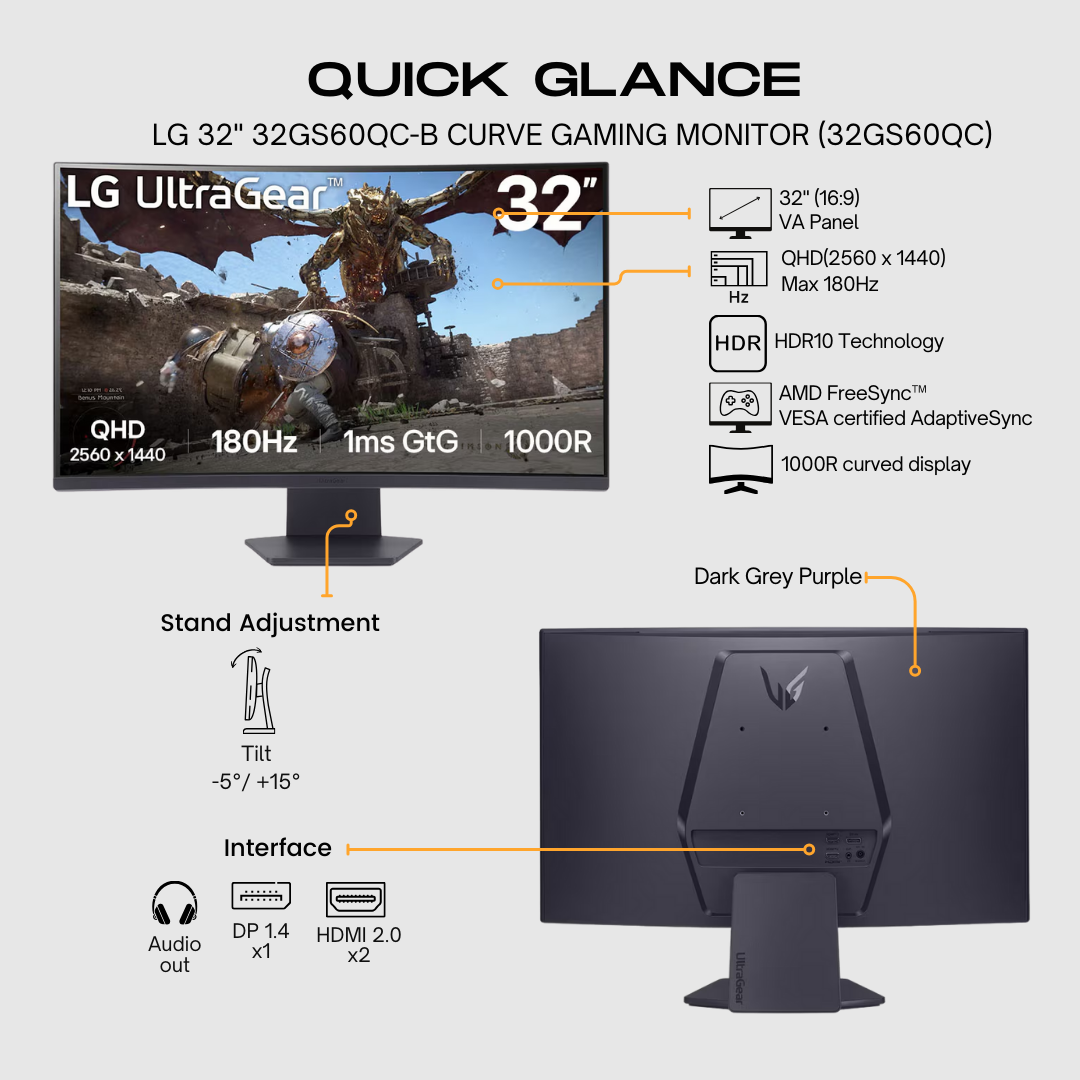
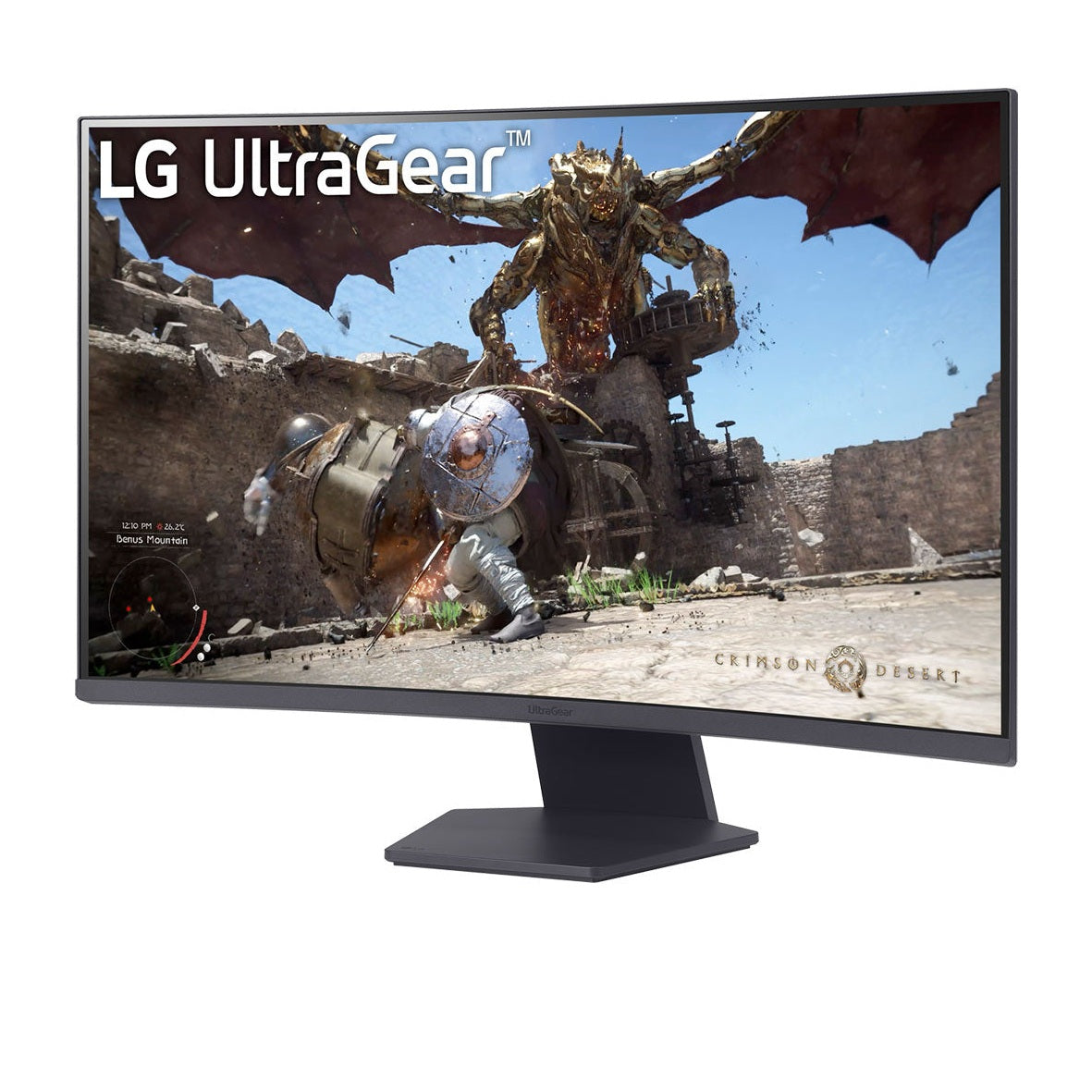
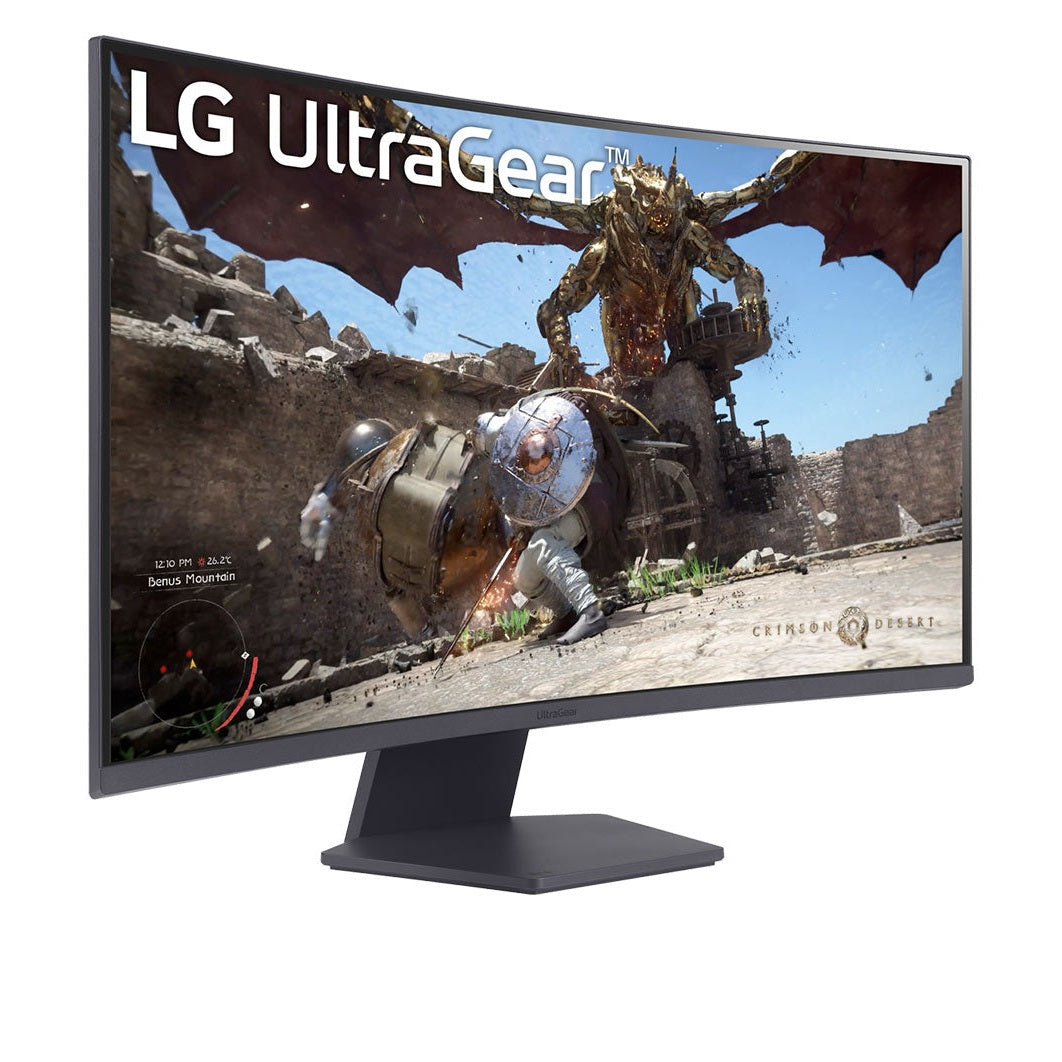
LG's UltraGear GS60QC is a 1000R curved QHD gaming monitor at 180Hz, offered here in two sizes: the 27-inch 27GS60QC-B and the 32-inch class 32GS60QC-B, which LG lists at 31.5 inches. Both are 2560 x 1440 VA panels with a 1ms (GtG at Faster) response time, HDR10 and sRGB 99% (Typ.) colour; FreeSync (AMD) and VESA certified AdaptiveSync keep fast games tear-free. HDMI, DisplayPort and a headphone output connect a PC or console, and the L stand tilts. Pick the size that suits your desk; the panel specification does not change.
Quick Glance
Key Features
180Hz and 1ms on a QHD Curve
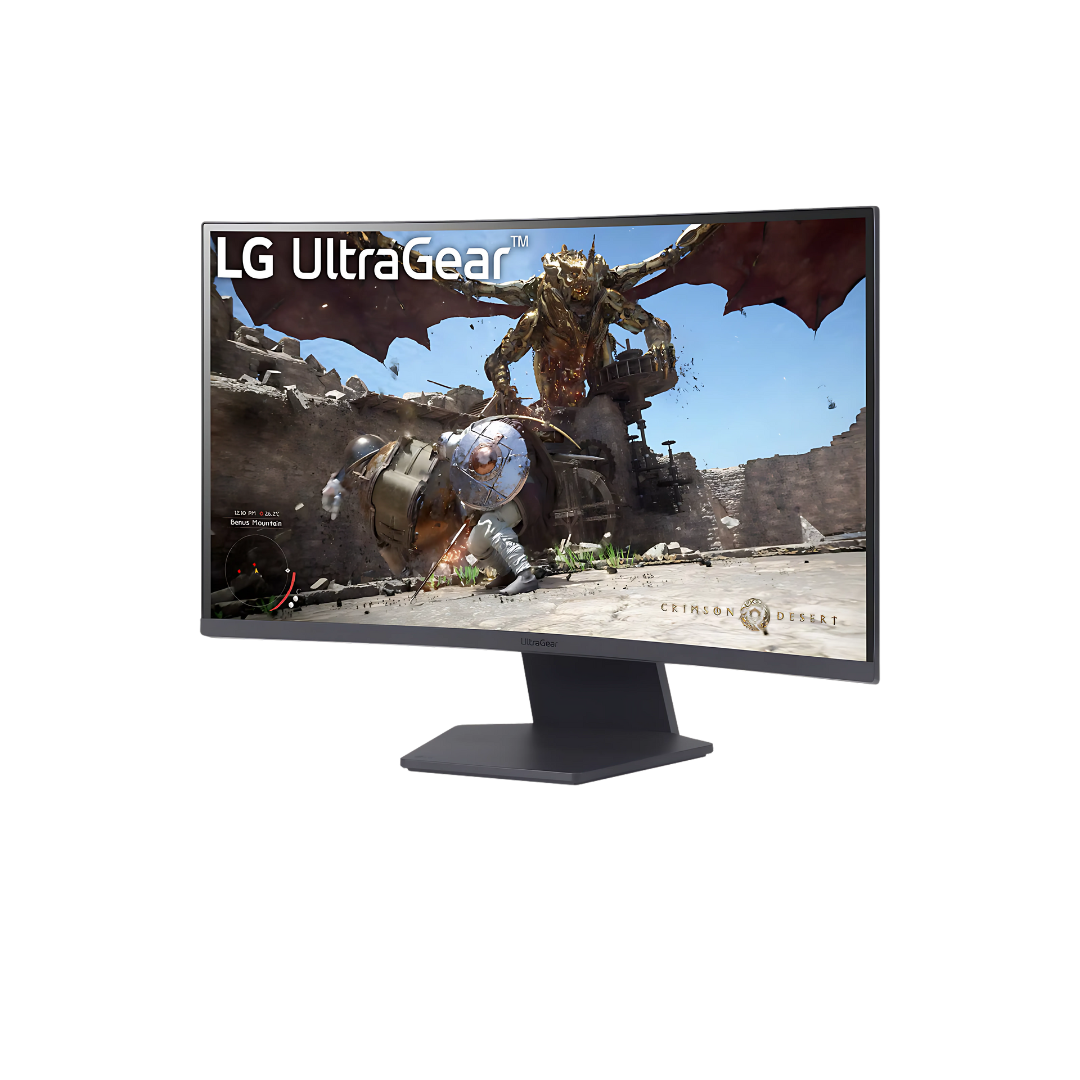
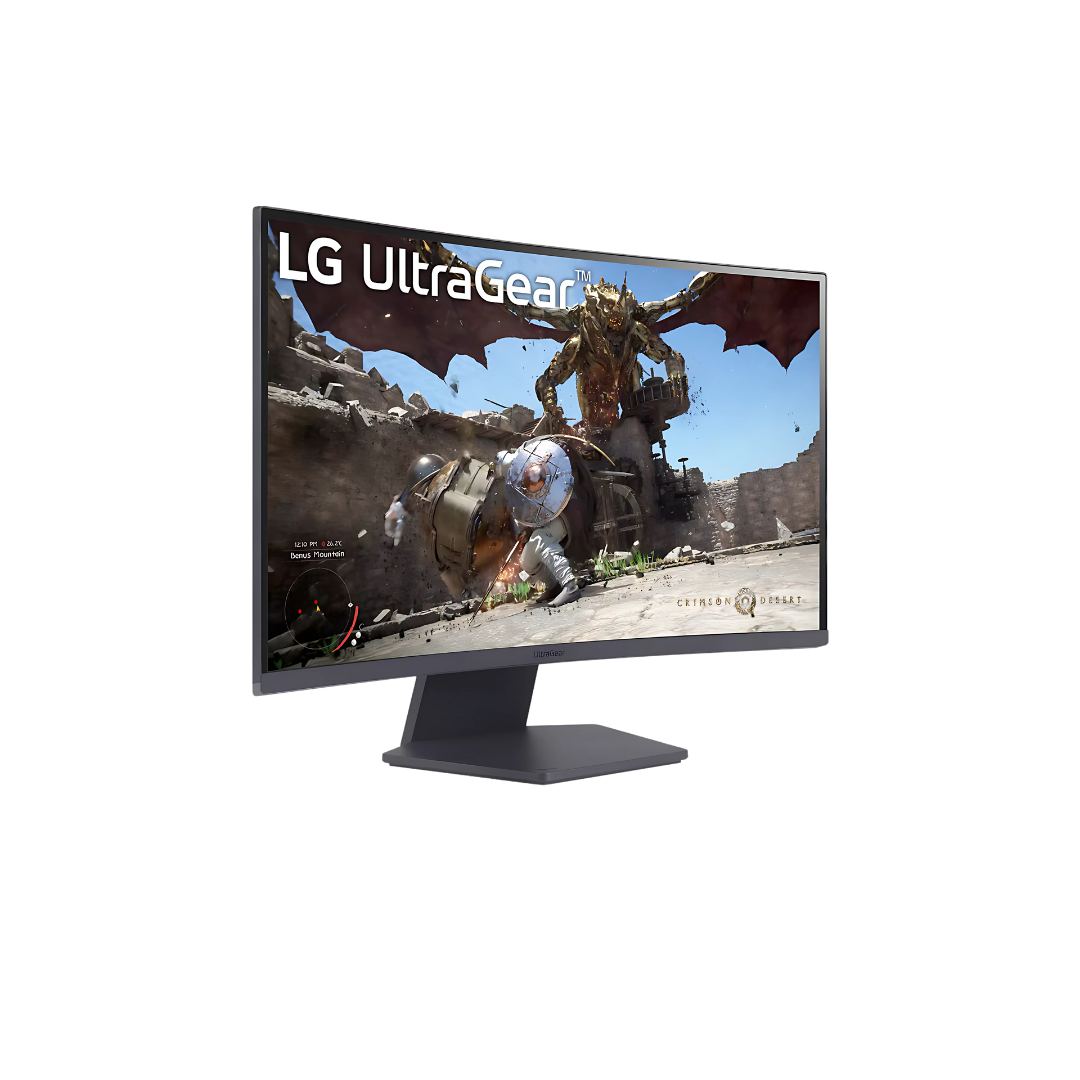
The refresh rate runs to 180Hz, loading the picture 180 times a second for smooth, clear motion, and the 1ms (GtG) response time reduces ghosting in fast scenes. LG notes that 1ms needs Faster Mode (Game Adjust, Response Time, Faster). The 1000R curve fits the natural field of view for a more immersive picture.
Tear-Free Play with AdaptiveSync and FreeSync
VESA certified AdaptiveSync and FreeSync (AMD) match the screen to the graphics card, cutting tearing and stutter in fast games. HDR10 and an sRGB 99% (Typ.) gamut reproduce the colours game developers intended, and 3000:1 typical contrast from the VA panel keeps dark scenes deep.
Gaming Tools on the Screen
Black Stabilizer brings out detail in dark corners, Dynamic Action Sync reduces input lag, Crosshair fixes a target point in the centre and the FPS Counter shows frames per second. User Defined Key and OnScreen Control put the settings you use most on a shortcut.
Detailed Specifications
Specifications as published by LG UAE on the lg.com/ae product pages for the 27GS60QC-B and the 32GS60QC-B. LG gives these models' dimensions in inches and weights in pounds; they are shown as LG lists them. Where a figure differs by size, both sizes are listed.
Need-to-Know
Two sizes share this page. The QHD VA panel, 180Hz refresh, 1ms response, colour, inputs and tilting stand are the same on both; what changes is the screen area, the footprint and the weight.
- The 32-inch model is LG's 31.5-inch class. Both sizes have the same 2560 x 1440 resolution, so the 27-inch has the finer pixel density.
- LG states the 1ms (GtG) response time applies in Faster Mode: open Game Adjust, then Response Time, and choose Faster.
- LG notes the Crosshair feature is unavailable while the FPS Counter is switched on.
- The stand tilts only (-5° to +15°). For height or swivel adjustment, use the 100 x 100 mm wall mount with a monitor arm.
- LG lists no speaker and no USB-C for this model. Use the headphone output or your PC's own audio.
| Size | Model | Screen (LG) | With stand (W x H x D) | Weight with stand |
|---|---|---|---|---|
| 27" | 27GS60QC-B.AMAQ | 27" | 23.8" x 17.7" x 8.9" | 10.6 lbs |
| 32" | 32GS60QC-B | 31.5" | 27.6" x 20.0" x 8.9" | 13.0 lbs |
At the same QHD resolution, the 27-inch packs the pixels closer for a sharper picture, and the 32-inch class gives a larger image from a normal sitting distance.
Best For / Customer Benefits
Customer Benefits
- 180Hz at QHD gives smoother motion than a standard 60Hz office screen, at a resolution sharper than Full HD.
- The 1000R curve wraps the picture around your field of view for more immersion in games.
- AdaptiveSync and FreeSync (AMD) keep fast games free of tearing and stutter.
- 3000:1 VA contrast gives deeper blacks than a typical IPS gaming panel.
- Crosshair, FPS Counter and Black Stabilizer are built in, with no extra software needed.
Best For
Frequently Asked Questions
Only the physical size. Both are 1000R curved 2560 x 1440 VA panels at 180Hz with a 1ms (GtG at Faster) response time, 3000:1 typical contrast, HDR10, sRGB 99% (Typ.), FreeSync (AMD) and VESA AdaptiveSync, the same HDMI and DisplayPort connections and the same tilting stand. The 32-inch is LG's 31.5-inch class and gives a larger picture; the 27-inch is sharper at the same resolution.
LG rates 1ms (GtG) with the Faster response mode selected. Open the on-screen menu, go to Game Adjust, then Response Time, and choose Faster. For 180Hz, also set the refresh rate in your graphics card or console settings.
LG lists FreeSync (AMD) and VESA certified AdaptiveSync, which reduce tearing and stutter when the graphics card supports adaptive sync. Check that your graphics card supports adaptive sync over the connection you use.
No. LG lists a headphone output but no speaker for this model, so connect headphones or use your PC's or console's own audio.
Yes. LG lists a 100 x 100 mm wall mount, which fits standard monitor arms and brackets. The supplied L stand tilts from -5° to +15° but does not raise, lower or swivel, so an arm is the way to get those adjustments.
Not sure whether the 27 or 32-inch GS60QC suits your setup?
Tell us what you play, which graphics card or console you use and how far you sit from the screen, and our UAE team will recommend the right size and confirm current stock.