



Lenovo L-Series i-30 Full HD IPS Monitor, 75Hz, FreeSync - HDMI, VGA
66CAKAC1AE
Condition: NEW
- Regular price
-
Dhs. 325.00 (exc. Vat) - Regular price
-
(exc. Vat) - Sale price
-
Dhs. 325.00 (exc. Vat)
-
Hurry, only 10 items left in stock!
Couldn't load pickup availability
Genuine Guarantee
Shop with Confidence: Authentic IT Products from Major Brands.
Shipping information
We offer FREE DELIVERY for order over AED 200. Also no additional Cash on Delivery (COD) fee.
Click here to know more
Returns information
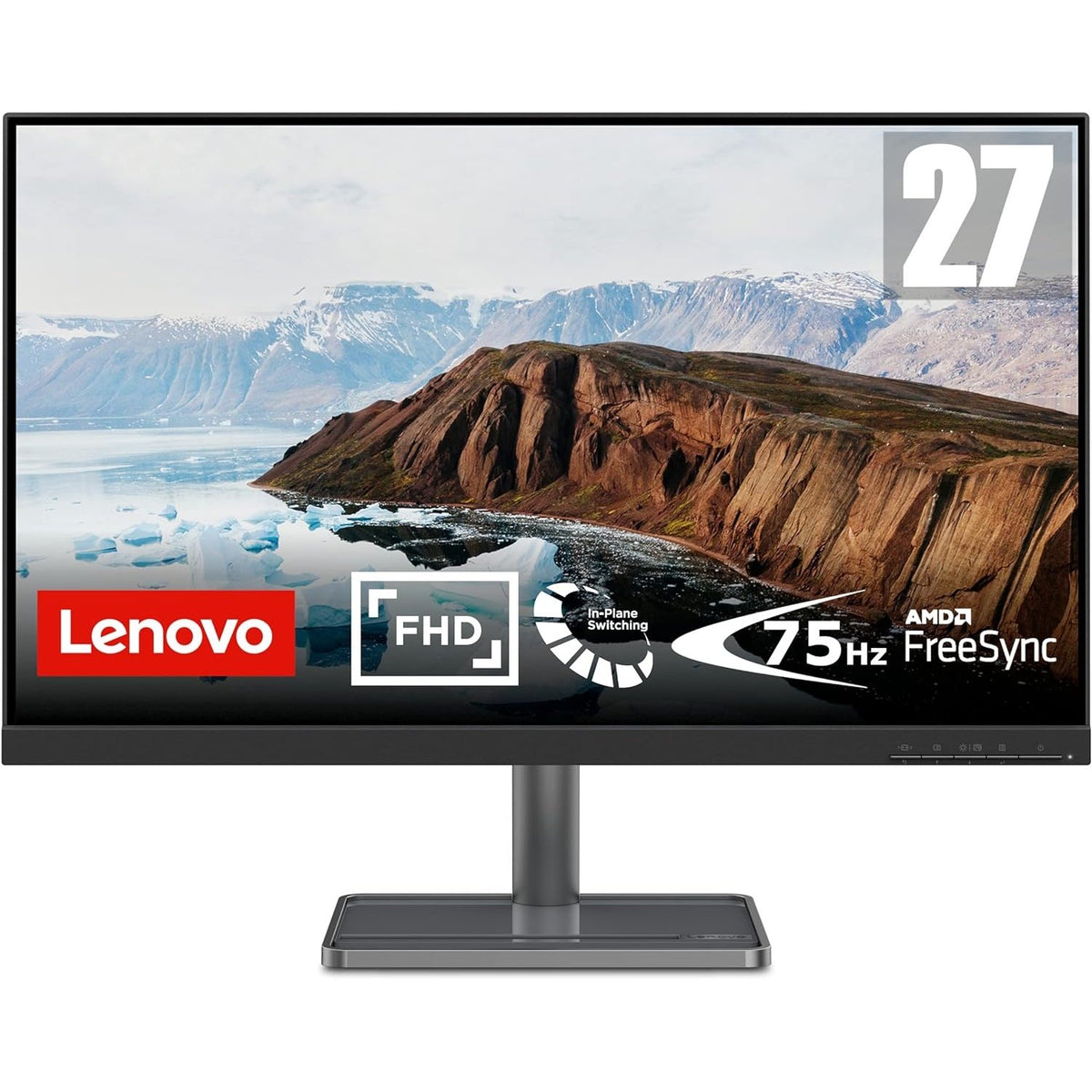
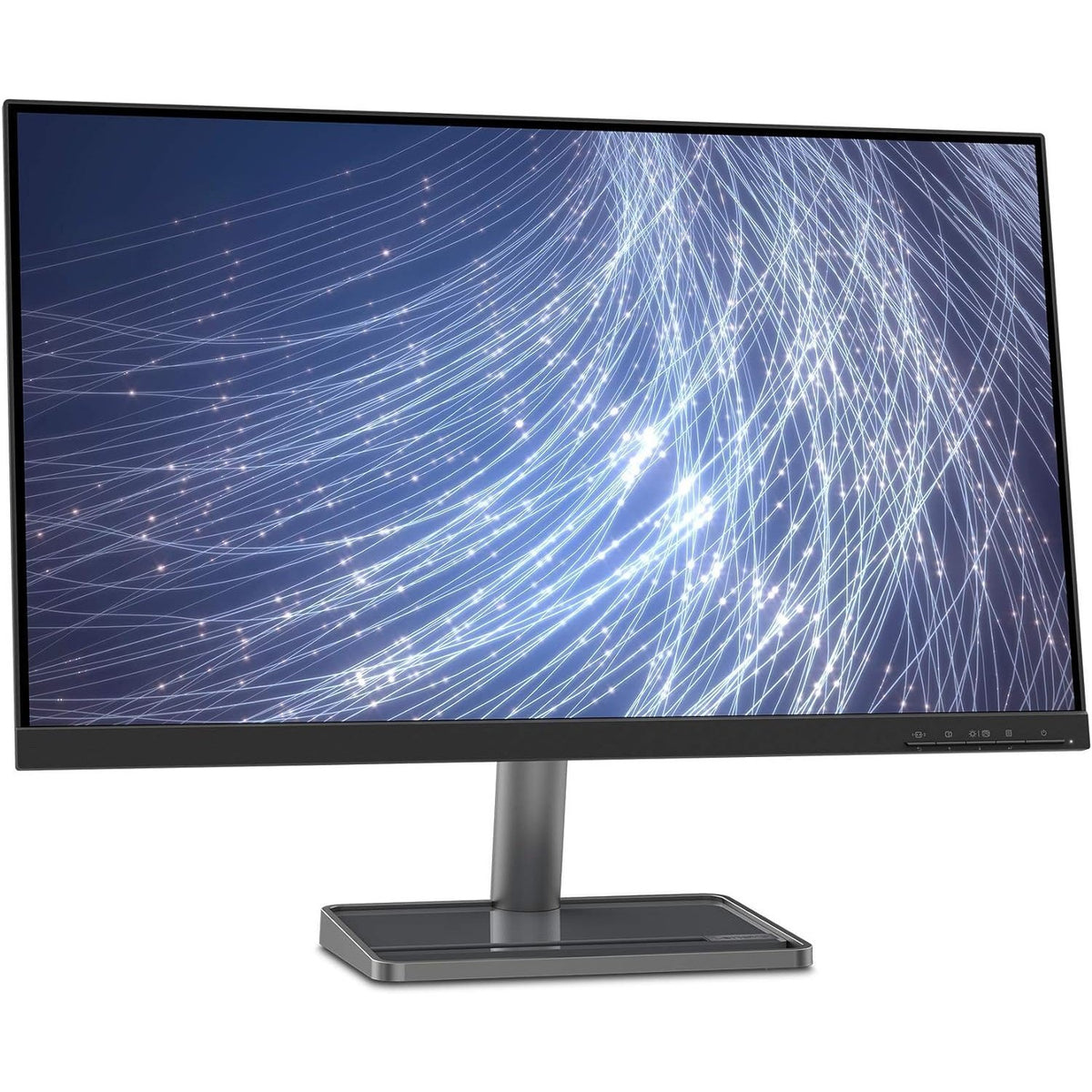
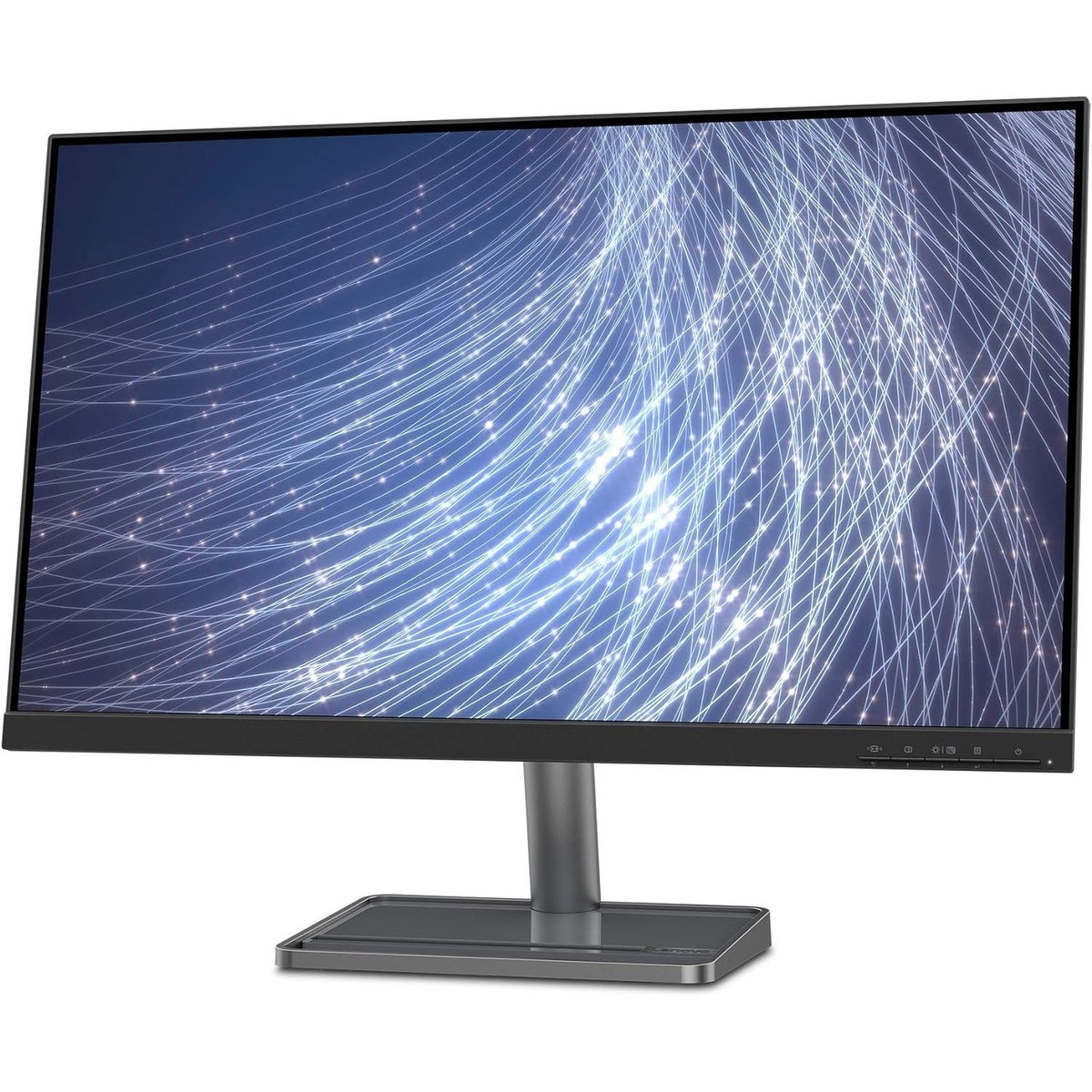
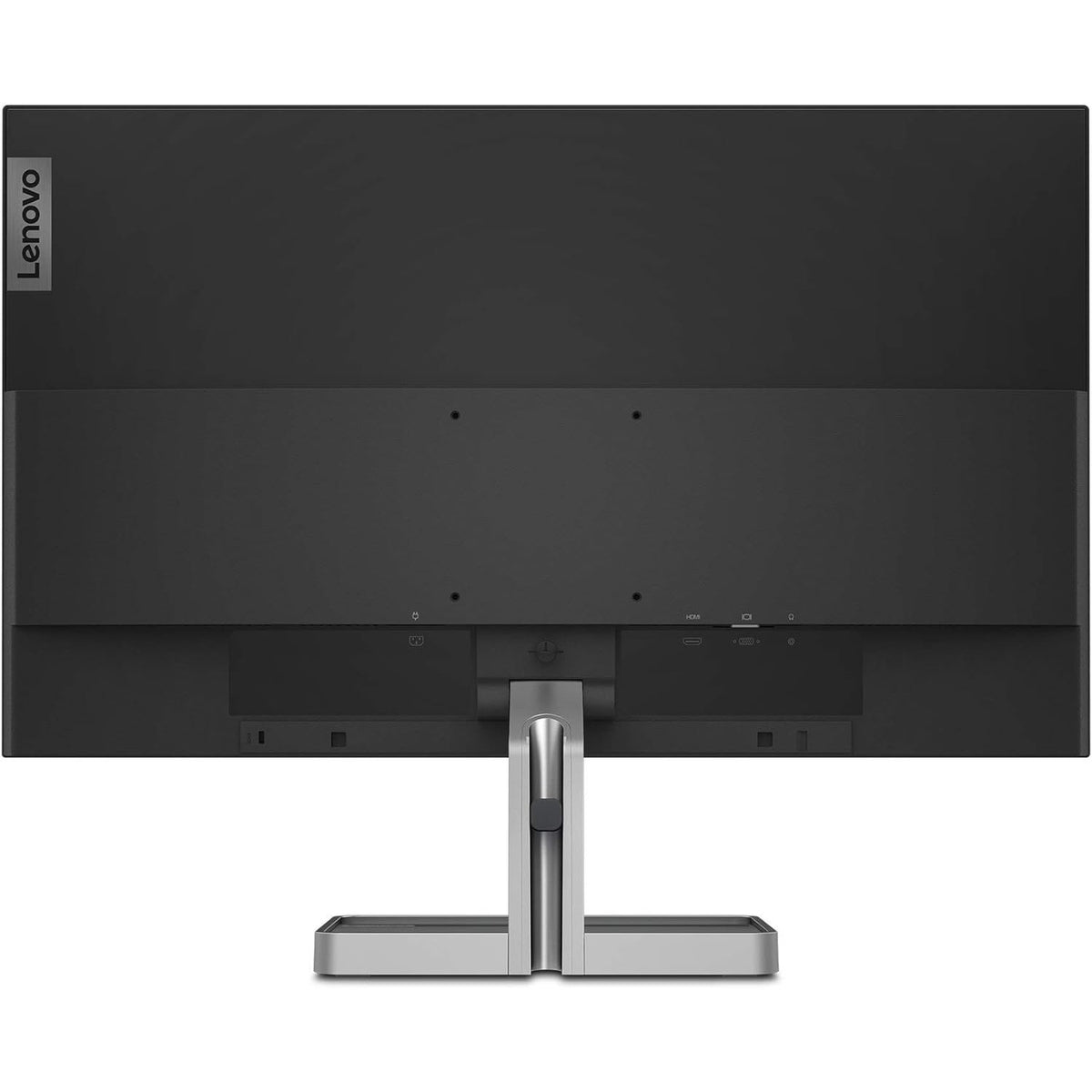
Lenovo L-Series i-30 · 22, 24 or 27 inch
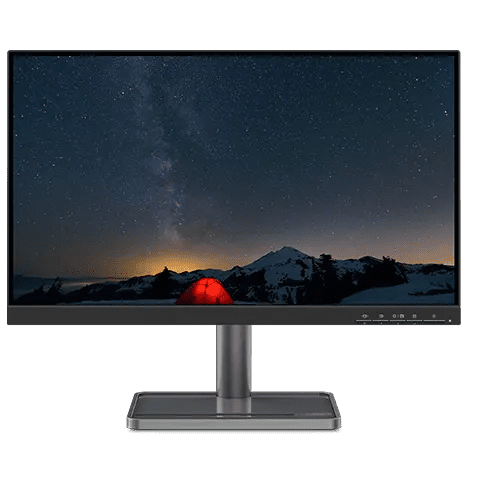
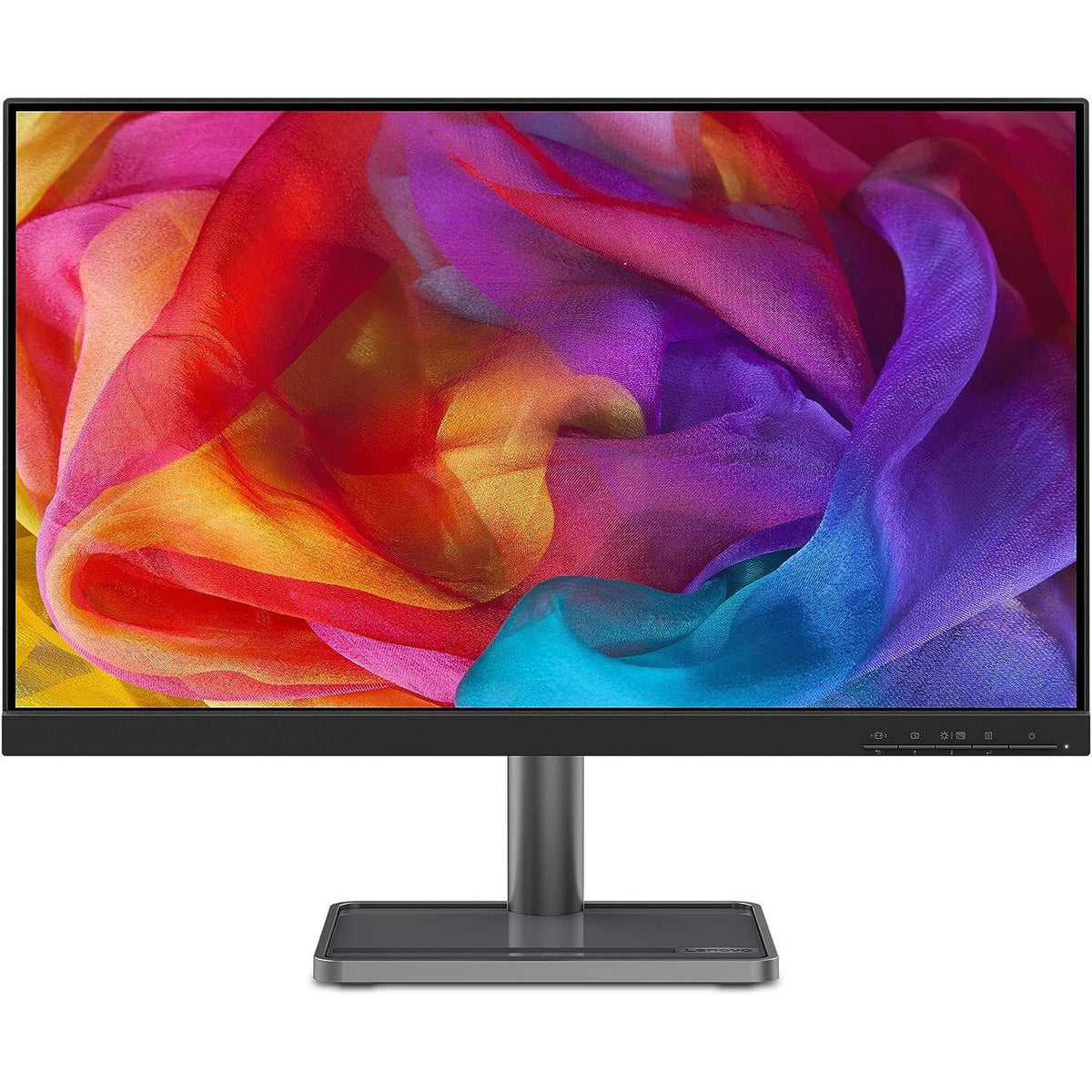
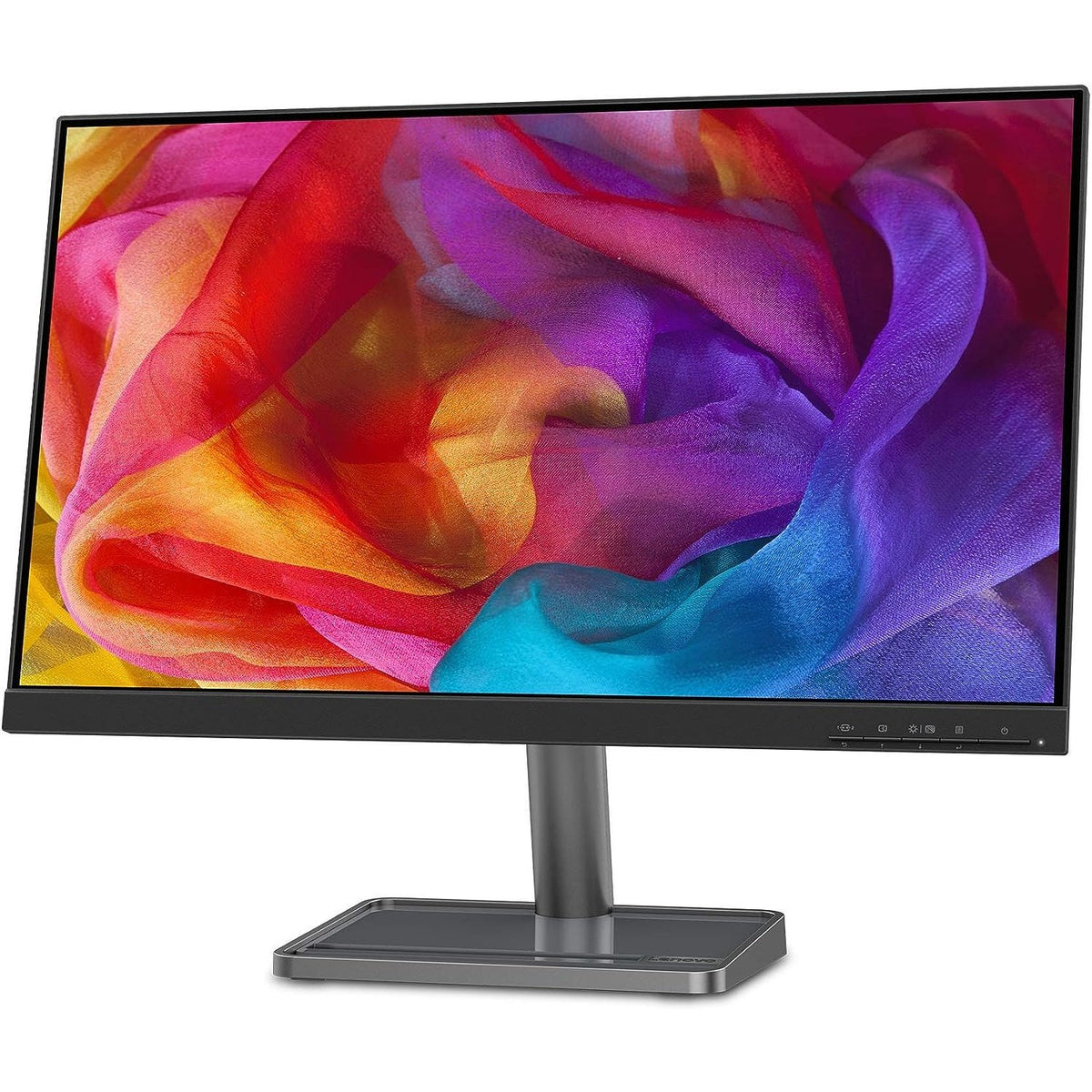
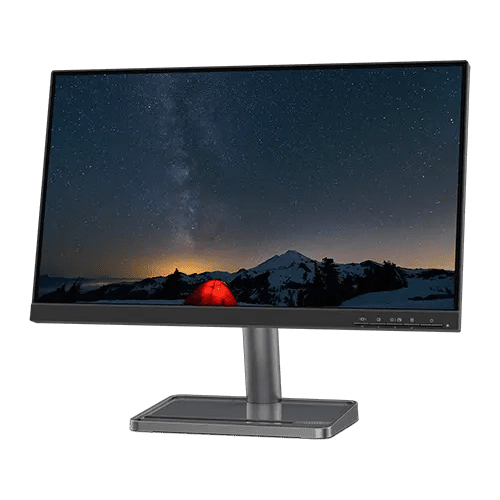
Lenovo L-Series i-30 Full HD IPS Monitor, 75Hz
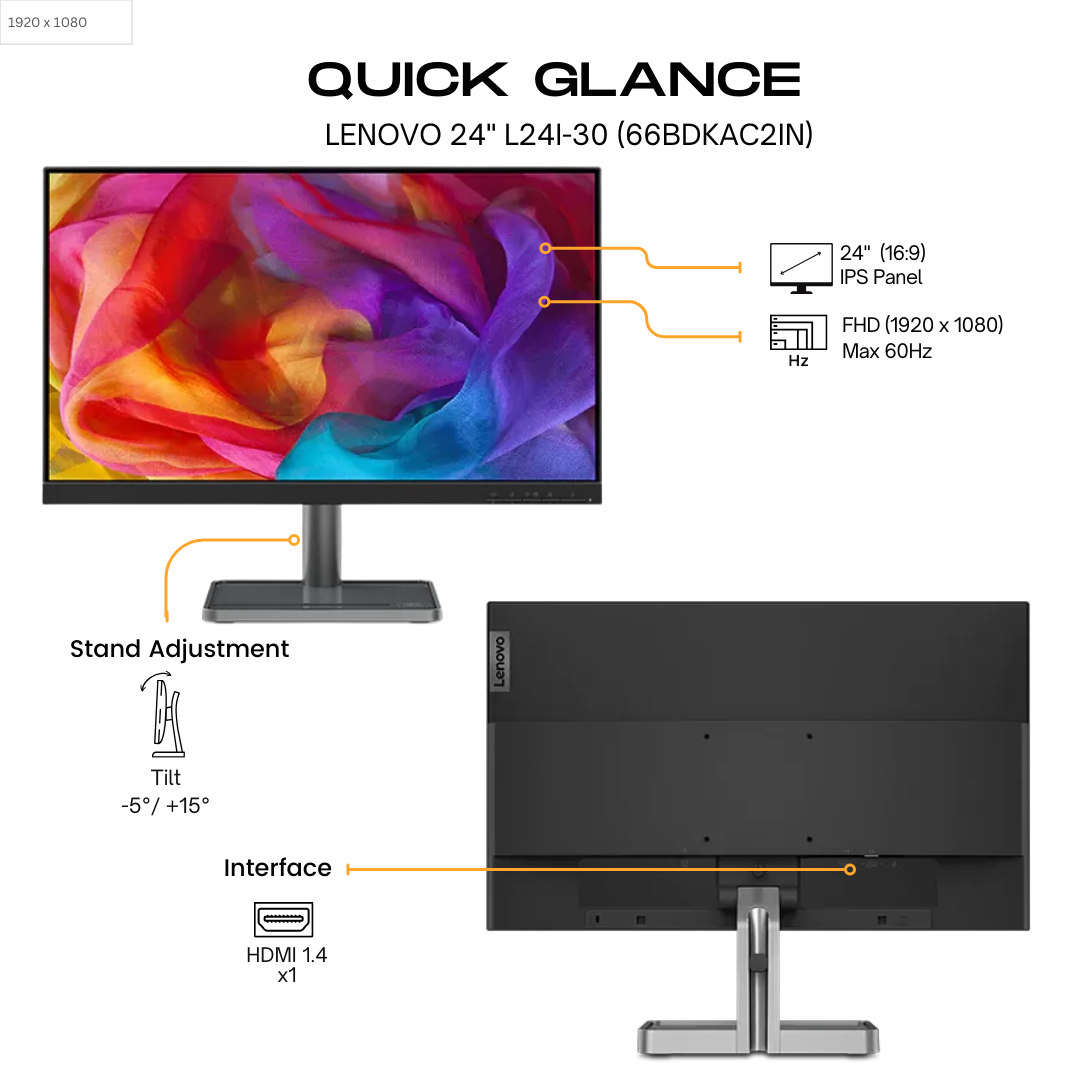
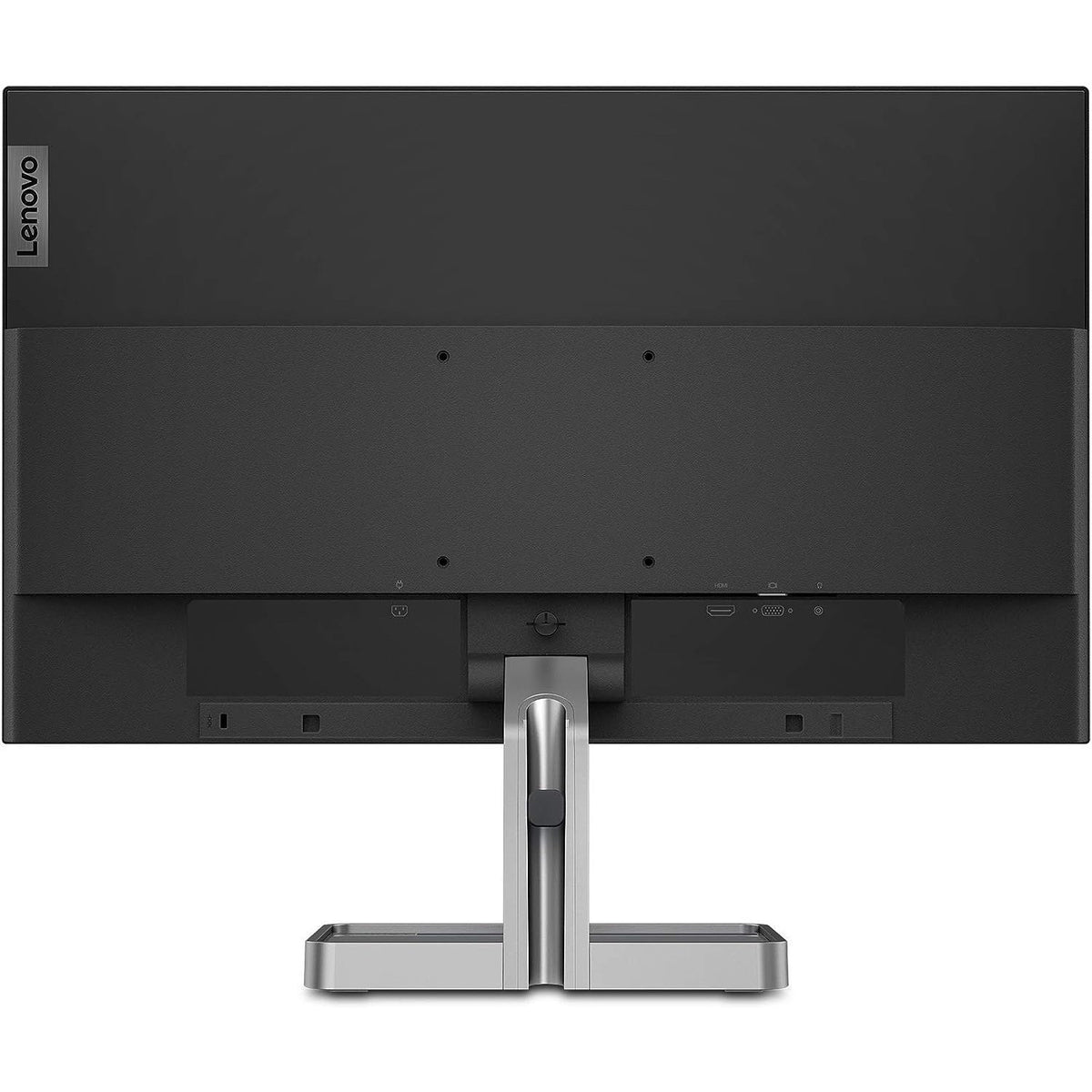
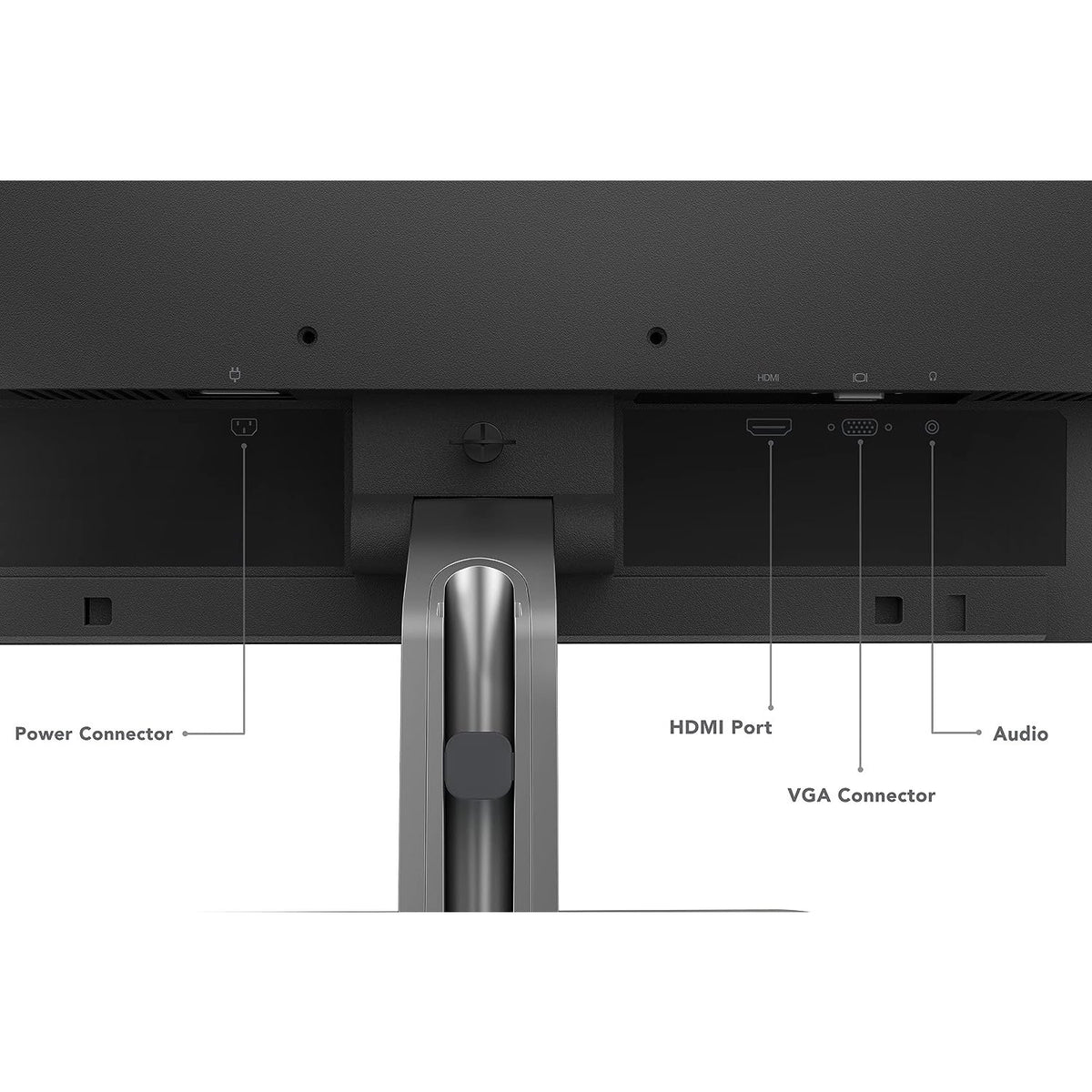
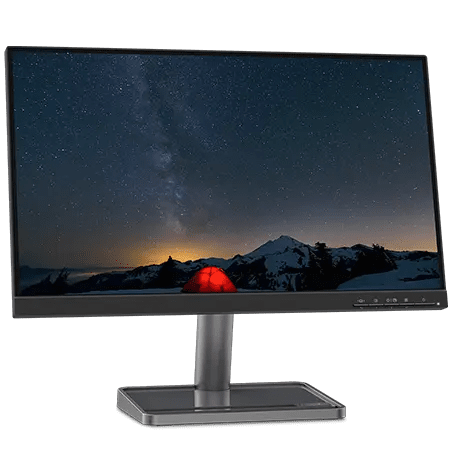
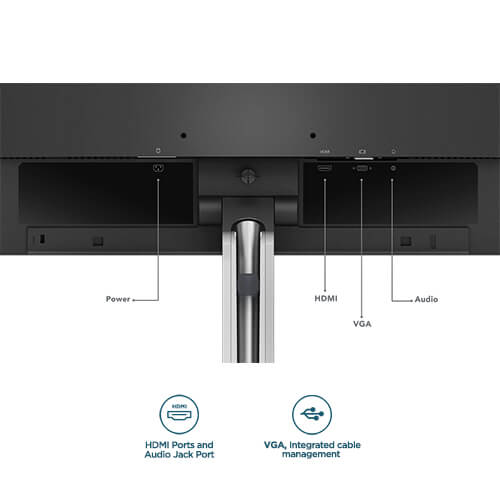
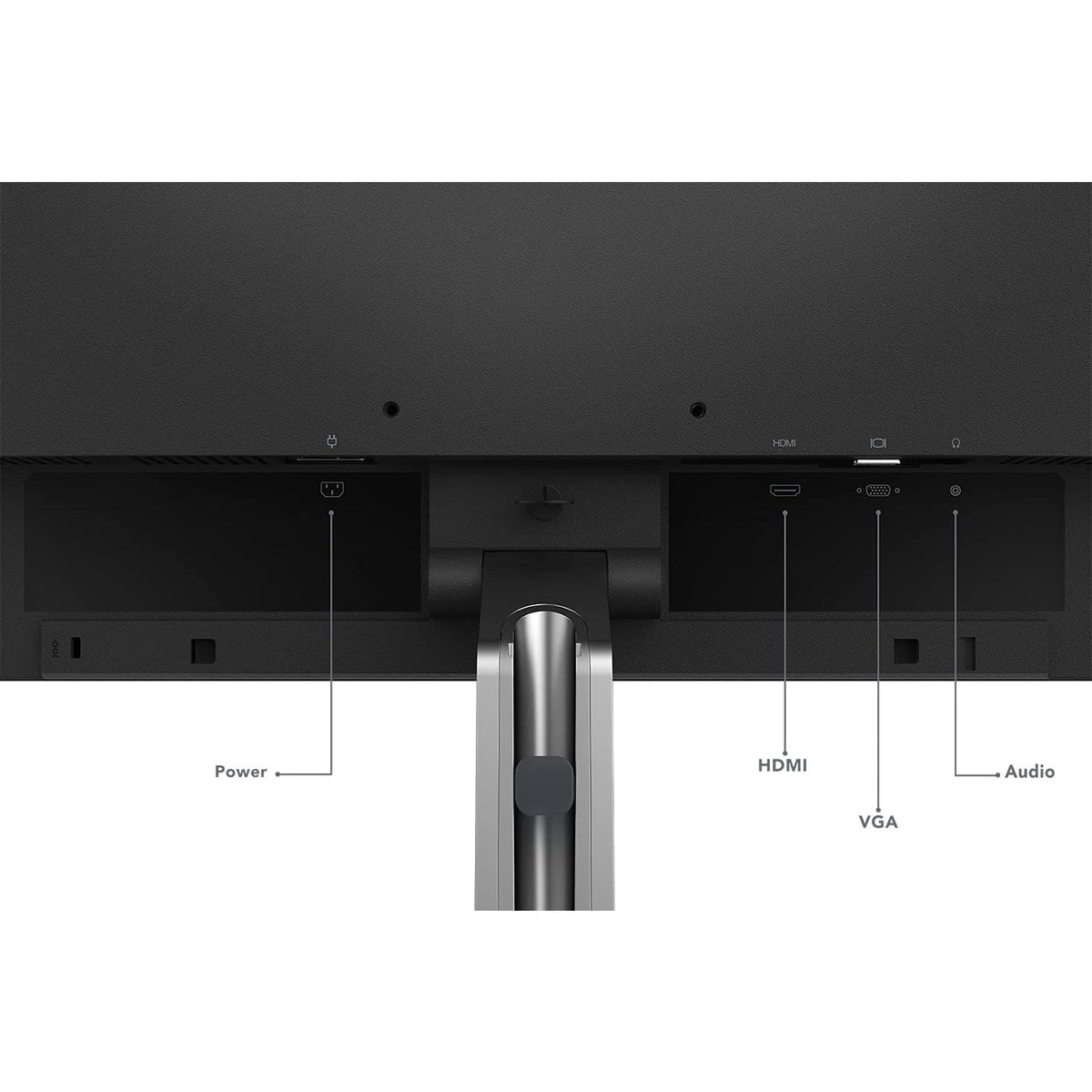
Lenovo's L22i-30, L24i-30 and L27i-30 are one Full HD IPS monitor design in three sizes: a 22-inch class model with a 21.5-inch screen, a 24-inch class model with a 23.8-inch screen, and a 27-inch model. All three share the same In-Plane Switching panel specification: 1920 x 1080 at up to 75Hz over HDMI, a 4 ms Extreme Mode response time, 250 nits, 1000:1 contrast and 178° viewing angles, behind an anti-glare surface and a 3-side NearEdgeless bezel. FreeSync, HDMI 1.4, VGA and a 3.5mm audio-out are on every size, and a 100mm VESA mount takes a monitor arm.
Quick Glance
Key Features
IPS Colour at Up to 75Hz
Each size uses an In-Plane Switching panel with a WLED backlight, showing 1920 x 1080 in 16.7 million colours with 72% NTSC colour gamut and 178° viewing angles horizontally and vertically. Over HDMI the refresh rate reaches 75Hz, and Extreme Mode cuts response time to 4 ms (6 ms in Normal Mode).
Anti-Glare Screen, TÜV Rheinland Certified
An anti-glare surface cuts reflections on all three sizes. Lenovo lists TÜV Rheinland Flicker Free and Low Blue Light certification for the 22-inch L22i-30, and TÜV Rheinland Eye Comfort certification for the 24-inch L24i-30 and 27-inch L27i-30. The 22-inch also carries ENERGY STAR, EPEAT Gold and TCO Certified 8.0.
NearEdgeless Design, Tilt Stand, VESA Ready
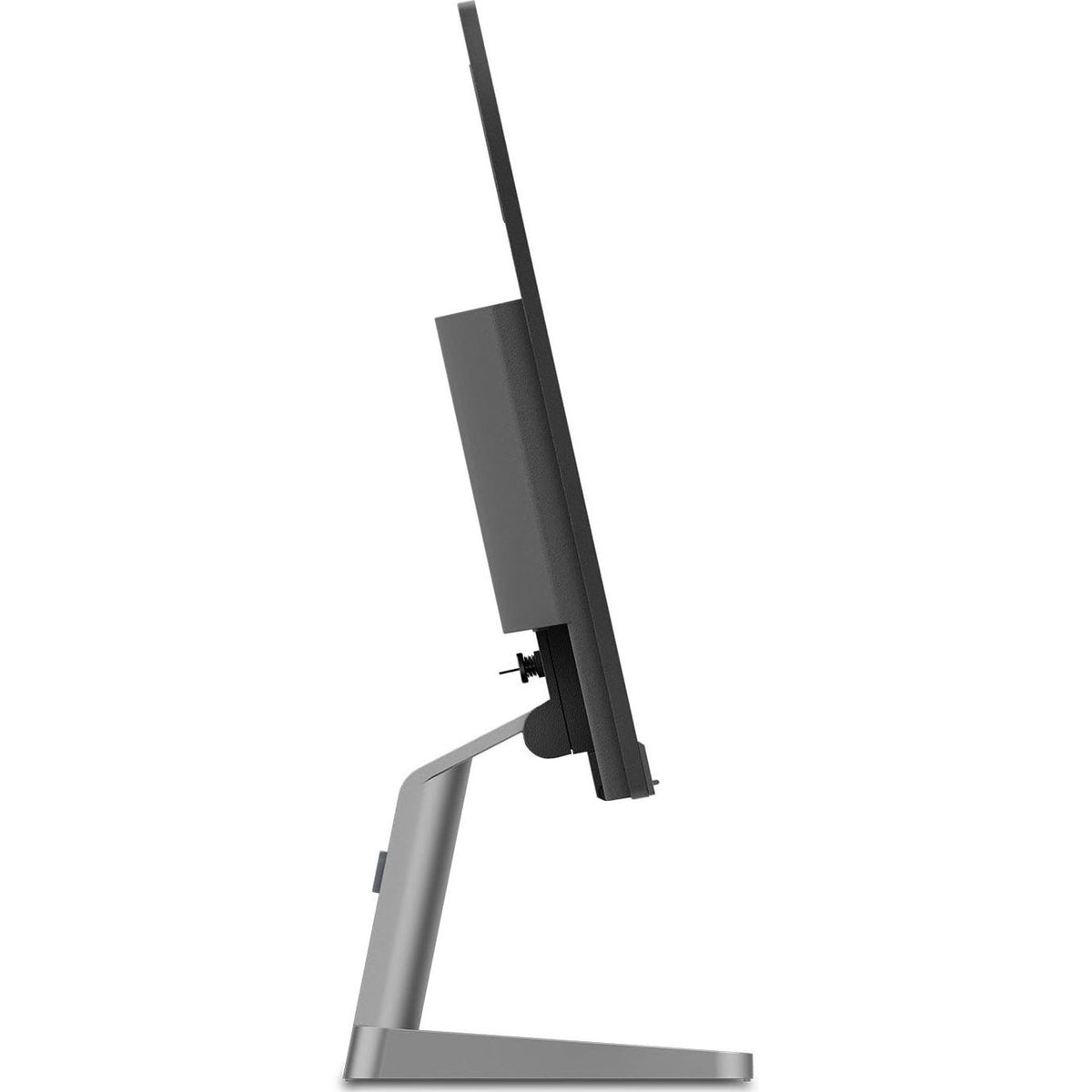
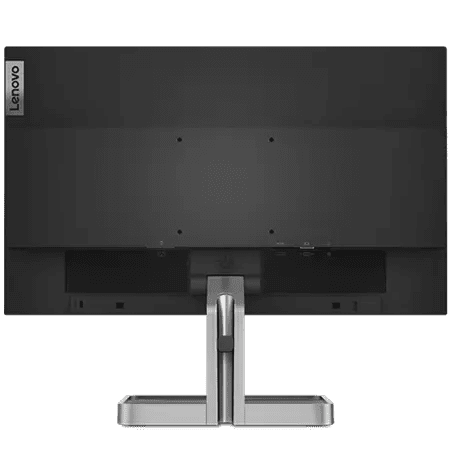
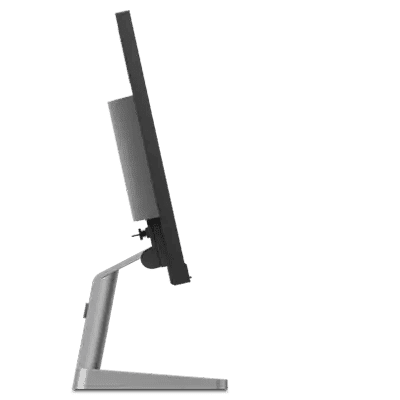
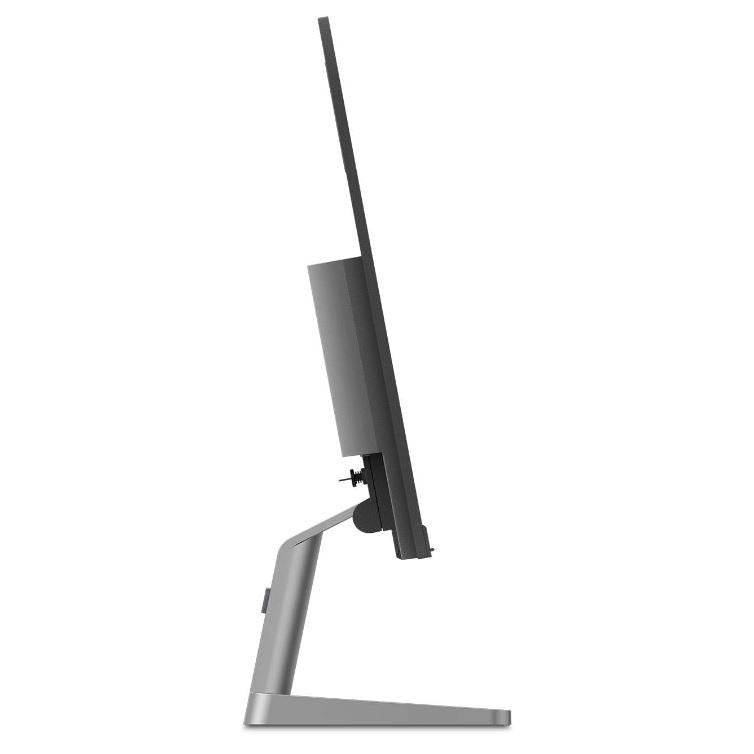
A 3-side NearEdgeless bezel keeps side-by-side desks tidy. The stand tilts from -5° to +22° and supports cable management, and a 100mm VESA mount takes a monitor arm instead. Every size has a Kensington Security Slot, and ThinkCentre M Series Tiny and Nano PCs can be mounted with Lenovo's separately sold kits.
Detailed Specifications
Specifications as published in Lenovo PSREF for the exact part numbers 66CAKAC1AE (L22i-30), 66BDKAC2UK (L24i-30) and 66BFKAC2UK (L27i-30). Where a figure differs by size, every size is listed in Lenovo's own wording.
Need-to-Know
Three sizes share this page. The IPS panel specification, ports, stand and VESA mount are the same on all of them; what changes is the screen size, the footprint, the weight, the power draw and the certifications.
- The 22-inch class L22i-30 has a 21.5-inch screen and the 24-inch class L24i-30 a 23.8-inch screen, as Lenovo states them; the 27-inch L27i-30 is a full 27 inches.
- 75Hz is over HDMI only, as Lenovo lists it. Connect over HDMI and choose 75Hz in the computer's display settings; the VGA input is there for older PCs.
- No speaker is built into any of the three panels. Lenovo lists optional soundbar support for the 22-inch L22i-30 only; on every size the 3.5mm audio-out passes sound to headphones or external speakers.
- The stand tilts from -5° to +22° only. For more adjustment, use the 100mm VESA mount with a monitor arm.
- FreeSync works only with AMD Radeon™ series graphics cards, as Lenovo notes. Lenovo Artery (Lenovo Display Control Center) software needs Windows® 10.
- Certifications differ by size: the 22-inch carries TÜV Rheinland Flicker Free and Low Blue Light plus ENERGY STAR, EPEAT Gold and TCO; the 24 and 27-inch carry TÜV Rheinland Eye Comfort and RoHS.
| Size | Model | Screen size | With stand (W x D x H) | Weight with stand | Power (typical / max) |
|---|---|---|---|---|---|
| 22" | 66CAKAC1AE | 21.5 inches | 489.3 x 165.0 x 404.1 mm | 3.06 kg | 15W / 19W |
| 24" | 66BDKAC2UK | 23.8 inches | 540.4 x 165.0 x 434.5 mm | 3.82 kg | 17.5W / 23.5W |
| 27" | 66BFKAC2UK | 27 inches | 612.5 x 175.0 x 475.8 mm | 4.41 kg | 18W / 24W |
All three are Full HD. The 22-inch class model packs the same pixels into the smallest screen for the sharpest text; the 27-inch gives the biggest picture from the same sitting distance.
Best For / Customer Benefits
Customer Benefits
- One design in three sizes lets an office standardise on the same screen, cables and settings.
- IPS colour holds up from the side, so a screen shared across a desk still looks right.
- The 3-side NearEdgeless bezel keeps side-by-side setups tidy.
- A Kensington Security Slot and a 100mm VESA mount suit shared desks and mounted office setups.
- HDMI and VGA together keep an older desktop in service alongside a newer laptop.
Best For
Frequently Asked Questions
Size, footprint, weight, power draw and certifications. All three are Full HD 1920 x 1080 IPS panels at up to 75Hz over HDMI, with 250 nits, 1000:1 contrast and a 4 ms Extreme Mode response time, the same HDMI 1.4, VGA and audio-out ports, the same tilt stand and the same 100mm VESA mount. The 22-inch class model has a 21.5-inch screen and the 24-inch class model a 23.8-inch screen.
Connect over HDMI. Lenovo lists the 75Hz refresh rate for the HDMI input only, so use the HDMI cable from the box (1.8m) and choose 75Hz in your computer's display settings.
No speaker is built into the panel on any size. Every size has a 3.5mm audio-out for headphones or external speakers, and Lenovo lists optional soundbar support for the 22-inch L22i-30.
Yes. All three sizes support a 100mm VESA mount, which fits standard monitor arms and wall brackets. The included stand tilts from -5° to +22° but does not raise or lower, so an arm is the way to get more adjustment.
Lenovo lists FreeSync on all three sizes and notes that the technology only works with AMD Radeon™ series graphics cards, so check which graphics card your computer uses before relying on it.
Not sure whether 22, 24 or 27 inches suits your desk?
Tell us how far you sit from the screen and what you connect to it, and our UAE team will recommend the right size and confirm current stock.