



Lenovo G34w-30 Curved UWQHD VA Gaming Monitor, 165Hz (170Hz O/C), 0.5ms MPRT - HDMI, DP
66F1GAC1UK
Condition: NEW
- Regular price
-
Dhs. 1,379.99 (exc. Vat) - Regular price
-
(exc. Vat) - Sale price
-
Dhs. 1,379.99 (exc. Vat)
Couldn't load pickup availability
Genuine Guarantee
Shop with Confidence: Authentic IT Products from Major Brands.
Shipping information
We offer FREE DELIVERY for order over AED 200. Also no additional Cash on Delivery (COD) fee.
Click here to know more
Returns information
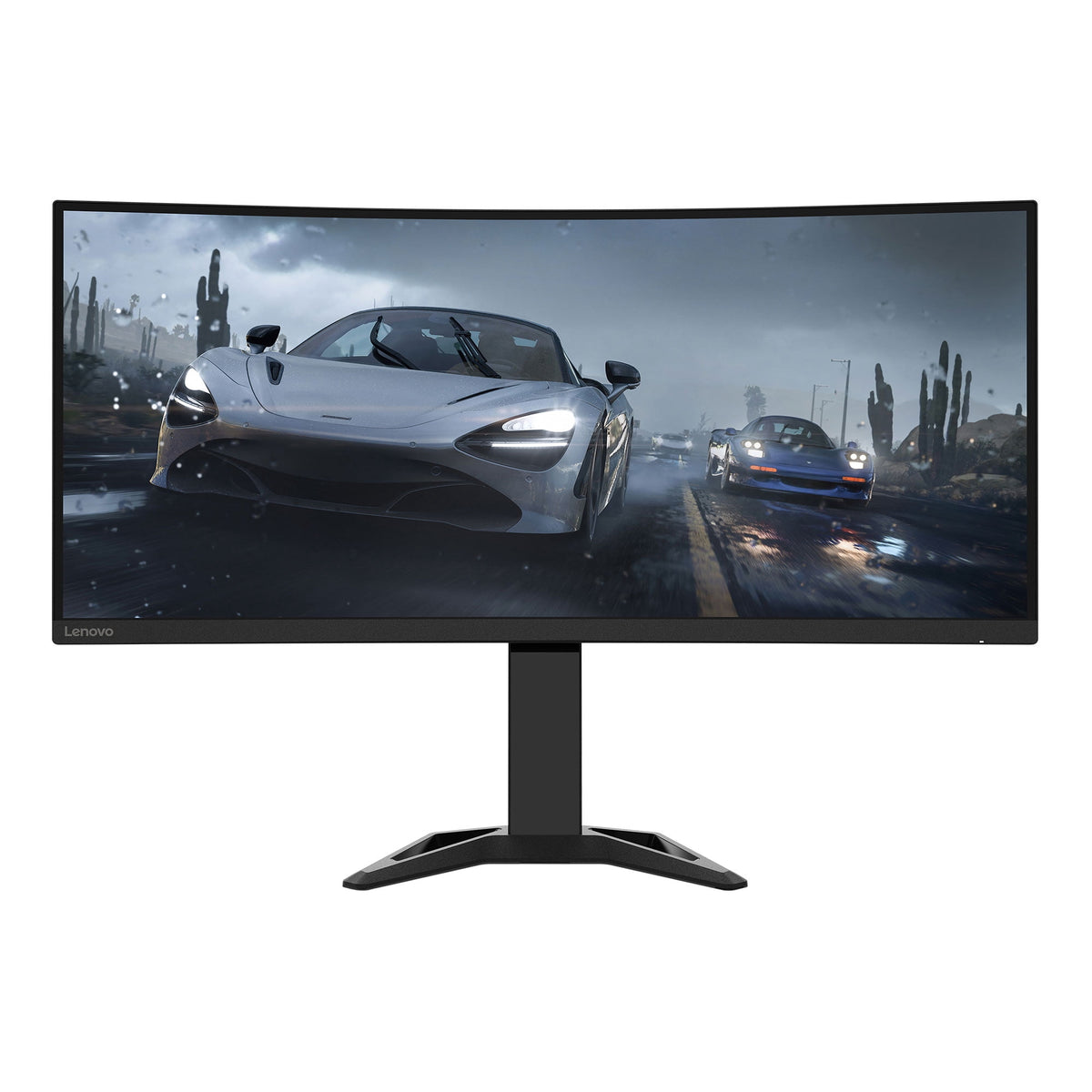
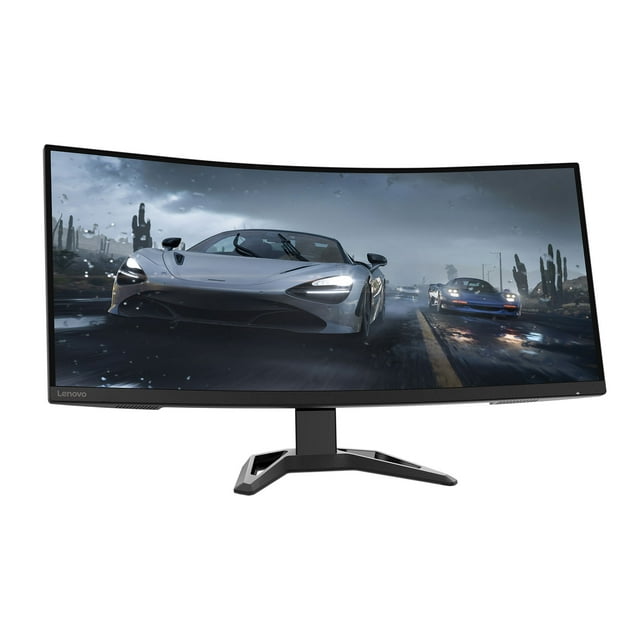
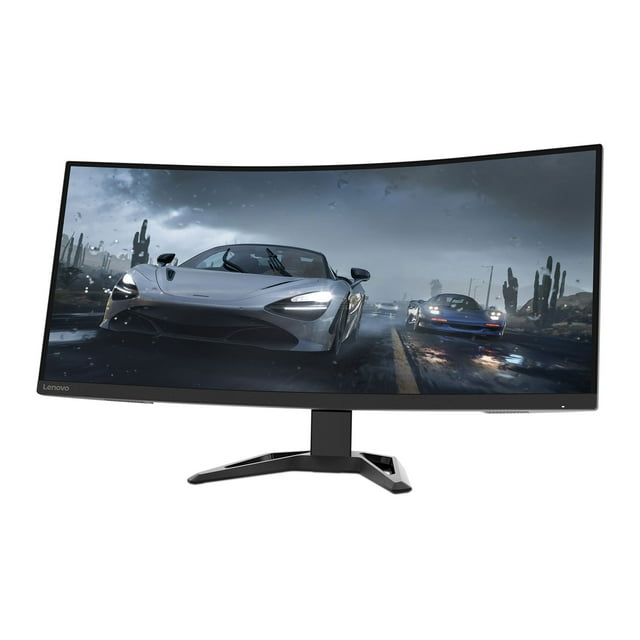
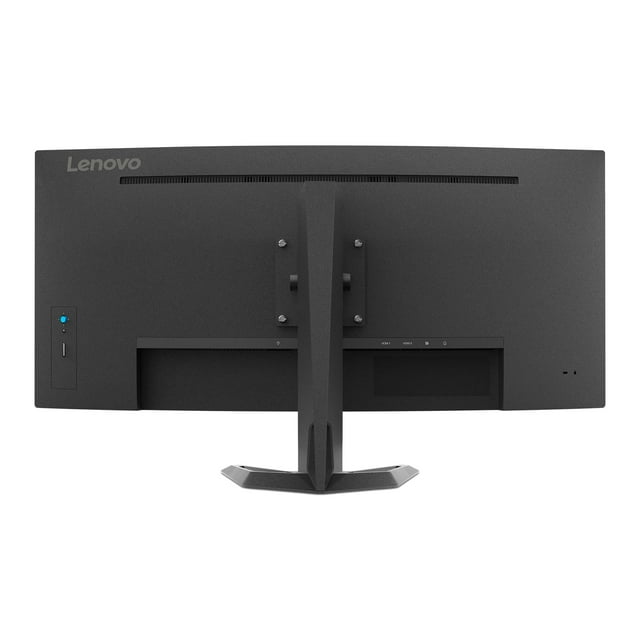
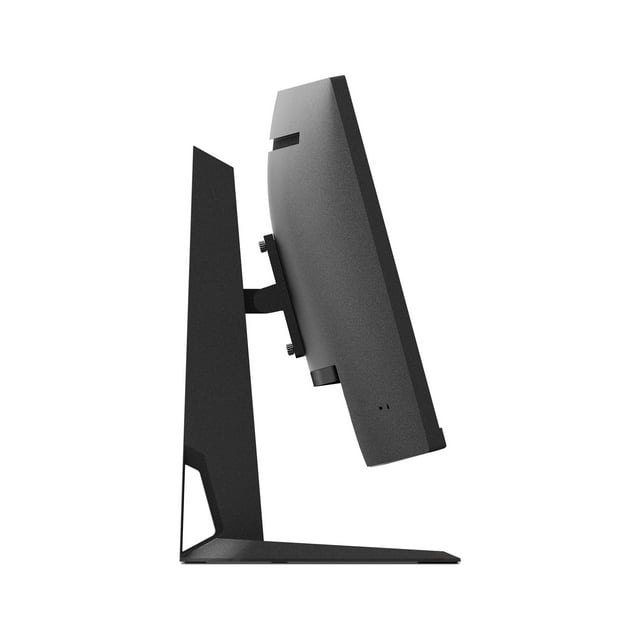
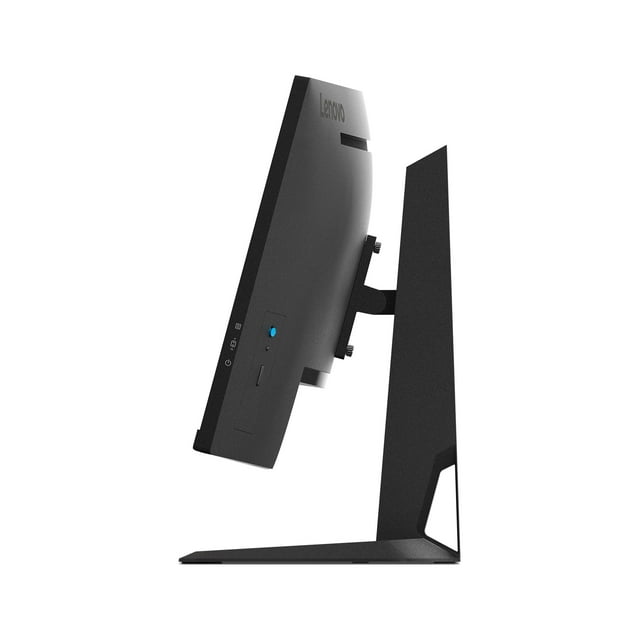
Lenovo G34w-30 · 34 inch
Lenovo G34w-30 Curved UWQHD VA Gaming Monitor, 165Hz
Lenovo's G34w-30 (66F1GAC1UK) is a 34-inch curved (1500R) UltraWide QHD VA gaming monitor: 3440 x 1440 at 165Hz over DisplayPort, 170Hz when overclocked, and 100Hz over HDMI, with a 0.5 ms MPRT response time. It covers 99% sRGB and 93% DCI-P3, reaches 350 cd/m² brightness with 3500:1 contrast, is HDR compliant, and offers FreeSync on AMD Radeon series graphics cards. Two HDMI 2.1 inputs and a DisplayPort 1.4 input connect a PC and a console, 3W x2 integrated speakers are included, and the stand tilts and lifts up to 135mm.
Quick Glance
Key Features
165Hz (DP), 170Hz Overclocked, 0.5ms MPRT
UWQHD 3440 x 1440 at 165Hz over DisplayPort, rising to 170Hz when overclocked, and 100Hz over HDMI. Response time is 0.5 ms MPRT, or 1 ms at Level 4. FreeSync works on AMD Radeon series graphics cards only, and Lenovo notes that enabling MPRT turns FreeSync off.
1500R Curved VA with 99% sRGB, 93% DCI-P3
A 1500R curved VA panel with 3500:1 contrast, 99% sRGB and 93% DCI-P3 coverage, 350 cd/m² brightness, 16.7 million colours (8-bit) and 178° viewing angles in both directions, behind an anti-glare surface, in a wide 21:9 aspect ratio.
Eye Care, Speakers and Adjustable Stand
Eyesafe 2.0, TÜV Rheinland Low Blue Light (Hardware Solution) and TÜV Rheinland Eye Comfort certifications are listed, and two 3W integrated speakers provide sound. The stand tilts from -5° to +22° with up to 135mm lift, and a 100mm VESA mount fits a monitor arm.
Detailed Specifications
Specifications as published by Lenovo in PSREF, Lenovo's own Product Specifications Reference, for the exact part number 66F1GAC1UK (Lenovo G34w-30 Monitor), in Lenovo's own wording. The key features come from the same PSREF product highlights.
Need-to-Know
This page currently offers one size, the 34-inch G34w-30 (66F1GAC1UK). Its key figures are below; if Lenovo adds another size of the G34w-30, it will be listed here alongside.
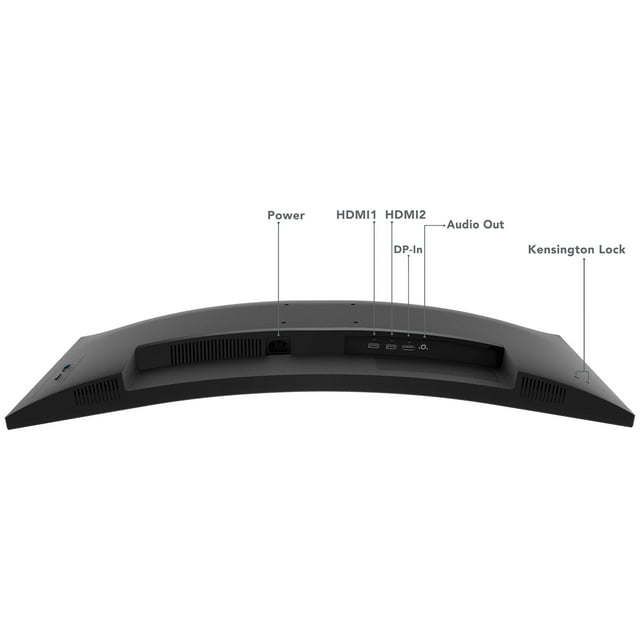
- Lenovo's port list shows two HDMI 2.1, one DisplayPort 1.4 and one audio-out, with no USB-C or USB ports. A laptop with only USB-C video needs a USB-C to HDMI or USB-C to DisplayPort adaptor.
- The refresh rate depends on the input: 165Hz over DisplayPort, 170Hz when overclocked, and 100Hz over HDMI. Lenovo says the 170Hz setting is based on laboratory test data and may cause irregularities in the display, so use DisplayPort for the full refresh rate.
- FreeSync works on AMD Radeon series graphics cards only. Lenovo notes that enabling MPRT, which gives the 0.5 ms figure, turns FreeSync off and may cause a negligible flicker.
- Lenovo lists no bundled webcam; the Lenovo LC 50 Monitor Webcam is supported and sold separately. Power is internal, rated AC 100 to 240 V, so it runs on UAE mains without a converter.
| Size | Model | Resolution | With stand (W x D x H) | Weight with stand | Refresh rate (max.) |
|---|---|---|---|---|---|
| 34" | 66F1GAC1UK | 3440 x 1440 | 809.3 x 278.7 x 421.5 mm (lowest position) | 8.6 kg | 165Hz DP (170Hz overclocked) · 100Hz HDMI |
UltraWide QHD on a 34-inch screen gives a pixel pitch of 0.232 mm (110 dpi), so there is room for two windows side by side at a resolution that suits 165Hz play.
Best For / Customer Benefits
Customer Benefits
- UltraWide QHD at 165Hz over DisplayPort, or 170Hz overclocked, with a 0.5 ms MPRT response time keeps fast motion sharp.
- A 1500R curved VA panel with 3500:1 contrast, 99% sRGB and 93% DCI-P3 coverage gives deep blacks and rich colour.
- Two HDMI 2.1 inputs and one DisplayPort 1.4 input keep a gaming PC and a console connected at once.
- Integrated 3W x2 speakers and Eyesafe 2.0 and TÜV Rheinland eye care certifications suit long sessions.
- A stand with -5° to +22° tilt and up to 135mm lift sets the screen where you want it.
Best For
Frequently Asked Questions
Lenovo lists 165Hz over DisplayPort at 3440 x 1440, rising to 170Hz when overclocked, and 100Hz over HDMI. Response time is 1 ms at Level 4 and 0.5 ms MPRT; enabling MPRT turns FreeSync off.
Two HDMI 2.1 inputs and one DisplayPort 1.4 input, plus a 3.5mm audio-out. Lenovo lists a DP cable in the box and no USB-C or USB ports, so a laptop connects over HDMI or DisplayPort. Use DisplayPort to get the full 165Hz.
Yes. Lenovo lists a stand with -5° to +22° tilt and up to 135mm lift. The monitor also supports a 100mm VESA mount for a monitor arm or wall bracket.
Yes. Lenovo lists integrated speakers, 3W x2, and also provides a 3.5mm audio-out for headphones or a separate speaker. Lenovo lists no bundled webcam.
Lenovo lists a 1500R curvature on a 34-inch 21:9 VA panel, with a 3440 x 1440 resolution, a 21:9 aspect ratio and an anti-glare surface. Lenovo lists a pixel pitch of 0.232 mm and 178° viewing angles in both directions.
Want to check the G34w-30 suits your setup?
Tell us which PC or console you are connecting and our UAE team will confirm the right cable for 165Hz and current stock of the Lenovo G34w-30 (66F1GAC1UK).