



Epson TM-m50 / TM-m50II Cube Receipt Printer, Serial, USB and Ethernet
C31CH94132A0
Condition: NEW
Get a tailored quote
Tap Request a Quote below to reach our team on WhatsApp.
- Genuine, brand-new stock with full manufacturer warranty
- Pricing based on quantity, with volume rates for bulk orders
- Help choosing the right option for your office or team
- Delivery anywhere in the UAE
IMAGES ARE FOR ILLUSTRATIVE PURPOSES ONLY
Couldn't load pickup availability
Genuine Guarantee
Shop with Confidence: Authentic IT Products from Major Brands.
Shipping information
We offer FREE DELIVERY for order over AED 200. Also no additional Cash on Delivery (COD) fee.
Click here to know more
Returns information
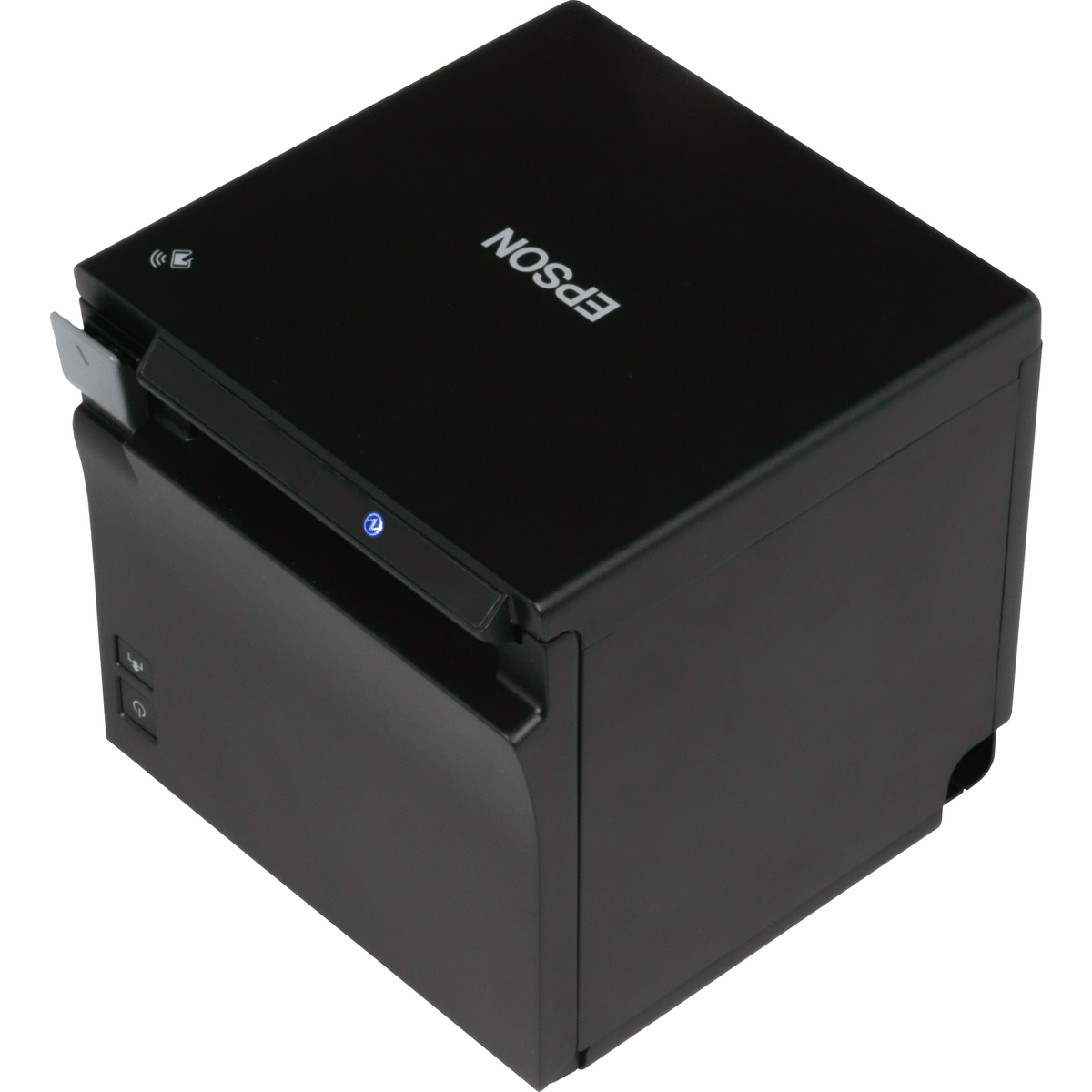
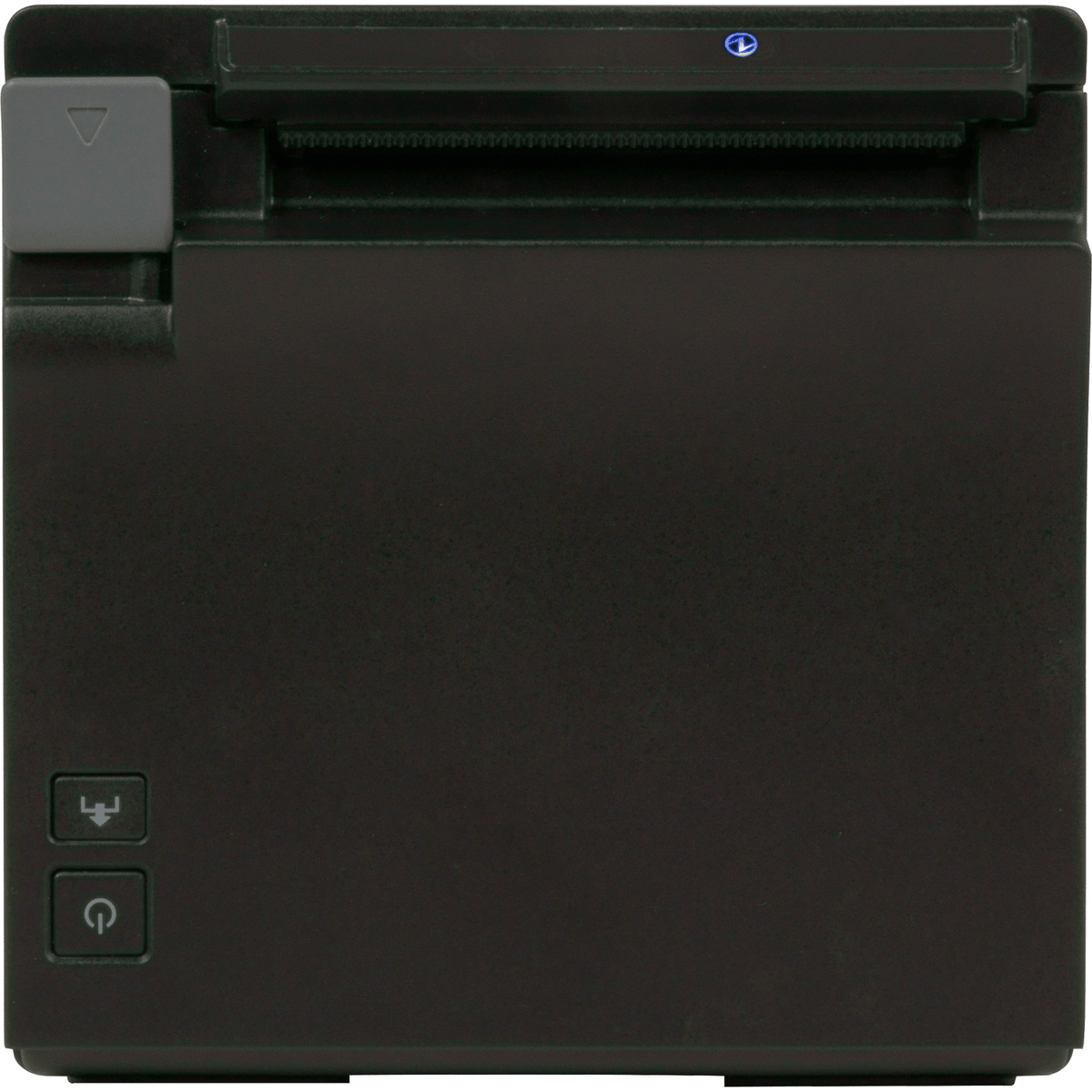
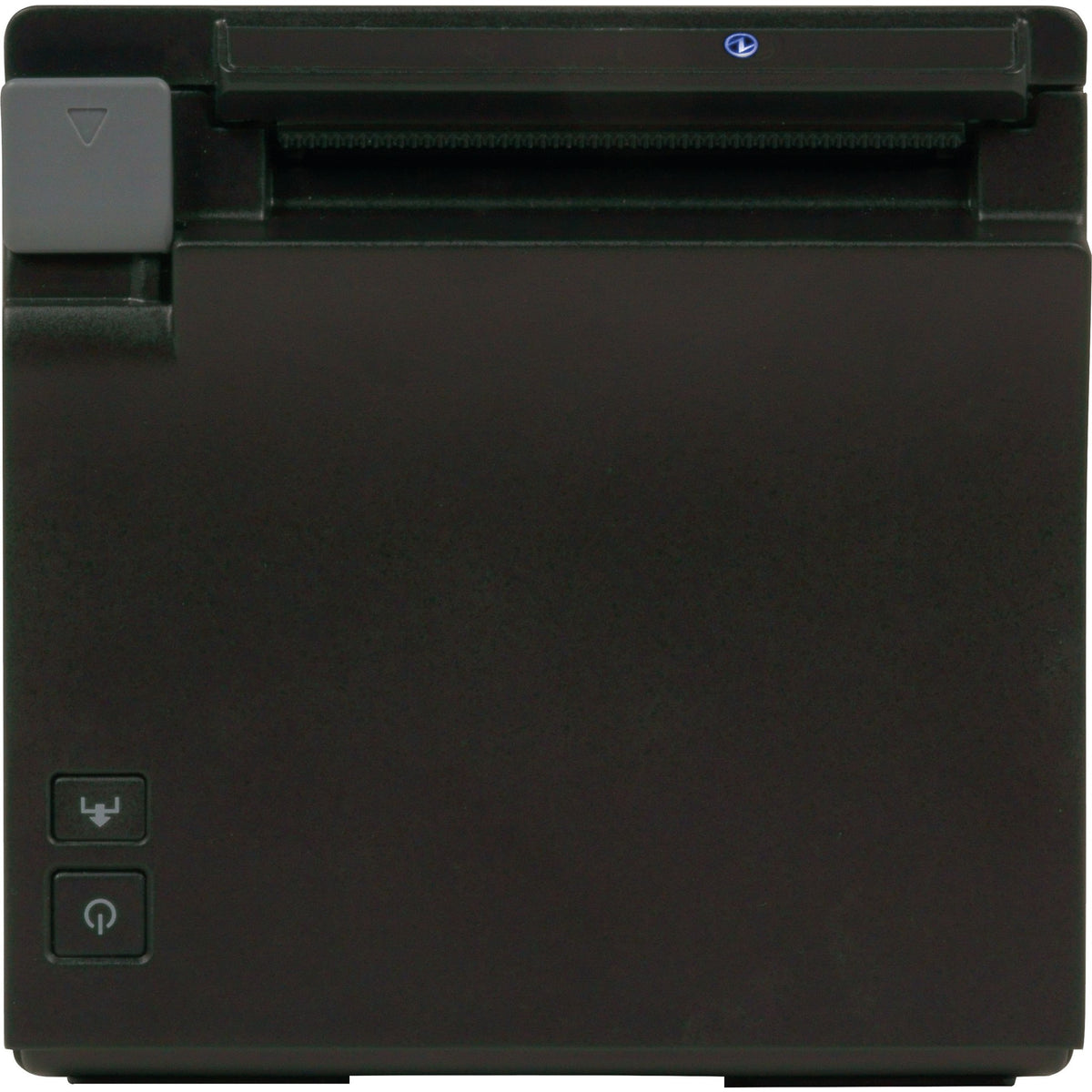
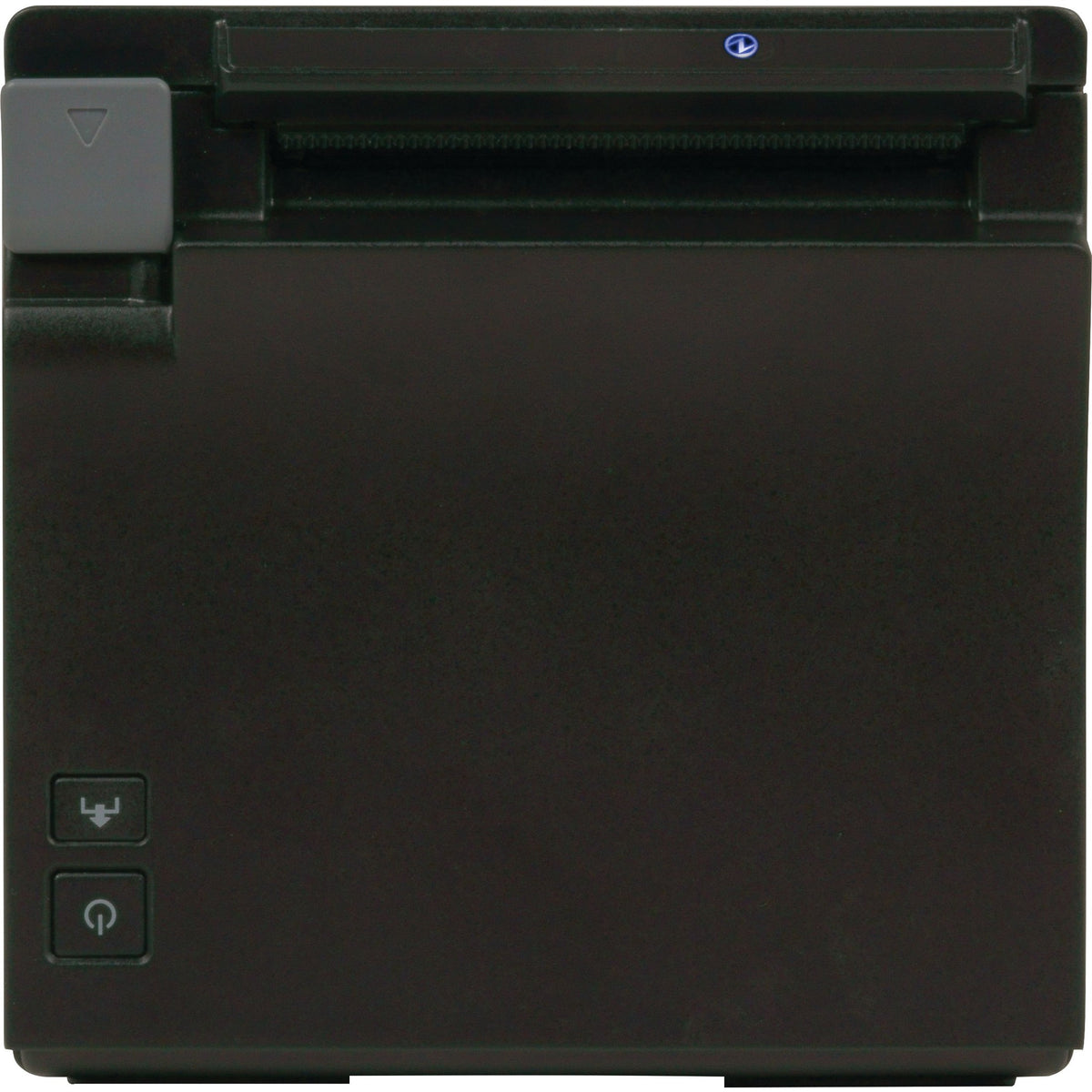
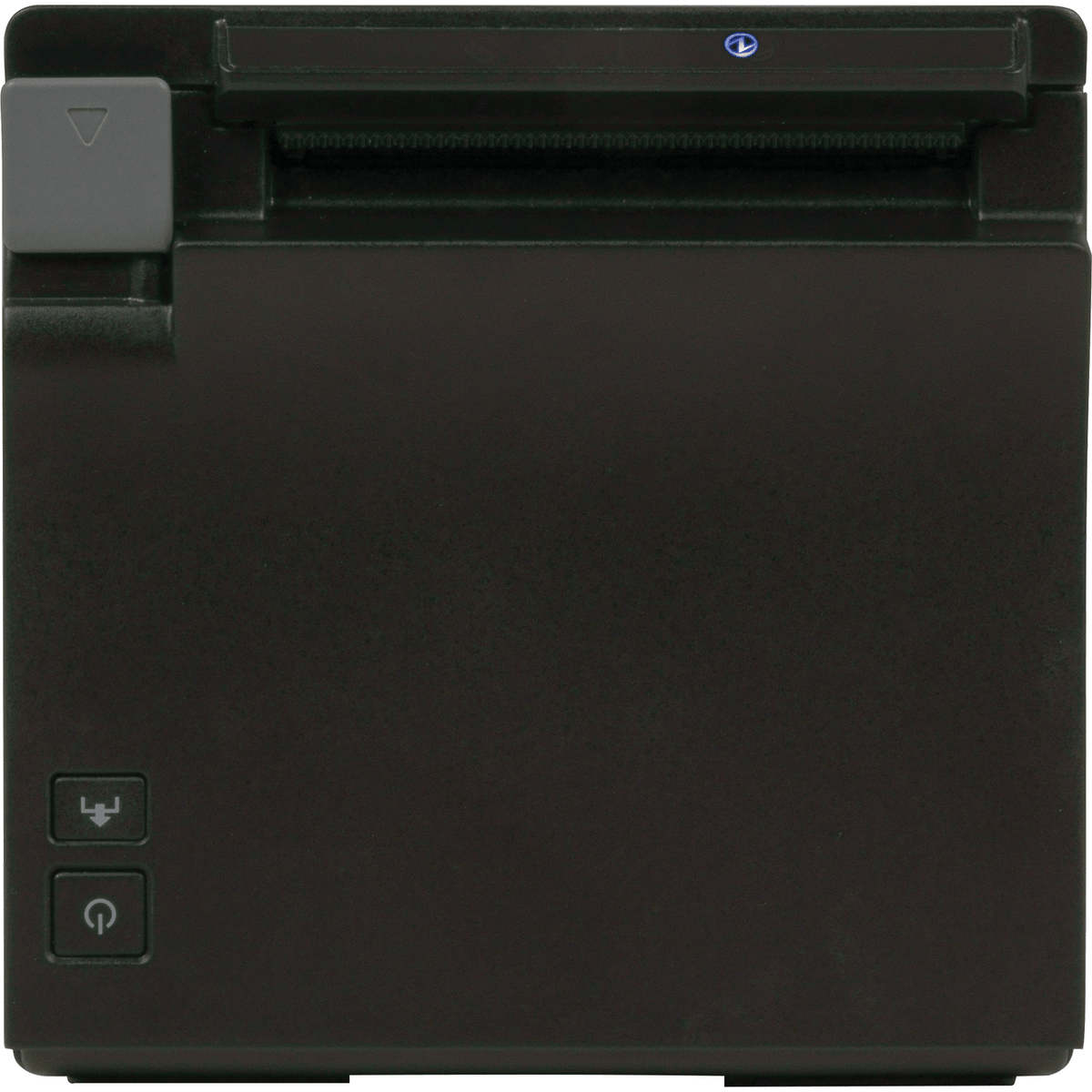
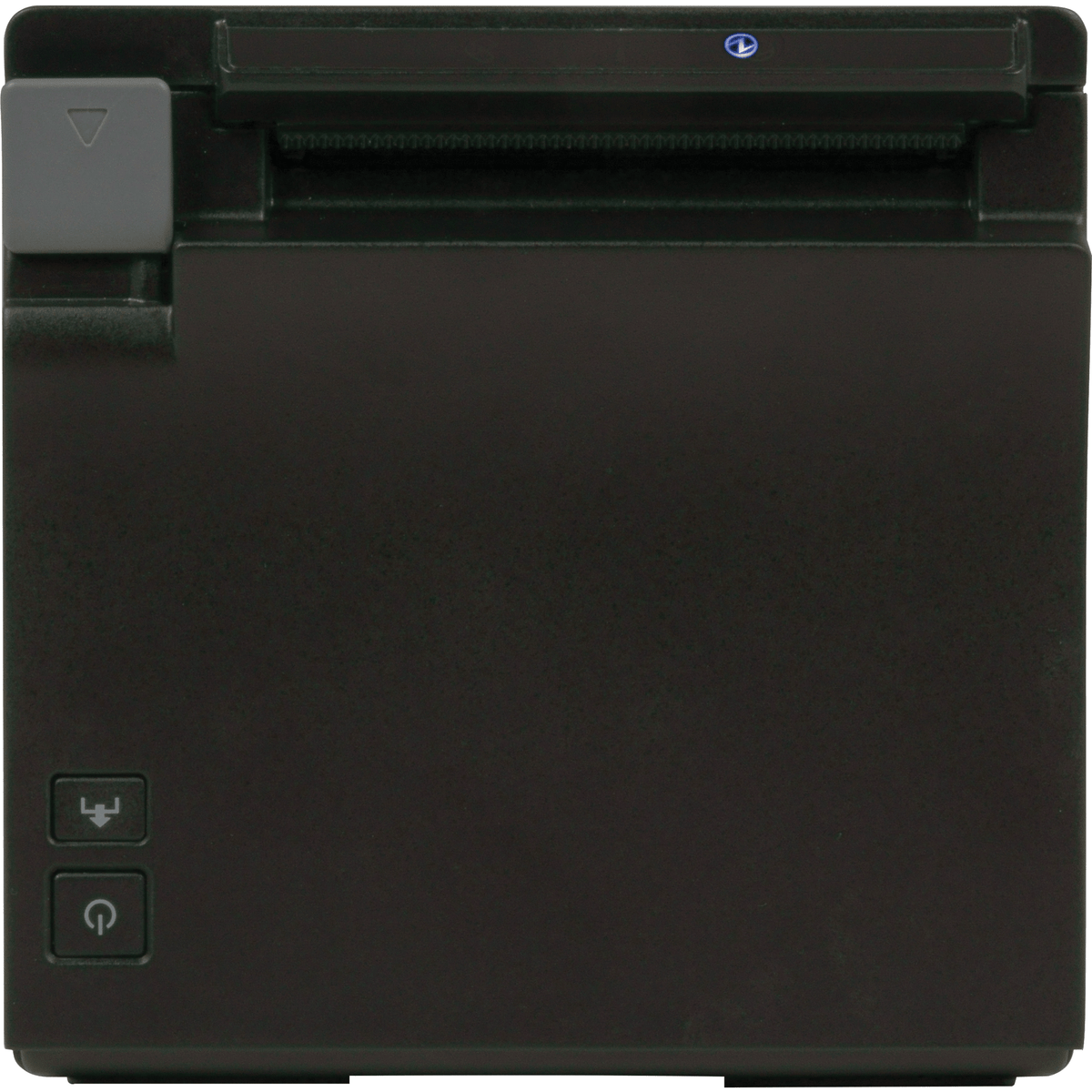
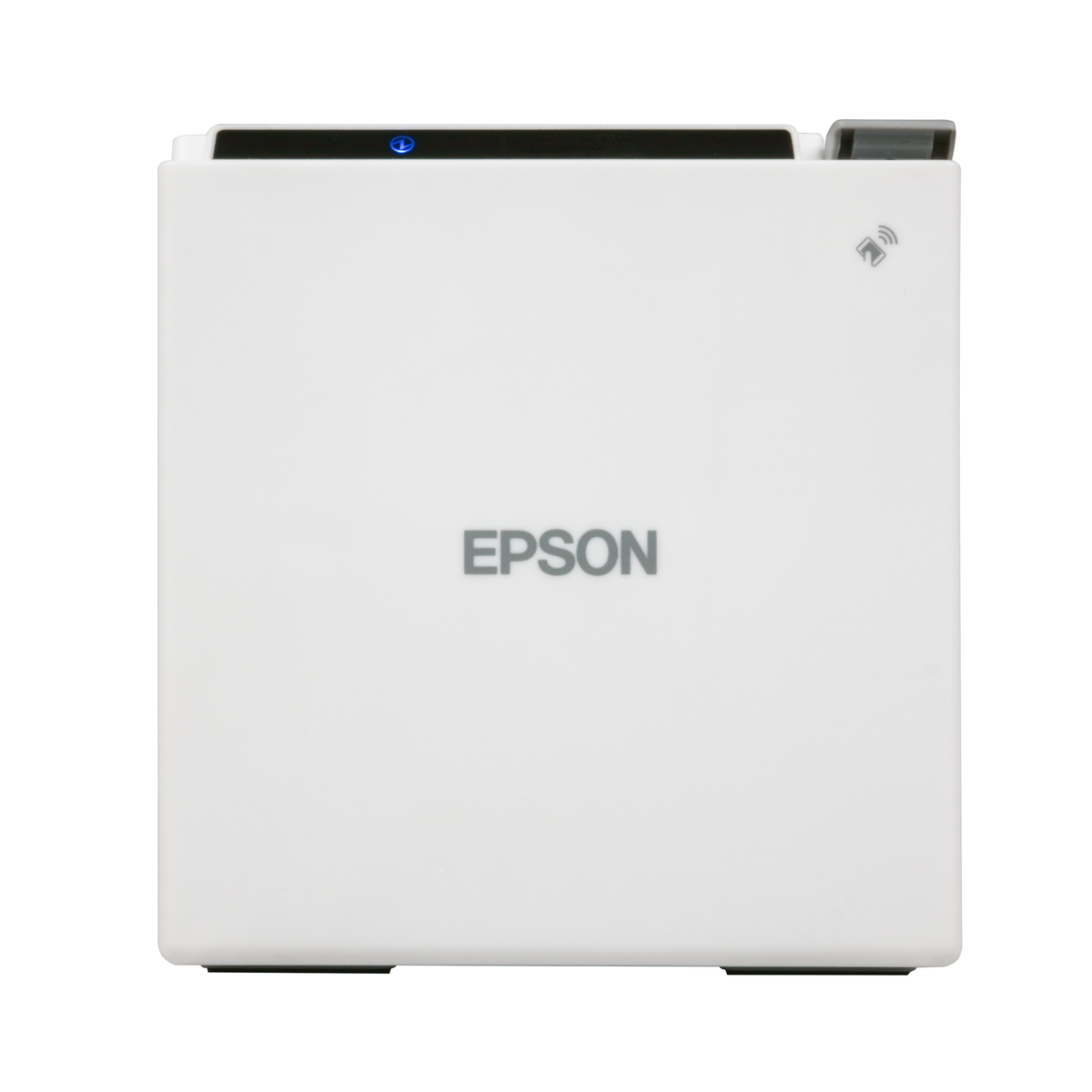
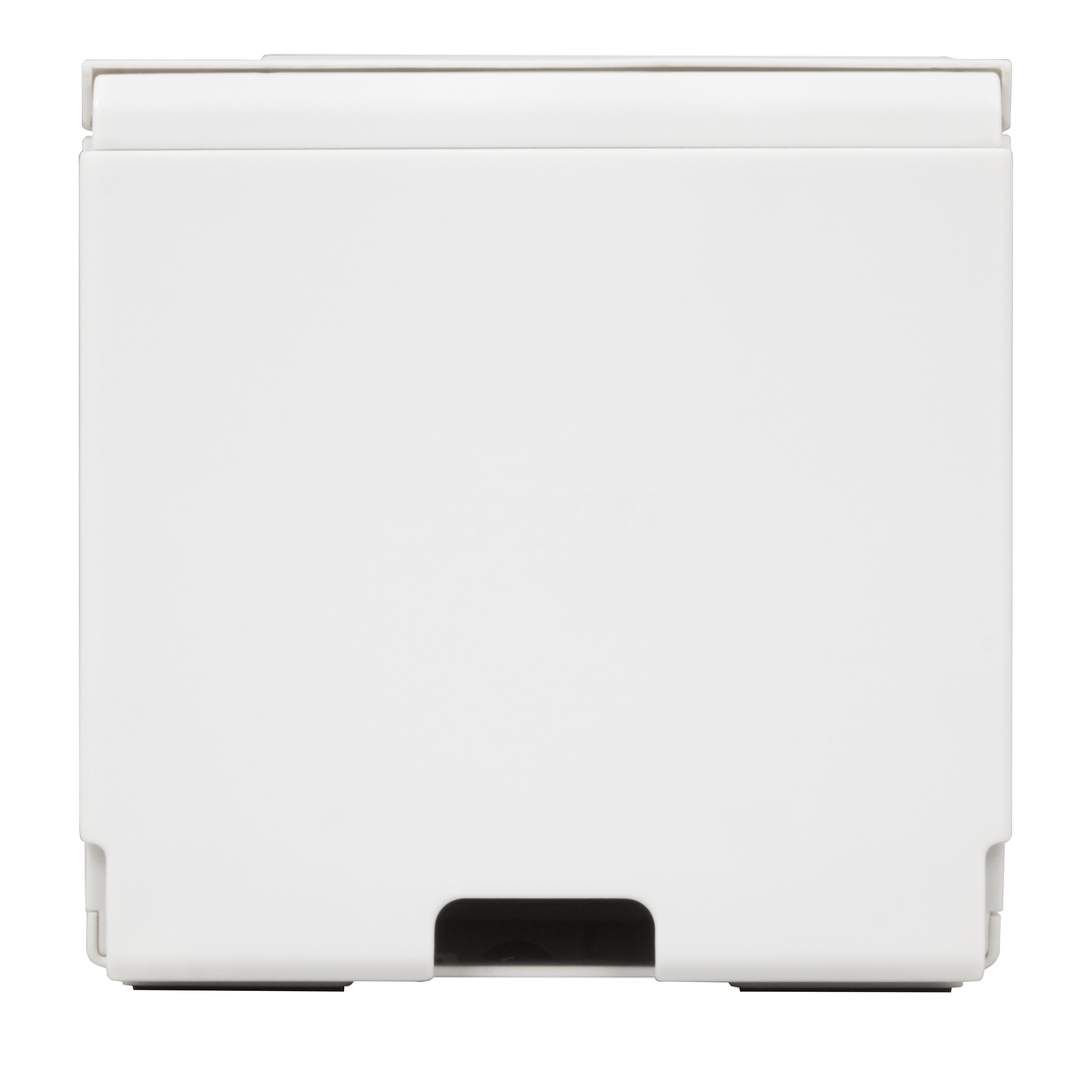
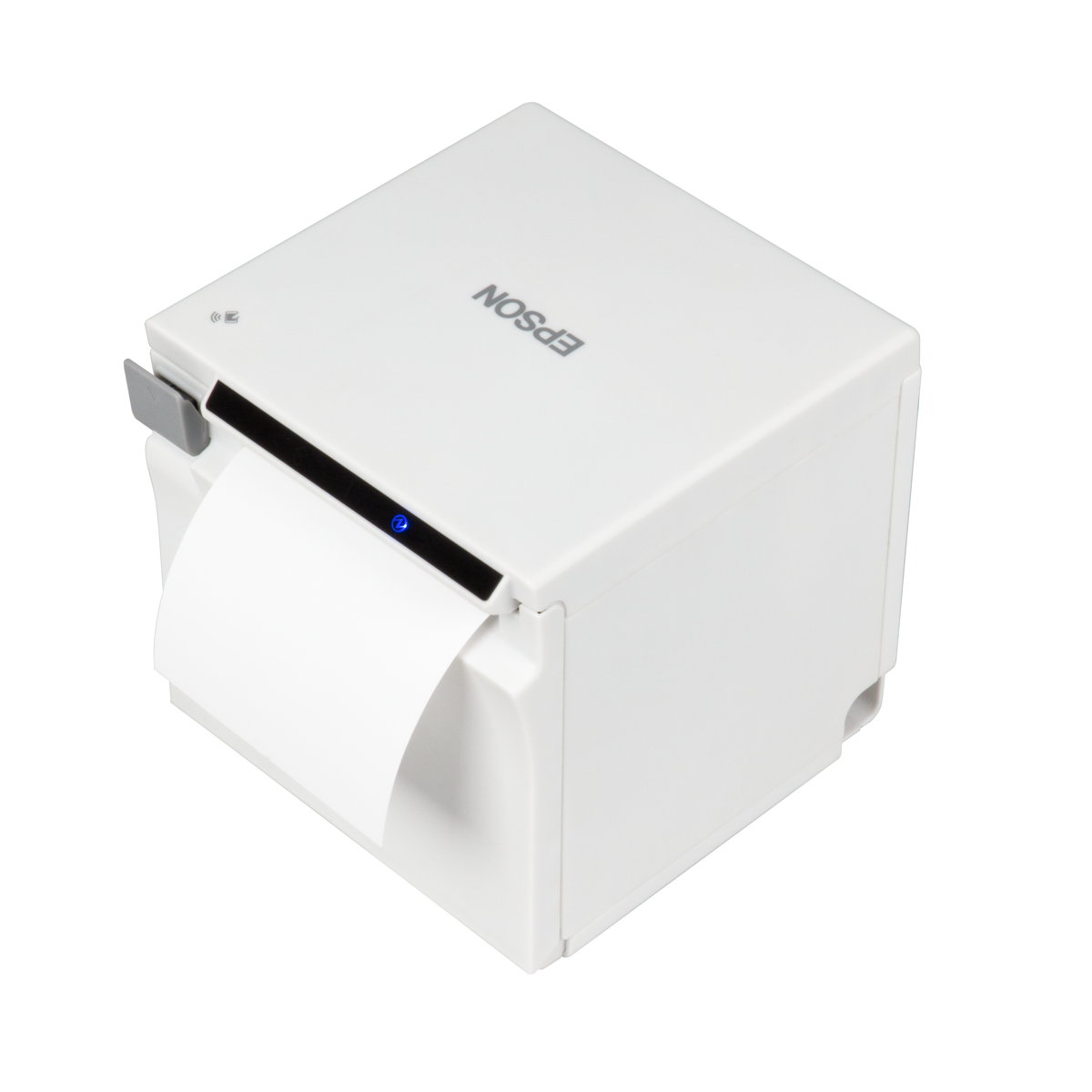
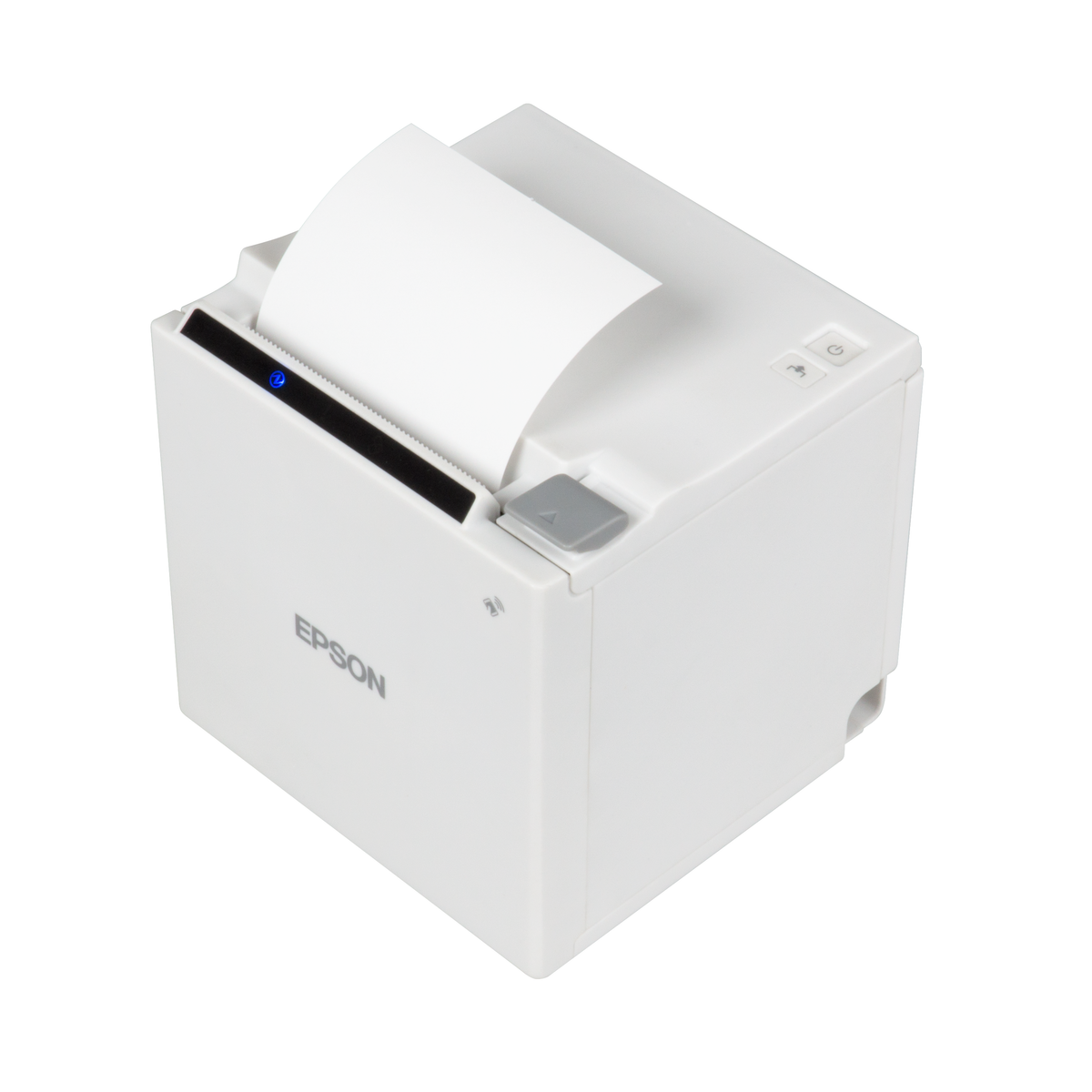
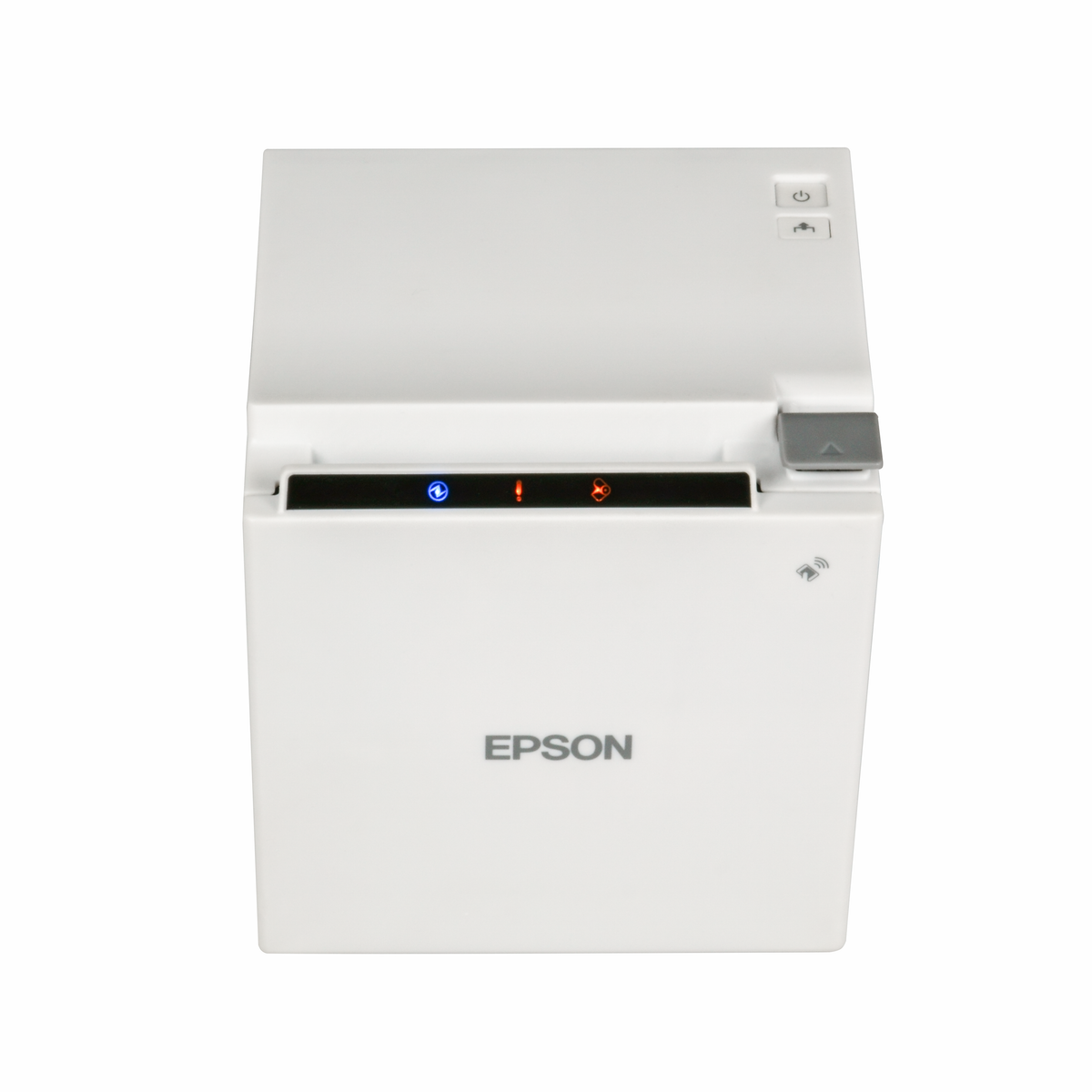
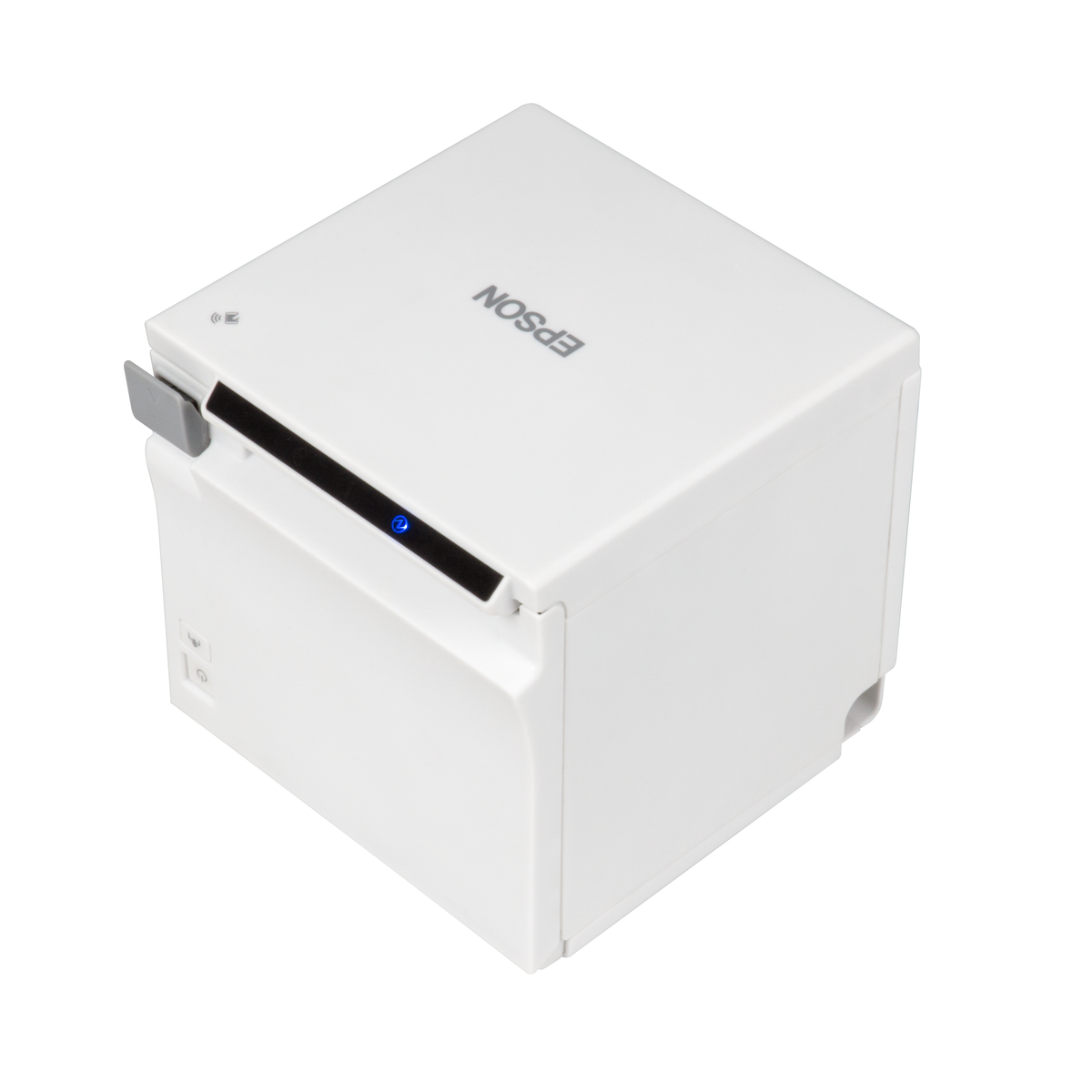
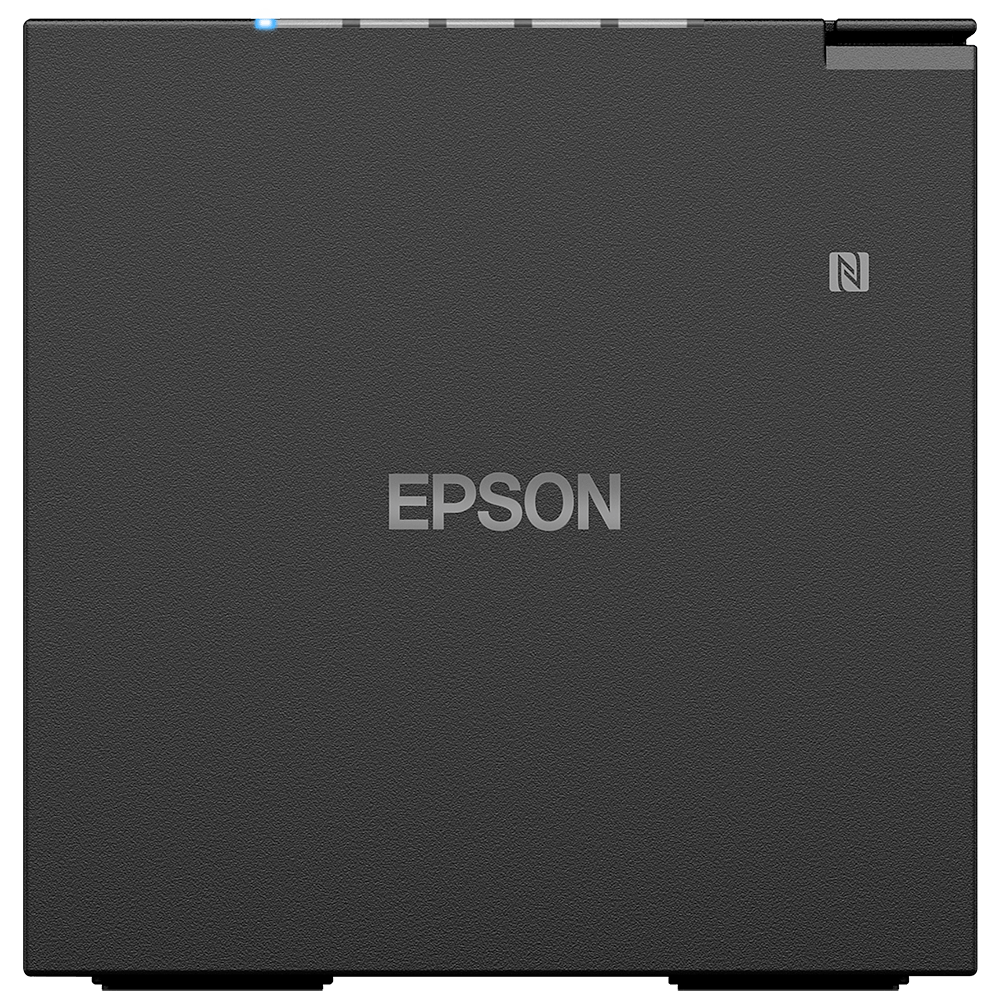
Epson Mobile Connected POS Printer
Epson TM-m50 / TM-m50II Cube Receipt Printer
The Epson TM-m50 and TM-m50II are compact cube-design receipt printers for high-volume POS environments that need a large paper capacity. Both measure 127 x 127 x 127 mm, carry Serial, USB and Ethernet for seamless integration into existing systems, and come with a UK plug. The TM-m50 prints at up to 350 mm/s in Black or White; the TM-m50II prints at up to 500 mm/s in Black.
Quick Glance
Key Features
Compact cube design
A stylish and discreet cube form, 127 x 127 x 127 mm on both models, designed to complement retail environments and fit a crowded counter. Epson describes it as a highly intuitive out-of-the-box solution.
Legacy fit with Serial, USB and Ethernet
Epson built both models for seamless integration into existing systems. Epson lists the TM-m50's legacy connectivity as a serial port and USB-A, and the TM-m50II's as a serial port, Ethernet and USB-B; every configuration label includes Serial, USB and Ethernet.
Speed by model
The TM-m50 prints at up to 350 mm/s. The TM-m50II rates throughput at up to 500 mm/s with a default setting of 450 mm/s; Epson notes the maximum may not be reached depending on the paper, interface, data transmission conditions and commands.
Detailed Specifications
Specifications are Epson's own, from the Epson UAE product pages for C31CH94132A0, C31CH94131A0 and C31CK52102A0. Epson's tables are short; internal codes and the unit colour row are left out, and where the models differ the row names each model.
Need-to-Know
All three share the cube body, Serial, USB and Ethernet and a UK plug; the TM-m50II is the faster model, and the TM-m50 is the one offered in White.
- All three part numbers have Serial, USB and Ethernet in the configuration and a UK plug; choose by speed (TM-m50II) or colour (White is TM-m50 only).
- Colour is taken from Epson's configuration names. A colour row on Epson's pages says White for every part number, including the two Black ones, so ask us if colour matters for your counter.
- Epson does not publish the print method, print resolution, paper width or weight for either model on its UAE product pages. Ask us if you need these before ordering.
- The TM-m50 Black and White configurations each have their own Epson photos; Epson's TM-m50II page has a single image.
| Part Number | Model | Configuration Code | Colour | Print Speed | Connectivity (Epson highlight) |
|---|---|---|---|---|---|
| C31CH94132A0 | TM-m50 | 132A0 | Black | Up to 350 mm/s | Serial port and USB-A |
| C31CH94131A0 | TM-m50 | 131A0 | White | Up to 350 mm/s | Serial port and USB-A |
| C31CK52102A0 | TM-m50II | 102A0 | Black | Up to 500 mm/s (450 mm/s default) | Serial port, Ethernet and USB-B |
From Epson UAE's own product pages for each part number. Colour is from Epson's configuration name; the USB port type is from each model's Epson connectivity highlight.
Best For / Customer Benefits
Customer Benefits
- Compact 127 mm cube design that suits a retail counter.
- Serial, USB and Ethernet for integration into existing systems.
- A choice of speed: up to 350 mm/s (TM-m50) or up to 500 mm/s (TM-m50II).
- Expert advice from AtomOffice on matching the printer to your POS system.
Best For
Frequently Asked Questions
Speed, colour choice and the USB port Epson highlights. The TM-m50 prints at up to 350 mm/s and comes in Black (C31CH94132A0) or White (C31CH94131A0), with a serial port and USB-A. The TM-m50II (C31CK52102A0) prints at up to 500 mm/s, default 450 mm/s, comes in Black, and Epson lists a serial port, Ethernet and USB-B. All three are 127 mm cubes with a UK plug.
Epson designed both models for seamless integration into existing systems and lists legacy connectivity with a serial port on each, alongside USB and Ethernet. If you are unsure about your POS software, ask us before ordering.
The TM-m50 prints at up to 350 mm/s. The TM-m50II rates throughput at up to 500 mm/s with a default setting of 450 mm/s; Epson notes the maximum may not be achieved depending on the paper, type of interface, data transmission conditions and combination of commands.
Epson lists the same items for both models: the main unit, an AC cable, a PS-180, a roll of paper, a paper spacer, a power switch cover, a cable fixation saddle and a setup guide.
Need the Epson TM-m50 or TM-m50II for your counter?
Ask us for a quote on the TM-m50 in Black or White or the faster TM-m50II, or for help matching one to your POS system.