



Epson TM-m30 Series Receipt Printers: TM-m30II, TM-m30II-H, -S, -SL and TM-m30 D30 Bundles
C31CJ27112
Condition: NEW
Get a tailored quote
Tap Request a Quote below to reach our team on WhatsApp.
- Genuine, brand-new stock with full manufacturer warranty
- Pricing based on quantity, with volume rates for bulk orders
- Help choosing the right option for your office or team
- Delivery anywhere in the UAE
IMAGES ARE FOR ILLUSTRATIVE PURPOSES ONLY
Couldn't load pickup availability
Genuine Guarantee
Shop with Confidence: Authentic IT Products from Major Brands.
Shipping information
We offer FREE DELIVERY for order over AED 200. Also no additional Cash on Delivery (COD) fee.
Click here to know more
Returns information


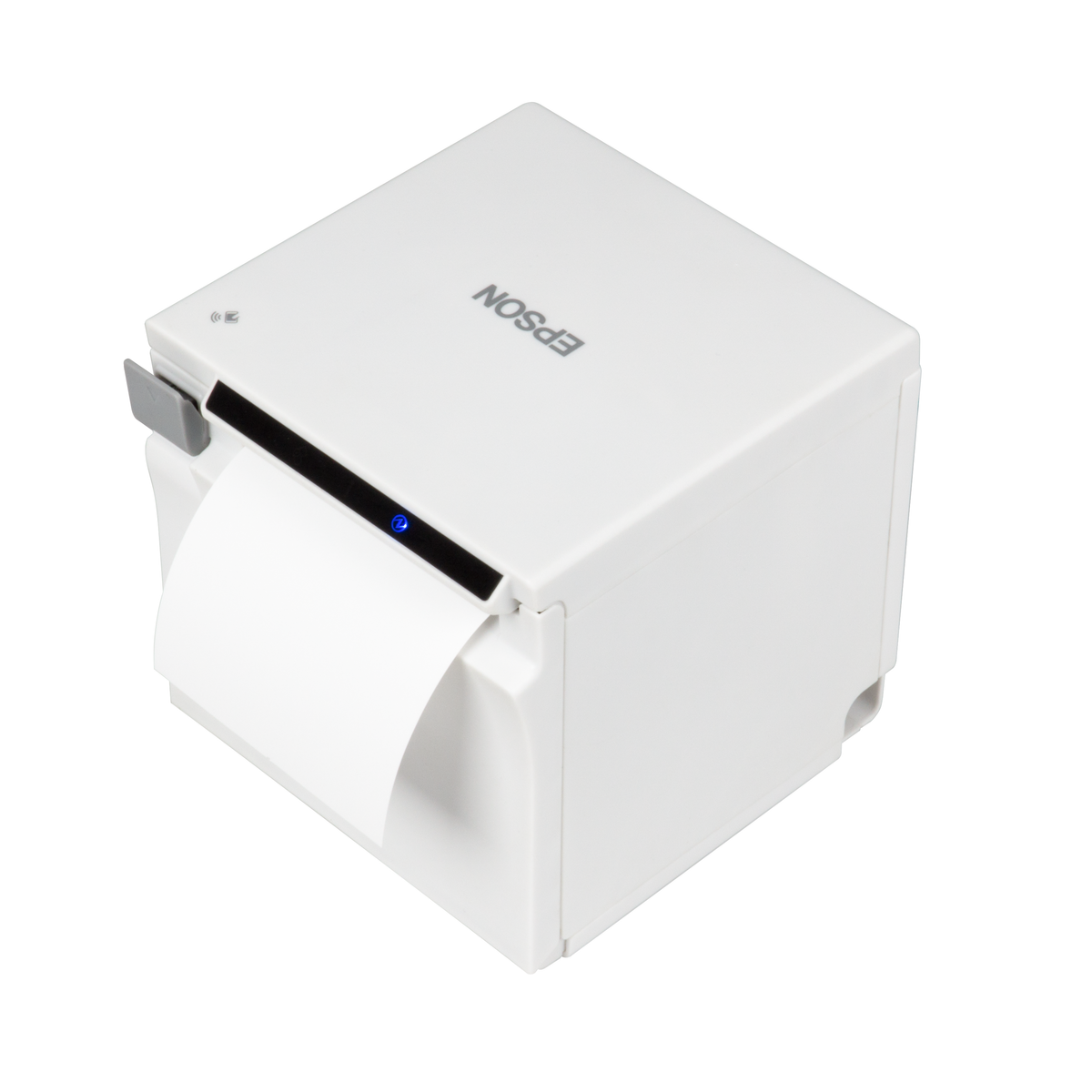


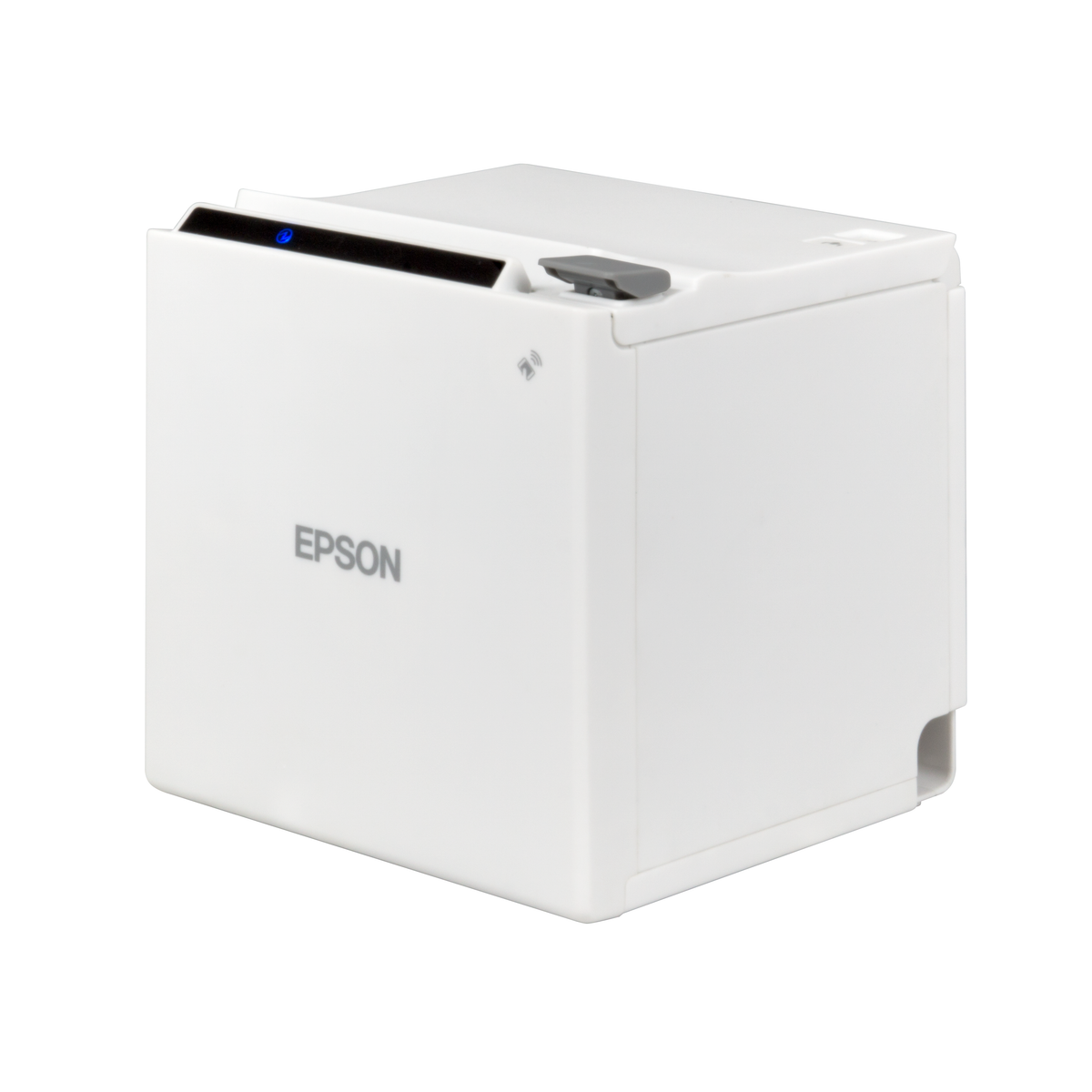
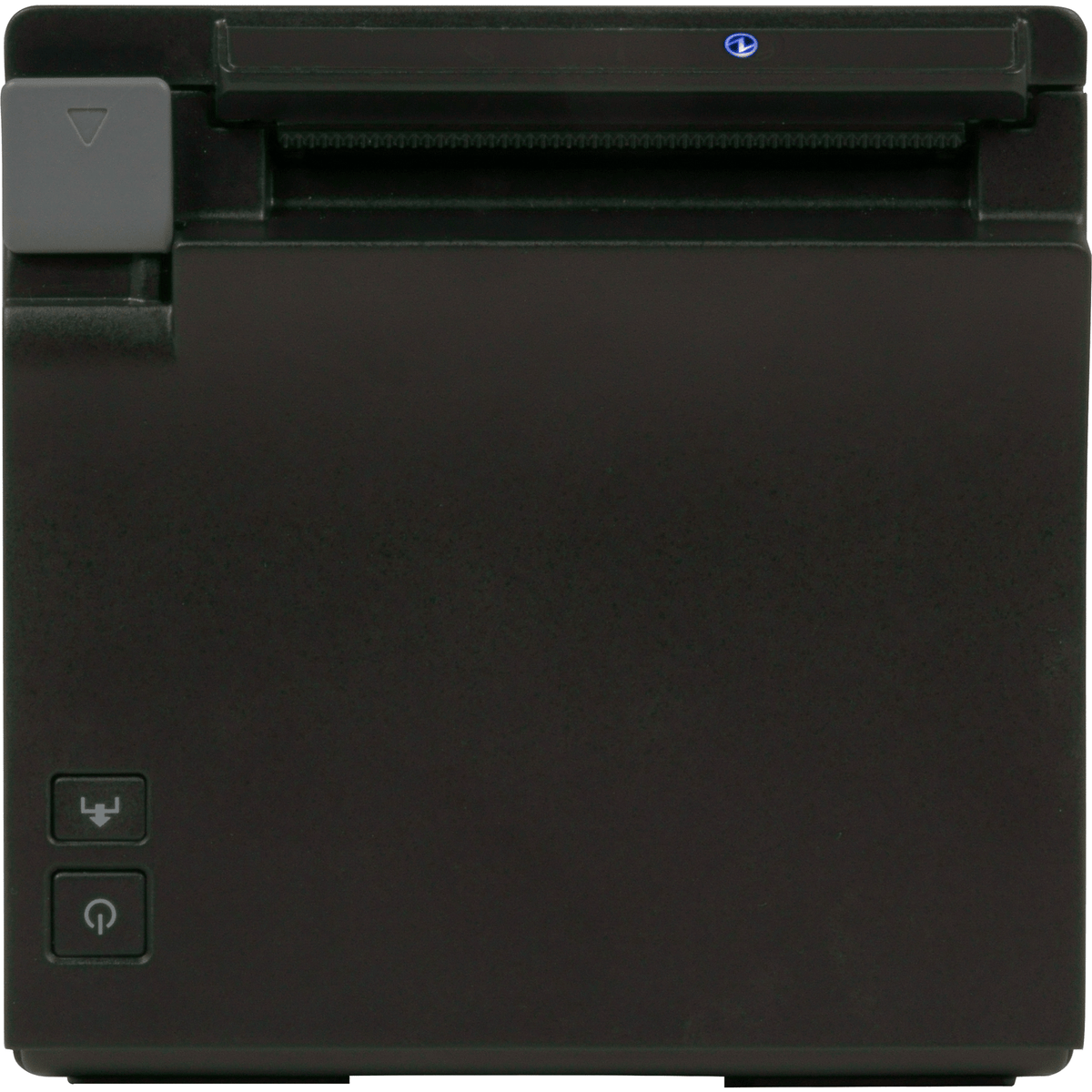


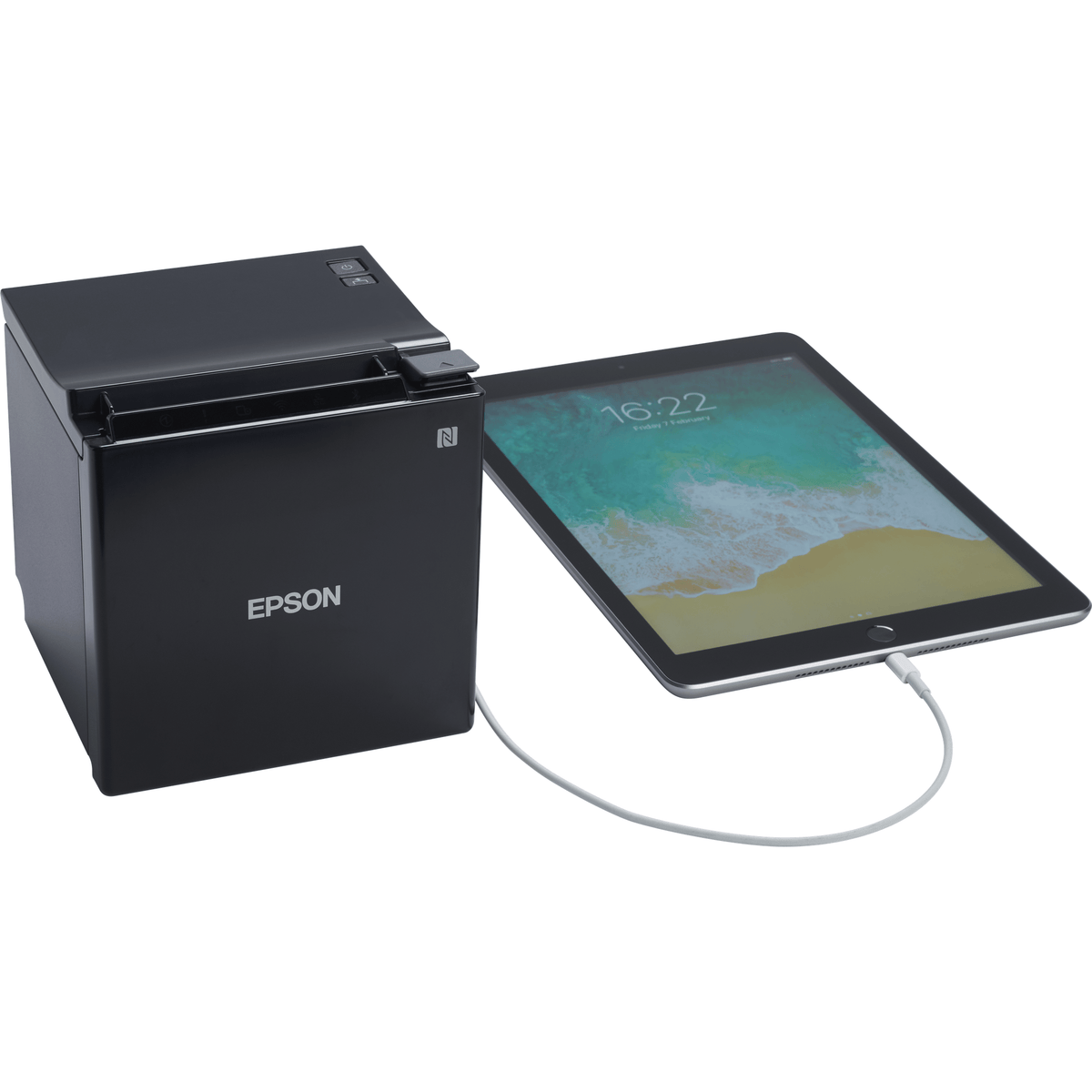


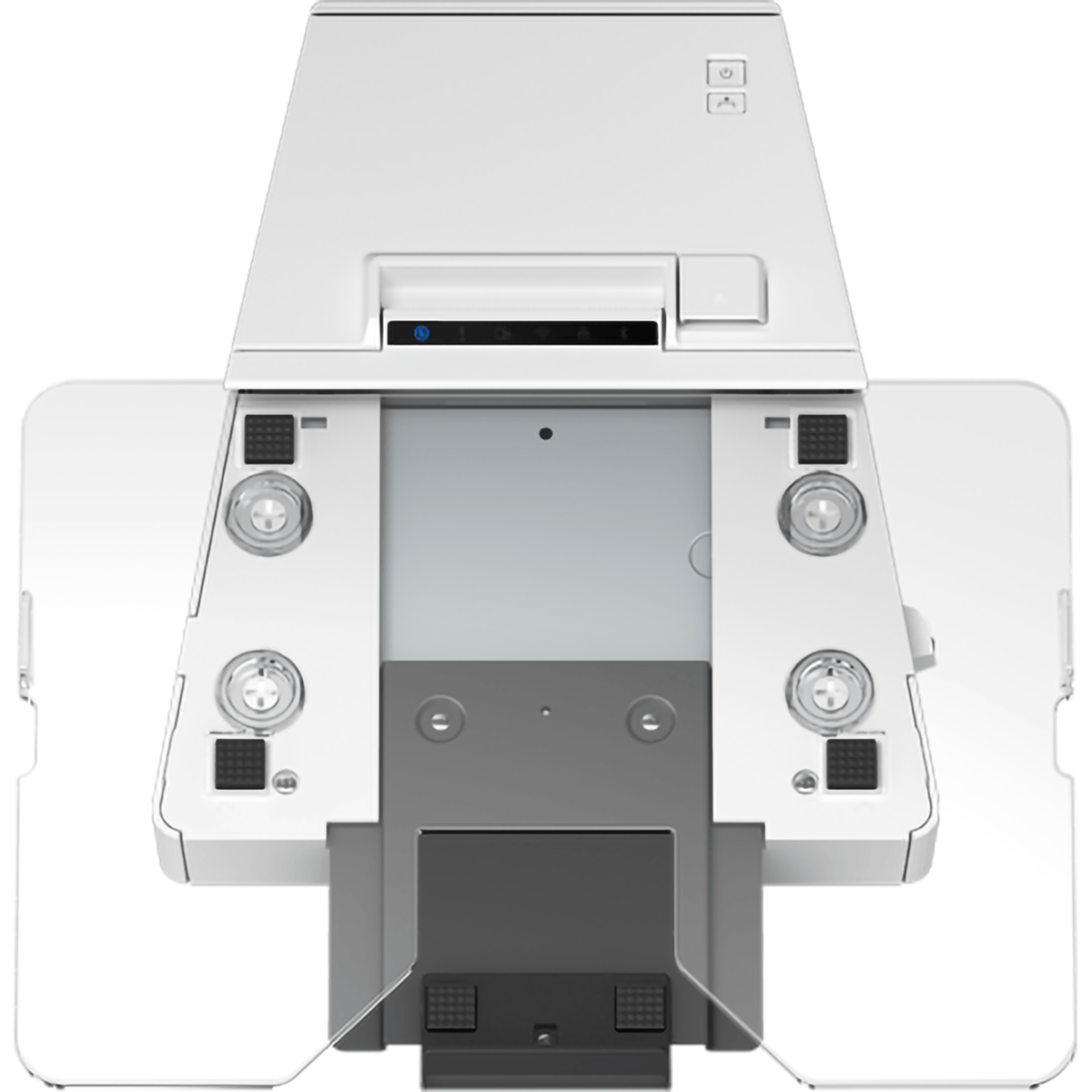


Epson TM-m30 Series POS Receipt Printers
Epson TM-m30 Series Receipt Printers: TM-m30II, TM-m30II-H, TM-m30II-S, TM-m30II-SL and TM-m30 D30 Bundles
The Epson TM-m30 series is a family of compact POS receipt printers for tablet and mobile POS, offered here in five models and 20 configurations. The TM-m30II is the 127 x 127 x 127 mm printer, which Epson describes as a refreshed version of the TM-m30 with print speed increased to 250 mm/s. The TM-m30II-H adds a hub with three USB A ports, the TM-m30II-S and TM-m30II-SL combine the printer with a tablet stand, and the TM-m30 bundles pair the original printer with Epson's DM-D30 customer display. Every configuration has Ethernet; interfaces, colour and plug differ by part number.
Quick Glance
Key Features
One compact printer, five ways to set it up
The TM-m30II is a 127 x 127 x 127 mm receipt printer. The TM-m30II-H adds advanced hub functionality with three USB A ports for peripherals; the TM-m30II-S and TM-m30II-SL combine the printer and a tablet stand in one 140 x 214 x 255 mm unit; the TM-m30 bundles include a DM-D30 customer display.
Faster receipts on the TM-m30II models
Epson states an increased print speed of 250 mm/s for the TM-m30II, TM-m30II-H, TM-m30II-S and TM-m30II-SL, against a maximum of 200 mm/sec for the original TM-m30. The TM-m30, TM-m30II and TM-m30II-SL print by thermal line printing on 58 mm or 80 mm receipt paper.
Built for mobile and tablet POS
Every configuration has Ethernet, and those with BT in the label add Bluetooth. The TM-m30II and TM-m30II-H print directly from mobile devices without installing or updating drivers, the TM-m30 pairs with an NFC-equipped device by touch, and the -H, -S and -SL list tablet charge and sync (1x).
Detailed Specifications
Specifications are Epson's own: the Epson UAE product pages for every part number, Epson Europe's datasheets for the TM-m30 bundles, the DM-D30 and the TM-m30II-SL, Epson Australia's TM-m30 model specification and Epson's TM-m30II-SL Technical Reference Guide. Each figure is labelled with the model it belongs to. Unitless rows, internal codes and Unit Colour rows are left out.
Need-to-Know
All 20 configurations have Ethernet. They differ by model (printer only, USB hub, tablet stand or customer display bundle), by the other interfaces in Epson's label, by colour and by plug (UK or EU).
- Colour is taken from each configuration label. Epson's Unit Colour rows and some datasheet colour rows contradict the label on many part numbers, so they are not used. C31CJ27122E0 names no colour or plug, and C31CH63511A0 names no plug - ask us before ordering either.
- Weights: the TM-m30 bundles' 1.3 kg is the printer only; the DM-D30 display adds 0.27 kg and Epson gives no bundle total. The TM-m30II-SL is 2.9 kg per its datasheet. Epson does not publish a weight for the TM-m30II, TM-m30II-H or TM-m30II-S.
- Specifications differ by model and are labelled by model in each row. Epson's pages for the TM-m30II-H and TM-m30II-S do not state print method, resolution or paper width, so a sibling's figure should not be assumed for them.
- Epson's TM-m30II pages contradict themselves on the cutter (autocutter listed as No alongside an autocutter life figure), so no cutter claim is made for the TM-m30II - ask us if you need one.
- The four TM-m30 bundles are not Wi-Fi configurations, and Epson uses one image set for all four, so the photos may not show the colour you order.
- The TM-m30II-SL near end detector works only when the printer stands vertically with 80 mm roll paper. No tablet is included with the TM-m30II-S or TM-m30II-SL.
| Part Number | Model | Interfaces | Colour | Plug | Bundle or extra |
|---|---|---|---|---|---|
| C31CJ27112 | TM-m30II | USB + Ethernet + NES + BT | Black | EU (European plug) | Printer only |
| C31CJ27122E0 | TM-m30II | USB + Ethernet (label also reads Energy Efficient "NO") | Not stated | Not stated | Printer only |
| C31CJ27122A0 | TM-m30II | USB + Ethernet + NES | Black | UK (UK plug) | Printer only |
| C31CJ27121A0 | TM-m30II | USB + Ethernet + NES | White | UK (UK plug) | Printer only |
| C31CJ27112A0 | TM-m30II | USB + Ethernet + NES + BT | Black | UK (UK plug) | Printer only |
| C31CJ27111A0 | TM-m30II | USB + Ethernet + NES + BT | White | UK (UK plug) | Printer only |
| C31CJ27122 | TM-m30II | USB + Ethernet + NES | Black | EU (European plug) | Printer only |
| C31CJ27121 | TM-m30II | USB + Ethernet + NES | White | EU (European plug) | Printer only |
| C31CJ27111 | TM-m30II | USB + Ethernet + NES + BT | White | EU (European plug) | Printer only |
| C31CE95121BD | TM-m30 | Ethernet, USB 2.0-A, drawer kick-out | White | EU (European plug) | DM-D30-101 customer display (white) |
| C31CE95111BD | TM-m30 | Ethernet, Bluetooth, USB 2.0, USB 2.0-A, drawer kick-out | White | EU (European plug) | DM-D30-101 customer display (white) |
| C31CE95122BD | TM-m30 | Ethernet, USB 2.0-A, drawer kick-out | Black | EU (European plug) | DM-D30-111 customer display (black) |
| C31CE95112BD | TM-m30 | Ethernet, Bluetooth, USB 2.0, USB 2.0-A, drawer kick-out | Black | EU (European plug) | DM-D30-111 customer display (black) |
| C31CH92146 | TM-m30II-H | USB + Ethernet + BT + Lightning + SD | Black | EU (European plug) | Hub with three USB A ports |
| C31CH92145 | TM-m30II-H | USB + Ethernet + BT + Lightning + SD | White | EU (European plug) | Hub with three USB A ports |
| C31CH63012 | TM-m30II-S | USB + Ethernet + BT + NES + Lightning + SD | Black | EU (European plug) | Tablet stand (tablet not stated as included) |
| C31CH63512A0 | TM-m30II-SL | USB + Ethernet + BT + NES + Lightning + SD | Black | UK (UK plug) | Tablet stand (tablet not included) |
| C31CH63512 | TM-m30II-SL | USB + Ethernet + BT + NES + Lightning + SD | Black | EU (European plug) | Tablet stand (tablet not included) |
| C31CH63511A0 | TM-m30II-SL | USB + Ethernet + BT + NES + Lightning + SD | White | Not stated | Tablet stand (tablet not included) |
| C31CH63511 | TM-m30II-SL | USB + Ethernet + BT + NES + Lightning + SD | White | EU (European plug) | Tablet stand (tablet not included) |
From Epson's configuration labels (TM-m30 interfaces from each bundle's Epson Europe datasheet). BT is Bluetooth; NES, PS, SD and Lightning are shown as Epson writes them. Colour is from the label, never Epson's Unit Colour row.
Best For / Customer Benefits
Customer Benefits
- Five models in one family, from the printer on its own to a tablet stand or display bundle.
- Print speed of 250 mm/s on the TM-m30II, TM-m30II-H, TM-m30II-S and TM-m30II-SL.
- Ethernet on every configuration, with Bluetooth on the BT part numbers.
- Black or White and UK or EU plug options, chosen per part number.
- Expert advice from AtomOffice on matching the right TM-m30 configuration to your POS system.
Best For
Frequently Asked Questions
The TM-m30II is the 127 x 127 x 127 mm receipt printer on its own. The TM-m30II-H adds a hub with three USB A ports for peripherals. The TM-m30II-S and TM-m30II-SL combine the printer with a tablet stand in a 140 x 214 x 255 mm unit. The TM-m30 is the earlier model (max. 200 mm/sec against 250 mm/s for the TM-m30II models), offered here only as bundles with the DM-D30 customer display. All have Ethernet; colour, plug and Bluetooth differ by part number.
Every configuration with BT in Epson's label: TM-m30II C31CJ27112, C31CJ27112A0, C31CJ27111 and C31CJ27111A0; TM-m30 C31CE95111BD and C31CE95112BD; both TM-m30II-H, the TM-m30II-S and all four TM-m30II-SL. The other TM-m30II and TM-m30 part numbers have Ethernet without Bluetooth.
Epson's labels name UK for the TM-m30II C31CJ27122A0, C31CJ27121A0, C31CJ27112A0 and C31CJ27111A0, and the TM-m30II-SL C31CH63512A0. C31CJ27122E0 and C31CH63511A0 name no plug, so ask us. The rest are labelled EU (European plug).
Epson's DM-D30 customer display, designed to match and mount on the TM-m30: a blue and white LCD in a two-line, 20-column format, powered over USB from the printer's USB A port, and ESC/POS and OPOS compatible. White bundles include the DM-D30-101 (white), Black bundles the DM-D30-111 (black). It weighs 0.27 kg on top of the printer's 1.3 kg.
No. The TM-m30II-S and TM-m30II-SL combine the printer and a tablet stand, with tablet charge and sync (1x). For the TM-m30II-SL, Epson states tablets are not sold by Epson; its sliding clamp holds virtually all tablet devices, including iPad and Android, and scanners, keypads and scales can connect directly.
Epson lists the main unit, an AC cable, roll paper, a paper spacer, a power switch cover, a cable fixation saddle and a setup guide for every model. The TM-m30II and TM-m30 add an AC adapter; the TM-m30II-H, -S and -SL add the PS-180. Epson's TM-m30 box list does not itemise the DM-D30 display, which is part of each bundle by its name.
Need an Epson TM-m30II or TM-m30 receipt printer?
Ask us for a quote on any of the 20 configurations, or for help choosing between the TM-m30II, the -H hub, the -S and -SL tablet stands and the TM-m30 display bundles.