



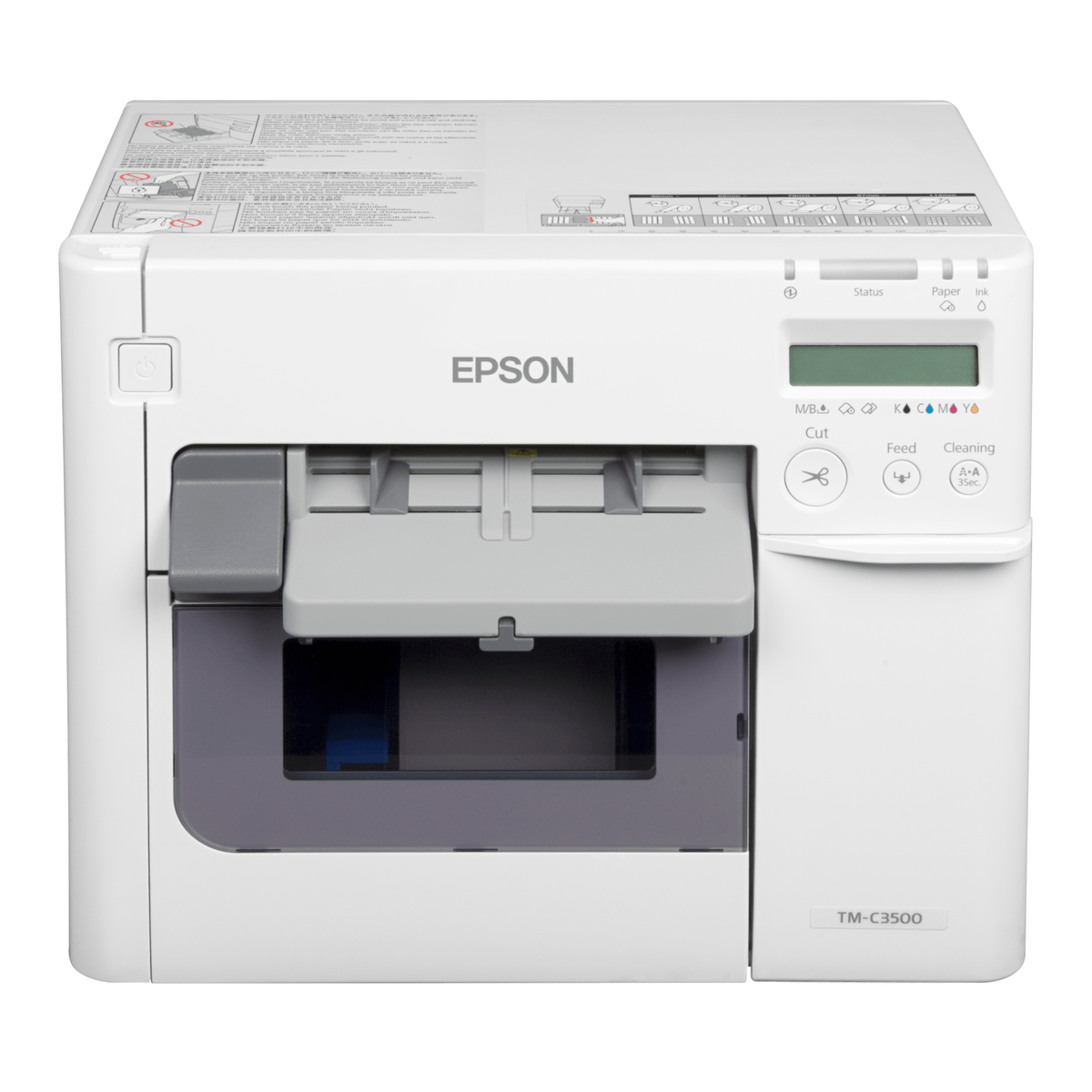
Epson ColorWorks C3500 Colour Label Printer, 720 x 360 dpi, 104 mm Print Width
C31CD54012CD
Condition: NEW
Get a tailored quote
Tap Request a Quote below to reach our team on WhatsApp.
- Genuine, brand-new stock with full manufacturer warranty
- Pricing based on quantity, with volume rates for bulk orders
- Help choosing the right option for your office or team
- Delivery anywhere in the UAE
IMAGES ARE FOR ILLUSTRATIVE PURPOSES ONLY
Couldn't load pickup availability
Genuine Guarantee
Shop with Confidence: Authentic IT Products from Major Brands.
Shipping information
We offer FREE DELIVERY for order over AED 200. Also no additional Cash on Delivery (COD) fee.
Click here to know more
Returns information



Epson ColorWorks Colour Label Printer
Epson ColorWorks C3500 Desktop Colour Label Printer
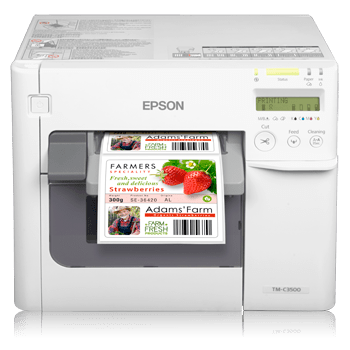
The Epson ColorWorks C3500 is a desktop colour label printer for businesses that want to print colour labels in-house and on demand. It is a serial inkjet printer using long-lasting pigment ink in individual cartridges, prints labels at up to 103 mm/s and up to 104 mm wide, and has an autocutter included. It comes in two editions: Standard, and an edition Epson lists as including a NiceLabel download.
Quick Glance
Key Features
Durable colour labels with pigment ink
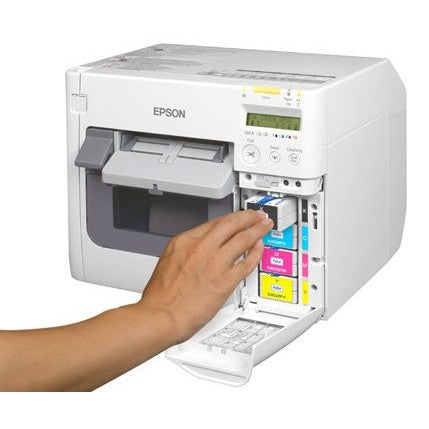
Epson describes the C3500's pigment ink as long-lasting and its prints as durable. The inks come as individual cartridges, so each colour is replaced on its own, and an LCD screen shows ink and printer status at a glance.
Labels at up to 103 mm per second
The C3500 is a serial inkjet printer with 360 nozzles per colour. Epson rates its maximum print speed at 103 mm/s at 360 x 360 dpi, with a print resolution of up to 720 x 360 dpi and a printing width of up to 104 mm.
Matte, glossy and more
Epson says the C3500 prints on a wide variety of media. It takes continuous labels and media, die-cut labels and black mark paper or labels, from a roll (4" external diameter) or fanfold, in media widths from 30 mm to 112 mm, with an autocutter included.
Detailed Specifications
Specifications are Epson's own, from the Epson UAE product pages for C31CD54012CD and C31CD54012, which list the same specification for both editions. Rows Epson's page states in a self-contradictory way (printing and storage temperature and humidity) are left out.
Need-to-Know
The ColorWorks C3500 comes in two editions. Epson lists the same printer specification for both; the edition with part number C31CD54012CD is listed by Epson as including a NiceLabel download.
- Both part numbers are the same printer. Epson lists C31CD54012CD as including a NiceLabel download; its page does not describe the download further, so ask us if you need details.
- Epson's specification does not list the printer's interfaces, so check with us before ordering if you need a particular connection.
- Epson does not publish the printer's weight or its operating temperature range on its UAE product page.
- The maximum speed of 103 mm/s is Epson's figure at a print mode of 360 x 360 dpi.
| Part Number | Edition | Print Resolution | Printing Width |
|---|---|---|---|
| C31CD54012CD | With NiceLabel Download | 720 x 360 dpi | 104 mm |
| C31CD54012 | Standard | 720 x 360 dpi | 104 mm |
Epson's pages for both part numbers list the same specification and the same box contents.
Best For / Customer Benefits
Customer Benefits
- Print colour labels in-house when you need them instead of ordering pre-printed stock.
- Long-lasting pigment ink for durable label prints.
- Individual ink cartridges, so only the colour that runs out is replaced.
- Handles continuous, die-cut and black mark media on roll or fanfold, with an autocutter included.
- Expert advice from AtomOffice on choosing the right ColorWorks model and edition for your labels.
Best For
Frequently Asked Questions
Epson lists C31CD54012CD as the ColorWorks C3500 including a NiceLabel download and C31CD54012 as the standard edition. Epson's pages show the same printer specification and the same box contents for both.
Epson describes it as long-lasting pigment ink supplied in individual ink cartridges, so each colour can be replaced separately. Ink cartridges are included in the box, and the LCD screen shows ink and printer status.
Epson lists continuous labels, continuous media, die-cut labels, black mark paper and black mark labels, supplied as a roll (4" external diameter) or as fanfold paper. Media width runs from 30 mm to 112 mm, the printing width is up to 104 mm, and an autocutter is included.
Epson rates the print resolution at up to 720 x 360 dpi and the maximum print speed at 103 mm/s, measured at a print mode of 360 x 360 dpi.
Need the Epson ColorWorks C3500 for your business?
Ask us for a quote on the Standard edition or the edition with the NiceLabel download, or for help choosing the right ColorWorks label printer for your media.