



Epson 112 Pigment Ink Bottles for EcoTank Pro L6580, L15150, L15160, L11160
C13T06C14A
Condition: NEW
- Regular price
-
Dhs. 80.00 (exc. Vat) - Regular price
-
(exc. Vat) - Sale price
-
Dhs. 80.00 (exc. Vat)
Couldn't load pickup availability
Genuine Guarantee
Shop with Confidence: Authentic IT Products from Major Brands.
Shipping information
We offer FREE DELIVERY for order over AED 200. Also no additional Cash on Delivery (COD) fee.
Click here to know more
Returns information
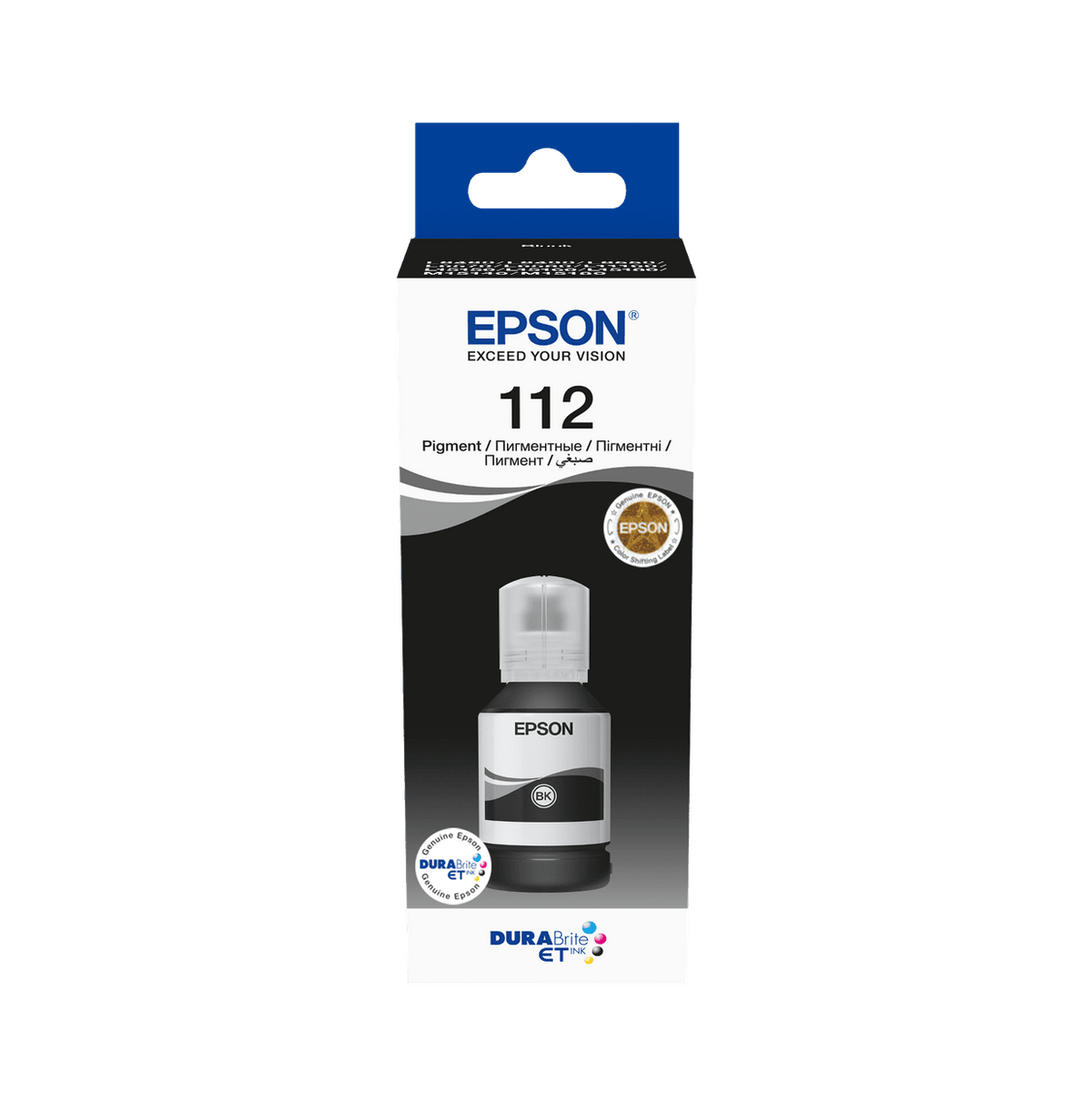
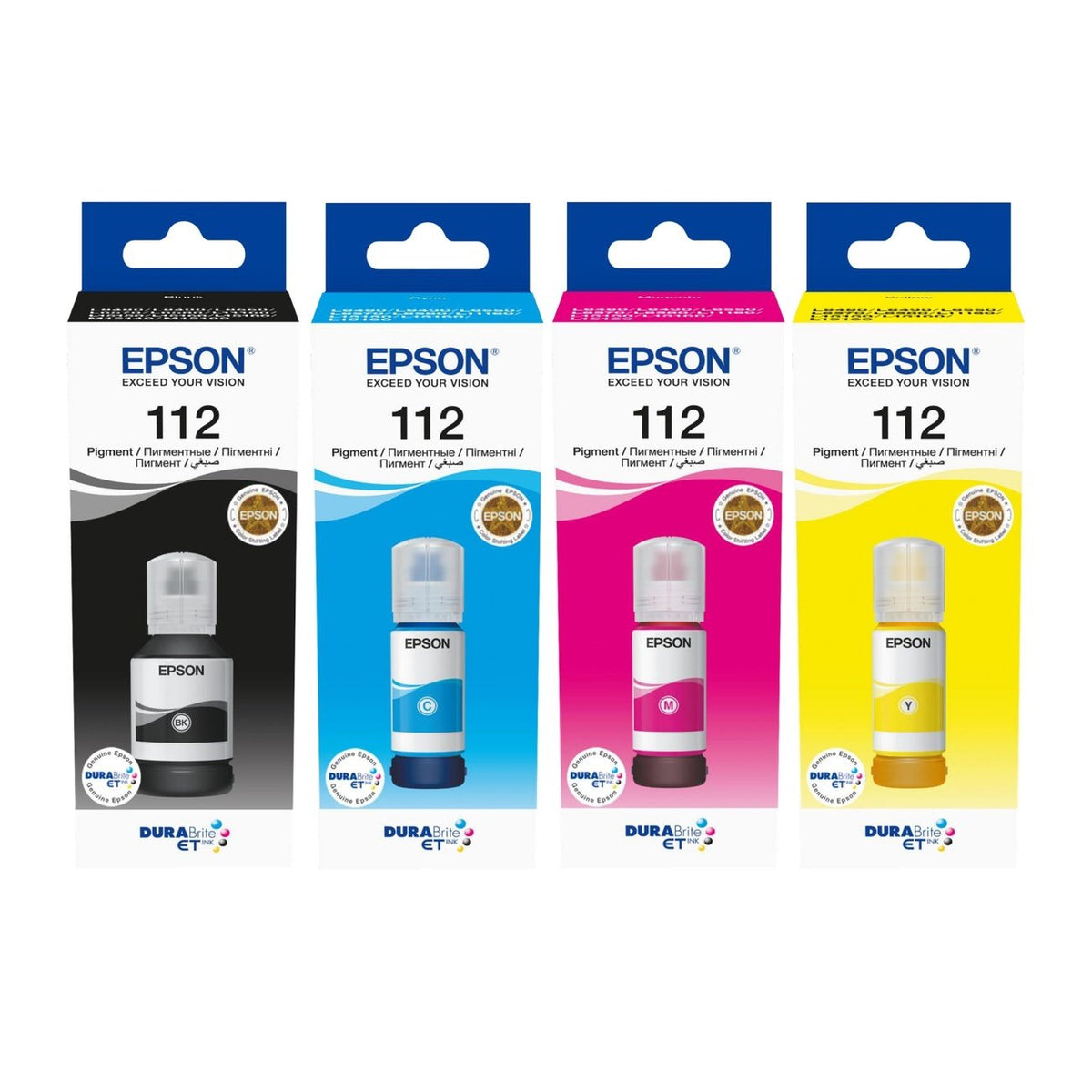
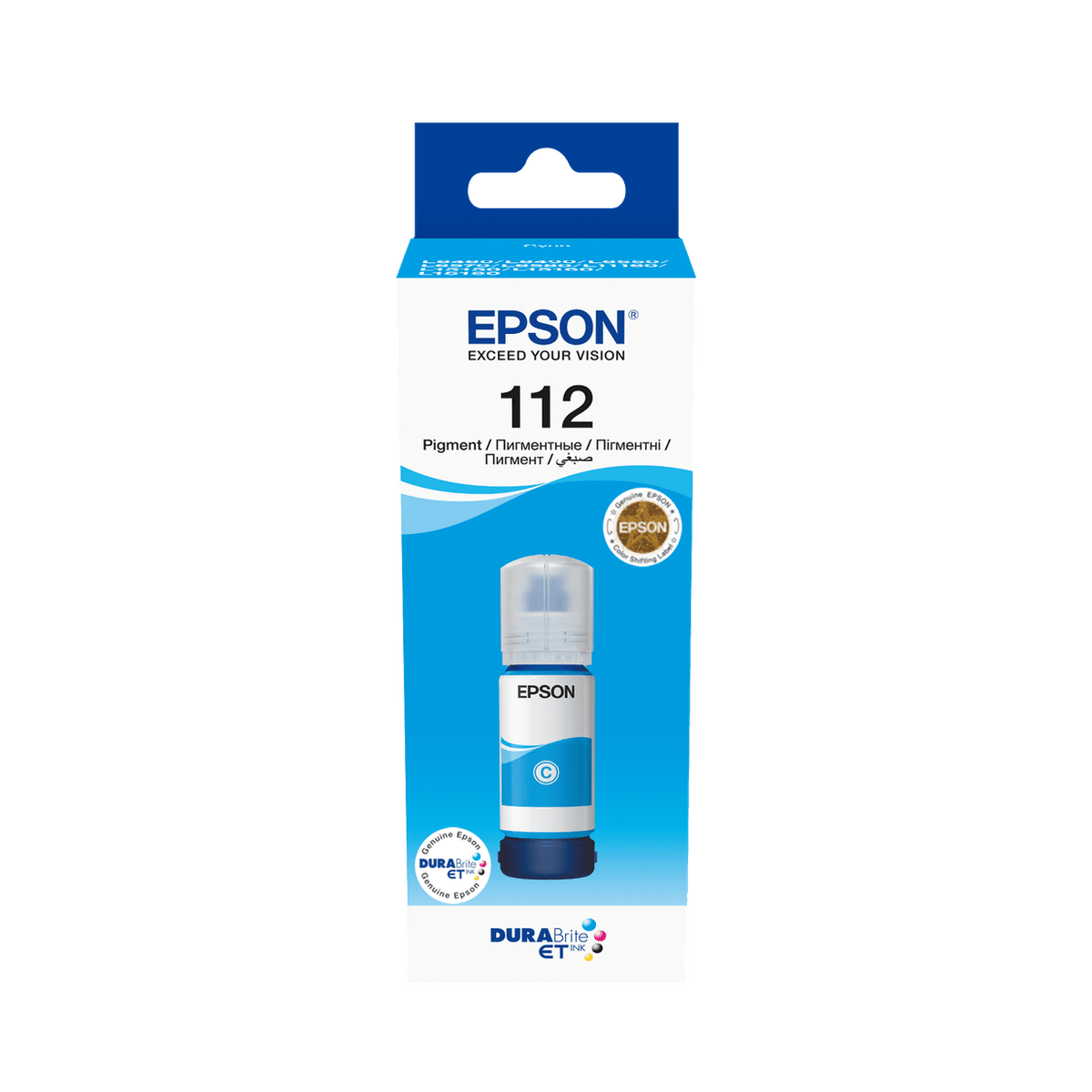
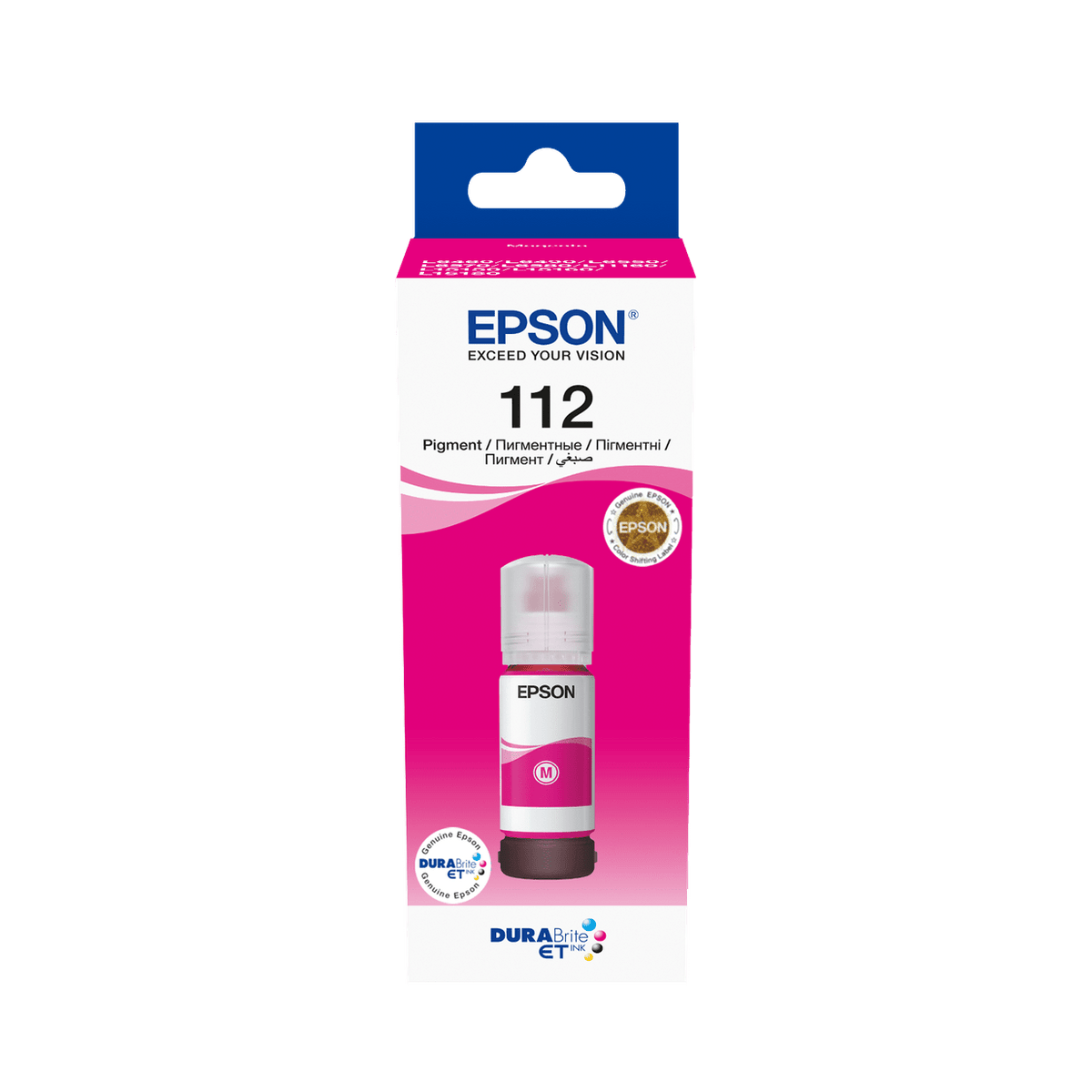
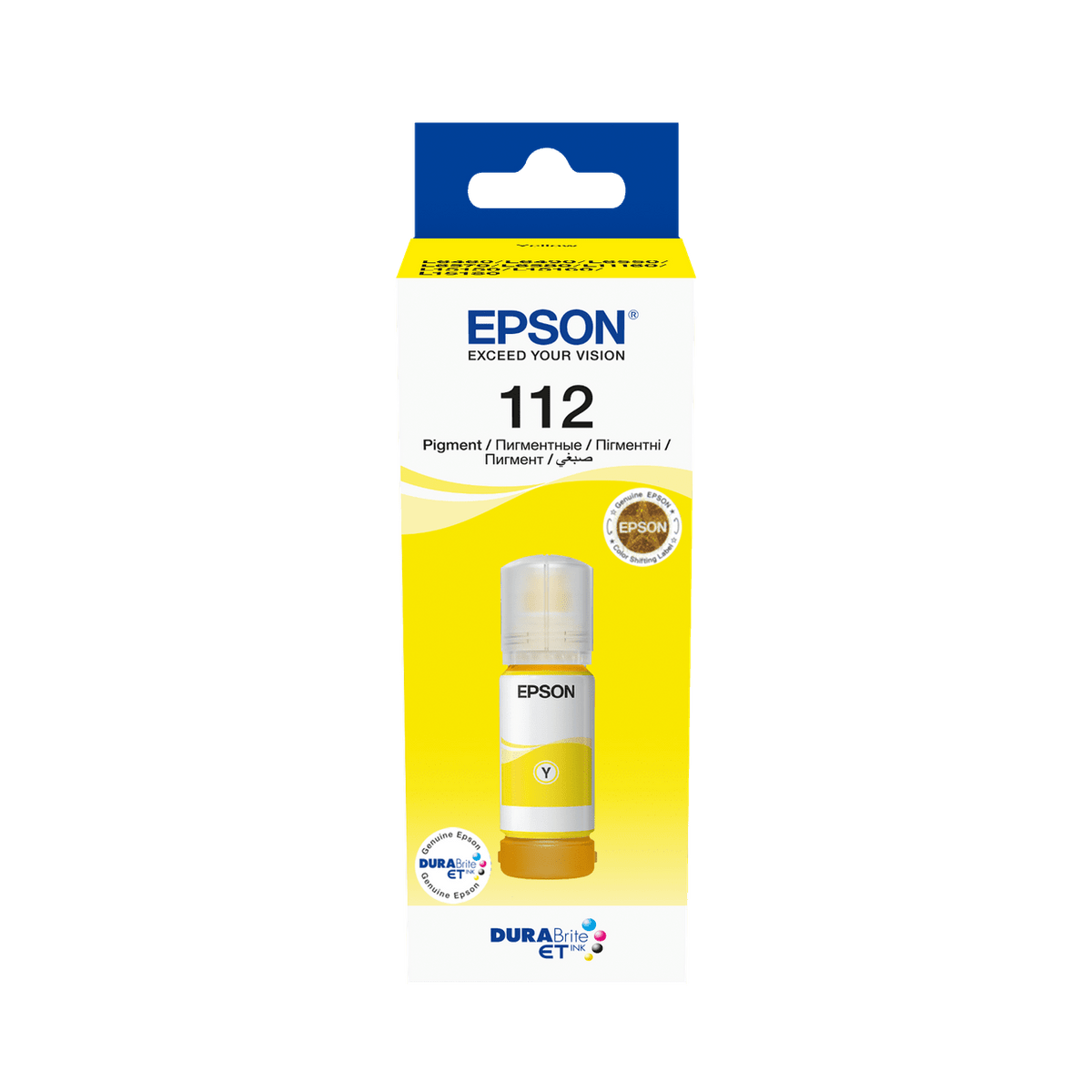
Original Epson Ink Bottle
Epson 112 Pigment Ink Bottles (EcoTank Pro L6580, L15150, L15160, L11160 and more)
Most EcoTank ranges pair a pigment black with dye colours. The 112 series is different: all four inks are pigment. That is the whole point of it — documents that come out smudge-proof and, unusually, survive a highlighter being dragged across them without the text bleeding.
Black is a 127 ml bottle rated at up to 7,500 pages; the three colours are 70 ml at up to 6,000 pages each. Choose your colour above.
Quick Glance
Key Features
All four inks are pigment
Not just the black. Epson specifies pigment across the whole 112 set for smudge- and highlighter-resistant output, which is what makes these machines suitable for documents that get marked up, filed and handled rather than just read once.
Thousands of pages per bottle
Up to 7,500 pages from the 127 ml black and up to 6,000 from each 70 ml colour, measured to ISO/IEC 24712. On a tank system that is the running cost that makes an EcoTank worth buying in the first place.
Refill, don't replace
You top up a tank from a bottle rather than buying a cartridge. No chip, no plastic shell, nothing to dispose of but the bottle — and no cartridge to run out halfway through a job.
Detailed Specifications
- Epson EcoTank Pro L6580 · L6570 · L6550 · L6499 · L6490 · L6460
- Epson EcoTank L11160 · L15150 · L15160 · EcoTank Pro L15180
- Epson EcoTank M15140 · EcoTank Pro M15180 — black only
One thing worth catching before you order: the M15140 and M15180 are monochrome machines. Epson lists them against the 112 black bottle only — they have no colour tanks, so cyan, magenta and yellow do not apply. Every other model above takes all four.
Page yields are Epson’s own approximate figures, measured to ISO/IEC 24712. Actual yield varies with what you print, the paper you use and how often the machine runs — Epson publishes the detail at epson.eu/pageyield.
These EcoTank models also use a maintenance box to collect waste ink, but the part number varies across the L6xxx, L11160, L15xxx and M15xxx ranges. Rather than quote one that might be wrong for your machine, send us your exact model and we will confirm it.
Specifications are provided by the manufacturer and may be updated or changed without prior notice. AtomOffice is not responsible for any discrepancies between the information shown here and the manufacturer's official documentation.
Need-to-Know
Four bottles make a full set. Note that black is a bigger bottle than the colours and carries a different yield — it is not a like-for-like swap on price.
| Colour | Order Code | Volume | Page Yield |
|---|---|---|---|
| Black | C13T06C14A | 127 ml | up to 7,500 |
| Cyan | C13T06C24A | 70 ml | up to 6,000 |
| Magenta | C13T06C34A | 70 ml | up to 6,000 |
| Yellow | C13T06C44A | 70 ml | up to 6,000 |
All four codes end in 4A and differ only in the digit before it — 1 black, 2 cyan, 3 magenta, 4 yellow. They are easy to transpose on a purchase order, so it is worth reading the code back before you send it.
Frequently Asked Questions
The EcoTank Pro L6460, L6490, L6499, L6550, L6570 and L6580, and the EcoTank L11160, L15150, L15160 and L15180. The mono EcoTank M15140 and M15180 take the 112 black only. Send us your model number if you would like it confirmed before ordering.
All four inks are pigment. On most EcoTank ranges only the black is pigment and the colours are dye. Pigment sits on the paper surface instead of soaking in, so prints resist smudging, water and highlighter pens — which matters if your output gets filed, marked up or handled rather than just read.
Because black empties first on a document machine. Epson supplies black as a 127 ml bottle rated at up to 7,500 pages, and the colours as 70 ml at up to 6,000 pages each. That difference means black and colour are priced differently — do not assume a set is four times the price of one bottle.
The tanks are visible on the front of the machine — you can see the level without opening anything or waiting for a warning. Top up before a tank runs dry rather than after; running an inkjet empty is what causes most head problems on tank printers.
Yes — 100% original Epson ink, sourced through official Epson channels. On a tank system this is worth being careful about: the ink goes straight into the printer’s reservoir, so a poor-quality refill is far harder to undo than swapping out a bad cartridge.
Need ink for your Epson EcoTank?
Send us your EcoTank model number and we will confirm it takes the 112 series, quote a full set or single colours, and identify the right maintenance box for your machine.