



Konica Minolta TN711 Original Toner Cartridge
TOKM711K
Condition: NEW
- Regular price
-
Dhs. 324.00 (exc. Vat) - Regular price
-
(exc. Vat) - Sale price
-
Dhs. 324.00 (exc. Vat)
-
Hurry, only 1 item left in stock!
Couldn't load pickup availability
Genuine Guarantee
Shop with Confidence: Authentic IT Products from Major Brands.
Shipping information
We offer FREE DELIVERY for order over AED 200. Also no additional Cash on Delivery (COD) fee.
Click here to know more
Returns information
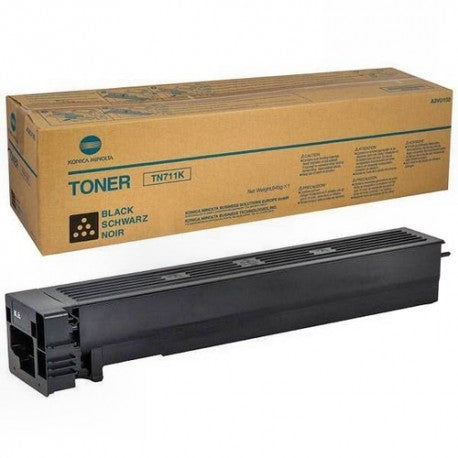
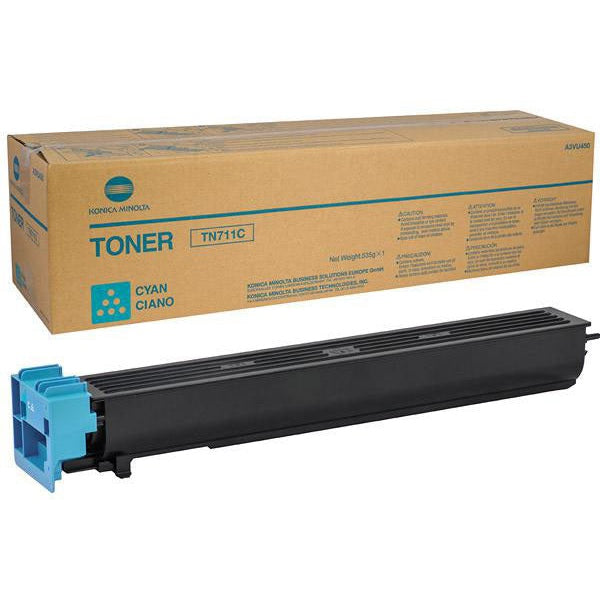
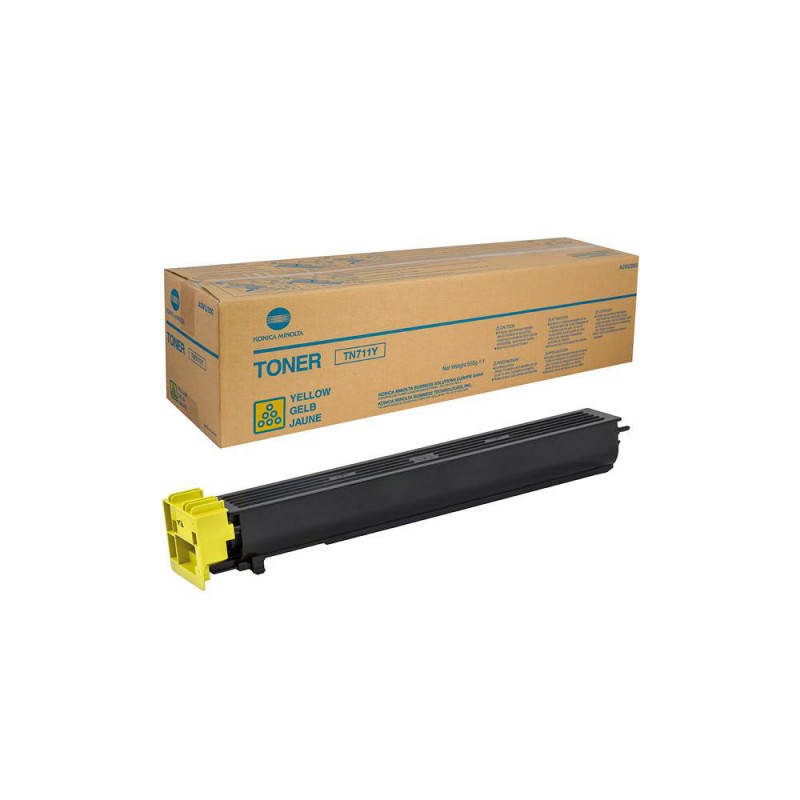
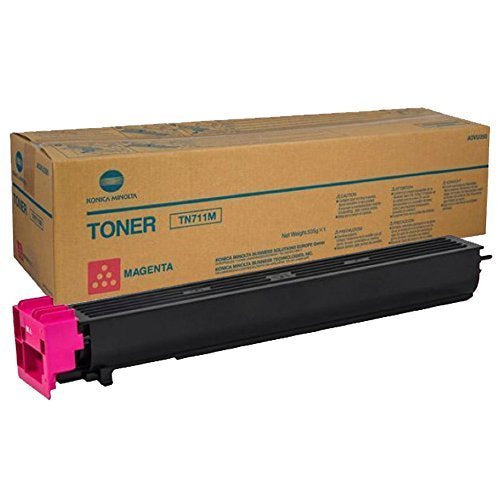
Konica Minolta · Original toner cartridge · TN-711 series
Konica Minolta TN711 Original Toner Cartridge
The original Konica Minolta TN-711 toner for the bizhub C654, C654e, C754 and C754e, and for the bizhub PRO C754 and PRO C745e. It comes in four colours, black, cyan, magenta and yellow, each a separate cartridge. Konica Minolta rates the black cartridge at 47,200 pages and each colour cartridge at 31,500 pages, measured at 5% coverage of A4.
Quick Glance
Key Features
Rated Yields for Every Colour
Konica Minolta rates the black TN-711K at 47,200 pages, and the cyan, magenta and yellow cartridges at 31,500 pages each. The figures assume 5% coverage of A4. Konica Minolta notes that real life depends on use, including page coverage, page size, media type, continuous or intermittent printing, temperature and humidity.
Made for the bizhub C654 and C754
Konica Minolta lists this toner for the bizhub C654, C654e, C754 and C754e, plus the bizhub PRO C754 and PRO C745e. Each of the four colours has its own slot in the machine, and the manual says to install each cartridge in the position matching its label colour; forcing one into the wrong position may cause a failure.
Original Toner, With Take-Back Programme
Konica Minolta states that each original cartridge is developed for a specific printer model and tested for optimal performance, and that buying original brings access to its technical support. Konica Minolta also runs a Clean Planet Program through which used Konica Minolta consumables, including toner cartridges, can be returned for environmentally responsible handling.
Detailed Specifications
- bizhub C654
- bizhub C654e
- bizhub C754
- bizhub C754e
- bizhub PRO C754
- bizhub PRO C745e
- Shake a new toner cartridge well, approximately 5 to 10 times, before installing it.
- Install each cartridge in the position for its label colour. Forcing one into the wrong position may result in a failure.
- If a toner cartridge other than black is empty, printing can be continued using black: tap Continue, then select the print job.
- Do not forcibly open or disassemble a toner cartridge, and do not forcibly remove or dispose of toner that remains in it.
- Do not throw toner or a toner cartridge into a fire. Hot toner may spray in all directions and cause burn injuries.
- If toner gets on your hand, wash it off with water or neutral detergent. If it gets into your eyes, wash it out with water immediately and consult a doctor.
- Each colour is a separate cartridge. Choose the colour variant you need; black has a higher page yield than the colour cartridges.
- This listing is the toner cartridge only. Konica Minolta's manual treats the waste toner box and the imaging unit as separate consumables.
- Check that your machine is on the compatible list: bizhub C654, C654e, C754 or C754e, or bizhub PRO C754 or PRO C745e.
- Konica Minolta does not publish a cartridge weight, dimensions or warranty term on the product pages used for this listing.
Specifications are taken from Konica Minolta's own online shop pages for the TN-711K, TN-711C, TN-711M and TN-711Y, which are published in German and translated here, and from Konica Minolta's bizhub C754 and C654 user's guide for the fitting and handling notes. The part numbers shown are those on Konica Minolta's online shop. If you need to match a specific part number for an order, ask us before ordering.
Need-to-Know
- Four separate colour variants: black, cyan, magenta and yellow. Each colour is a different cartridge.
- Black is rated at 47,200 pages; cyan, magenta and yellow at 31,500 pages each, at 5% coverage of A4.
- Toner cartridge only. The waste toner box and the imaging unit are separate consumables.
- Konica Minolta does not publish a cartridge weight, dimensions or warranty term on the pages used for this listing.
Best For / Customer Benefits
Customer Benefits
- Original Konica Minolta toner, developed and tested for specific printer models
- Black rated at 47,200 pages and each colour at 31,500 pages, at 5% coverage of A4
- Four colours as separate cartridges, so you replace only the colour that has run out
- Listed by Konica Minolta for the bizhub C654, C654e, C754, C754e, PRO C754 and PRO C745e
- Konica Minolta's Clean Planet Program for returning used consumables
Best For
Frequently Asked Questions
Konica Minolta lists the TN-711 toner for the bizhub C654, bizhub C654e, bizhub C754 and bizhub C754e, plus the bizhub PRO C754 and bizhub PRO C745e. If your machine is not on that list, ask us before ordering.
Konica Minolta rates the black TN-711K at 47,200 pages and the cyan, magenta and yellow cartridges at 31,500 pages each. These figures are based on 5% coverage of A4. Your real result depends on page coverage, page size, media type, whether you print continuously or intermittently, temperature and humidity.
Yes. The bizhub C754 and C654 user's guide says to shake a new toner cartridge well, approximately 5 to 10 times, before installing it. Install each cartridge in the position matching its label colour.
For a cartridge other than black, the user's guide says printing can be continued using black. Tap Continue, then select the print job you want.
No. This listing is the toner cartridge only. Konica Minolta's manual describes the waste toner box and the imaging unit as separate consumables.
Need more than one colour?
Tell us your printer model and which colours you need, and our UAE team will confirm the right TN-711 cartridges and the price.