



Canon imageFORMULA RS40 Photo and Document Scanner
RS40
Condition: NEW
Get a tailored quote
Tap Request a Quote below to reach our team on WhatsApp.
- Price for your exact configuration — trays, finisher, fax, cabinet
- Delivery and installation anywhere in the UAE
- Toner and service plan sized to your monthly print volume
- Volume pricing for multiple units
IMAGES ARE FOR ILLUSTRATIVE PURPOSES ONLY

Authorised Canon Platinum Partner
Buy Canon products with a 100% genuine guarantee.
Experience Canon printing solutions at the Print & Imaging Lab, our experience centre in Dubai.
Couldn't load pickup availability
Genuine Guarantee
Shop with Confidence: Authentic IT Products from Major Brands.
Shipping information
We offer FREE DELIVERY for order over AED 200. Also no additional Cash on Delivery (COD) fee.
Click here to know more
Returns information
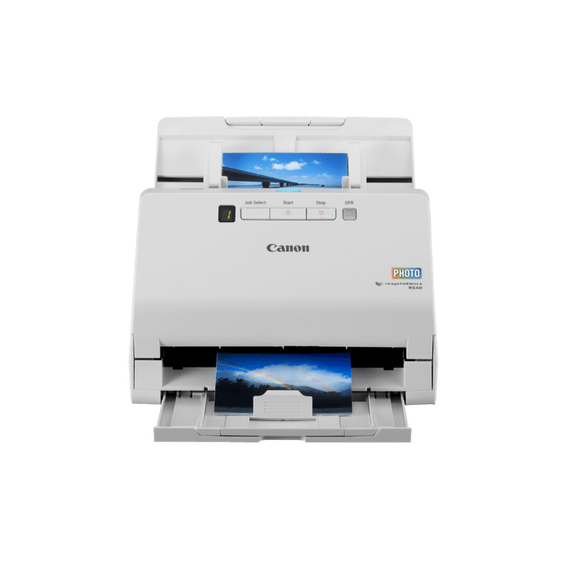
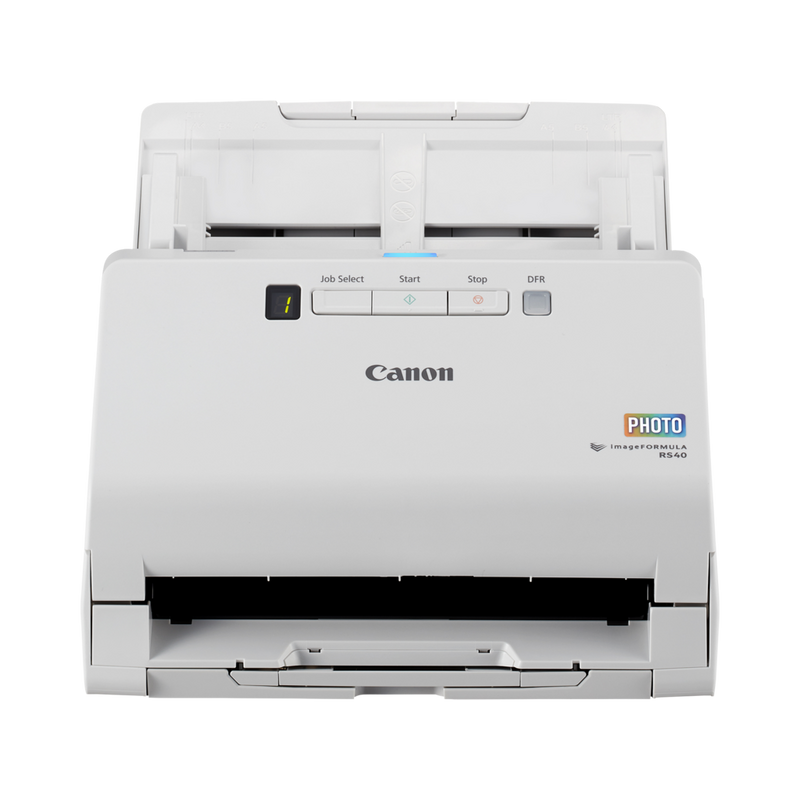
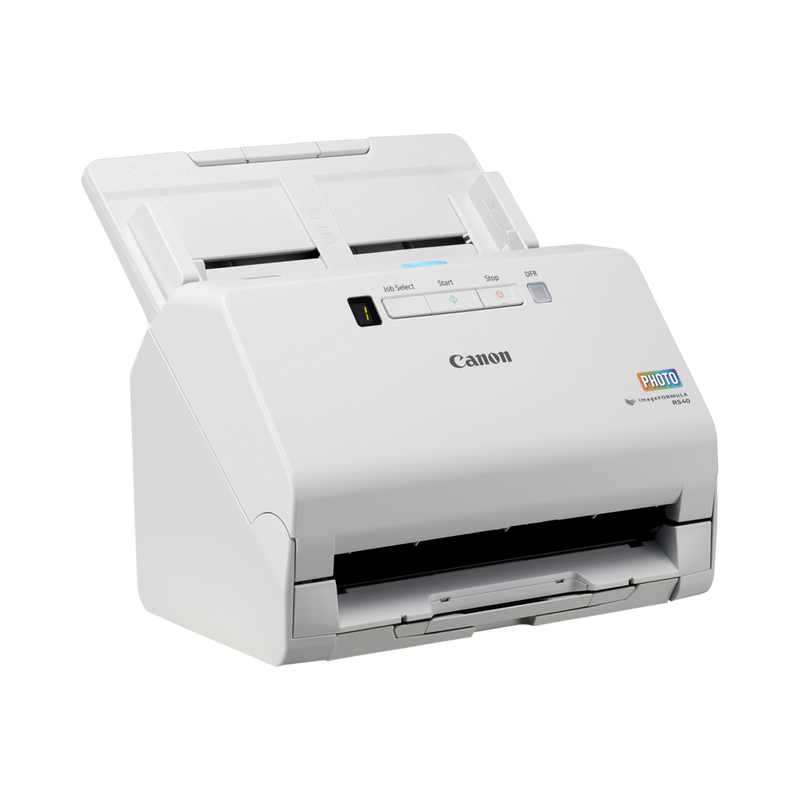
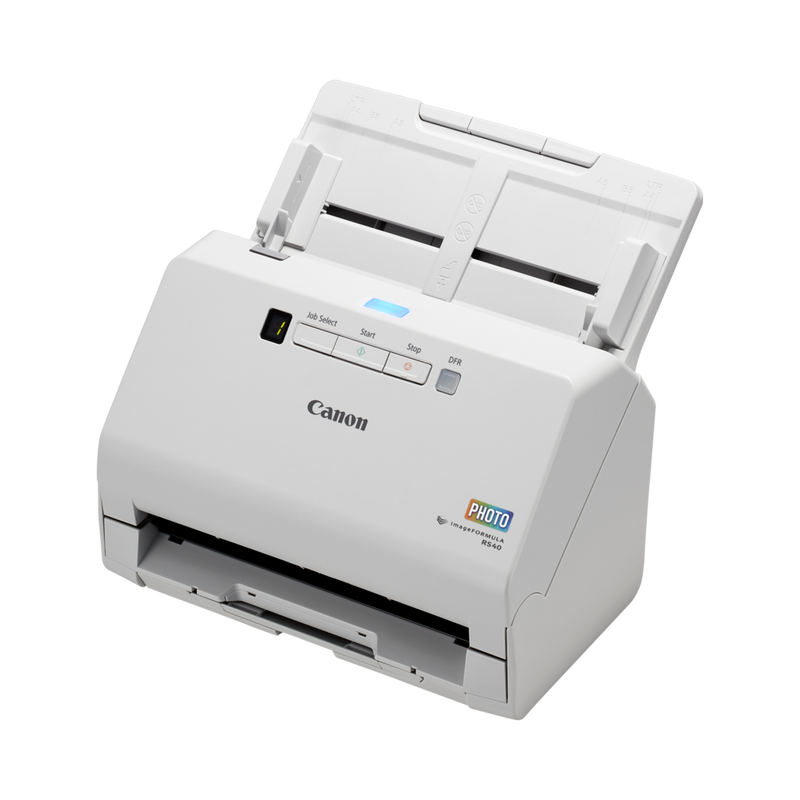

Canon imageFORMULA Photo & Document Scanner
Canon imageFORMULA RS40 — Photo and Document Scanner
A desktop scanner built to do two jobs: digitise everyday paperwork and bring old photographs back to life. The RS40 scans documents at 40 ppm / 80 ipm in mono and 30 ppm / 60 ipm in colour, and switches to Easy Scan mode to batch through up to 40 photographs at once, applying Auto Photo Fix, Red Eye Correction and Digital Face Smoothing as it goes. Ultrasonic double-feed detection with Double Feed Release keeps a mixed batch of photos and paper moving without a jam derailing the whole stack.
Quick Glance
Key Features
Batch photo scanning at 30 images a minute
The Easy Scan feature automatically scans up to 40 photographs in one batch at 30 images per minute, so a shoebox of prints can be digitised in one sitting instead of being fed one photo at a time.
Automatic photo enhancement as you scan
Auto Photo Fix, Red Eye Correction, Digital Face Smoothing and Fading Correction are applied automatically, so old and faded photographs come out brighter and clearer without separate editing software afterwards.
Jam-resistant double-feed detection
Ultrasonic sensors detect overlapping pages or photos, and a Double Feed Release (DFR) system restarts the scan quickly if a jam does happen, so a mixed batch of documents and photographs keeps moving.
Detailed Specifications
Specifications are provided by the manufacturer and may be updated or changed without prior notice. AtomOffice is not responsible for any discrepancies between the information shown here and the manufacturer's official documentation.
Need-to-Know
The RS40 is the only scanner in this trio built for photographs as well as paper. The R30 is faster on plain documents, and the DR-F120 adds a flatbed instead.
- USB only — there is no Wi-Fi or network connection on the RS40. It scans to the computer it is plugged into.
- Canon lists Windows 8.1, 10 and 11, and macOS 10.15, 11 and 12 as supported for the RS40 — this is one of the few scanners in the range with Windows 11 already confirmed on its own specification page.
- Canon does not publish a suggested daily duty cycle for the RS40 (the spec page states 'NA'), so no daily figure is given for this model.
- Delicate or valuable photographs should go through with the optional Carrier Sheet rather than loose in the feeder.
| Model | Scan speed (mono) | Feeder | Daily duty cycle |
|---|---|---|---|
| imageFORMULA RS40 (this page) | 40 ppm / 80 ipm | 60 sheets / 40 photos | Not published |
| imageFORMULA R30 | 25 ppm / 50 ipm | 60 sheets | Not published |
| imageFORMULA DR-F120 | 20 ppm / 36 ipm | 50 sheets | 500 – 1,500 scans |
Choose the RS40 for combined photo and document scanning, the R30 for plain paper only, and the DR-F120 when an occasional flatbed matters more than speed.
Best For / Customer Benefits
Customer Benefits
- Batch-scans up to 40 photographs at once with the Easy Scan feature, instead of feeding them one at a time.
- Applies Auto Photo Fix, Red Eye Correction and Digital Face Smoothing automatically while scanning.
- Ultrasonic double-feed detection with Double Feed Release keeps a mixed batch of paper and photos moving after a jam.
- Scans documents at up to 40 ppm / 80 ipm, faster than Canon's plain plug-and-scan desktop models.
Best For
Official & Recommended Options
Need a roller kit, a carrier sheet or a flatbed unit? Contact us — we can confirm what fits your scanner before you order.
Frequently Asked Questions
Yes. It scans documents at up to 40 ppm / 80 ipm in mono and 30 ppm / 60 ipm in colour, and switches to Easy Scan mode to batch through up to 40 photographs at 30 images per minute.
Yes. Auto Photo Fix, Red Eye Correction, Digital Face Smoothing and Fading Correction are applied as part of the scan, so photos come out brighter and clearer without separate editing software.
Yes. Canon's specification page for the RS40 lists Windows 8.1, Windows 10 and Windows 11, along with macOS 10.15, 11 and 12 — one of the few models in this range with Windows 11 confirmed directly.
Ultrasonic sensors detect the overlap and a Double Feed Release (DFR) system lets the scan recover quickly, rather than jamming the whole batch.
Canon does not publish a suggested daily duty cycle for the RS40; its specification page states 'NA' for this figure.
Want to digitise photos as well as documents?
Tell us how many photos or pages you scan and we will confirm whether the RS40's batch photo scanning fits your needs.