



Canon imageFORMULA DR-S250N Networked Desktop Document Scanner
DR-S250N
Condition: NEW
Get a tailored quote
Tap Request a Quote below to reach our team on WhatsApp.
- Price for your exact configuration — trays, finisher, fax, cabinet
- Delivery and installation anywhere in the UAE
- Toner and service plan sized to your monthly print volume
- Volume pricing for multiple units
IMAGES ARE FOR ILLUSTRATIVE PURPOSES ONLY

Authorised Canon Platinum Partner
Buy Canon products with a 100% genuine guarantee.
Experience Canon printing solutions at the Print & Imaging Lab, our experience centre in Dubai.
Couldn't load pickup availability
Genuine Guarantee
Shop with Confidence: Authentic IT Products from Major Brands.
Shipping information
We offer FREE DELIVERY for order over AED 200. Also no additional Cash on Delivery (COD) fee.
Click here to know more
Returns information
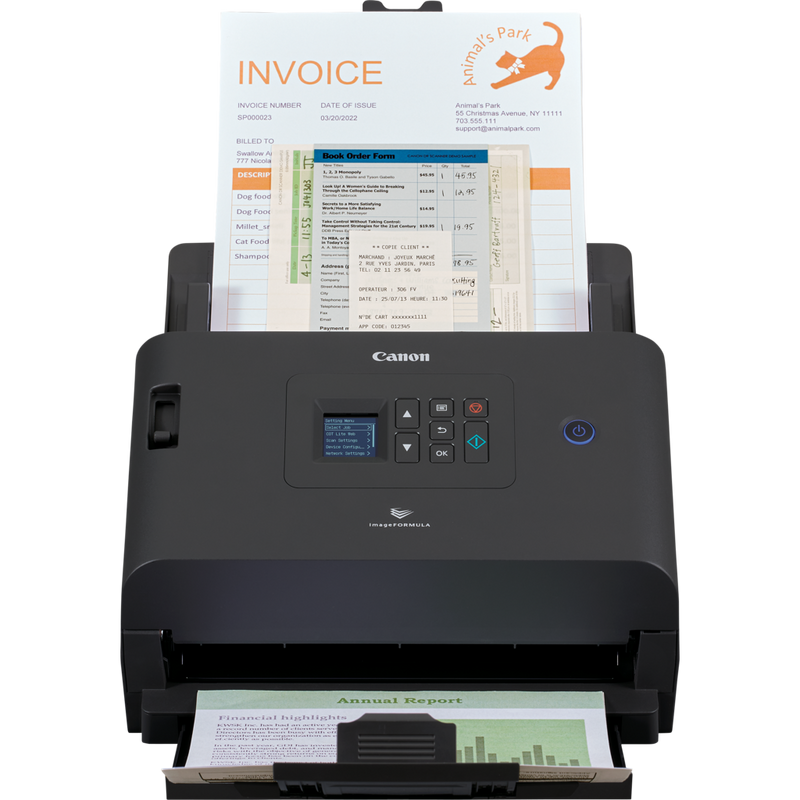
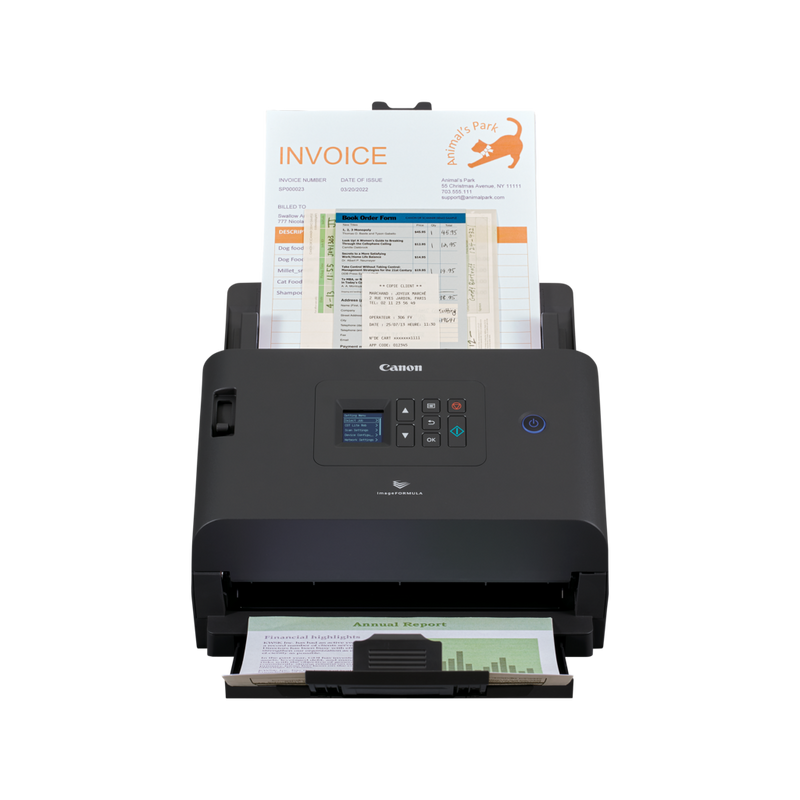
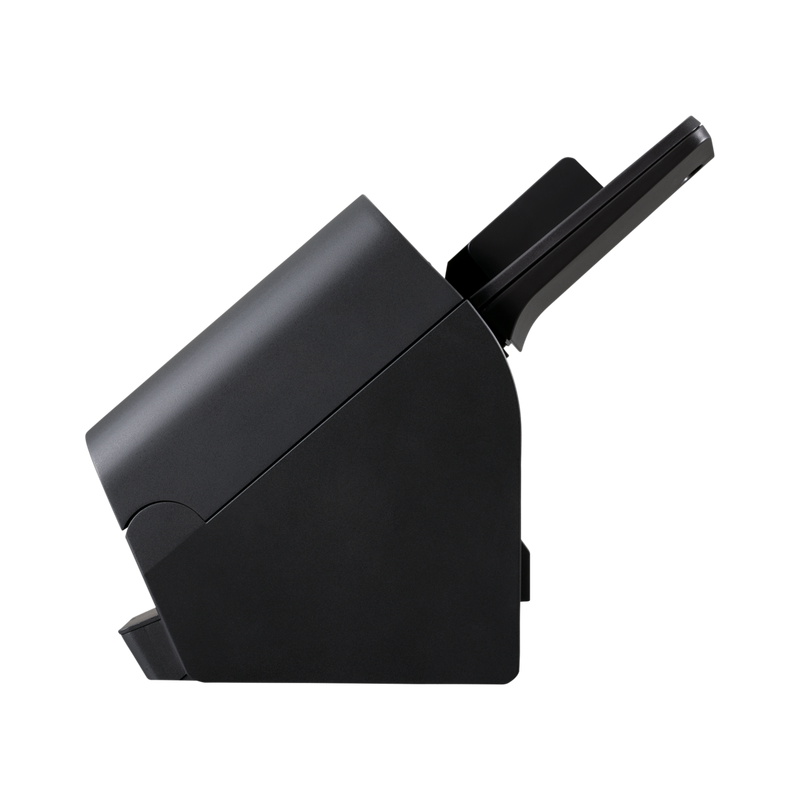
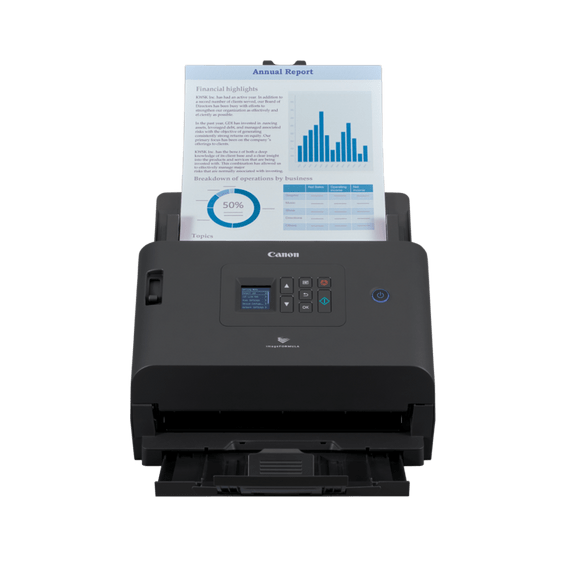

Canon imageFORMULA Networked Desktop Scanner
Canon imageFORMULA DR-S250N — Networked Desktop Scanner with Driverless Web Scanning
A desktop scanner built to be shared, over USB or the network, without every user needing a driver installed. The DR-S250N scans at up to 50 ppm / 100 ipm, feeds up to 60 sheets, and adds CaptureOnTouch Lite Web — a browser-based scanning app built into the device that any PC, Mac, smartphone or Chromebook on the network can use without installing software. Direct scanning sends files straight to email, shared folders, FTP, Teams or Slack, and it is rated for 6,000 to 9,000 scans a day.
Quick Glance
Key Features
Driverless scanning from any device on the network
CaptureOnTouch Lite Web is a browser-based scanning app built into the scanner itself. Any PC, Mac, smartphone, tablet or Chromebook on the same network can scan through a web browser, with no driver to install.
Up to 50 ppm / 100 ipm with a flexible connection
Scan speeds reach 50 ppm / 100 ipm at 200 dpi (colour drops to 40 ppm / 80 ipm at 300 dpi), and the DR-S250N connects either by USB 3.2 Gen1 to one computer or by Gigabit Ethernet to share it across an office.
Send scans straight to their destination, with security controls
Direct scanning sends files to email, shared folders, FTP or group chats such as Teams and Slack without opening a PC application, and authentication methods and document password encryption restrict who can use the scanner or its features.
Detailed Specifications
Specifications are provided by the manufacturer and may be updated or changed without prior notice. AtomOffice is not responsible for any discrepancies between the information shown here and the manufacturer's official documentation.
Need-to-Know
The DR-S250N and DR-S350NW share the same networked scanning design; the DR-S350NW adds Wi-Fi and a touchscreen for standalone, PC-less operation.
- USB or Ethernet only — there is no Wi-Fi on the DR-S250N. For wireless connectivity on the same networked design, look at the DR-S350NW instead.
- Colour scanning at the top 50 ppm / 100 ipm rate applies at 200 dpi; at 300 dpi colour drops to 40 ppm / 80 ipm. Black-and-white holds 50 ppm / 100 ipm at either resolution.
- The specification page lists a Windows driver only; CaptureOnTouch Lite Web works from a browser on other operating systems, and Mopria certification covers Android and Chrome OS for driverless printing-style access.
- Passports need the optional carrier sheet and passport mode setting, and scan at 300 dpi or less; plastic cards up to 1.4mm and business cards from 88.9 x 127mm go through the feeder without one.
- The A4 Flatbed Scanner Unit 102 and A3 Flatbed Scanner Unit 202 are optional accessories sold separately — the scanner itself is sheet-fed only, so bound books need a flatbed unit.
| Model | Scan speed (mono) | Feeder | Daily duty cycle |
|---|---|---|---|
| imageFORMULA DR-S250N (this page) | 50 ppm / 100 ipm | 60 sheets | 6,000 – 9,000 scans |
| imageFORMULA DR-S350NW | 50 ppm / 100 ipm | 60 sheets | 6,000 – 9,000 scans |
| imageFORMULA DR-M140II | 40 ppm / 80 ipm | 80 sheets | 6,000 – 8,500 scans |
Choose the DR-S250N for USB and wired-network scanning without Wi-Fi, and the DR-S350NW when Wi-Fi and a colour touchscreen for standalone scanning matter.
Best For / Customer Benefits
Customer Benefits
- CaptureOnTouch Lite Web lets any device on the network scan through a browser, with nothing to install.
- Direct scanning sends files straight to email, shared folders, FTP, Teams or Slack without opening a PC application.
- Authentication controls and document password encryption restrict who can use the scanner or access what it captures.
- Rated for 6,000 to 9,000 scans a day, well ahead of Canon's non-networked compact desktop scanners in this range.
Best For
Official & Recommended Options
Need a roller kit, a carrier sheet or a flatbed unit? Contact us — we can confirm what fits your scanner before you order.
Frequently Asked Questions
The DR-S250N adds Gigabit Ethernet alongside USB, plus CaptureOnTouch Lite Web, a browser-based scanning app built into the device. Anyone on the network can scan from a web browser without installing a driver.
No. The DR-S250N connects by USB 3.2 Gen1 or wired Ethernet only. The DR-S350NW is the version in this range with Wi-Fi added.
Canon rates it at up to 50 ppm / 100 ipm in black and white at either 200 or 300 dpi. Colour matches that at 200 dpi but drops to 40 ppm / 80 ipm at 300 dpi.
Yes. Direct scanning sends files to email, shared folders, FTP and more, and can also send scans directly into Teams or Slack group chats, without opening an application on a PC.
Yes. It is Mopria certified for Android and Chrome OS, and CaptureOnTouch Lite Web lets any device with a web browser scan over the network, including capturing a QR code shown on the scanner to save straight to a smartphone.
Need a scanner the whole office can share over the network?
Tell us how many people need to scan and where the files should end up, and we will confirm whether the DR-S250N or the Wi-Fi DR-S350NW is the right fit.